
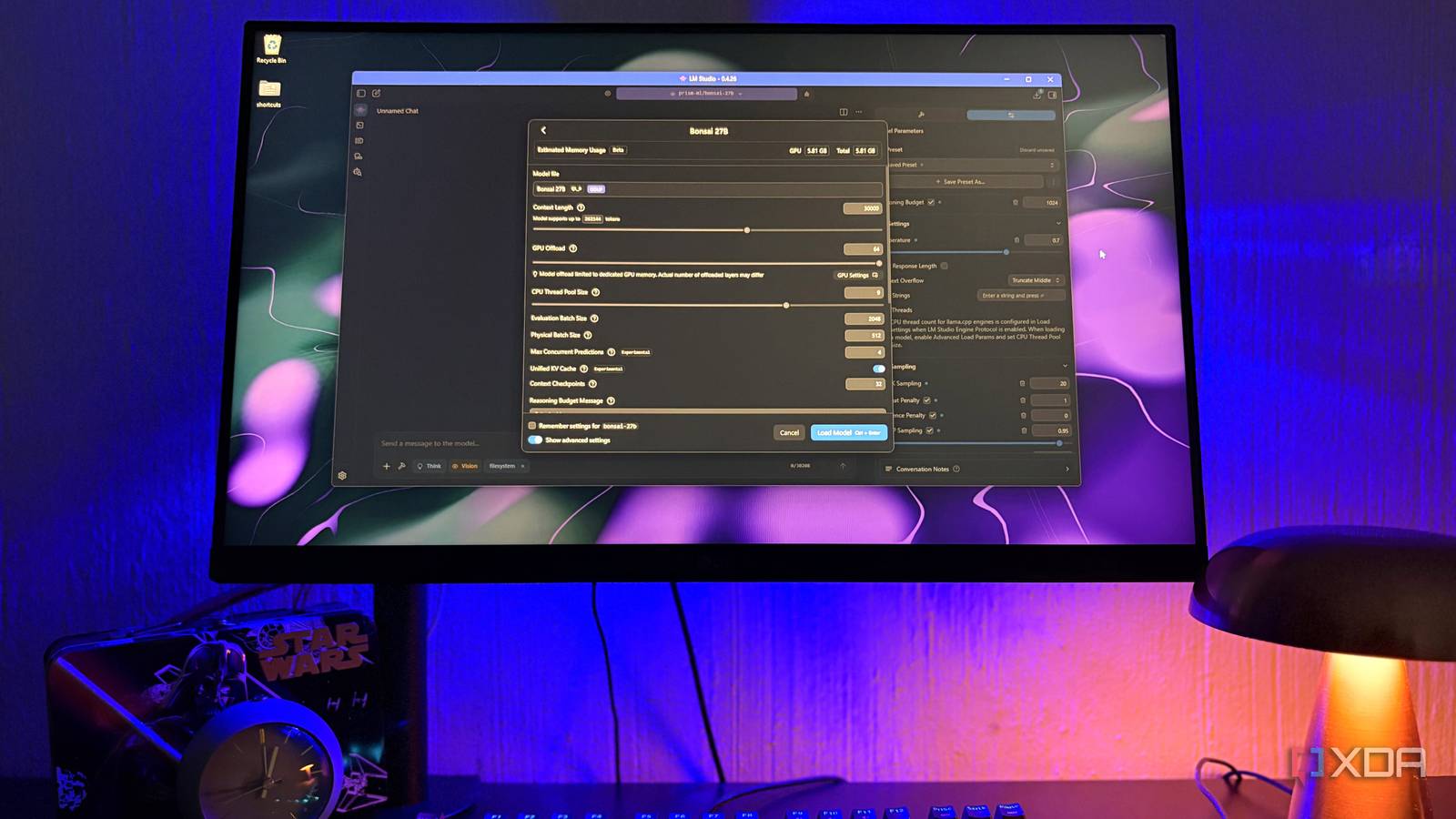
Published Nov 9, 2026, 10:30 AM EST Nolen began their writing career in 2019, with three years dedicated to editing the Creative section at MakeUseOf. Their expertise lies at the crossroads of technology and creativity, covering areas like photography, video editing, and graphic design. Outside of work, you'll often find Nolen diving into a good book, writing their own stories, or playing video games. Running local models on a smaller card almost always comes with a ceiling, so you really have no choice but to live somewhere around the 4B to 9B mark. Every few weeks a new Qwen release seems to land on Hugging Face with bigger numbers attached, and the urge is to grab the largest version that might squeeze onto my card. Usually, it doesn't fit. Or it does, but with half the model sitting in system RAM, and answers crawl out a word at a time. This is exactly why I've stopped chasing param counts and now mainly focus on using models optimized for my hardware with the right settings. But my downloads folder is still evidence of me trying to squeeze in the bigger models because at some point you start feeling left out. And one of them actually turned out to be a 27B model that's been running as smoothly as my 4Bs. How I run a 27B on my 8GB card I didn't have to look for a smaller size Bonsai 27B comes from PrismML, and it's a compressed version of Qwen 3.6 27B, which was released in July. The full model is a whopping 54GB, but the 1-bit I use stores each weight in roughly a single bit, which brings it down to about 4GB. PrismML also makes a ternary version and a newer Bonsai 2, but both are bigger at around 5-7GB, which sounds close enough, but the ternary already fills most of an 8GB card. It's actually a Staff Pick in LM Studio's model search, and mine came in at just under 5GB with the vision file included in the bundle. I can offload the whole model to GPU and still keep my context on the higher side (we're talking around 30k here by local standards) which holds conversations for longer and can also iterate on code and design for longer. Bonsai supports up to 262K tokens, but I don't need anywhere near that. Bonsai also thinks through a problem before it answers, and an old preset of mine capped that thinking at 1,024 tokens at first, so it got cut off halfway through replies. But a fresh preset close to PrismML's suggested settings sorted it. Using Bonsai for everyday tasks The throwaway questions I send to cloud bots, but make it private Most of what I ask a local model isn't serious work, it's mostly mundane questions, but regarding more sensitive information around my health and finance docs. It has a surprisingly warm tone, kind of similar to Gemma 4, perhaps even Claude's Sonnet, and will sometimes end prompts with questions of its own to try and further engage me. It's pretty good with numbers, scoring 92.8 on GSM8K, a benchmark made up of everyday maths word problems, which helps when a finance doc needs a few figures added up or compared. It also holds onto a system prompt well. For example, one of my system prompts requires short paragraphs of plain prose rather than lists, and Bonsai sticks to that format across a whole thread. I do keep an eye on general knowledge though because PrismML's own numbers show that's where compression cost it the most, so some things might need to be verified by yourself. It has both Thinking and Vision. I leave Thinking off on most of my local models regardless which one it is because it tends to eat into the context budget way more than the conversation is worth. Hooking Bonsai 27B into MCPs and other apps Tool calling is hit or miss, but it still fits into my stack I've been pulling Bonsai into Cherry Studio, which is a full AI workspace app that gives me a lot more to work with than LM Studio, and I can have completely customized assistants. And Bonsai works perfectly in there. Since Cherry Studio also holds my Claude and GPT keys, I can actually switch between them in the same workflow, so I can pull in the cloud API for when the task needs horsepower and then my local LLM for more private work in the same workspace. Cherry Studio can even send one prompt to several models side by side, which is a handy way to see how your local models hold up against cloud ones. Open Design, an open-source take on Claude Design, connects the same way through its bring-your-own-key option. I know coding isn't Bonsai's strong suit, so I've been testing it in Open Design, and it's actually not the flop I expected it to be. The screenshot here shows a quick mobile app login screen I requested - it's underwhelming, but to be fair I wasn't particularly detailed in my prompt because I didn't want it to run out of context. All of that given, it seems to have a sensible understanding of how to construct a prototype. The only problem is that it took a little long. LM Studio also supports MCP, a standard way of giving a model tools, for example letting it read folders on your PC, which I have set up. I've been testing Bonsai's ability to use my filesystem MCP and so far, it seems to know exactly when to call the tool on its own, and it also understands the context of my files and notes. But Bonsai is not the strongest at tool calling overall, and that showed when I started using my Web MCP. It doesn't seem to understand when to do a web search and when not to, which means I have to tell it every single time when to use my Brave Search MCP or it won't even be able to get the date right. This is not the worst-case scenario because at least it can still search the web, but the point of this setup is so I don't have to tell it every time; it's meant to infer when the web is needed. The model you actually use is the most useful one, regardless of parameter count There's been a trend of slightly larger models being optimized for mid-tier and lower-tier consumer hardware. First was Qwen 3.5 9B, then came Gemma 4 12B, Qwythos 9B is also another great one I recently added to my list, and Bonsai 27B slots perfectly into this lineup. Even though I'm probably still going to check if newer bigger drops will fit, models like Bonsai prove that I really don't have to because it already handles the majority of what I actually use local AI for.
I stopped chasing bigger local models, and a 27B model on my 8GB GPU does more of what I need
Full Article
Original Source
Read the full article at Xda-developers →KhanList aggregates and links to publicly available news content. We do not host full articles from third-party sources. Always verify important information with original sources.