
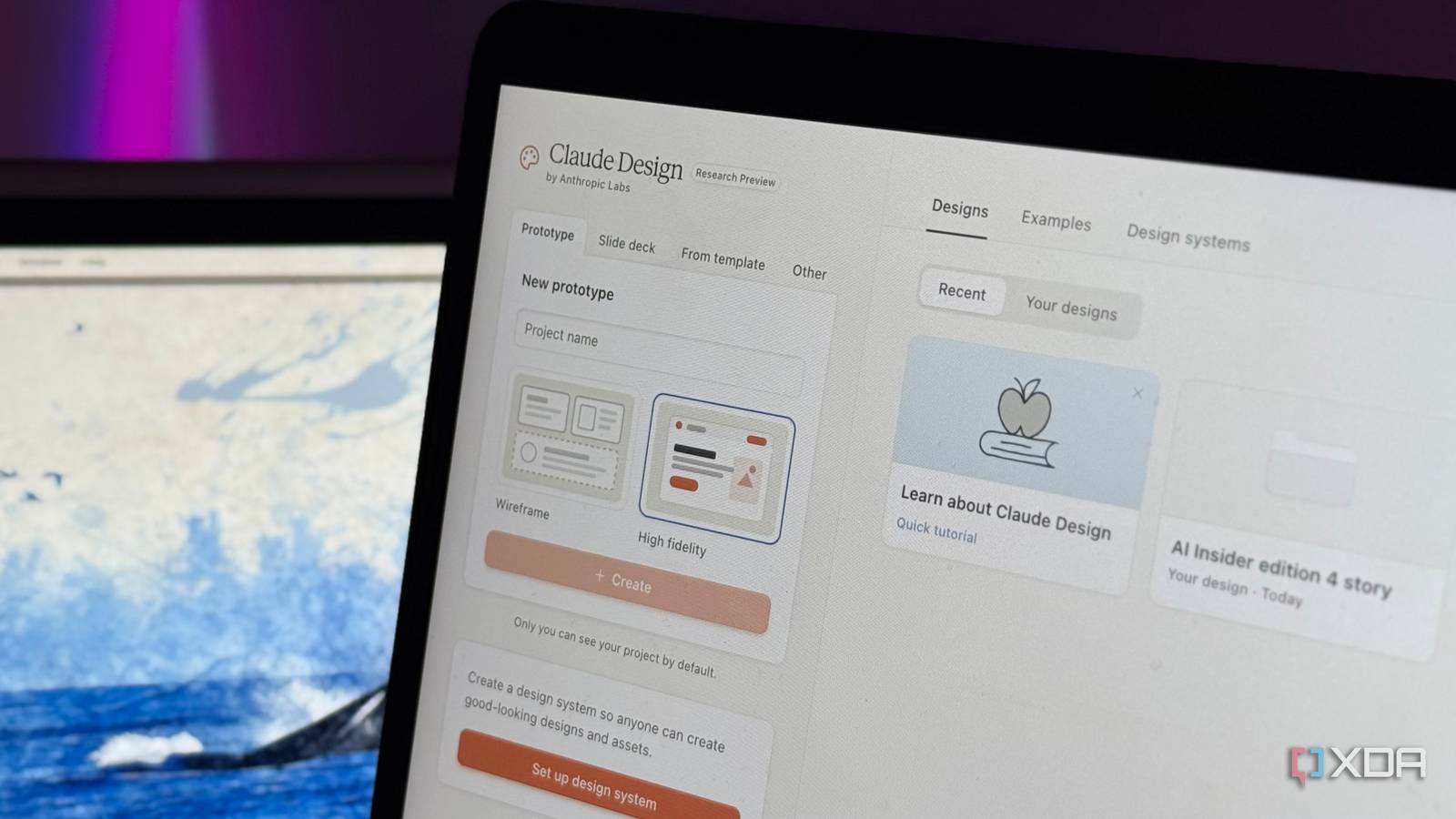
Published Sep 27, 2026, 8:30 AM EDT Mahnoor Faisal is a tech journalist covering AI and productivity tools with bylines at XDA, SlashGear, MakeUseOf, Laptop Mag, and Android Police. She's been writing professionally since she was sixteen, and has since penned hundreds of articles. This includes in-depth coverage of AI tools like NotebookLM to breaking news across the AI space. Her passion for technology started when she received her first iPod Touch (4th generation) on her 8th birthday, and she's been deep in the tech world ever since. Currently pursuing a degree in computer science, Mahnoor brings both a journalist's eye and a technical foundation to her coverage of how AI is reshaping the way we work and learn. If there's one thing I've learned from testing so many AI tools, it's that there's always more buried underneath. The way you and I end up using the tool in question is seldom the best way to use it, and there's no one better to give you a reality check than the person who actually built it. I saw the same with Claude Code when I set it up the way its creator does, with NotebookLM when I sat down with a senior engineer, and now with Claude Design after I copied the way its creator actually uses it. The product designer who built Claude Design, Nate Parrott, recently shared exactly how he uses the tool in his day-to-day work, and unsurprisingly, his workflow looks pretty different from mine. So, I decided to copy it as closely as I could and see what I’d been missing. Claude Design isn’t where he figures out what she wants She doesn’t let Claude Design do the thinking A big part of why people don't get the results they're hoping for when using AI to build anything (designs, prototypes, presentations, tools, etc.) is because they outsource the most important part of the process to AI: the thinking. What distinguishes me from you, the reader, is that we have completely independent thinking processes. You might absolutely love a design I hate, prefer an entirely different layout, or have a completely different idea of what "good" looks like in the first place. AI doesn't magically know which side of that equation you're on unless you tell it. Nate shared that he spends a lot of time writing prompts before he designs, and says it's best to "figure out what you want while you're away from the computer." In practice, that can mean typing out a prompt in the Notes app from the couch, recording a voice note while he's out on a walk and pasting the transcript into Claude Design later, or dictating a prompt once he's ready to start designing. It doesn't really matter where he writes the prompt, though. The main purpose of this is to ensure a lot of the actual thinking has already been done by the time Claude Design enters the picture. What Claude will effectively be handling is the actual execution of your idea, rather than deciding what that idea should be in the first place. He doesn’t leave the aesthetic up to Claude AI slop is a choice You might've noticed that websites with a purple gradient, oversized rounded cards, and the same handful of fonts have become almost synonymous with AI-generated design at this point. Similarly, em dashes and the whole "it's not X, it's Y" sentence structure have become dead giveaways for AI-generated writing. LLMs are trained to work on patterns, so when you leave too much of the creative direction up to them, they naturally fall back on patterns they've seen work before. That's how you end up with outputs that technically look good, but also look suspiciously similar to everything else AI is generating. While this is very closely linked to the section above, another part of his workflow that stood out to me is how little he leaves the actual aesthetic up to Claude! Nate suggests specifying fonts and colors, asking Claude to brainstorm font-and-color pairings, and most interestingly, providing a mood board of images for inspiration. He also suggests asking for ten options, filtering out which ones are good and match your vision, and then remixing the strongest parts of those into a few new variations rather than trying to perfect the very first design Claude gives you. If you have something in your head but can’t articulate it, he literally recommends drawing it and uploading a photo rather than hoping Claude interprets your vague description correctly. Once something works, he makes Claude remember it Claude shouldn’t forget your taste While this is one feature I actively use, I did want to mention it because Nate's workflow reinforced just how important design systems are if you use Claude Design regularly. Once you've landed on a visual direction that works, you can turn it into a reusable design system so Claude isn't starting from a blank slate every single time. For instance, I have a design system set up for the way I design my Instagram Stories. Rather than going through the hassle of explaining the visual direction I have in mind in words, I can just point Claude to that system and have it work within the same fonts, colors, spacing, and overall style I've already settled on! He recommends wireframing before making things pretty Ugly first, pretty later If you aren't a designer, one term you might not be too familiar with is a wireframe. The easiest way to think of it is as a rough blueprint for a design: it shows where everything should go and how the overall layout should work, without worrying about colors, fonts, images, or any of the finishing touches yet. This is one feature I simply ignored before, mostly because I was too focused on getting to the polished version as quickly as possible. Nate recommends doing the opposite when visual fidelity isn't important yet. He recommends starting with wireframes so Claude can focus on the structure first. Once your layout itself looks good, you can jump into the visual details and start worrying about colors, fonts, images, and everything else that makes the final design feel polished. Since you won't spend time tweaking the finer details of a design you might end up disliking anyway, wireframes can save you both time and tokens by helping you figure out the overall direction before Claude starts polishing anything! Your context is the difference between generic and actually useful Stop making Claude guess Beyond just your description of the direction you'd like to go in terms of design, what's equally (if not more) important is giving Claude enough context about what you're actually designing for. The more it knows about the existing product, its components, and everything surrounding the feature you're working on, the less it has to fill in the blanks itself. Nate suggests giving Claude as much real context as possible instead of expecting it to recreate everything from a few screenshots and a vague description. If you're designing a feature for an existing app or website, for instance, you can connect GitHub or work directly from your local codebase in Claude Code. That gives Claude access to your existing components and screens, so it has something real to build from rather than guessing what everything is supposed to look like. The same applies even if you aren't working with code. If you're already in the middle of a Claude conversation, it can use the files, analysis, and context you've already shared there, along with things like Projects, Memory, Skills, connectors, and web search when relevant. He doesn't use Claude for the last 5% The last mile is yours One thing I'm definitely guilty of with AI tools is continuing to prompt long after I really need to. Once a design is almost there, it's tempting to keep asking Claude to move something a little to the left, make a heading slightly smaller, or tweak a color until everything looks right. Nate recommends handling that final stretch manually instead. Claude Design has direct editing tools that let you rearrange or delete elements, edit text, resize things, and change colors without sending another prompt. Better yet, those edits don't use any tokens. For tiny changes like sizing and alignment, this also just makes more sense. It's usually much quicker to eyeball the change yourself than spend another round trying to explain exactly what you want Claude to adjust. While none of the above tips are particularly groundbreaking on their own, together they completely change the way Claude Design fits into the creative process. Instead of handing the whole thing over to AI and hoping it lands somewhere close to what you had in mind, Nate's workflow is much more hands-on at every stage.
I set up Claude Design the way its creator does, and I was missing out on so much
Full Article
Original Source
Read the full article at Xda-developers →KhanList aggregates and links to publicly available news content. We do not host full articles from third-party sources. Always verify important information with original sources.