
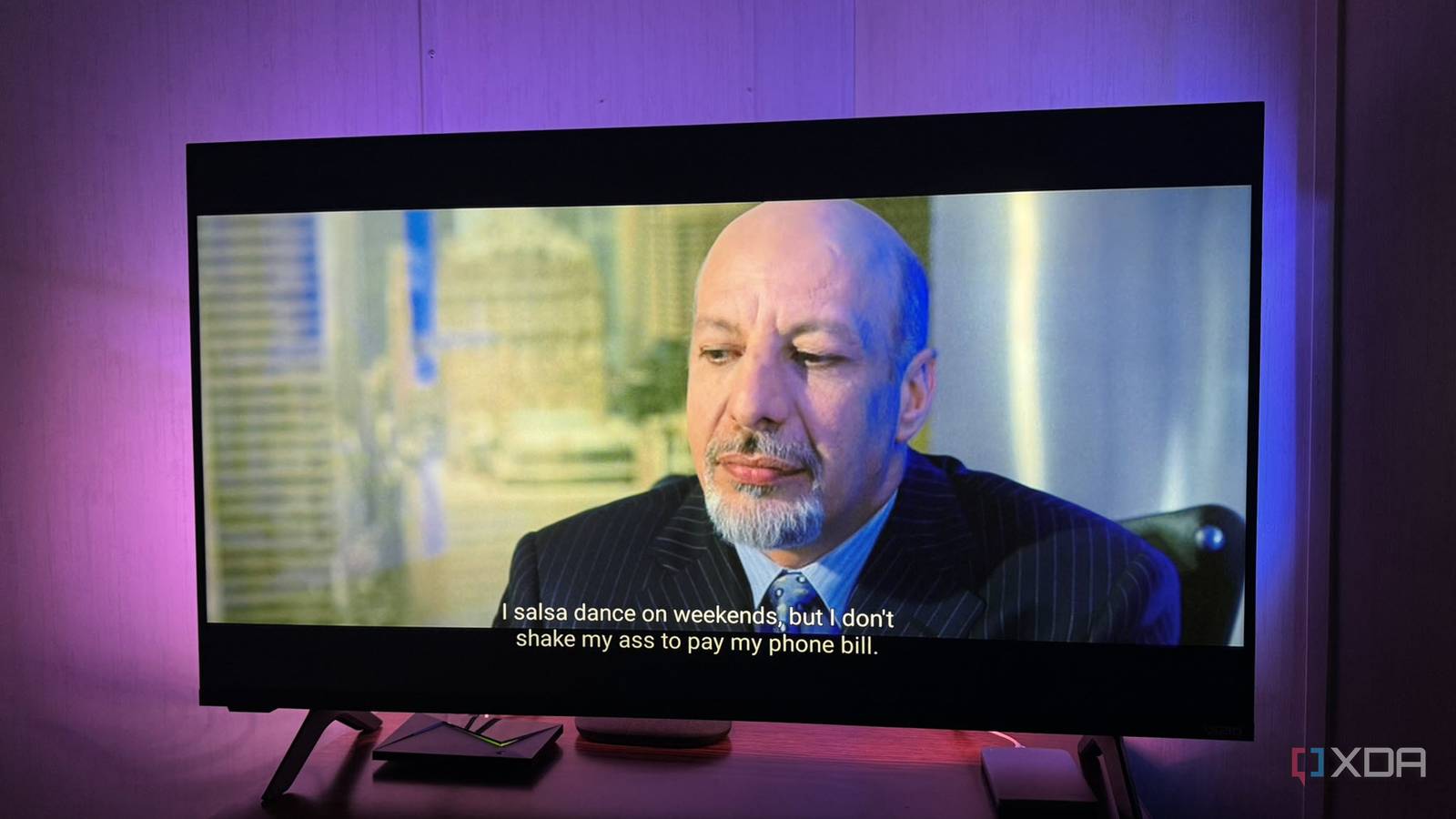
Published Oct 16, 2026, 8:30 AM EDT Based in rural Minnesota, Brian Burgess worked in IT for 10 years before finding his passion for writing about consumer technology. Brian earned his degree in computer and network technology in 2000. He held various IT positions, including help desk support, router installations for IBM, database administration, and other associate network administration roles. He's been a personal technology journalist for 18 years and has written thousands of articles about Microsoft products and services, Android, iOS, streaming, and more. He has written for notable tech sites including XDA, InformationWeek, How-To Geek, Byte, groovyPost, and others. When he is away from the keyboard, you will hear him playing guitar, working outdoors, and watching Star Trek. Part of the beauty of setting up a self-hosted media server is not having to drag Blu-ray discs from room to room. I rip the disc once and stream it everywhere. Another important part of the process is making sure my rips include subtitles. A movie alone isn't much help if I have to hunt for subtitle tracks when playback begins. I don't always need subtitles, and I can download them later, but that's not always reliable. A subtitle track for a movie or show adds very little to the MKV size anyway, so I make sure I have them, or not. It's easier to rip once and have what I need. Hunting for subtitles It can be done, but it isn't always accurate When I watch a movie on my Plex or Jellyfin server on my streaming devices without subtitles added during the rip, I can find them using the menu system. I get a long list, and choosing the right one can be confusing. Plus, I don't always watch on the same device or platform, and each one handles subtitles and closed captions differently. It is better to have the subtitles directly from the disc in my rip. The Shield TV Pro supports subtitle searching, and Jellyfin can download via a server plugin. However, they use online versions of the track subtitles and omit the original tracks. They might not match the originals, and I could miss important dialogue. Both platforms use OpenSubtitles as a source. The Plex client on Android TV supports on-demand subtitles by using the title, file hash, and language to detect correct subtitles. Other Plex apps can access them, but they store them as temporary downloads; they aren't a normal subtitle file alongside the movie. Jellyfin downloads subtitles on the server instead of relying on each client to find them independently. Still, while downloading subtitles is a valid fallback, it's less reliable than including them with a single rip. Rip once with subtitles I ensure subtitles are included with a single movie or show Ripping a movie from Blu-ray or DVD to my server is only part of the job. I do a single rip with subtitles included, so I don't have to hunt for them later or re-rip the disc. I start my Blu-ray rip process with MakeMKV, select the main titles, and expand it until I find the subtitle track in the language I want. I usually double-check the subtitles (both unforced and forced) and then start the MKV rip. I check both regular subtitle options because the "forced only" version preserves the subtitle track and lets MakeMKV extract a separate forced track if the disc marks it that way. Some scenes in movies and shows require subtitles. Once it is complete, I double-check that the subtitles work in VLC in case I have to go back to correct the wrong selection. Even if I forget to select the subtitle track, or select the wrong one, I can always download them and re-rip the disc correctly. But the goal is not to have to rip it a second time. Ripping a Blu-ray involves selecting the right tracks, especially for subtitles. I want English, so I select that from the tracks in MakeMKV, but if you need other languages, make sure you select the right ones. One library serves subtitles Original content subtitles are delivered to all screens Once the movie is ripped and the subtitles are selected, I can finally enjoy them throughout my home. Getting the subtitles correct on the first disc rip saves time and hassle later. It took me a few separate rips at first to make sure I selected the right subtitles. At first, I didn't think I needed them, but sometimes dialogue is hard to make out in certain scenes, and having the right subtitles helps. I don't want or need to have them on all the time. Just like I don't keep closed captions on all the time, they're a great tool to have, especially if you or a loved one needs the accessibility option. Forced subtitles are also vital to enjoying scenes in certain movies, and falling back to OpenSubtitles.org through a streaming device isn't always efficient. One disc rip for subtitles in every room The disc I rip includes the correct subtitles, so choosing them during the process saves me from finding replacements later. Getting them later isn't the worst problem self-hosters face, but getting it right the first time saves time and hassle. For instance, I have several discs I need to re-rip because I wasn't paying close attention to subtitles at the time. I've since discovered that the fallback option can be unreliable and ruin a good story's flow. I wish I had paid closer attention to ripping discs with subtitles then.
I rip each Blu-ray once and stream it to every room, and I set it up so subtitles just work
Full Article
Original Source
Read the full article at Xda-developers →KhanList aggregates and links to publicly available news content. We do not host full articles from third-party sources. Always verify important information with original sources.