
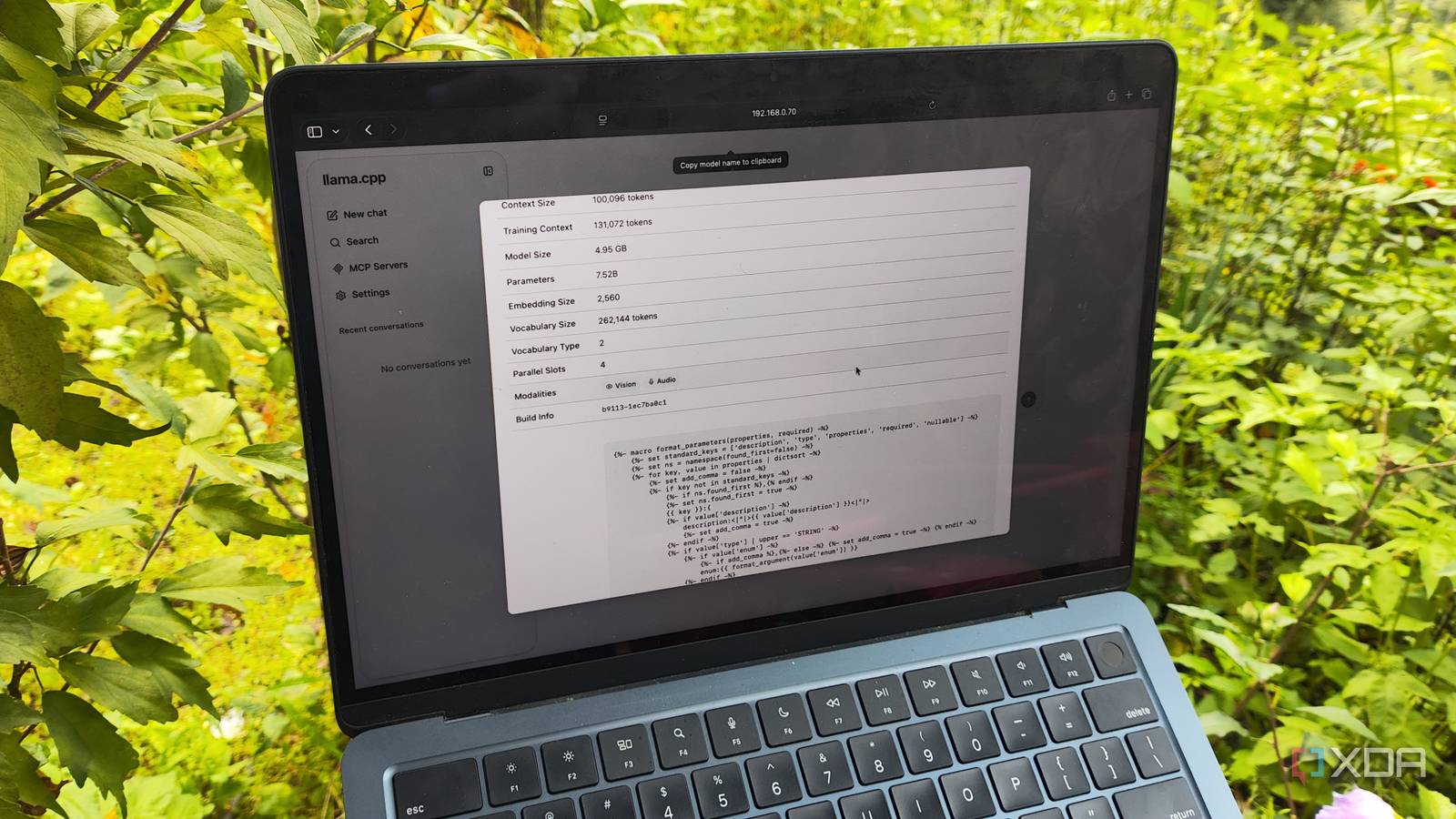
Published Sep 7, 2026, 10:30 AM EDT Ayush Pande is a PC hardware and gaming writer. When he's not working on a new article, you can find him with his head stuck inside a PC or tinkering with a server operating system. Besides computing, his interests include spending hours in long RPGs, yelling at his friends in co-op games, and practicing guitar. The first time I tried hosting Large Language Models on my local hardware, I was a bit underwhelmed by their performance. For one, I either had to pick hallucinated responses from 2–3B models that my GPU could run at full speed, or wait an eternity for the 9B models I could barely load into my system to work their magic. The fact that I was attempting to run the most popular models on something as bulky and unoptimized as Ollama didn’t help much, either. That said, modern LLMs are a different story altogether. With a handful of tweaks to llama.cpp settings, it’s possible to host bulky models that not only have massive knowledge banks, but can also run at respectable speeds on old hardware. And no, I’m not just talking about high-end RTX 30 or 40 series GPUs, either. One of the most essential AI-hosting nodes in my arsenal is a repurposed Windows 10 PC that houses the outdated GTX 1080, and despite lacking dedicated Tensor cores, my 10-year-old GPU manages half my LLM pipeline thanks to llama.cpp and a handful of optimizations. I decided to go down the container route for llama.cpp Specifically, LXCs running inside Proxmox instances With llama.cpp supporting all sorts of wacky configuration options, I had plenty of ways to get this AI inference engine up and running on my outdated machine. Between Windows 10 growing obsolete and Windows 11 being a massive resource hog, switching to a Linux flavor made the most sense, as it would help me avoid extra performance overhead – something that I desperately needed for a PC as outdated as mine. A Debian/Ubuntu Server-based CLI setup made a lot of sense on the performance front, but I eventually went with Proxmox instead. For one, Proxmox is an extremely lightweight server platform, and as long as I relied on an LXC for my llama.cpp projects, the performance impact of the additional PVE services would be fairly minimal. Plus, I also wanted to host different containers that could harness my LLMs (and even the underlying GPU) when I switched to the lighter models for my inference tasks. Even with Proxmox 9.2 breaking the drivers on my Pascal-era gaming companion, I was able to install the patched 580.173.02 drivers on both the Proxmox node and the container where I wanted to host llama.cpp. I’ve already documented the entire process of installing llama.cpp on an LXC, but I had zero issues getting my LLMs running once I installed the right packages, edited certain config files to ensure the Vulkan libraries detected my GPU, and then compiled the Vulkan version of the inference engine. Turns out, I could run plenty of useful local LLMs on my outdated rigs Gemma 4 E4B is by far my favorite option for this setup Switching to the models themselves, modern-day LLMs are a lot different from their clunky counterparts I used when Ollama first came out. Take Gemma 4 E4B, for instance. Despite possessing a knowledge base of 8B parameters, it has the same footprint as a 4.5B model thanks to the Per-Layer Embeddings. That way, I can harness the superior reasoning skills of an 8B model, while my GTX 1080 only needs to accommodate (almost) half as many parameters. Speed-wise, I’ve seen my outdated card remain consistently above the 35 tokens per second threshold with the Q4_K_M version of Gemma 4 E4B when I leave the context size at 100,000 tokens. And that’s before I include its vision capabilities, or the fact that it can process audio inputs natively without requiring me to set up additional speech-to-text pipelines. If you’re wondering how I rely on Gemma 4 E4B, well, I use it with most of the productivity containers that support LLMs. Paperless-GPT, for example, can use it to conduct precise OCR scans on my documents, while Paperless AI can use it to generate tags and, once I toss an embedding model into the mix, gain more context for my queries via RAG analysis of my existing Paperless-ngx. I also use it with Karakeep to auto-generate summaries and tags for my bookmarks, and the LLM performs a similar role for my notes on Blinko. It’s also a surprisingly capable conversation model for Home Assistant when I want fast responses to my queries. MoE LLMs and embedding models are fair game for my GTX 1080 as well For the rare situations where I need better reasoning skills than what Gemma 4 E4B can offer, I’ve stored some mixture-of-experts models on my llama.cpp LXC. Unlike conventional LLMs, the ingenious MoE architecture lets me run models requiring over twice my GPU’s VRAM by offloading certain aspects to the system memory without massively reducing their token generation speeds. To be more precise, I can store the router mechanism on my GPU’s VRAM, while the rest of the experts remain on the LXC’s memory. Since I’d armed this server with 32GB of DDR4 memory long before the RAM shortage was a thing, I can go as high as Gemma 4 26B A4B. My GTX 1080 typically has an average token generation rate of 14 t/s, which isn’t too bad for tasks where I can just leave the LLM doing its thing and come back later once the inference process is complete. A good example of this workflow is my Open Notebook container, which uses this bulky LLM to analyze my research documents. That said, I stick to good ol’ GPT-OSS-20B on my GTX 1080, as it’s slightly faster than Gemma 4 26B, and lets me allocate additional memory to other containers. And of course, this article wouldn’t be complete unless I talk about the nomic-text-embed-1.5 model. Unlike the other models I’ve mentioned so far, nomic-text-embed-1.5 is an embedding model, meaning its sole purpose is to convert text into an array of numbers, where similar concepts are grouped together in a high-dimensional vector space. I typically use it with Blinko, Open Notebook, Paperless AI, and other containers that support RAG analysis functionality. llama.cpp Llama.cpp is an open-source framework that runs large language models locally on your computer.
I revived my old Windows 10 gaming PC as a llama.cpp server, and it’s good enough to handle everyday productivity tools
Full Article
Original Source
Read the full article at Xda-developers →KhanList aggregates and links to publicly available news content. We do not host full articles from third-party sources. Always verify important information with original sources.