
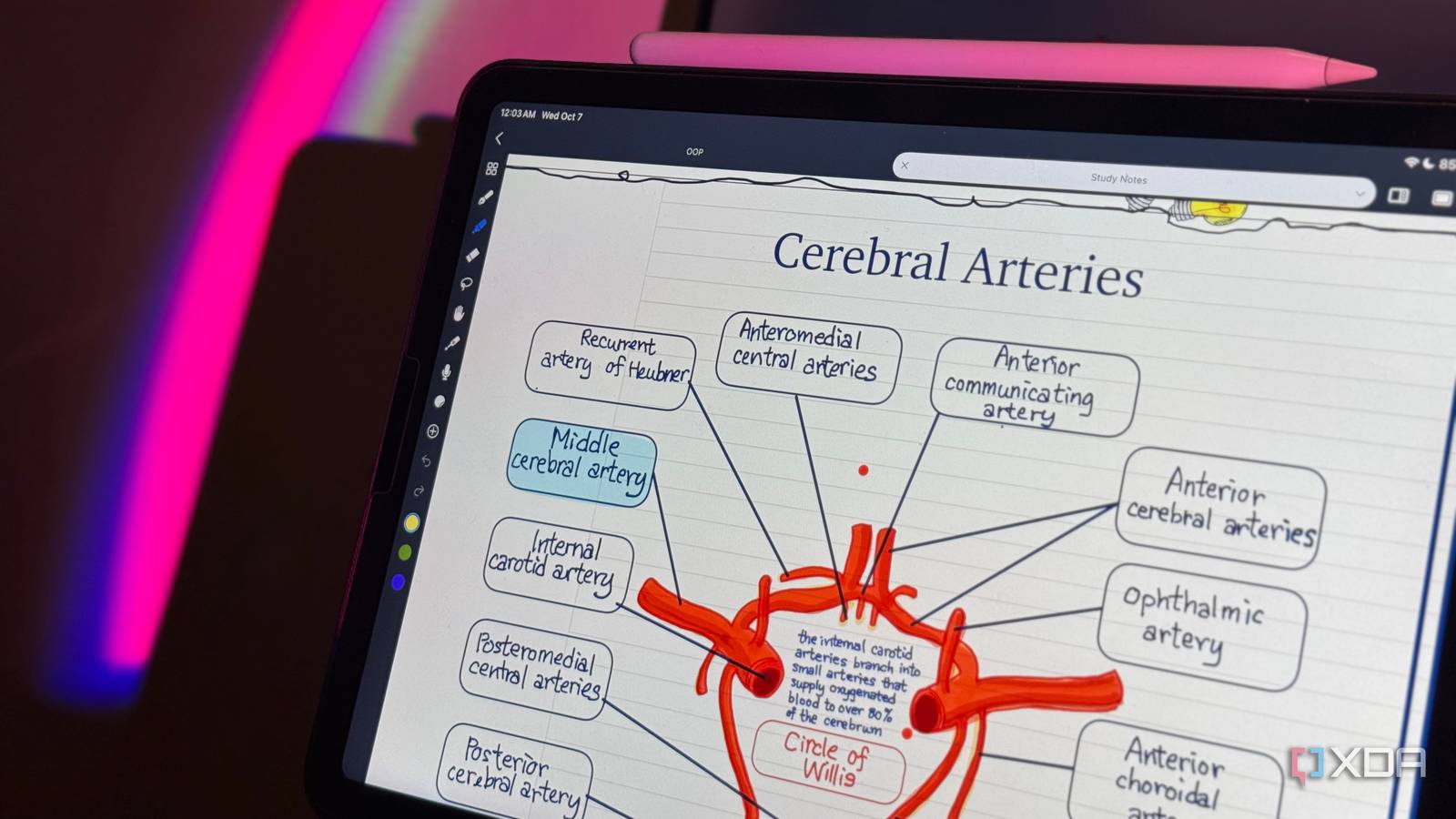
Published Oct 7, 2026, 6:00 AM EDT Mahnoor Faisal is a tech journalist covering AI and productivity tools with bylines at XDA, SlashGear, MakeUseOf, Laptop Mag, and Android Police. She's been writing professionally since she was sixteen, and has since penned hundreds of articles. This includes in-depth coverage of AI tools like NotebookLM to breaking news across the AI space. Her passion for technology started when she received her first iPod Touch (4th generation) on her 8th birthday, and she's been deep in the tech world ever since. Currently pursuing a degree in computer science, Mahnoor brings both a journalist's eye and a technical foundation to her coverage of how AI is reshaping the way we work and learn. I've naturally come to lean toward typing my notes out because of the nature of my job. However, I still prefer handwritten notes for anything I really want to think through. There’s just something about scribbling messy thoughts onto a page, circling things, drawing arrows between ideas, and squeezing extra notes into whatever space is left that typing has never managed to replicate for me. That said, carrying around loads of notebooks and having my notes scattered across different pages, folders, and places isn’t something I’m a fan of either. So, digital note-taking has always felt like the obvious middle ground: I get the freedom of handwriting without giving up search, organization, and having everything in one place. The problem is finding an app that actually gets that balance right. Over the years, I’ve tried just about every big name in the space. The ones you'll hear people constantly recommend are OneNote, Goodnotes, and Notability. I've used all three, and while each gets plenty right, none of them has ever felt right for the way I actually take notes. Eventually, I found an app that does: Noteful. Noteful doesn’t try to AI-ify my notes AI can sit this one out I know, I know. It's probably hypocritical of me to say this given just how much of my work revolves around AI. However, something I'll always firmly stand on is that every app I use does not need to have AI baked into it. Just as my toothbrush does not need AI telling me how to brush my teeth (looking at you, Dyson), my note-taking app does not need an assistant trying to summarize, rewrite, or make sense of everything I jot down. Unfortunately, both Goodnotes and Notability have been going all-in on AI features. While I have nothing against using AI for studying (I'm actually a huge advocate for doing so), I've always preferred reaching for tools built specifically around that experience when I actually need them. NotebookLM is a great example. I can dump my course material into it and turn it into Audio or Video Overviews, flashcards, quizzes, or use its chat to work through something I don't understand. Those are features I actively seek out because I'm opening the app with the intention of learning. However, I don't necessarily want all of that following me into the app I use to scribble lecture notes, annotate a PDF, or dump half-formed thoughts onto a page. Goodnotes now has an AI assistant built directly into notebooks that can answer questions about your notes, summarize them, generate quizzes, create diagrams, help solve math problems, and even generate content on the canvas. Notability has gone down a similar route with AI-generated summaries, quizzes and flashcards, a chat feature for asking questions about your notes, automatically generated action items, and even a tool that can turn a YouTube video into a note. Again, none of those are bad features. I can absolutely see why someone would want them. I just already have dedicated AI tools I prefer for those jobs, and when I open a handwriting app, I mostly want it to get out of my way and let me write. The AI tools typically have the opposite effect they're supposed to and end up slowing me down instead. That's one of the things I immediately liked about Noteful. It doesn't try to turn itself into an AI study companion. There isn't a chatbot hovering around my notebook or a button encouraging me to summarize something I just wrote. It's simply a note-taking app, and lately, that feels surprisingly refreshing. It has everything I need, and nothing I don’t It has the features I actually care about For years, I felt like choosing between Goodnotes and Notability meant deciding which compromises bothered me less. I've always preferred the actual writing experience in Notability. Something about putting an Apple Pencil to the screen just feels smoother and more natural to me than it does in Goodnotes. Yet, I ended up committing to Goodnotes anyway, since Notability had moved to a subscription model at the time. I really didn't like the idea of paying a recurring fee just to keep using a note-taking app, so I bought Goodnotes' lifetime plan and stuck with it. Notability has since changed course and brought its one-time Classic plan back in July 2026, but that came years after I'd already made that decision. Noteful feels a lot closer to the middle ground I wanted all along. The handwriting experience is fluid, but I still get the notebook-style organization and customization I liked elsewhere. I noticed some lag when using my Apple Pencil with Goodnotes, but I have yet to notice the same with Noteful. Then there are all the smaller features that matter far more to me than an AI assistant ever would. I can import PDFs and Office documents, record audio that's synced to what I'm writing, organize things with folders and nested tags, and use layers to keep different parts of a page separate. Layers in particular are something I'm a huge fan of. I can hide, rearrange, and work on individual layers without disturbing everything else I've already put on the page. I'm also a huge fan of how flexible Noteful is with paper. A single notebook doesn't have to be an endless stack of identical pages. I can have a lined page, follow it with grid paper, throw in a different-colored page after that, and continue switching templates as I need them. That's a surprisingly useful feature when one notebook contains lecture notes, rough workings, diagrams, and whatever else I'm throwing together. Noteful costs next to nothing compared to the competition $6.99 for life is kind of ridiculous Putting OneNote aside for a minute, most people using Notability and Goodnotes are students. And if there’s one thing that binds students worldwide, it’s that we’re always, always on a budget. Even if we’re not, no one’s exactly a fan of spending more money than they need to on yet another subscription. That's another place where Noteful becomes especially compelling. The tool's Pro tier costs just $6.99 as a one-time purchase. You pay once, and you're set for life. There's no yearly renewal awaiting around the corner, and no need to keep paying just to retain access to the features you already use. While Goodnotes does have a similar lifetime plan, it’s nowhere near as cheap. Its Special Edition costs $35.99 as a one-time purchase, which is more than five times Noteful Pro’s $6.99 price. Goodnotes’ Essential tier is cheaper upfront at $11.99, but that’s an annual subscription, so you’ll have paid more than Noteful’s lifetime price before your first renewal even rolls around. This plan is also only available on Apple devices. Notability, on the other hand, recently brought back its one-time Classic plan, but that costs $49.99 through the App Store. Compared to Noteful's $6.99 lifetime purchase, that's over seven times as much! All that to say, Noteful certainly does have its flaws. It doesn't have handwriting recognition, which means I can't search through my handwritten notes or convert them into typed text, and its cross-platform support is also nowhere near as strong as its competition. However, these are all really trade-offs I'm willing to live with given how well the rest of the app fits the way I actually take notes.
I replaced OneNote, Goodnotes, and Notability with a note-taking app that fits me better
Full Article
Original Source
Read the full article at Xda-developers →KhanList aggregates and links to publicly available news content. We do not host full articles from third-party sources. Always verify important information with original sources.