
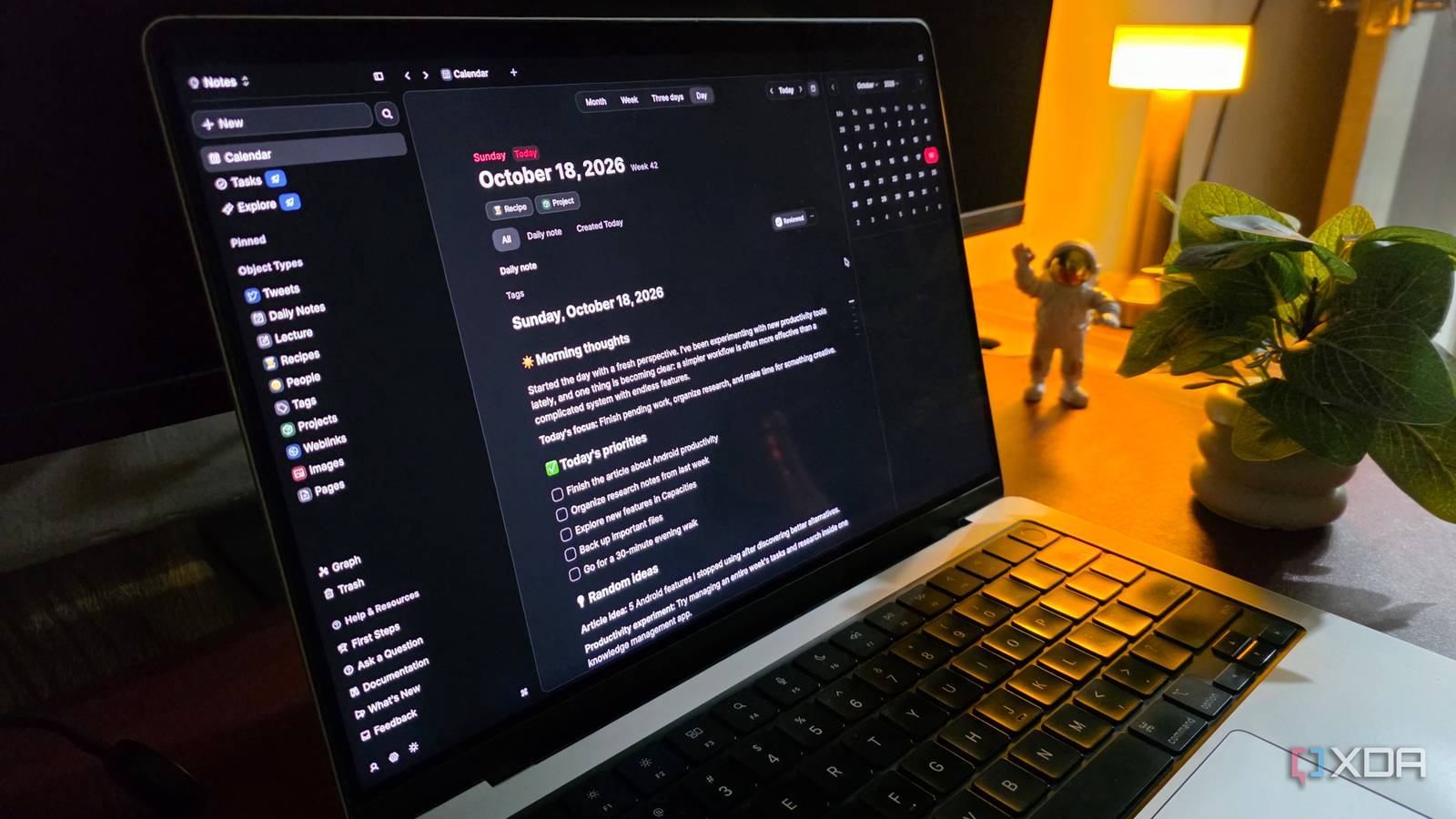
Published Oct 19, 2026, 6:00 AM EDT Parth, a seasoned tech writer, wields the keyboard (or pen) with finesse to unravel the intricacies of both Windows and Mac operating systems. He has covered evergreen content on mobile devices and computers for multiple publications over the last six years. You can find his work on AndroidPolice, GuidingTech and TechWiser. Whether it’s demystifying system updates, deciphering error codes, or exploring hidden features, Parth’s prose guides readers through the binary maze. When not immersed in tech jargon, you’ll find him sipping chai, pondering the next software review, and occasionally indulging in a friendly debate about mechanical keyboards. I have tried just about every popular note-taking app out there, and I couldn’t settle on a single solution. Google Keep was excellent for jotting down quick ideas. OneNote worked well for detailed notes, and Obsidian was my preferred choice for building a knowledge management base. However, I wanted something that could handle everything without forcing me to install plugins and maintain complicated folder structures. That’s when I discovered Capacities. After spending some time with it, I realized I might have finally found the all-in-one knowledge management tool I had been waiting for. Capacities takes a different approach Forget traditional files and folders One of the biggest reasons I switched to Capacities is its unique approach to organizing information. Unlike OneNote and Obsidian, which rely on notebooks and folders, Capacities uses something called Objects. The idea is simple. Instead of worrying about where to store a note, I focus on what that note represents. For example, let’s say I am researching an Android Auto article. In my old setup, I would create a folder for Android Auto, add subfolders for research and article ideas, and manually organize everything. With Capacities, I can create a custom object type called Article ideas, complete with properties like status, publication, and topic. Every new article idea automatically appears under that object type. I can then connect an article idea to separate notes about Google Maps, Waze, and other Android Auto apps without duplicating information across different folders. Everything remains interconnected and easy to access. The best part is that I can create different object types for projects, meetings, books, people, and practically anything else. Each type can have its own properties and structure. It may take a while to get familiar with Objects in Capacities. But trust me, it’s worth the hassle. My notes finally connect effortlessly The best part of Obsidian, simplified When it comes to connecting notes, Capacities takes inspiration from Obsidian and takes it to the next level. It comes with built-in bidirectional linking, backlinks, tags, and a graph view, so I don’t need to install a third-party plugin or deal with CSS. Suppose I am working on an article about Android Auto. I can link my main article idea to separate notes about Google Maps, Gemini, YouTube Music, Poweramp, and other related apps. The graph view takes things further by visually displaying these connections. I can explore how different topics, projects, and ideas relate to one another without digging through endless folders. I also use tags to bring related information together, even when the notes belong to different object types. Quick note-taking no longer needs Google Keep My ideas have one destination Google Keep has always been my preferred app for capturing random thoughts, quick reminders, and article ideas. However, Capacities has an interesting trick up its sleeve that makes the entire process even more convenient. It integrates directly with WhatsApp and Telegram, two apps I already use throughout the day. Setting it up is straightforward. I just head to Capacities' integrations settings, connect my preferred messaging service, and start a dedicated conversation with Capacities. From there, I can send text messages, images, web links, files, and even voice recordings directly to my knowledge base. Everything automatically lands in my daily note without requiring me to open Capacities. For example, suppose I come across an interesting self-hosting app while browsing Reddit. Instead of opening Google Keep, creating a new note, and pasting the link, I can simply forward it to my Capacities chat on WhatsApp. The entire process feels effortless. I can capture ideas the moment they strike, regardless of what I am doing, and organize them properly when I return to my desktop. The editor handles my detailed notes OneNote finally has serious competition While Google Keep works well for quick notes, I have always preferred OneNote for detailed research and long-form note-taking. Thankfully, Capacities doesn’t disappoint here. Its flexible block-based editor lets me combine text, images, tables, links, PDFs, and other content within a single note. Capacities has also received a new welcome desktop makeover. The new UI offers a more consistent layout across notes, calendars, and data views. I can open related content in tabs, while the simplified daily calendar makes navigating my schedule easier. Another useful addition is built-in voice recording and transcription. I can record a quick thought, brainstorming session, or meeting directly in Capacities and turn the recording into a transcript and summary. That’s useful when I have an article idea but don’t feel like typing everything manually. And since Capacities is a cross-platform solution, I can stay on top of my knowledge base on every device I own. My second brain finally feels complete Capacities’ unique approach to organizing information, powerful linking capabilities, modern look, flexible editor, and AI features make it much more than another note-taking app. I like how everything feels connected without requiring endless customization. That doesn’t mean Obsidian, Keep Notes, and OneNote are irrelevant. Each still has its strengths, and Capacities has a few limitations of its own. If your notes are scattered across multiple apps, give Capacities a shot. Capacities Capacities is a robust knowledge management tool that rivals Obsidian and OneNote.
I replaced Obsidian, Google Keep, and OneNote with a knowledge management tool that makes all three feel outdated
Full Article
Original Source
Read the full article at Xda-developers →KhanList aggregates and links to publicly available news content. We do not host full articles from third-party sources. Always verify important information with original sources.