
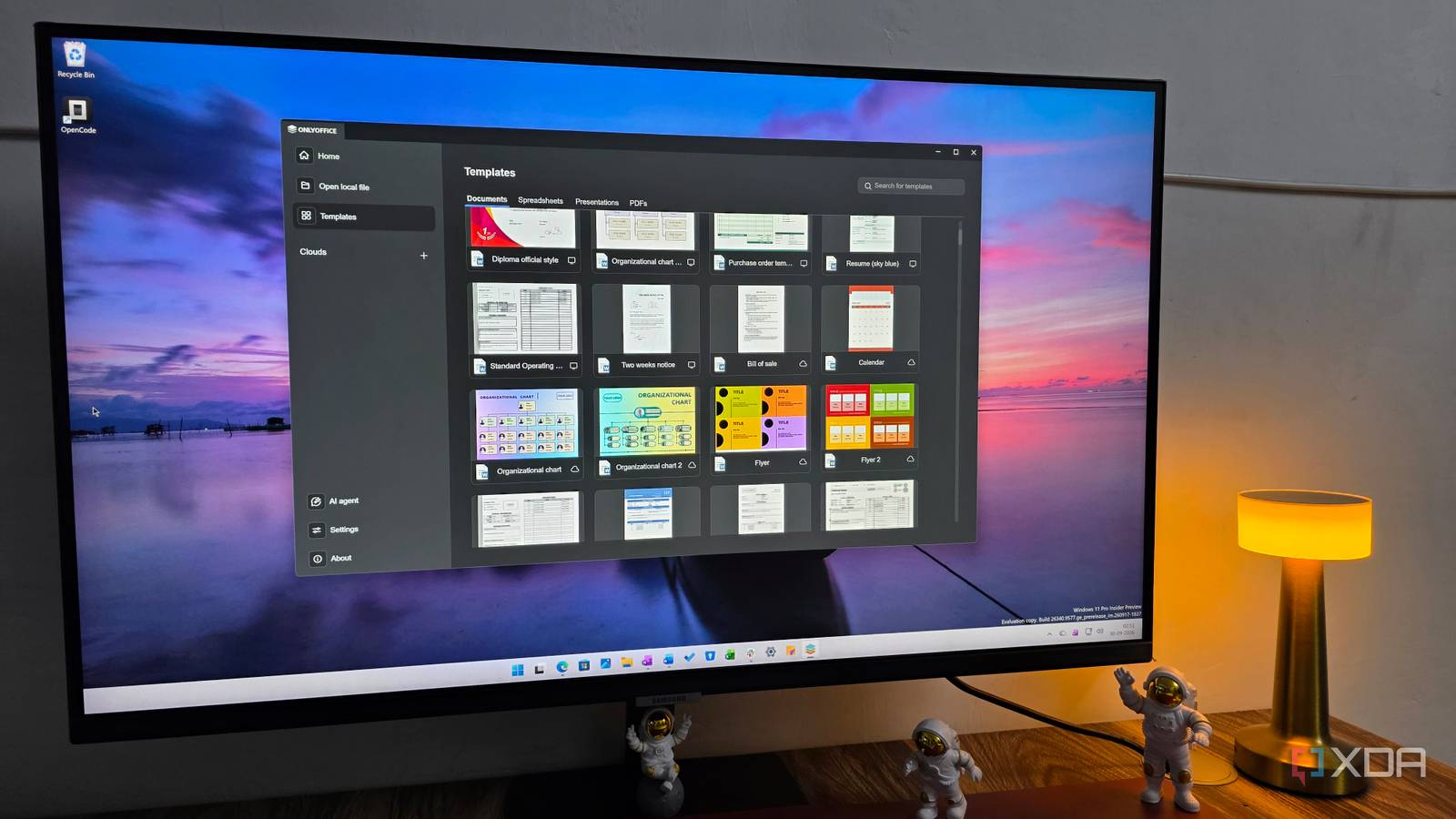
Published Sep 30, 2026, 8:00 PM EDT Parth, a seasoned tech writer, wields the keyboard (or pen) with finesse to unravel the intricacies of both Windows and Mac operating systems. He has covered evergreen content on mobile devices and computers for multiple publications over the last six years. You can find his work on AndroidPolice, GuidingTech and TechWiser. Whether it’s demystifying system updates, deciphering error codes, or exploring hidden features, Parth’s prose guides readers through the binary maze. When not immersed in tech jargon, you’ll find him sipping chai, pondering the next software review, and occasionally indulging in a friendly debate about mechanical keyboards. Windows comes with an app for almost everything, but that doesn’t mean I have to use Microsoft’s defaults. Over time, I started replacing the built-in tools I used every day with open-source alternatives. I found replacements that felt lighter, offered more control, respected my preferences, and in some cases, packed in features Microsoft’s apps still lack. After living with these replacements for a while, going back to the defaults now feels like a downgrade. Files manages my files (no pun intended) like a pro File Explorer still has a long way to go Files was the first app that convinced me I didn’t have to settle for Microsoft’s defaults. Compared to File Explorer, it feels much more modern, polished, and lightweight in day-to-day use. The interface is cleaner, the animations feel smoother, and the overall design fits Windows 11 far better than File Explorer does in some areas. I especially liked the tabbed interface, dual-pane view, customizable sidebar, tags, compact overlay, and the ability to preview files without constantly jumping between different windows. There is also plenty of room to personalize the layout, appearance, and behavior without making the app feel complicated. In comparison, File Explorer has legacy elements and inconsistent UI decisions. Files strips away much of that clutter while still giving me the tools I actually use. For browsing folders, moving files, and managing everyday storage, it feels faster and more pleasant to work with. Files 7/10 Files is an open-source alternative to File Explorer on Windows. Zen handles my browsing needs It's not Chromium-based, so relax Zen has been a much better fit for the kind of browser I actually want on Windows. Microsoft Edge is fast and capable, but over time, it has started to feel overloaded with features I rarely ask for. Copilot is built directly into the browser, and Microsoft has also added unnecessary shopping tools and other services around the core browsing experience. Zen is based on Firefox, so you don’t need to worry about yet another Chromium-based browser looking over your online activities. It delivers a cleaner and calmer interface out of the box. If you have missed the Arc browser from the old days, you will feel right at home with Zen. I like Workspaces for separating different projects, Compact Mode when I want maximum screen space, and Split view when I need to refer to two webpages at once. The theming option is also top-notch, and you won’t have a hard time tweaking the browser look to your preferences. You can check my dedicated post to learn more about Zen. Zen Browser Zen is a Firefox-based cross-platform browser. You won’t miss the Photos app Microsoft Photos has always looked good on paper, but in everyday use, I found it slow and buggy, especially when I just wanted to open an image quickly or move through a folder full of photos. That’s where ImageGlass won me over. It launches faster, feels much lighter, and stays focused on what I actually need from an image viewer. The company improved the entire app with version 10.0. For video, VLC was an even easier to switch. It opens practically everything I throw at it, handles unusual codecs without making me hunt for extra extensions, and gives me far more playback controls than the default Windows experience. Subtitles, playback speed, audio tracks, aspect ratio controls, and network streams are all right there when I need them. Together, ImageGlass and VLC cover almost all of my media needs. I now have two lightweight tools that are faster, more reliable, and much better at their respective jobs. VLC VLC is an open-source all-in-one video player for Windows and Mac. OnlyOffice has been a game-changer Try Syncthing, too OnlyOffice has been one of the easiest Microsoft replacements in my setup because it covers the part of Microsoft 365 I actually care about: documents, spreadsheets, and presentations. The tabbed interface feels familiar enough that I didn’t have to relearn everything, and that matters when I am switching from Word and Excel. I can open and edit DOCX, XLSX, and PPTX files, work offline, take advantage of templates, and even use the same familiar formatting tools. For my writing and office work, it gives me most of what I need without the extra Microsoft 365 baggage. There are still advanced Excel and PowerPoint workflows where Microsoft Office has the edge, but for everyday use, OnlyOffice has been more than capable. As for Syncthing, I use it when I want direct file syncing between my own devices instead of depending on OneDrive. It takes a little more setup, but I like having that extra control over where my files actually live. OnlyOffice OnlyOffice is a featrue-rich alternative to Microsoft 365. I don’t miss the originals I am surprised how little I miss Microsoft’s default apps now. Files feels more polished for everyday file management, Zen gives me a cleaner browsing experience, and ImageGlass with VLC covers almost everything I need for media. OnlyOffice has also proved that I don’t need to stay tied to Microsoft 365 for routine document work. None of these apps feels like a temporary substitute or a compromise. They have become part of my regular Windows setup. Microsoft’s defaults are still perfectly usable, but these are the ones that proudly sit on my Windows taskbar.
I replaced Microsoft’s default Windows apps with open-source alternatives and never looked back
Full Article
Original Source
Read the full article at Xda-developers →KhanList aggregates and links to publicly available news content. We do not host full articles from third-party sources. Always verify important information with original sources.