
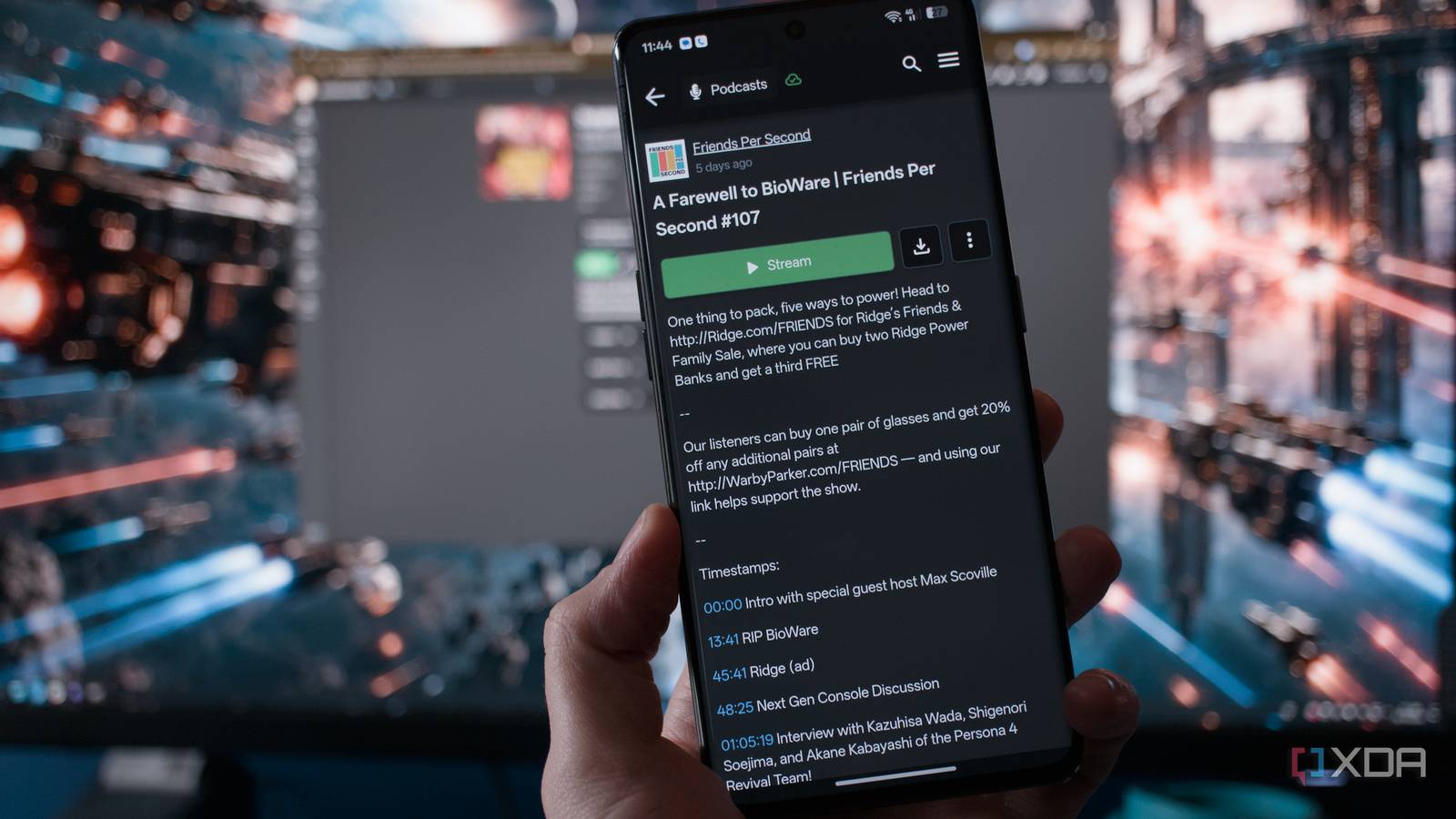
Published Oct 30, 2026, 4:00 PM EDT Richard is the PC Hardware Lead at XDA and has been covering the technology industry for almost two decades. He's been building PCs since young, and when not creating content, you can often find him inside a chassis somewhere. I love listening to books because I always find I don't have enough time to read, at least as much as I'd like to. I find myself reading technology all day long, but actual novels and long-form reading usually take a back seat. That was until I started to turn to audiobooks. I recall my first audiobooks: the Witcher series, narrated by Peter Kenny. They're great to have playing while driving or focusing on something else, but I'm also a huge fan of podcasts. Thankfully, there's a self-hosted platform that handles both. Audiobookshelf is my new favorite self-hosted app Podcasts, audiobooks, and more all in one place The issue I have with Kindle and Audible largely relates to the notion of self-hosting vs. tech giant Amazon. Interestingly, the online retailer started selling books, and here I am deciding to use something else to not rely on yet another conglomerate for all my hobbies. To gain access to Audible and the array of Kindle-supported books, one has to fork out for a monthly subscription. Audiobookshelf is 100% free outside of the running costs of the device it's hosted on and all the stored materials. Unlike relying entirely on a store-managed library, self-hosting lets me keep independent copies of books I've acquired in usable formats. I can use DRM-free files in formats like M4B and EPUB. It's similar to running a media platform like Jellyfin or Plex, except this time my library consists of audiobooks, e-books, and podcasts. It also supports separate accounts for household members, with individual listening progress and permissions. Anyone familiar with Docker will feel right at home. Audiobookshelf has an official container image, and setup largely involves pointing it towards audiobook and podcast folders, plus persistent storage for configuration and metadata. It doesn't take an especially powerful server to stream a few audio files, making it well suited to an existing home lab or modest mini PC. The best part is the available community script for convenient Proxmox deployment. I went with the latter since I already have an available server to host the app. Keeping books in folders sorted by author and series makes the collection easier to manage both within and outside the application. Audiobookshelf can match titles with online metadata, add covers and descriptions, and group books by author or series. What was a folder of backup audio files now resembles a commercial audiobook storefront. It feels like a proper Audible replacement Audiobookshelf includes all the conveniences I don't wish to lose One feature I wouldn't want to give up is listening progress. I tend to hop between devices, namely my phone and tablet. Audiobookshelf can synchronize my position between hardware. There are chapters, playback controls, and mobile apps with offline listening, though the apps are still in beta. And it's all enabled by default, no community plugin or configurations to mess around with. Simply fire up the app, dump some files you bought, and start streaming. One thing I didn't expect to use Audiobookshelf for was podcasts. I can add podcast feeds and configure automatic episode downloads, keeping everything in the same place. It's surprisingly convenient to open one library for a novel, switch to a weekly technology show, and then pick up the book again. With separate accounts, one person's listening history won't interfere with another's. One thing Audiobookshelf doesn't handle too well is e-books. It's not a dedicated e-book reader, and if you primarily read books, you'll want to look elsewhere. It's possible to use the app for this format, but it lacks many of the advanced capabilities dedicated platforms have within their arsenals. EPUB and PDF files are supported, and e-books can be associated with an audiobook counterpart. It's more than enough for my needs and fits in with my reading flow relatively well. It's just something to bear in mind. Buying books like it's the 2000s again Farewell licensed access, and hello reading freedom Like a self-hosted media streaming platform, Audiobookshelf and Calibre-Web Automated don't provide a catalogue of commercial books to download for free. I still need to purchase titles or obtain them from legitimate sources, opting for publishers and retailers offering DRM-free files whenever possible. Public-domain books are another good starting point for fresh Audiobookshelf installations. There's also a difference between cancelling subscriptions and losing purchased books. Audible says titles bought with money or credits remain accessible after cancellation, but its included catalogue doesn't. Kindle Unlimited similarly removes access to borrowed titles when the subscription ends. Self-hosting doesn't bypass those restrictions or remove DRM from protected purchases. It gives me greater control over the files I can legally keep. If I wish to save money each month and not purchase a book for some time, I can still revisit my existing collection. Backups matter more with your own digital bookshelf I'm responsible for software updates, storage, and ensuring that a failed disk doesn't erase years of purchases. And it's not going to be just my reading and listening materials present here. I'll be storing and providing access to my spouse's content. That means backing up the media and the application's configuration, metadata, and reading progress. Keeping everything on one hard drive without another copy wouldn't really deliver the peace of mind I'm after. Thankfully, we've covered the 3-2-1 backup strategy a few times, and I've taken a leaf out of my own book. Listening away from home also requires some planning. I already have NGINX configured with an external domain pointing to my LAN, so allowing traffic through to Audiobookshelf was a non-issue. These chores are familiar to anyone running a home lab, but they're worth remembering before replacing a service that handles everything for you. The trade-offs are more than worth it, especially if you're like me and already have a home lab running through Proxmox. Audiobookshelf Audiobookshelf is a self-hosted media server meant for audiobooks and podcasts.
I replaced Audible and Kindle with self-hosted alternatives, and I own my library now
Full Article
Original Source
Read the full article at Xda-developers →KhanList aggregates and links to publicly available news content. We do not host full articles from third-party sources. Always verify important information with original sources.