Published Aug 13, 2026, 12:30 PM EDT Richard is the PC Hardware Lead at XDA and has been covering the technology industry for almost two decades. He's been building PCs since young, and when not creating content, you can often find him inside a chassis somewhere. Getting all your work done in time through the term requires motivation and the right tools, which is where student subscriptions come into play, offering some of the best-performing software for study. The primary issue with such software is the cost, and while students can often enjoy discounts to reduce the monthly fees, it's generally better to stop paying altogether where possible and self-host some apps instead. Community-provided and open-source apps can sometimes even surpass their commercial counterparts. I've since replaced many expensive subscriptions with self-hosted or local-first apps, but if I were back to school and studying again, here's what I would rely on. Stirling PDF Read absolutely everything PDFs are everywhere when you're studying (and beyond, particularly with legal documentation). I'm taking lecture notes, research papers, application forms, scanned textbooks, and assignment briefs all arriving in the same format, which means having a decent PDF tool quickly becomes essential. You could pay for Adobe Acrobat or rely on random websites every time you need to merge, split, convert, or edit a file, but there's a much better, self-hosted option. Stirling PDF is a free and open-source suite of PDF tools that you can host on your own hardware. It can handle everything from merging and splitting documents to converting files, compressing PDFs, adding signatures, performing OCR, and redacting information. Because it's self-hosted, your documents can stay on hardware you control rather than being uploaded to a third-party website every time you need to make a small change. That's particularly useful for students dealing with personal information, coursework, or research documents they may not want to hand over to an unknown online service. It also fits nicely alongside something like Nextcloud, giving you a private place to store your files and a separate tool to actually work with them. If you already have a NAS or small server running, Stirling PDF is one of those apps that's easy to justify keeping around because you never quite know when you'll need it. I rely on it more regularly than I thought, even to this day. Stirling PDF Become a master of the PDF with this exceptional self-hosted tool. Zotero Research the next big thing When researching for a dissertation, you'll likely require a means to actually keep track of all that research. Sure, you could pay for EndNote, Citavi, or some other commercial service, but there's Zotero, which is free, runs locally, and can be used to manage research and academic citations. Zotero isn't quite a self-hosted app in the traditional sense, but you can still take more control over where your files are stored. Zotero normally handles library syncing through its own service, while attachment files in your personal library can instead be synced using WebDAV. If you already have a NAS or small server capable of providing WebDAV storage, this gives you a way to keep those files on infrastructure you control. But it's not just the lack of another expensive subscription that makes Zotero worth checking out. If you're like me and find yourself searching for something with support for tagging, notes, PDF annotation, and the ability to quickly file content from various sources, I would recommend giving Zotero a try. It's exactly the sort of tool I wish I'd made better use of while studying. Zotero Zotero collects sources and other metadata from research papers, webpages, etc., that can be inserted into documents in the form of citations and can be self-hosted on your own hardware. Nextcloud Replacing Office one app at a time Microsoft's office productivity suite is brilliant and has always been the go-to choice for businesses and students looking to create and use documents in most formats. It has been around for decades and is fully supported on both macOS and Windows, though Linux has always been left somewhat in the dark. There are alternatives to Office with LibreOffice and other suites, but nothing really came close for the cloud. Google Docs, Sheets, and other services are available for free, but you're still relying on a third party, which is why I self-host Nextcloud instead. We've covered Nextcloud extensively for those who need to get work done and collaborate with others. There's file storage and sharing, calendars, contacts, tasks, and a Mail app for connecting your existing email accounts. Add Nextcloud Office and you can also create and edit documents, spreadsheets, and presentations from the browser, making the whole package feel much closer to a self-hosted Microsoft 365 or Google Workspace alternative. Beyond note-taking and document management, countless apps are available to expand Nextcloud and take your studying to the next level. Nextcloud can be rather complex to set up and manage, but if you're already accustomed to configuring apps and don't mind spending some time reading documentation, it can be a fantastic companion for the months ahead. Just remember to back up everything. (And then back up those backups too.) Nextcloud OS Windows, macOS, Linux Key highlights Self-hosted, open source iOS compatible Yes Android compatible Yes Desktop compatible Yes Nextcloud is a local cloud storage tool with all the features that you need and an equally powerful plugin store. Jellyfin Get lost to the beat while studying Credit: I'm a huge fan of listening to music. It's what helps me focus on the task at hand. What's great about owning music is being able to take it virtually anywhere with you without worrying about keeping up with another monthly subscription throughout college. That's where Jellyfin comes into play. This handy media cataloging and streaming platform allows you to store your own purchased media, have it cataloged with metadata, and stream it to supported devices using an app or browser. Jellyfin itself is free and open-source, with the server running on hardware you control. So when you've next unboxed that collection of CDs and digital media, why not store it on a server, like an old PC or NAS, and stream it whenever you want? There's no Jellyfin subscription to worry about, although you'll obviously still need the hardware, storage, electricity, and the media itself. Instead of putting money into Spotify or another streaming subscription every month, you could put some of it toward buying an album every now and then and slowly build a collection you actually own. You won't get the gigantic on-demand catalog or recommendation engine of a streaming service, but you also don't have to worry about one of your favorite albums disappearing from the service or another price hike landing in your inbox. Jellyfin iOS compatible Yes Android compatible Yes Desktop compatible Yes Jellyfin is one of the best Plex alternatives you can get, and that's thanks to its open-source nature and powerful set of features. There are apps for basically every platform and it's completely free to run your very own server. Logseq Never miss another beat (or thought) It's amazing just how much data our brains can ingest and store. We're almost bombarded through school with information, more than we likely expect to deal with on a daily basis, and it can prove challenging to take note of everything that's actually relevant. That's where a tool like Logseq can prove invaluable. I was well on my way to completing a financial qualification course when tools like this started becoming more interesting to me. Logseq is a powerful privacy-focused, open-source, and local-first solution for note-taking and organizing your thoughts. Rather than being another service you necessarily need to host on a server, it's designed around giving you control over your own information. Using it, I know I could have made good use of such a tool back in the day. But if you're not quite on board with Logseq, fear not, as Obsidian is another fantastic alternative. They're much smarter than a stack of paper notebooks too, with features such as linked references, queries, search, PDF annotation, and other ways to connect information together. Logseq itself specifically pitches these features toward students and academics for reviewing class notes, memorizing information, and outlining essays. Logseq Get ready to self-host your term There are some truly great software solutions available for students. It has never been a better time to be in education in terms of resource availability, though the cost of living and university fees leave much to be desired. While some apps and services may be relatively obvious, others like streaming services may be overlooked since they're not typically associated with studying. Carry out some research and plan ahead with regard to studying to see how it can be improved through self-hosting.
I replaced 5 expensive student subscriptions with these self-hosted apps
Full Article
Original Source
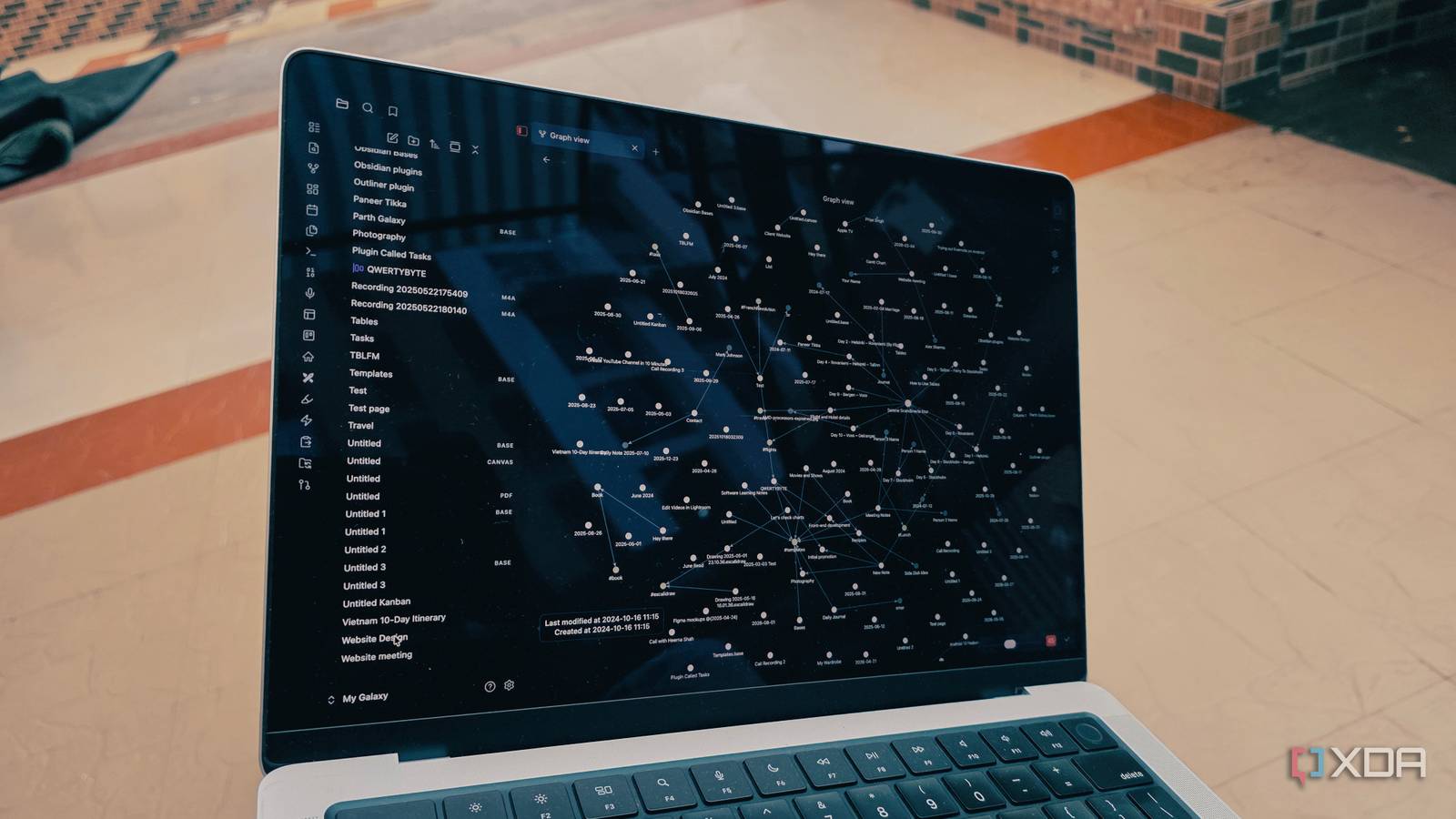
Read the full article at Xda-developers →KhanList aggregates and links to publicly available news content. We do not host full articles from third-party sources. Always verify important information with original sources.