
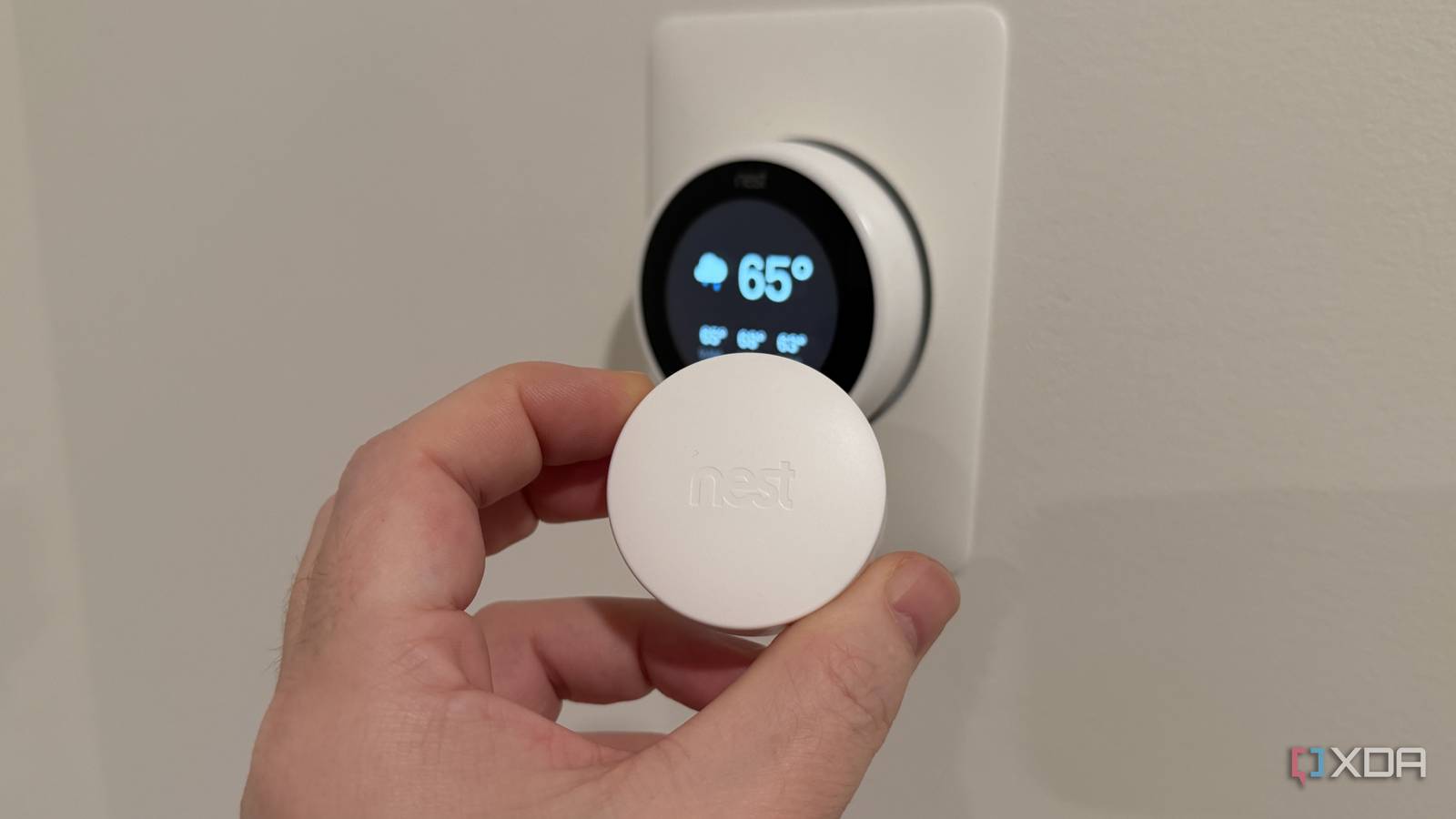
Published Nov 6, 2026, 1:00 PM EST Maker, meme-r, and unabashed geek, Joe has been writing about technology since starting his career in 2018 at KnowTechie. He's covered everything from Apple to apps and crowdfunding and loves getting to the bottom of complicated topics. In that time, he's also written for SlashGear and numerous corporate clients before finding his home at XDA in the spring of 2023. He was the kid who took apart every toy to see how it worked, even if it didn't exactly go back together afterward. That's given him a solid background for explaining how complex systems work together, and he promises he's gotten better at the putting things back together stage since then. My smart thermostat was one of the first devices I added to my smart home, a 3rd-gen Nest Learning Thermostat at launch. It moved with me from that apartment to a house, and I thought it was doing a great job. So I've fixed other things in my smart home, like getting power delivery sorted and adding controls to Home Assistant for centralized ease of use. But the thermostat was silently sabotaging things. Never mind that it couldn't tell if my windows were open; it was also deciding the whole house's temperature from one place. As it turns out, the wrong place. Sure, the living room wall that it's on is part of an open-plan setup that is the entire floor. But I'm in a three-floor townhome, and that makes the basement and upper floor never comfortable. One wall was deciding the temperature for the whole house Your thermostat is usually in the wrong place Thermostat placement hasn't changed much since their invention. Place it on a central wall, where people can reach it easily, and hope for the best. Mine is on the living room wall, on a floor with no dividing walls, underneath one of the central air return vents. That's textbook "right" placement, with airflow and no direct sunlight to mess up the readings. But in an open-plan space like that with two staircases, it's also an easy place for the thermostat to be wrong. It's simple physics. Cool air sinks, warm air rises. The only usual temperature bias that applies here is the return grille above it. It's not in direct sun even with the curtains open, it's not on an external wall (and it's a new build so well-insulated anyway), and it's not a small hallway. In the apartment, it was also in an open-plan area, but with a much smaller area to handle. So I carried a sensor through the house to check I picked up a Nest Sensor, paired it to the thermostat, and moved it around the house to see how big the temperature swing was between the centrally placed thermostat and those areas. I kept the sensor in the area for 20 minutes or so, so it could acclimatize, and kept the thermostat as the controller for the AC. Room Sensor reading Living room (open-plan main floor) 70°F Downstairs hallway 71°F Main bedroom 72°F Office 73°F Upstairs hallway 74°F Also, I did this at night after the sun had gone down. I'm sure the temperature swings would have been higher during the day, especially in the upstairs hallway and main bedroom, both of which have terrible air circulation. That's a 4-degree swing between the living room and the warmest part of the house, and it could have been higher. I have a temperature sensor and air sensor on my office desk, and it's regularly 78F or higher when the thermostat is set to 74F. Telling the Nest to listen to a different room only half fixes it What the sensor actually does on a 3rd gen (and what it doesn't) The Nest Sensor is the best thing I added to the thermostat, but it can only do so much. It uses BLE, so it drops connectivity from the thermostat in some areas of the house, and I've had to move it around to find the optimal signal. Having a second room as the control temperature for the AC or heating means the rooms we're in during the day can be more comfortable. The only snag is that I work in the basement office, and my wife works on the top floor. That means only one of us can be at the temperature we like. Buying more sensors won't help either. My 3rd-gen can support up to six, but only one is active at any time. The sensors also don't have occupancy sensors, so they run purely on temperature. But even with one sensor, where you place it really matters. If I put it in the upstairs hallway, the AC would run forever, trying to cool down an area with low air circulation and no register. Putting it in the bedrooms keeps you comfortable at night, but not much during the day. A thermostat that only trusts one room at a time is still guessing One sensor was enough to show the problem but not enough to fix it A single paired sensor is good for diagnosing temperature differences between rooms, but it's not that useful for daily life. And my thermostat is aging out of support, so there's no point buying more sensors when I'm not sure if I'll stay in the Google ecosystem. The 4th-gen does average across rooms, but if I'm upgrading, it'll be HomeKit-compatible, since more of my devices play nice with that. I can make things somewhat more comfortable by using a sensor schedule, but even then it's blindly following a schedule and not paying attention to how we're using the space. Whichever floor the sensor isn't on will drift by several degrees, which is fine in spring and fall but not when it's either cold or hot outside. And the other thing is that I'm doing my best to get everything running in Home Assistant. That means picking a thermostat that works well with it, and that's probably going to be something that isn't from Google or Amazon. My thermostat still lies to my AC, but I know better I always wondered why I wasn't comfortable in the office, but now I know. And even with an attached sensor, it's hard to keep every floor at a comfortable temperature from a single central air handler. Maybe I'll add a portable AC unit for the office to help keep the computers cool, but otherwise the sensor stays down here to drive the AC where it's needed.
I put a temperature sensor in every room, and my thermostat had been lying about my house for years
Full Article
Original Source
Read the full article at Xda-developers →KhanList aggregates and links to publicly available news content. We do not host full articles from third-party sources. Always verify important information with original sources.