
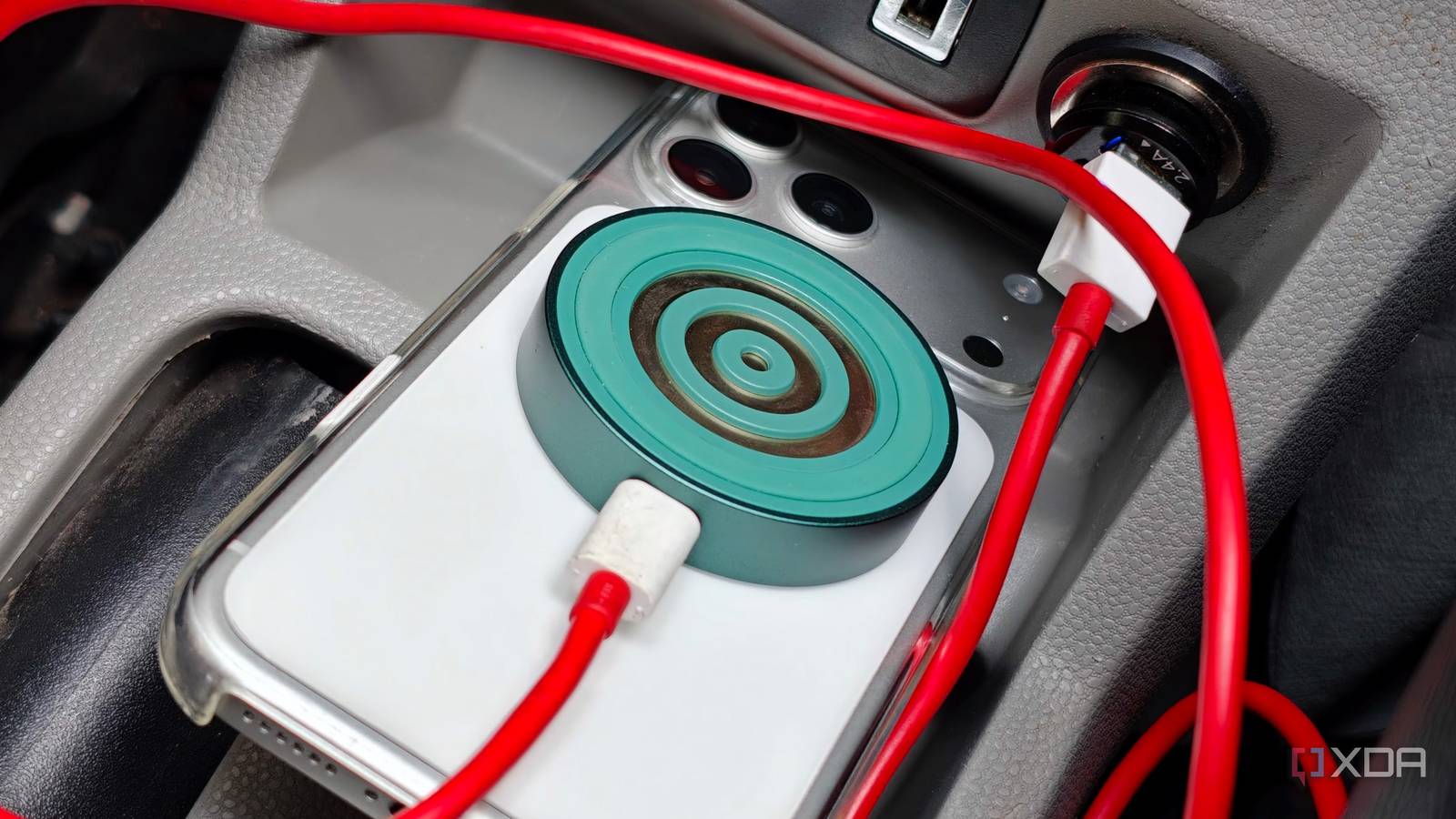
Published Oct 25, 2026, 3:00 PM EDT Dhruv Bhutani has been writing about consumer technology since 2008, offering deep insights into the personal technology landscape through features and opinion pieces. He writes for XDA-Developers, where he focuses on topics like productivity, networking, self-hosting, and more. Over the years, his work has also appeared in leading publications such as Android Police, Android Authority, CNET, PCMag, and more. Outside of his professional work, Dhruv is an avid fan of horror media spanning films and literature, enjoys fitness activities, collects vinyl records, and plays the guitar. Most cars have a fairly limited number of USB ports. One is a given, two is generous, and if you need more than that, you're usually out of luck. Unfortunately, I fall into the camp that can never have enough USB ports, thanks to the number of devices I usually need to charge my car. My dashcam needs uninterrupted power, my phone needs charging, and I often top up a pair of earphones or a handheld gaming console while driving to the gym. Rather than constantly swapping cables or choosing which device gets power, I've found a decidedly low-tech workaround that costs next to nothing. I went back to the old-school cigarette lighter socket for power and got myself a 12V socket USB hub. It's a way more flexible way to charge my devices. When your car's USB outlets aren't enough A 12V charger brings modern charging speeds to older cars The idea is simple. Instead of relying entirely on the car's built-in USB ports, I use this 12V accessory socket as the power source. My hub gives me two USB-A ports and a USB-C connection as well. But these come in a range of configurations, and you can easily find 12V socket chargers with even more ports. The biggest advantage here is that it solves a very common problem. As far as cars go, they rarely have enough USB ports, and even the ones they do have aren't really up to scratch. Unless you have the absolute latest generation of cars, most ports top out at archaic charging speeds that barely keep your phone charged while you use Google Maps, let alone top it up. My dashcam is a good example. It needs power while I'm driving, but my 10-year-old car's ancient USB port barely delivers enough to run it. And even if I look past the warnings, I don't want to be in a situation where I'm disconnecting the dash cam because I need to charge something else. The 12V socket is the straightforward alternative. A socket-based charger not only provides additional USB connections for smaller electronics, but can also offer higher charging speeds and modern standards. The exact configuration depends on the model, but I've seen chargers offer up to 100W, which is enough to top up even a MacBook. Since it's powered from the car's main electric bus, there are no restrictions on how much power you can draw — within reason, of course. More power for passengers and my own devices Some things to keep in mind Credit: Credit: This flexibility extends beyond my own charging needs, of course. If someone else in the car needs to charge their phone, power bank, or other accessory, a 12V hub enables that flexibility, which I wouldn't have otherwise. There are other advantages too. Wireless Android Auto is fantastic, but it also drains my battery and gets it pretty warm. Suffice it to say, my car's USB port struggles to keep the phone charged while I'm using wireless Android Auto. That's one of the main reasons I switched to a 12V socket in the first place. The much higher output can keep up with my phone's needs while I use it for navigation in my car's infotainment system. For all its advantages, there are still some limitations to watch for. For one, you don't get full power from all the USB ports on the 12V socket. This power output is usually split between ports, with the most reserved for the USB-C port. So, assign the right USB ports and cables based on your device's needs. Even with the 12V socket, the USB-A ports, for example, can't power a laptop at anywhere close to decent speeds. Nor can a USB-A port charge my phone at its maximum speed. So, I've reserved it for my dashcam. The secondary USB-A port charges a pair of headphones well enough. Meanwhile, I've left the USB-C port to power my phone or laptop when I need to. It's a small thing to keep in mind, and for most, once you've laid out the cables, you won't have to think much about it. While you're at it, just make sure you pick up an adapter with overcurrent protection. While it's rare to plug in a device that can pull too much power from your car's electric bus, some supersized laptops can draw a lot, and a plug that can safely handle it is a must-have in my books. A small fix for an everyday annoyance You don't need a high-end, elaborate accessory to make your daily charging setup more convenient. If you've been looking for extra USB ports in your car and want to upgrade your charging setup, a $20 accessory is all you need. It'll power your dashcam and phone at full speed while leaving room to charge additional accessories, too. Belkin USB car charger This Belkin USB-A car charger comes with two ports, each of which can deliver up to 12W of power to your phone. It has decent build quality overall and comes with some thoughtful additions, like an LED indicator. Related I turned an old smartphone into a smart home dashboard with Android Auto I skipped the Nest Hub and built a desk control center from an old smartphone
I put a $20 USB hub in my car, and now my dash cam, phone, and Android Auto all run off one port
Full Article
Original Source
Read the full article at Xda-developers →KhanList aggregates and links to publicly available news content. We do not host full articles from third-party sources. Always verify important information with original sources.