
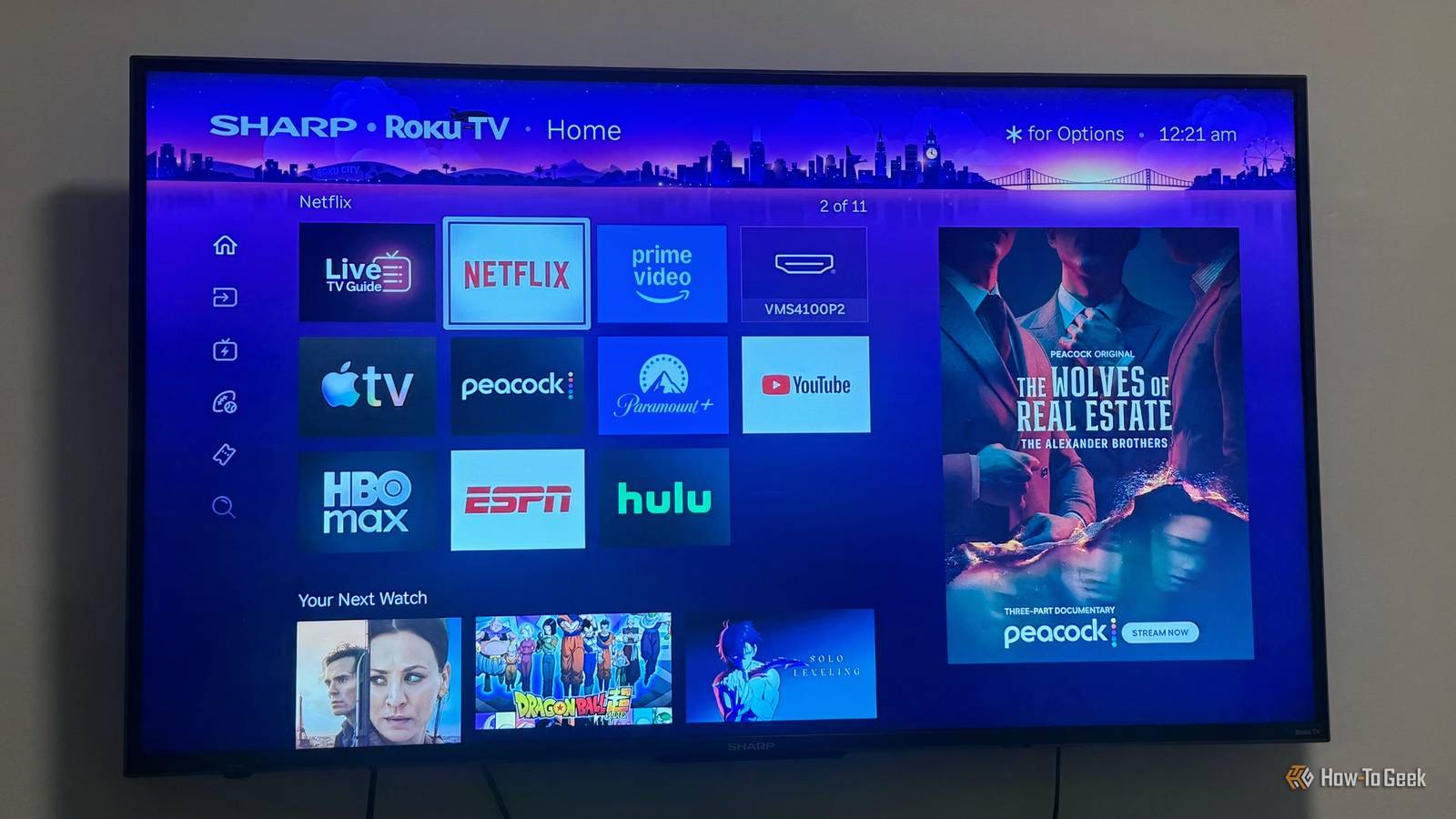
Published Nov 23, 2026, 8:30 AM EST After graduating from Marist University with a degree in communications and journalism, Dan Girolamo has over 10 years of experience writing about entertainment and sports. Dan's work can be seen in various publications, including Digital Trends, SportsCasting, and Tom's Guide. Throughout his career, Dan has interviewed several high-profile filmmakers and creatives, including Brendan Fraser, Jamie Lee Curtis, Caitriona Balfe, Frank Grillo, Miranda Cosgrove, Jai Courtney, Chris Columbus and James Cameron. Dan joins How-To Geek as a Senior Editor. When he's not writing about entertainment, Dan is either watching a movie or praying for the New York Knicks to win a championship. A streaming service is raising prices for subscribers. In other news, the sky is blue, and the grass is green. The three guarantees in life are now death, taxes, and increased prices for streaming services. Nearly every major streaming service is more expensive in 2026, including Netflix, Apple TV, Hulu, Disney+, Paramount+, and Peacock. When will the madness end? Unfortunately, it's not going to end. Pandora doesn't go back into the box, and streamers won't return to prices from even five years ago. It's time to make tough decisions. You might think you need every streaming service, but you probably don't. At least you don't need them all at once. Work smarter, not harder, and keep some extra money in your pocket. An overhaul of my streaming service subscriptions was necessary, and I suggest you do it, too. Here's what I did. Determine what shows matter the most Is this show a positive addition to my life? Which shows do I religiously watch? When I say religiously, I mean I won't miss one episode when it airs live. As someone who prefers one episode at a time, I tend to favor the streamers that follow the weekly release instead of the binge model. If a show drops eight episodes at once, then so be it. In this exercise, I wrote down the new and returning shows coming in 2026 that I couldn't miss. Do I watch more shows than the ones on my list? I do. However, I might not get to them right away. The shows on the list were things I'd watch as soon as they came out. Full disclosure: Paramount+ is not included on the list because I use a press account for Paramount+. For me, HBO Max, Netflix, Apple TV, Prime Video, Hulu, and Disney+ all had at least three shows I couldn't miss in 2026. How do I pay for them all? I'll get into that later. The clear loser was Peacock. I prefer Peacock for sports over its original shows. Was it great to have Peacock during an Olympic year? Absolutely. Do I check in on some Peacock shows, like The Paper and Ted? I do. However, it's not a service I visit every week. Therefore, I don't need to subscribe right now, so the credit card is staying in my wallet. Side note: If you ask me if I'd rather watch a movie or TV show, I choose the former. However, I judge streaming services based on their shows. Licensed movies frequently switch to streaming services, so if you wait long enough, a movie might eventually end up on your streamer of choice. Plus, many free streaming services, like Tubi and Pluto TV, have excellent movie libraries. Make exceptions for services that provide more than streaming What else can I do besides stream movies and shows? Like many of you, I assume your primary goal when subscribing to a streaming service is to watch a movie or show, and rightfully so. I don't use streaming as a complete substitute for cable TV, but I'm sure many of you reading this article do. Therefore, you need something like Netflix in your life because of its vast library of originals and licensed content. Before subscribing to a streaming service, consider what else you get with your subscription. What do I mean by that? Take Prime Video, a streaming service I have. I don't subscribe to the Prime Video standalone plan at $8.99/month. Instead, I have Amazon Prime at $139/year, which includes access to Prime Video at no additional charge. Considering how many packages show up at my place on a weekly basis, Amazon Prime is a core service in my daily life, so it will stay in my lineup. Having Prime Video is the cherry on top. Sports are also a huge part of my life. I miss the days when I could watch every game for my favorite teams—New York, of course—on cable TV. That is no longer the case. Every league I care about—NFL, NBA, and MLB—has expanded into streaming. Some of these leagues, especially the NFL and NBA, have exclusive games on streaming services. Thursday Night Football is on Prime Video, while the NFL on Christmas Day is on Netflix. Meanwhile, the NBA plays games on Prime Video and Peacock. I'm already covered when it comes to Prime Video and Netflix. I can still live without Peacock, but if the New York Giants or New York Knicks have games on the service, I'll either reconsider subscribing or go to a bar to watch. Come to terms with ads, and bundle your services If you're not bundling, you're not saving If prices are not going to decrease, then you have to get creative. It starts with switching from ad-free plans to ad-supported plans. Ad-free streaming is never returning to what it once was. Frankly, most of these services probably want more subscribers in the tiers with commercials so they can make more revenue in ad sales. Corporate profits aside, you can save a substantial amount of money every month by switching to the ad tiers. Whenever an ad-supported tier is offered, I'll take it. Honestly, I don't mind a few ads scattered throughout my shows. They're much shorter than the commercials on cable TV. Plus, I view the ads as built-in bathroom breaks or excuses to check my phone. Netflix is one of the major streaming services with a drastic difference in price between the ad-supported plan and the ad-free plan. I used to use the Standard plan, which is $19.99/month and has no ads. Meanwhile, the Standard with Ads plan is only $8.99/month. I will gladly watch a few ads while streaming to save $11/month and $132/year. It was an easy switch for me. I pay for Apple TV, which only offers one plan at $14.99/month. Apple TV offers some of the best programming around, so I'm biting the bullet and paying up. Instead of buying individual subscriptions, I believe in bundling. I was leaving so much money on the table by paying for Netflix and HBO Max separately. Now, I bundled Netflix Standard with Ads and HBO Max with Ads through my Verizon Fios account, and this streaming bundle costs $13/month. If I purchased those two services separately, it would cost $19.98/month. You have to take the savings where you can. My final bundle is Disney+ and Hulu (both with ads) at $4.99/month for 12 months. I signed up for that deal on Black Friday in 2025. That bundle now costs $12.99/month in 2026. It's the best bundle on the market, and I'm interested in seeing what this year's Black Friday deal will be in 2026. Know what you're paying for Even if you don't plan to make significant changes to your streaming lineup, at least do a quick review and see how much each service costs. You'll be shocked by how much you're paying per month. The tips listed above are quick, tangible solutions that will save you money. Don't worry, you can still stream your favorite shows. Just make a few changes to your lineup. Your bank account will thank you later.
I overhauled my streaming services to save money, and you should too
Full Article
Original Source
Read the full article at Howtogeek →KhanList aggregates and links to publicly available news content. We do not host full articles from third-party sources. Always verify important information with original sources.