
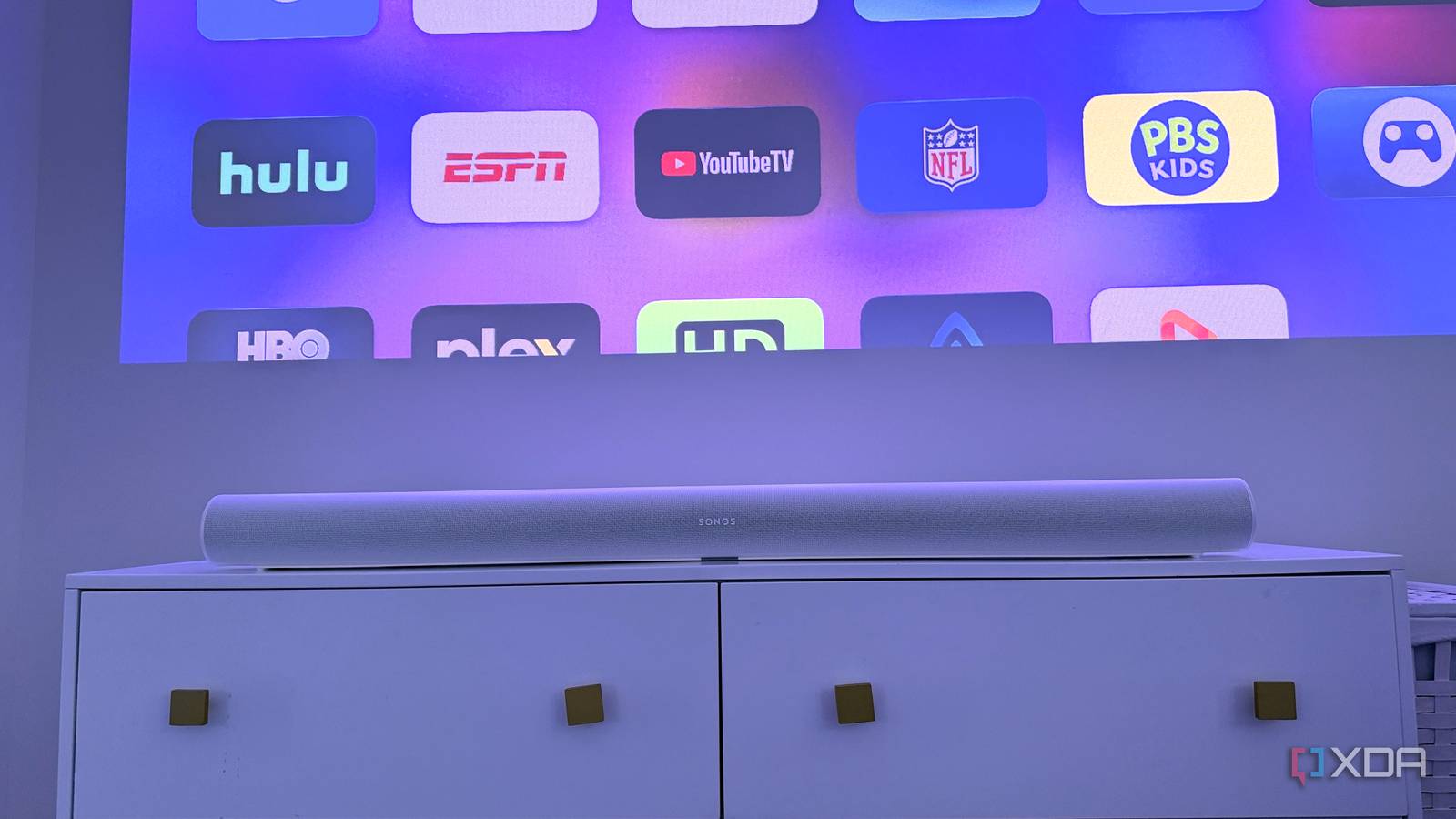
Published Sep 16, 2026, 11:30 AM EDT Maker, meme-r, and unabashed geek, Joe has been writing about technology since starting his career in 2018 at KnowTechie. He's covered everything from Apple to apps and crowdfunding and loves getting to the bottom of complicated topics. In that time, he's also written for SlashGear and numerous corporate clients before finding his home at XDA in the spring of 2023. He was the kid who took apart every toy to see how it worked, even if it didn't exactly go back together afterward. That's given him a solid background for explaining how complex systems work together, and he promises he's gotten better at the putting things back together stage since then. It's no secret that I prefer using a projector for my home movie nights. There's something about the image size and the feeling of having a movie theater at home that can't be beat. Sure, I've got a QLED for daily viewing, but for blockbuster movies, I need the larger screen, without having to deal with sticky floors and people talking over the audio. I'll be the first to say that audio quality can be an issue. Lifestyle projectors have speakers that are just about passable, but they don't give you the feeling you want. And I don't particularly want to run cables around my bedroom to connect the projector to a surround system or soundbar. But it turns out I don't need to, with the right soundbar. My projector and soundbar are at opposite ends of the room It's no fun to route an HDMI cable across One problem in any laser projector installation is what to do about sound. After all, most projectors are long-throw and go at the back of your room, while soundbars go in front of the screen. It's fairly common to have an A/V receiver near the projector and wire passive speakers to it, but having the projector and Apple TV 4K already stretches the bounds of things in the bedroom, and I can't get away with the bulky audio box, cables, and speakers. What I can get away with is a slim soundbar on the cabinet under the screen. It's about 12 feet away from the projector, but to get an HDMI cable across, you would need an even longer one to snake around the skirting boards. That would run into signal issues without using a fiber optic cable, and at that point, I should look into converters that convert the HDMI signal to Ethernet so I can use my home network to carry the audio signal. But I don't have to, because wireless options are available. Sonos Arc The Sonos Arc Ultra is a Dolby Atmos-enabled soundbar with Sonos's easy setup baked in. AirPlay carried the audio across the room for me Score one point for using an Apple TV 4K I've got Apple TV 4K boxes on every screen at home, partly to ensure a consistent experience, but also because onboard smart TV systems are usually underwhelming. The hardware inside projectors and TVs just isn't up to the task most of the time, and the laser projector I use in the bedroom doesn't even have built-in streaming software. It used to be that only HomePods could be set as the permanent Audio Output on the Apple TV 4K, but that's changed, and you can now use any AirPlay-enabled speaker as your default. That means once I've paired my Sonos Arc Ultra, it'll stay sending movie and TV audio to the soundbar even after the Apple TV reboots. There are a few caveats, but they don't bother me given how things are set up in that room. First, system alerts and game sounds will still be sent via HDMI to the projector, since only music and video audio will be sent via AirPlay. That's fine; it stops system alerts from ruining my immersion anyway. Another is that while I have other Sonos speakers that could be set up as surrounds, I only use the soundbar via AirPlay in this manner. This isn't an issue because there's no place to stash the Era 300 pair as rear surrounds. I also have a Sub, which might work via AirPlay, but it's in the office, and I don't need the lower frequencies for late-night viewing. Would those be nice to have? Sure. I'm very happy using the full chain in my office where the soundbar is plugged into eARC on a TV, giving me more volume and sub-bass than I'm comfortable sitting in the room with at higher volumes. But I don't need that upstairs, and AirPlay fits my needs without figuring out cable runs. The real test was keeping movies in sync It's not as seamless as a cable, but nobody is tripping over an AirPlay signal Wireless audio can have noticeable latency, but the Sonos app offers enough adjustments that any sync issues between the sound and things like people's lips moving are easy to handle. I haven't really noticed any stability issues, as I have a great Wi-Fi signal throughout the house. One other annoyance: Dolby Atmos content isn't passed via AirPlay, so everything is stereo instead. That wouldn't be the case if I figured out HDMI routing, but really, it's a small price to pay to avoid having to snake a cable around my room. Other than that, it's not really any different, and it gives me more than enough audio presence for the room I'm watching in. You don't have to wire up your projector to get good sound I've tried multiple ways to set up home theater audio, and AirPlay is just as good for a single soundbar as any other. I'm not going to pretend it's a replacement for a physical 7.1 AV setup — the physics of audio will win that argument every time — but it's good enough for casual watching. And until I can get the wife-approval factor for in-wall speakers, it'll keep me happy watching sports and movies on the big screen.
I made my soundbar wireless so I didn’t have to snake HDMI cables across my living room
Full Article
Original Source
Read the full article at Xda-developers →KhanList aggregates and links to publicly available news content. We do not host full articles from third-party sources. Always verify important information with original sources.