
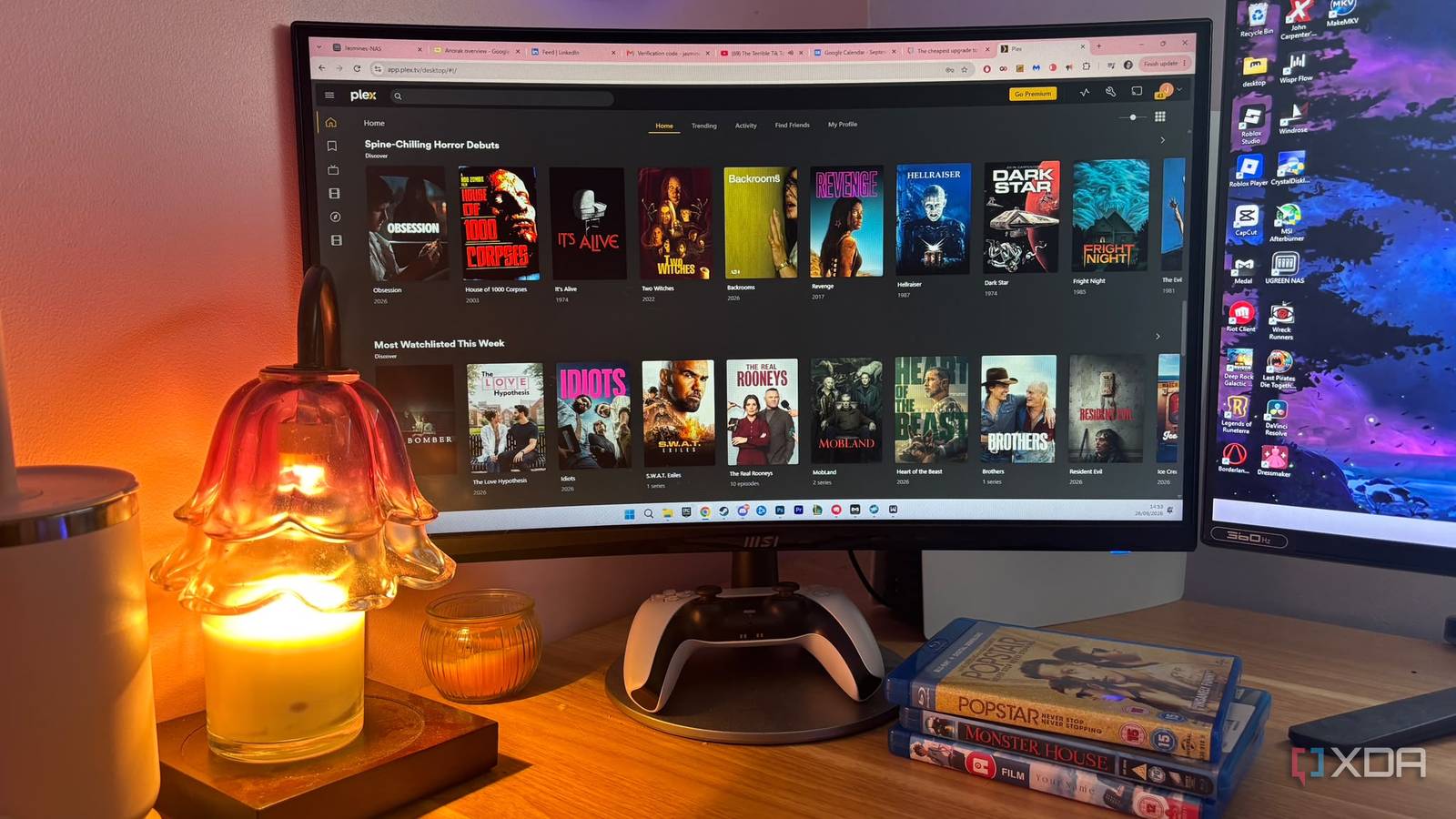
Published Sep 28, 2026, 3:00 PM EDT Jasmine is Software and PC Hardware Author at XDA with years of tech reporting experience ranging from AI chatbots right down to gaming hardware, she's covered just about everything. Whether it's breaking news about the latest AMD NPUs or creating video tutorials on social media platforms, Jasmine has contributed to the world of AI and tech in a variety of ways including interviewing the CEO of Razer, AMD's Director of Product Marketing and the VP of Lenovo. Passionate about gaming and PC technology, she has built countless computers, keyboards and other peripherals - knowing them inside and out. When your media library grows from a small collection to a massive multi-terabyte library, Plex might start to look like a chaotic digital dumping ground with unorganized rows, default generic movie posters, and what feels like zero dynamic creation. By configuring Kometa, formerly known as Plex Meta Manager, you can run it as an overnight automated task in a Docker container and maintain a gorgeous, studio-quality media server that shouldn't feel like a part-time job to organize. You can automate collection building, dynamic metadata tagging, and unified poster generation overnight, transforming a raw media directory into a clean commercial-grade streaming interface that puts Netflix and HBO Max to shame. Plex's inbuilt features just don't stack up Curation isn't customized enough Plex offers some default curation, but it falls short for many people. The metadata that Plex pulls is great as a baseline. It comes from TMDB and IMDb, but it treats your library as a passive storage container, which isn't what you want when you're scrolling through to find something to watch in the evening. It doesn't natively build intelligent, shifting collections (like trending movies, Oscar winners, or automated continue-watching genre hubs) the way many mainstream streaming services do. On top of this, there's a bit of visual inconsistency. Sourcing posters manually results in a jarring mix of vertical text treatments, different font styles, and varying poster dimensions that can break the immersion of your living room TV interface. It just doesn't feel anywhere near as clean and polished as Netflix when you're dealing with all these issues. It brings you professional-level curation and UI This is where Kometa comes in. Kometa operates as a background automation engine to overhaul your media server. It gives you automated artistry and dynamic collections. These data-driven collections are curated by pulling live lists from TMDB, IMDb, and MDBlists to automatically spin up and maintain smart collections. For example, you can have the Marvel Cinematic Universe films in chronological order, a Studio Ghibli category, or the current top 10 trending movies. These will update themselves as your stacks pull down new content. You also have an asset directory and unified poster overlays. It leverages local asset mapping to enforce consistent poster styles, custom textless art, or automated overlays like 4K or 1080p badges, audio format indicators, and Rotten Tomatoes score banners across your entire library. You can set up the overnight cron job. Running Kometa via Docker on your home server during off-peak hours lets it run quietly in the background, syncing metadata, building playlists, and refreshing image caches while you sleep. After you run the script for the first time, the main visual upgrade you'll notice is a streaming-service emulation. It instantly generates rows styled like Netflix, Disney Plus, or HBO Max based on your available media, making navigation more intuitive for family members used to commercial apps. You also get clean title cards and season organization, standardizing these TV show season posters and episode art so long-running series can maintain visual continuity from season one all the way to the finale. There are also automated badge overlays with subtle graphics to display HDR formats, Dolby Atmos audio, and resolution tags directly on the corner of posters at a glance. There's a bit of a learning curve But getting set up with Kometa isn't hard Before you start, note that there is a YAML learning curve, since it relies heavily on structured YAML configuration files. Syntax errors, misaligned indentation, or incorrect library names can cause the script to fail on launch, so be prepared. Another thing to note is that there are rate limits and API pacing. Pulling massive asset directories and querying external APIs like TMDb on an initial run can take time. Tuning your schedule blocks and caching prevents hitting aggressive rate limits. To get started, the first thing you want to do is deploy your Docker container. Spin up the Kometa container on your mini PC or home server, pointing it to your Plex server URL and API token. You can configure your base YAML files by setting up your config.yml and library-specific collection YAML files. You can pull from Kometa's robust defaults library to get premade templates if this is easier. Next, establish all of your asset folders. You can map out a local asset directory if you want to use custom posters, textless backgrounds, or specific text overlays, but this is optional. Once you're all set up, it's time to schedule the overnight run. Set up your cron or container schedule so Kometa executes its magic quietly in the background each evening, leaving you with a flawless library by morning. You can finally ditch Netflix Kometa fixes so many Plex issues Sometimes it's hard to stray away from commercial streaming platforms just because of the convenience and tailored recommendations they give you, but as they keep hiking prices and stripping away features, it's no wonder self-hosters are looking for tools to make private libraries look and feel infinitely more professional. Kometa turns what feels like a chaotic hard drive into an elite media streaming hub instead of staring at your messy default Plex library. Spin up Kometa, configure your collection templates, and let an automated script rebuild your home theater overnight.
I let one free tool rebuild my Plex library's collections and posters overnight, and it looks better than Netflix
Full Article
Original Source
Read the full article at Xda-developers →KhanList aggregates and links to publicly available news content. We do not host full articles from third-party sources. Always verify important information with original sources.