
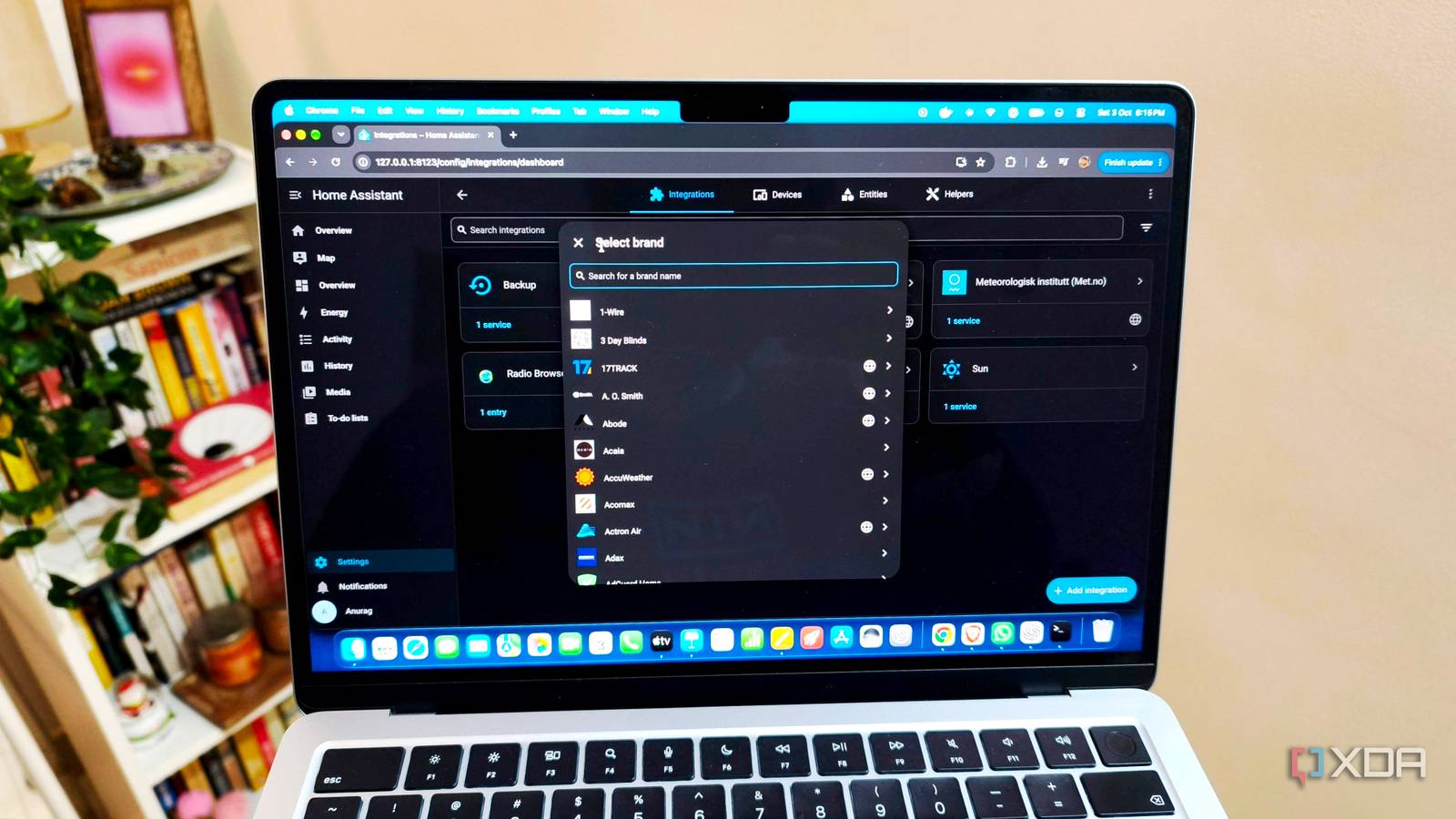
Published Oct 22, 2026, 8:00 PM EDT Anurag is an experienced journalist and author who’s been covering tech for the past 5 years, with a focus on Windows, Android, and Apple. He’s written for sites like Android Police, Neowin, Dexerto, and MakeTechEasier. Anurag’s always pumped about tech and loves getting his hands on the latest gadgets. When he's not procrastinating, you’ll probably find him catching the newest movies in theaters or scrolling through Twitter from his bed. I already use a local LLM with Home Assistant to handle requests that its built-in voice commands don’t understand. Most of what I say still goes through regular intent matching, but having a model interpret more complex requests makes the setup much more convenient. I can phrase things naturally and have it select an existing routine without remembering the exact command. Once that works, giving a local model more control over your automations is a tempting next step. The trouble is that a model’s interpretation determines what happens in your house, and the local model isn't always as accurate as you'd expect it to be. It's also not the smartest. It has messed up plenty of times for me. Sometimes, it's small things like switching off the lights when I ask for the lamps to be switched off, even though I'm using the correct words that I've assigned. There have been plenty of such cases, and they've now forced me to add guardrails. Connecting the model is fairly straightforward I’m using Qwen3 1.7B on my Mac I’m using Qwen3 1.7B on my Mac, with Home Assistant running on a separate machine. The model doesn’t need to run on the same hardware as Home Assistant. You can serve it over your local network and configure a conversation integration to send requests to it. Ollama is one way to do this. You run the model on your Mac, make the server accessible over your local network, and add the Ollama integration in Home Assistant under Settings > Devices & services. Since the two are running on separate machines, the server address needs to point to your Mac’s local IP address. You then select the model and use the conversation agent in your voice assistant configuration. The integration’s “Control Home Assistant” option lets the model use Home Assistant’s tools to interact with the entities you expose to Assist. These can include bedroom lights, individual lamps, fans, and thermostats. The model interprets your request, chooses a tool and its parameters, and Home Assistant executes it. Existing routines can also be made available through scripts. For example, a bedtime script could switch off the TV and living-room lights, then leave a bathroom light on briefly. Exposing that script gives the model a way to start the sequence when you ask it to get the house ready for bed. The script’s description tells it what the routine does and when to use it. I’ve given my model access to quite a few things. That expands the requests it can handle, but it also gives a 1.7-billion-parameter model more devices and actions to choose between whenever I ask it to do something. The model sometimes gets basic requests wrong The most annoying mistakes are the ones that are most basic The most annoying mistakes involve commands that should be straightforward. I ask it to switch off the lamps, and the model switches off the lights instead. I’m already using the names I’ve assigned, so there isn’t much more I can do to make that particular request clearer. Yet it happens often enough that I have to pay attention to what the assistant actually does. I’ve also had questions turn into actions. Asking whether a light is on should get me an answer about its current state, but the model has triggered my “Good night” helper instead. Command scope is another recurring problem. There are times when a request meant for the lights in one room ends up affecting lights across the house. Switching them all back on doesn’t undo the mistake properly either, because some were already off. Then there are requests where the assistant doesn’t execute anything. I’ve had it read the function-call syntax aloud instead of performing the action. Now, most of these mistakes aren't deal breakers, and they don't happen all the time. But when they do, they set you back and force you to fix whatever the command broke. And if it's an elaborate automation, like a nighttime routine, you've just got yourself a whole chore to deal with before bed, which has happened to me quite a bit. You need to limit what the model can do I am now very careful with what it can access After dealing with these mistakes enough times, I eventually started adding guardrails to my setup. One thing I've learned is that simply telling the model not to do something isn't enough. For example, you can add a line to your system prompt telling it never to switch off every light in the house unless explicitly asked, but you're still relying on the same model to interpret that instruction correctly. If you want to prevent something from happening, put those restrictions in the tools and automations that actually execute the commands. First, I limited what the model could access in Home Assistant. Home Assistant itself recommends exposing fewer than 25 entities when experimenting with local models, and that's a good starting point. I've kept the lights, devices, and routines I use regularly available to the model, but there's no reason to give it access to everything in my house. You also need to be careful about which scripts and helpers you expose. A seemingly harmless script could trigger several other automations, so you're effectively giving the model control over more devices than you intended. Another thing that has helped is using predefined scripts for anything involving multiple devices. Take my bedtime routine, for example. Instead of letting the model decide which lights to switch off, what temperature to set, and how long the bathroom light should stay on, I use a script that handles it all. The model only needs to recognize my request and trigger that script. Everything else happens in a sequence I've already defined and tested. Of course, that doesn't mean you should blindly trust every command the model sends to a script. I've also found it important to restrict what these tools can actually do. For example, you can configure a thermostat tool to reject temperatures outside a certain range or make a lighting tool accept commands for only a particular room. The key is that the script or tool itself must enforce these checks. For more sensitive actions, I'd rather require confirmation through a trusted interface or simply keep those controls out of the model's reach. I’m keeping the model on a leash I still want the convenience of speaking naturally to my home, but I don’t trust this model with unrestricted control. The mistakes are too frequent for that. If you’re trying something similar, decide exactly what it can operate before expanding access.
I let a local LLM control my Home Assistant automations, and it took a wrong turn before I added guardrails
Full Article
Original Source
Read the full article at Xda-developers →KhanList aggregates and links to publicly available news content. We do not host full articles from third-party sources. Always verify important information with original sources.