
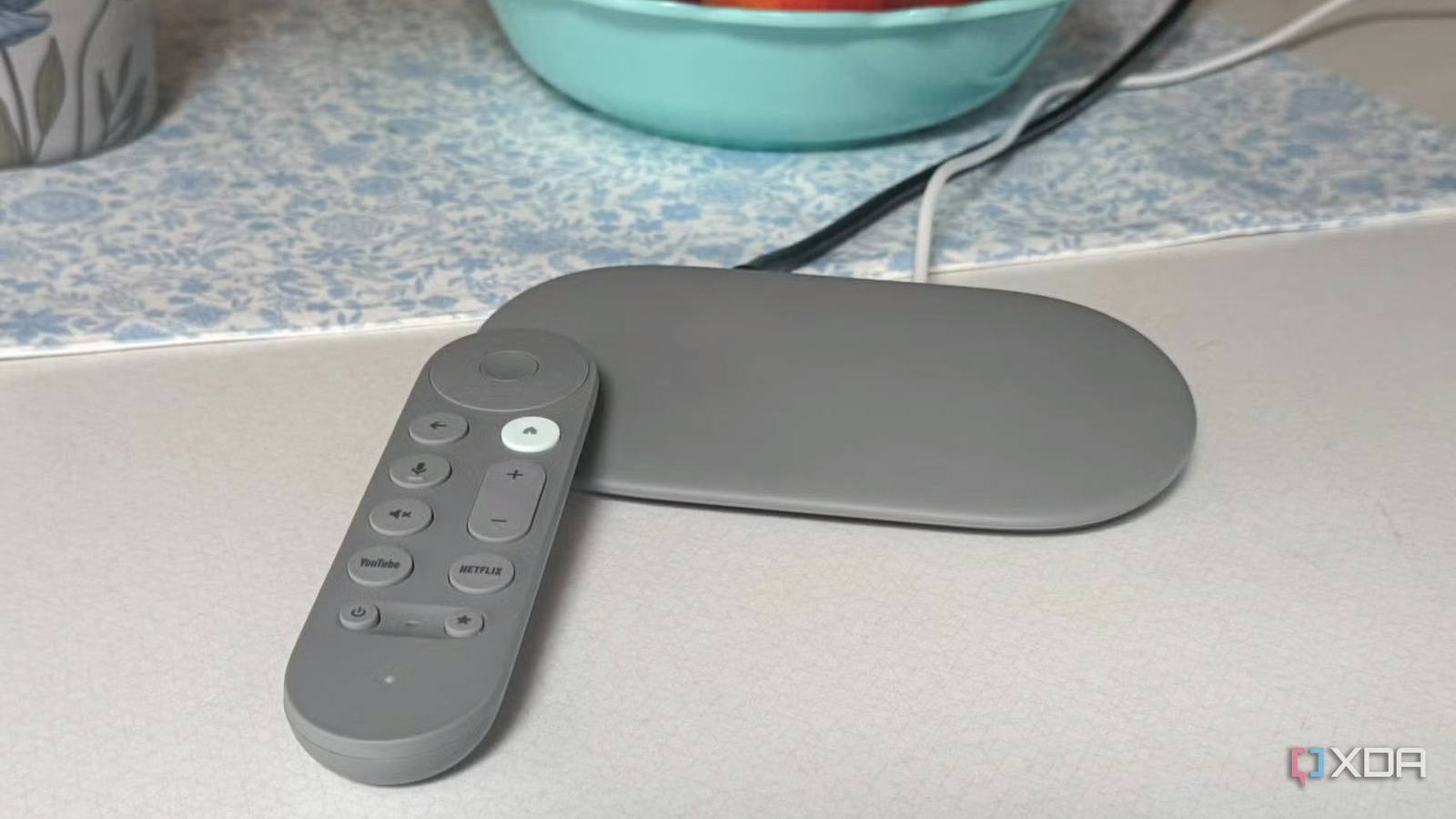
Published Aug 21, 2026, 6:00 PM EDT Based in rural Minnesota, Brian Burgess worked in IT for 10 years before finding his passion for writing about consumer technology. Brian earned his degree in computer and network technology in 2000. He held various IT positions, including help desk support, router installations for IBM, database administration, and other associate network administration roles. He's been a personal technology journalist for 18 years and has written thousands of articles about Microsoft products and services, Android, iOS, streaming, and more. He has written for notable tech sites including XDA, InformationWeek, How-To Geek, Byte, groovyPost, and others. When he is away from the keyboard, you will hear him playing guitar, working outdoors, and watching Star Trek. I enjoy my Android/Google TV so much that I abandoned Fire TV sticks. However, Google's own Streamer device isn't always an ideal solution for my streaming needs. It has many glitches that other modern streaming devices don't. From flickering screens to random reboots and user interface lag, it seems the company hasn't maintained the device well. The Google TV Streamer launched in 2024 as the successor to the Chromecast, and it was buggy at first. Two years later, having installed Google's limited updates, I am still fighting performance inconsistencies that interrupt my entertainment experience. A glitchy Google TV user interface The Google TV Streamer's laggy user interface is frustrating When I power on the Google TV Streamer, I am often greeted with a glitchy home screen that instantly irritates me. It freezes up while navigating menus, switching between apps, or reordering apps. This happens whether I use alternative Android TV launchers or not. The device has 32GB of storage, but it can fill up quickly with apps and their cache. Especially since I use many self-hosted streaming apps for Android TV like Jellyfin, Kodi, and Plex — on-demand streaming apps like Netflix or Paramount+ add up, too. Similar to a PC, once the drive is too full, the system slows down. Apps stall, the remote disconnects, and the menu system hangs. The buggy interface is best described as unreliable. I don't have a single consistent issue, but a multitude of bugs seem to come and go. The home screen sometimes freezes randomly or delays app launches. Sometimes it takes a noticeable amount of time to move from one app icon to another. There is also intermittent lag when scrolling throughout the Google TV experience, even after it has been up and running for a while. With the success I've had with a 2026-released budget Android TV 4K Pro box, the Google TV Streamer's constant glitches are getting close to the point where I'll abandon it as my main entertainment system. But I certainly wouldn't trash it or leave it in my forgotten device graveyard. There are workarounds for specific issues, and it backs up other TVs in my home. Still, you can often find the Google TV Streamer at great prices now. The bugs aren't a complete deal-breaker, and I often see it $20 cheaper from third-party retailers than it is when bought directly from Google. It's still a good way to discover an authentic Android/Google TV experience you can't get with Fire TV sticks that still run the Android-based Fire OS. Google TV Streamer 4K HDMI-CEC instability with Streamer Random power-on events While it has improved recently, HDMI-CEC issues have long plagued home media enthusiasts. However, the Google TV Streamer can't seem to get the CEC handshake done properly. I have constant problems with the device randomly powering itself on or off, or turning other devices on or off. There hasn't been any documented mention that Google released a fix, and I've downloaded all the updates. Inevitably, I ended up turning off HDMI-CEC and using the Streamer's remote to resolve the issue. That isn't something I've had to do with other modern streaming boxes with HDMI-CEC functionality. Updates have been thin for the Google TV Streamer Device bugs are never fixed It feels like Google has forgotten about its set-top box. Updates since the release have been few and far between. When an update is released, it doesn't seem to fix the device's known bugs. The company has only rolled out five notable updates since its release in 2024. A substantial update was released in early 2025 that bumped up the voice remote's firmware version, but the disconnection issue persists. The sparse landscape of Google TV Streamer updates means I still see screen flickering (though less often), random reboots, audio issues, random Bluetooth connectivity errors, and consistent UI freezes and lag. It's frustrating, to say the least, and when one update comes in, a different bug seems to become more persistent. It's becoming like Windows, where you don't know whether to download an update or wait and see what types of problems it causes. The Google TV Streamer alternative My budget Android TV is mostly reliable I also bought the $60 Onn Android TV box, and it's a more reliable and less glitchy device than the Google TV Streamer. I filled it with apps and files, but the remote doesn't disconnect, there's no screen flickering, and the user interface is generally responsive. That isn't to say it's perfect. While the remote doesn't disconnect, there are times when it's unresponsive, and the UI lags; usually while on the home screen. When I run them side by side, I find the Onn box a better experience, and it includes a USB port, which the Streamer lacks. Still, HDMI-CEC conflicts affect the Android TV box, especially in setups with Soundbars and other connected devices like Blu-ray players or other streaming sticks. I experience random reboots, input switches, blank screens, and unexpected power-on events, which can be jarring. Like the Google TV Streamer, it's typically fine when I connect it to a single TV. But on my main setup, I have about eight devices connected through an AV receiver. So it feels unpredictable when I use the remote to power on a device. Fixing Google TV Streamer bugs Some solutions exist There are a handful of things to try if you are experiencing bugs with the Google TV Streamer. One of the best options is to free up storage space on the storage drive. That doesn't mean I uninstalled all my apps, but I clear the app cache by going to Settings > System > Storage > Free Up Storage > Clear Cache. While in the settings, I also uninstall unused apps to free up more space on the internal drive. Since I have multiple HDMI devices connected to my TV and have problems powering on/off or switching inputs, disabling CEC was the best route. Head to Settings > Display & Sound > HDMI-CEC, and toggle the setting off. Once that is off, the cross-device input problems should be resolved. I use my TV's remote to fire up my setup and turn on the box separately. I also make sure I install system updates as often as possible. While the number of updates rolling out for the Streamer has been light over the past two years, it's essential to install the ones released, even if they don't list a specific bug fix. Some firmware upgrades include bug fixes that are hard or impossible to find in the company's official documentation. Given the bugs, I might retire the Google TV Streamer With Google seemingly quietly abandoning the Google TV Streamer and constant bugs, it might be time to retire the device. The budget box I have was released this year, works better, and provides the same excellent Android TV experience I am used to. It's doubtful I would move to a streaming stick like Roku, and new Fire TV sticks with Vega OS are a nonstarter. With that in mind, the budget Onn box is the leading candidate to replace the aging Google TV Streamer.
I gave the Google TV Streamer another chance, but it's still too buggy
Full Article
Original Source
Read the full article at Xda-developers →KhanList aggregates and links to publicly available news content. We do not host full articles from third-party sources. Always verify important information with original sources.