
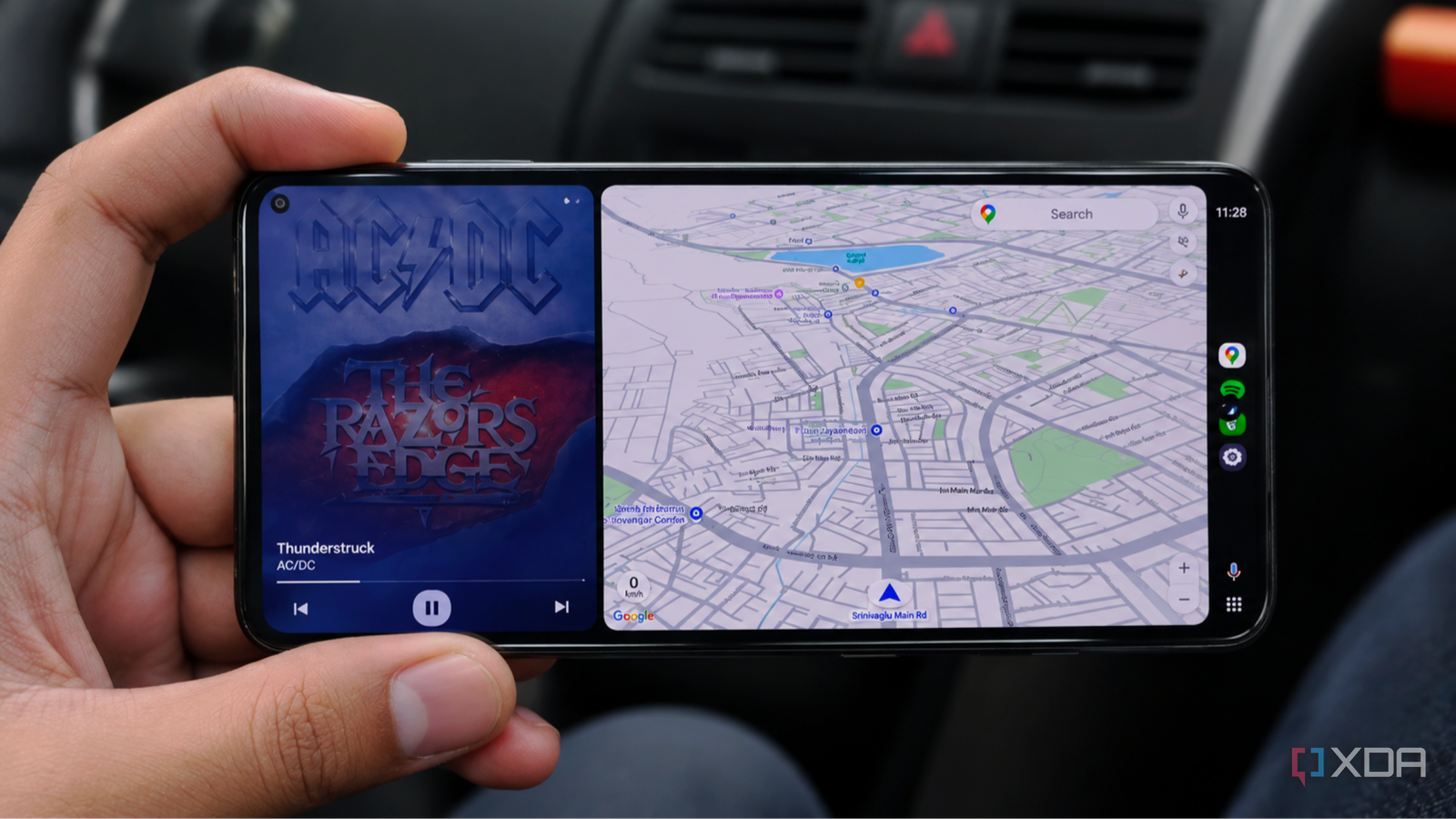
Published Nov 8, 2026, 8:00 PM EST Anurag is an experienced journalist and author who’s been covering tech for the past 5 years, with a focus on Windows, Android, and Apple. He’s written for sites like Android Police, Neowin, Dexerto, and MakeTechEasier. Anurag’s always pumped about tech and loves getting his hands on the latest gadgets. When he's not procrastinating, you’ll probably find him catching the newest movies in theaters or scrolling through Twitter from his bed. Android Auto is one of those things I use almost every time I get into my car, but it was becoming a nightmare for my primary phone. On longer drives, my phone would get unusually hot and drain its battery faster than I could charge it.Since my phone struggles to charge properly when in use, keeping it plugged in didn't help much either. By the time I reach my destination, I often have barely any battery left. I'vetried everything from switching off 5G to disabling certain Google Maps features, but every fix comes with another inconvenience.Eventually, I realized I was putting my primary phone through all this trouble when a cheap secondhand Android phone could do the same job without affecting the device I rely on every day. Android Auto was draining my phone faster than I could charge it Every fix came with another compromise Android Auto runs Google Maps, streams music, and keeps my phone connected to the car, all of which add to the workload. My phone is a few years old, so the battery isn't in the best condition anymore. Even with a charger connected, the battery percentage barely goes up, and sometimes it continues dropping. The phone also gets noticeably hot, which slows charging even more. I've tried several ways to reduce the strain without giving up Android Auto altogether. The first thing I tried was switching from 5G to LTE before driving. That actually helped with both battery drain and overheating, but I had to give up faster mobile data speeds. And I had to remember to switch back to 5G once I got out of the car. I also turned off 3D buildings in Google Maps, hoping to reduce some of the processing involved in navigation. It's a feature I can easily live without, but having to disable things just to keep my phone from overheating is annoying. For longer journeys, I've even started downloading offline maps and turning off mobile data altogether. This reduces the phone's workload, but I have to plan routes in advance and lose access to live traffic updates. A secondhand Android phone solved most of my problems Android Auto doesn't need expensive hardware I figured it would be easier to stop using my primary phone for Android Auto altogether. I didn't want to spend a lot of money on another phone. I picked up a used Samsung from a friend for a couple of hundred dollars. It wasn't anything fancy, but it was more than capable of running Android Auto. You can find plenty of older Android phones on Facebook Marketplace or eBay, and you might already have one lying around. And that's the thing about Android Auto. You don't need a flagship phone to use it. As long as you have a compatible Android device, it can handle Google Maps, music streaming, and all the other apps you typically use in your car. I paired the Samsung with my car, set up the apps I needed, and started using it instead of my primary phone. The experience was largely the same, except I no longer had to worry about draining the battery on the phone I actually needed throughout the day. Even if the Samsung got warm or used a lot of battery on a long drive, it didn't leave me with a nearly dead primary phone when I reached my destination. The only thing I had to worry about was internet connectivity. I got a dedicated SIM card with a basic data plan because I didn't want to use my primary phone as a hotspot. That would create the same problem again, with my phone heating up and draining the battery. I'd essentially be back to square one. Also, when you're not using the second phone, keep it out of direct sunlight to prevent overheating. You can store it in the glove box, but it's better to take it with you if you're leaving the car parked in the sun, since the cabin can get dangerously hot. You can also turn an old phone into an Android Auto display Your phone can be the head unit, too There's another interesting thing you can do with a spare Android phone, particularly if your car doesn't have Android Auto built in. Instead of buying an aftermarket head unit, you can mount the phone on your dashboard and use its screen as an Android Auto display. Open Headunit makes this possible. It turns an Android phone or tablet into an Android Auto receiver, letting you use the familiar interface without a separate infotainment display. It also supports something called Self-Mode, where Android Auto and the receiver run on the same device. Setting it up is fairly easy. Install Open Headunit on your spare phone and make sure Android Auto is available. In Android Auto's Settings, tap the version number ten times to unlock developer options. From the three-dot menu, select Start Headunit Server. Then launch Open Headunit and connect using Self-Mode or the Head Unit Server connection option. Once everything is working, you can mount the phone somewhere easily accessible without obstructing your view. You can also route the audio through your car's speakers using Bluetooth or an Aux connection, depending on what your car supports. Open Headunit
I gave my primary phone to Android Auto and made a huge mistake until I switched to a secondhand device
Full Article
Original Source
Read the full article at Xda-developers →KhanList aggregates and links to publicly available news content. We do not host full articles from third-party sources. Always verify important information with original sources.