
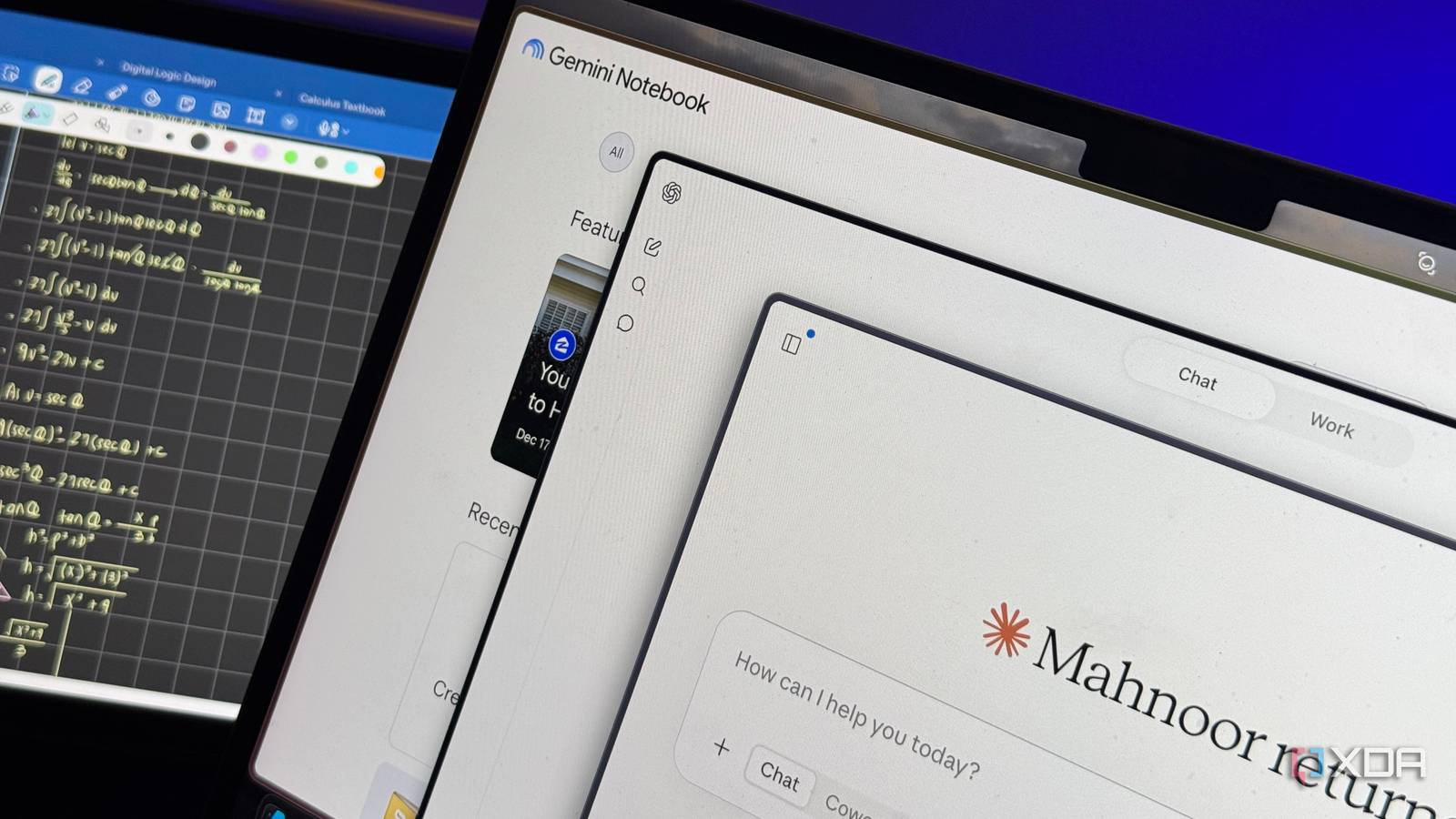
Published Aug 22, 2026, 7:30 AM EDT Mahnoor Faisal is a tech journalist covering AI and productivity tools with bylines at XDA, SlashGear, MakeUseOf, Laptop Mag, and Android Police. She's been writing professionally since she was sixteen, and has since penned hundreds of articles. This includes in-depth coverage of AI tools like NotebookLM to breaking news across the AI space. Her passion for technology started when she received her first iPod Touch (4th generation) on her 8th birthday, and she's been deep in the tech world ever since. Currently pursuing a degree in computer science, Mahnoor brings both a journalist's eye and a technical foundation to her coverage of how AI is reshaping the way we work and learn. Preparing for a new academic year once began with deciding what backpack you wanted, picking out binders, and stocking up on enough stationery to convince yourself this semester would finally be different. It then turned into picking between handwritten or digital note-taking, and eventually between a MacBook and an iPad. Now, there's another choice creeping into that back-to-school checklist: which AI tool should you actually use? ChatGPT, Claude, and NotebookLM are the three names you'll hear repeated over and over again. They can all help with the kinds of things students do every day, from breaking down difficult concepts to summarizing readings and preparing for exams. However, after using all three throughout an entire semester, I found that one of them fits the way students actually study far better than the others. NotebookLM fits into almost every stage of studying It has its flaws, though NotebookLM, which is now called Gemini Notebook, is positioned as Google's AI research assistant. However, I don't really use it for "research" in the traditional sense, and most of the time I spend on it is tied directly to my coursework. The foundation of NotebookLM is very different from Claude, ChatGPT, and practically any other AI chatbot out there. This is because it's centered around grounding its responses in the sources you give it. Instead of opening a blank chat and hoping the model has enough context to help, you build a notebook around your own material and then work from there. For me, that usually means creating a separate notebook for each course and filling it with lecture slides, readings, notes, textbooks, and anything else I accumulate throughout the semester. Once a notebook is populated with resources, I can then essentially do all my studying within it. I can ask questions about a concept I didn't understand in class, have it summarize a particularly dense reading, generate Studio outputs like Audio Overviews, Slide Decks, Flashcards, and Infographics, or quiz me on material when I want to test what I actually remember. In theory, you can do all of this in ChatGPT and Claude as well. However, what makes NotebookLM unique is the fact that everything it'll tell you and generate is grounded in the material you've added to that notebook. Each response you get in the Chat panel will have clickable citations, and Studio outputs now also have a Sources section that lets you trace the information back to the material it came from. That makes it much easier to verify what you're studying instead of simply taking an AI-generated answer at face value. As a student, this is what matters to me most. I remember giving ChatGPT a go for studying before it became a household name, and was instantly disappointed. Back then, it wasn't because the LLM was giving me incorrect answers (which, to be fair, it was more often than not). Instead, it was simply because the answers ChatGPT would give me came from its internal training data or the broader web. When I'm attempting an exam, the content I'll be tested on is set by my professor, and that's ultimately what I need to study. This means that I need the explanation that lines up with my lecture slides, assigned readings, and whatever else my course is actually built around. While additional information from the web is certainly excellent when I'm trying to understand a topic more deeply, it can just as easily become noise when I'm revising for an exam and need to stick to exactly what I've been taught. This is the biggest reason why an AI tool built to work primarily with your material rather than fetch information from elsewhere makes so much more sense for studying. NotebookLM keeps the focus on the sources that actually matter for the course, while still giving me the flexibility to turn those sources into whatever format helps me learn best. That said, NotebookLM's recent updates have been clearly pushing the tool toward a broader audience than just students. Features like Deep Research, web discovery, and more polished Studio outputs make it just as useful for work and general research. Still, I don't think that takes away from what it does best. At its core, the way NotebookLM is structured still maps almost perfectly onto how students already study: gather course material in one place, understand it, transform it into something easier to revise from, and then test yourself on it. ChatGPT works best as an all-rounder The jack of all trades actually works here While I was once a die-hard Claude advocate when it came to studying beyond your own sources, I've now found myself reaching for ChatGPT far more often. I've observed that OpenAI's newer models tend to spend more time reasoning through your questions and conducting research, whereas Anthropic's newer models seem to be eager to get you an answer as quickly as possible. That isn't necessarily a bad thing, but when I'm trying to understand a difficult concept rather than simply get an answer to a question, I generally prefer the former approach. Though I do currently have a ChatGPT Plus account, another reason why I'd recommend ChatGPT to students over Claude is because it now offers unlimited text messages. This means that you won't run into the annoying "you've run out of free messages" pop-up while you're cramming for an exam, and can continue asking follow-up questions without having to worry about rationing every prompt. Of course, there are still limits on some of ChatGPT's more advanced features and models, but for everyday studying, simply knowing that a long revision session won't suddenly be cut short makes a surprisingly big difference. ChatGPT's Study mode is excellent as well. Instead of simply handing you an answer, it takes on more of a tutor-like role by breaking concepts down step by step, asking you questions along the way, and checking whether you've actually understood something before moving on. I've found this especially useful when I'm trying to learn a concept rather than just get through an assignment, since it makes the experience feel far more interactive than a regular back-and-forth with a chatbot. Claude is great when the task plays to its strengths When Claude is good, it’s really good The only reason why I can't fully recommend Claude to students is because its free tier is essentially useless. No matter where you study or what you're majoring in, what binds almost every student is the fact that they're on some kind of budget. You can't send more than a couple of messages before hitting a wall on the free plan, and once you add uploading documents to the mix, those limits start to feel even more restrictive. Besides, I've also realized that Claude works best for certain kinds of studying and specific tasks. For instance, if I'm studying for a coding-heavy course where I need to understand codebases and debug lines and lines of code, Claude is the one I'll turn to without thinking twice. Similarly, if I need to do any type of visual work for a course, like vibe-code a simulation or an interactive slide deck, Claude tends to be my first choice. It's incredibly good when I have a specific end result in mind and want the AI to actually build something around it, rather than simply explain the material to me. Artifacts are particularly useful for this. Instead of asking Claude to generate another set of flashcards, I can give it my lecture material and have it turn that into something genuinely interactive, like a workbook with multiple-choice questions, short-answer exercises, matching activities, diagrams, or even small simulations I can work through. That makes Claude especially useful when I want to turn what I'm studying into something I can actually interact with rather than just read. You can't really rely on one tool for all of your studying While you'll sometimes need to strictly study from your own sources, that won't always be the case. Other times, you'll need to look beyond them, work through a difficult problem, build something interactive, or just have a concept explained to you in a completely different way. That's why figuring out which AI tool works best for you takes some experimenting. NotebookLM is still the one I'd recommend most strongly to students because of how naturally it fits into the way we already study, but ChatGPT and Claude each have strengths that make them worth keeping around too. At this point, I don't really see them as competing tools anymore, especially in the context of studying. I see them as three very different tools that happen to overlap in a lot of places!
I gave ChatGPT, Claude, and NotebookLM my entire semester — one was built for the way students study
Full Article
Original Source
Read the full article at Xda-developers →KhanList aggregates and links to publicly available news content. We do not host full articles from third-party sources. Always verify important information with original sources.