
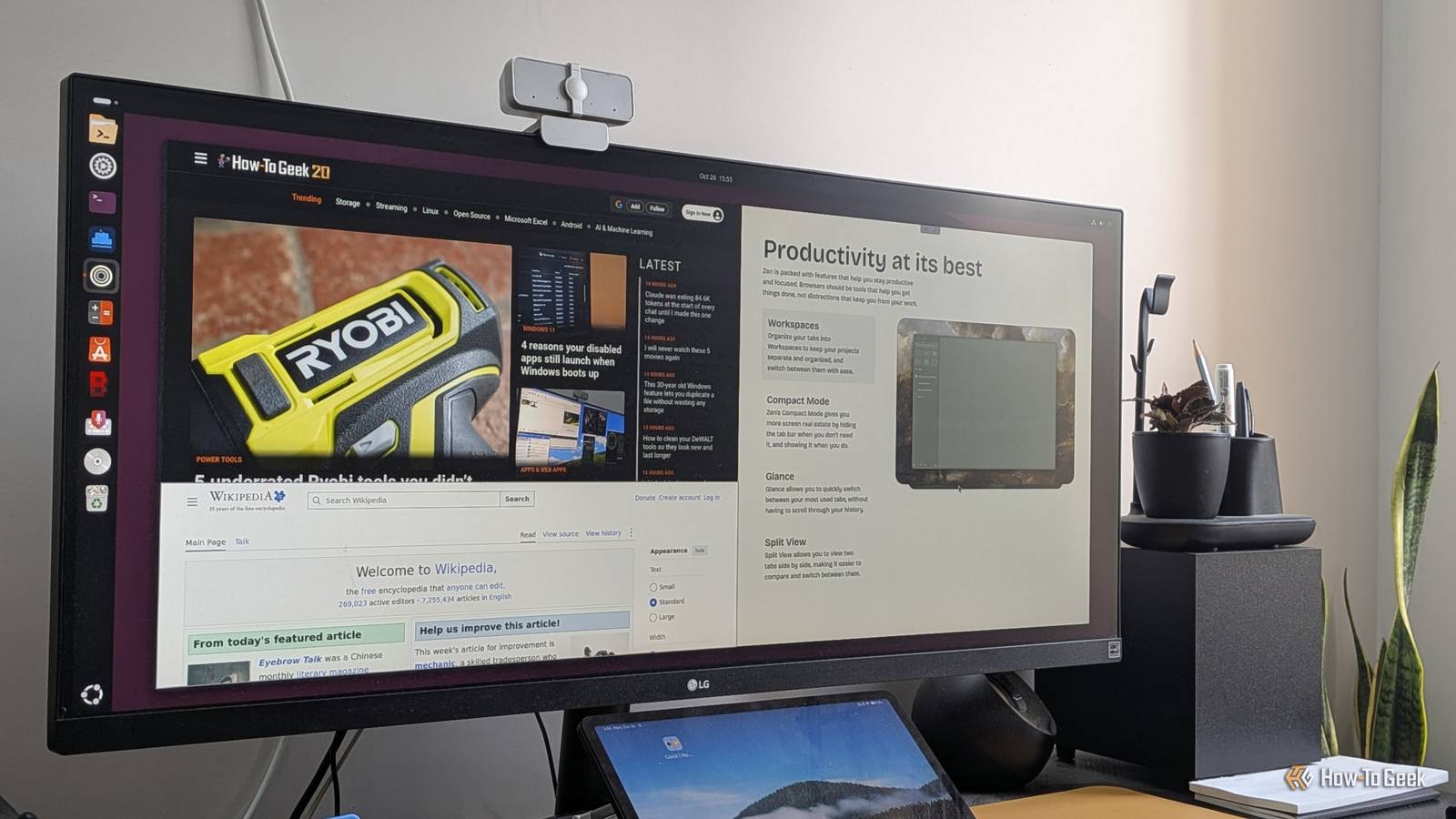
Published Oct 27, 2026, 10:30 AM EDT Dibakar Ghosh is a tech journalist at How-To Geek with over a decade of experience using and writing about open-source software, Linux, Android, AI, and personal productivity. He writes about software, operating systems, and tools that help people get more from the technology they already use. Almost everything I do on my PC happens inside the browser, to the point that I feel like my operating system is basically a bootloader for my browser. Now, when you have an app that’s so central to your workflow, it’s natural to get a bit picky about it. Thankfully, Firefox has been more than enough as my daily driver for over a decade. Sure, I occasionally experiment with other browsers to see what’s out there, but I’ve always returned to Firefox — that is, until now. A relatively new browser has been getting a lot of attention in the Linux communities I follow. It’s free, open source, based on Firefox, and packs a lot of cool and modern features. So I decided to give it a try, and after a few months of use, it finally ended my decade-long relationship with Firefox and became my new default. In case you haven’t guessed it already, I’m talking about Zen Browser. And here’s why I think it should become the default browser for most Linux users. What makes Zen better than Google Chrome (or Chromium) Just one word: Firefox Zen is based on Firefox, and that, at least in my opinion, automatically makes it a better browser than Google Chrome. Despite being the most popular web browser on the planet, Chrome is unnecessarily bloated and full of telemetry. Furthermore, Google’s recent move to Manifest V3 means you can no longer run many useful extensions. This includes uBlock Origin, which I consider absolutely necessary for the modern state of the World Wide Web. Of course, there are plenty of other Chromium-based browsers that are far better optimized and less bloated — but they still aren’t up to the standard I, and many others call “good.” They just try to throw in a buffet of features to woo the user, and end up creating an unnecessarily cluttered and busy user experience. On the other end, you’ve got the minimal browser like Ungoogled Chromium, but they’re minimal to a fault. I found many websites, particularly web apps, would break, and the only solution I could find was to reintroduce the stripped-out Google components. Brave is probably the best of the bunch, with built-in ad blocking alongside tracking and fingerprinting protection. However, it brings its own flavor of bloat with unnecessary crypto features, a lackluster and overpriced VPN, a built-in AI agent, sponsored images on the new tab page, and a push towards its own search engine. As such, if you’re anything like me and can’t imagine browsing the web without uBlock Origin, want to keep your data away from Google, and also want a modern web browsing experience, then Firefox is where you should be. And since Zen is based on Firefox, you’re getting all of these benefits along with a carefully curated collection of modern functionalities. In fact, Zen actually takes it a step further and offers an even more private and secure experience than Firefox itself — which makes it a good segue into our next section. Zen Browser Zen is a modern, free and open-source (FOSS) browser based on Firefox. What makes Zen better than Firefox Zen basically beats Firefox at its own game One of the main reasons people choose Firefox over Chrome is privacy — but Firefox isn’t as private as many people assume, at least not in its modern iteration. For example, in 2024, Firefox introduced a feature called Privacy-Preserving Attribution, which lets advertisers measure their ads’ performance through the browser — demonstrating a willingness to make the browser more advertiser-friendly. Then, in early 2025, Mozilla introduced a Terms of Use agreement for the first time, using questionable wording that implied the company could potentially sell user data. Mozilla has also started shoehorning AI features into Firefox, suggesting its increasing willingness to follow industry trends instead of community demand. Granted, in all these instances, Mozilla backtracked on its decisions following public backlash, including adding a kill switch for its AI features. That said, I — and many others — can’t help but get the feeling that Mozilla is moving away from its founding principles of user autonomy and freedom. It feels like they want to go mainstream, catering to the same audience as Google Chrome. This is where Zen comes in. It offers a much more private browsing experience with zero AI features. It doesn’t collect any user data by design, let alone store or redistribute it. It also disables third-party tracking and analytics tools. However, you still get all the core Firefox features you love, like Firefox Sync, and access to its entire extension library, including — yes, uBlock Origin. Beyond privacy, Zen also adds a range of modern browsing features. These include vertical tabs, workspaces for organizing your tabs, split view for viewing multiple tabs in the same browser window, and my personal favorite: Glance, which lets you preview links in a floating window without opening a new tab. There’s also support for community-made mods that let you customize Zen and add extra functionality. All these features help “modernize” the browsing experience without unnecessarily resorting to AI. However, what I love most is how thoughtfully the developers have integrated these features into the browser. Apps often start to feel heavier and more cluttered as they add features, but Zen delivers a clean, minimal, and calm browsing experience. If some of these features feel familiar, it’s probably because the Arc browser popularized them. However, Arc never made it to Linux, and unfortunately never will. The Browser Company, the people behind Arc browser, is sunsetting the project on December 22, 2026, to focus on their next agentic browser, Dia. As such, if you’re a Linux user who was a fan of Arc, Zen is the closest open-source alternative that’s still actively maintained. Isn’t Zen also available on Windows and macOS? So why is it only the best Linux browser? So far, I’ve made my case for why Zen is better than both Chrome and Firefox. However, since it’s also available on Windows and macOS, you might be wondering why I’m only calling it the best Linux browser rather than simply the best browser, period. Well, the reason boils down to one thing: DRM (Digital Rights Management). You see, most major streaming services require desktop browsers to support certain DRM technologies to play their protected content. Many browsers handle this using Google’s Widevine, which requires browser integration and licensing arrangements. However, at the time of writing, Zen doesn’t come with a Widevine license out of the box. This means you can’t use Zen to stream protected content on services such as Netflix and Spotify — which is a major browser use case. That said, this is only a problem if you’re on Windows or macOS. Streaming services don’t check for this certification on Linux. As such, if you’re using Zen on Linux, you can use it to stream from Netflix, Spotify, and most other streaming services, just like you would with Chrome or Firefox. This means, Linux is the only place where you’re getting the complete Zen experience. On Windows and macOS, Zen is held back by the DRM requirement, so it can’t really be considered the best browser on either platform. Zen is already great — but it can still be better Zen is awesome, and it’s currently my daily driver. However, I should mention that, at the time of writing, it’s still in beta. Some Zen users have reported bugs and glitches, with memory leaks being one of the most common complaints. You can check out the project’s GitHub issues page to get a sense of the most common problems and how the developers are addressing them. That said, only some users experience these bugs and issues. I and many others have had better luck with Zen. I’ve used it on Ubuntu, Bazzite, Garuda, and Windows 11 without experiencing any major problems — just the occasional stutter when I have 50 or more tabs open, but nothing out of the ordinary. As such, I’d definitely encourage you to give Zen a try. You might have the same luck I’ve had. Alternatively, you could bookmark it and come back when it exits beta. At that point, I am certain it’ll become the browser to beat.
I finally tried the best Linux web browser, and it’s my new default
Full Article
Original Source
Read the full article at Howtogeek →KhanList aggregates and links to publicly available news content. We do not host full articles from third-party sources. Always verify important information with original sources.