
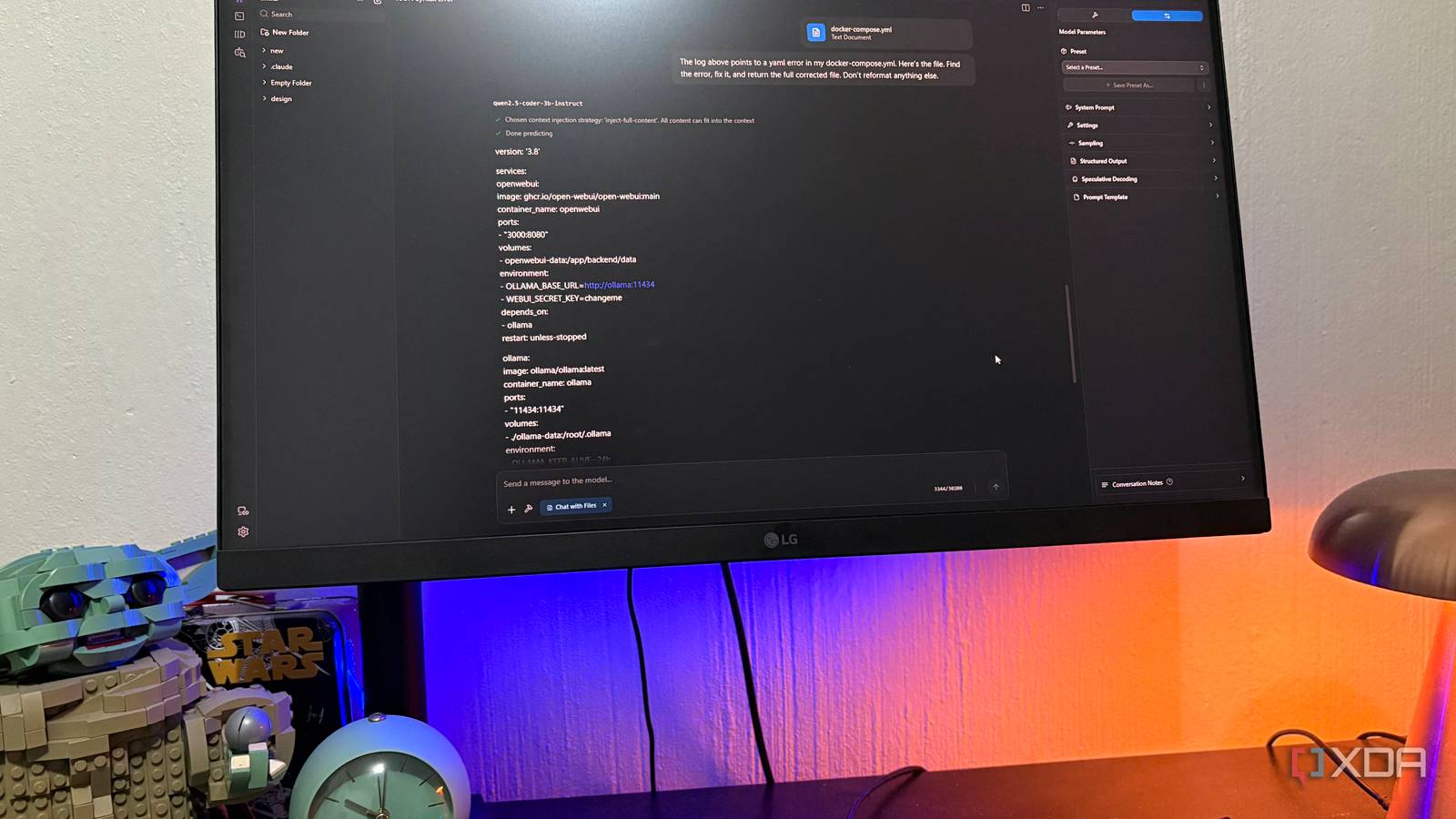
Published Sep 1, 2026, 7:00 PM EDT Nolen began their writing career in 2019, with three years dedicated to editing the Creative section at MakeUseOf. Their expertise lies at the crossroads of technology and creativity, covering areas like photography, video editing, and graphic design. Outside of work, you'll often find Nolen diving into a good book, writing their own stories, or playing video games. Half the time you use any AI for something research-heavy, the opening exchange isn't the question you actually want to ask. Instead, it becomes a whole setup you have to curate first, usually into a folder or project with a system prompt and knowledge base, depending on the AI's workspace features. This is why Obsidian is one of my favorite note-taking apps, not because it's a phenomenal app, but because the vault already has all the content and background information this type of setup could need, and it's so easy to integrate with just about any tool because of the plain folder structure. All it takes is giving an AI tool filesystem access and pointing it at the vault. And when you use a local LLM instead of cloud AI, the entire pipeline stays private to boot. Want to stay in the loop with the latest in AI? The XDA AI Insider newsletter drops weekly with deep dives, tool recommendations, and hands-on coverage you won't find anywhere else on the site. Subscribe by modifying your newsletter preferences! How I hook up my Obsidian to my local LLM It's a quick MCP server setup Before I get into how I make this setup work for me, here's what I'm actually working with. I use various LLM runners, but my primary pick is still LM Studio because of how quick and easy it is to spin up, and it also has an easy integration for plugins and MCPs. I use Anthropic's official filesystem server @modelcontextprotocol/server-filesystem, and my model of choice here is Qwen 3.5 9B because it's what my 8GB VRAM can handle and it's strong at tool calling. The setup is a single JSON block in mcp.json. You add the filesystem server, point the args at your vault path (double backslashes on Windows), and LM Studio spawns the server on save. One catch is that the server won't start without at least one allowed-directory argument, so if it fails the first time, that's usually why. What the model actually gets is a small set of file-reading tools. It can list a directory or search filenames, and it can read individual files as full markdown. It's not doing embedding search or RAG. There's no vector database sitting between the model and my notes. It just reads the file when the question needs it, the same way I would. Writes stay on manual approval on my side, since I'm using the vault as read-only memory here rather than letting the model edit anything. My local model has read months of my own research And it answers like it I set this up trying to think of it more like a search feature than a document setup, like the model would fetch a note when I asked something specific. And the more you use it, it can also start to feel like long-term memory… that just happens to live on your own PC. I don't keep every single aspect of my life in the vault, at least not in all of them (I have three), but this one has notes, research, pitches, and some random ideas. So now my model basically knows what I know. The important distinction is that this isn't RAG. Tools like AnythingLLM, Notion AI, and the Smart Connections Obsidian plugin all chunk your notes and embed them into vectors, then retrieve fragments at query time based on semantic similarity. The filesystem MCP hands the model whole files. RAG does scale better for large research stacks, but for the notes I have, the model reading a full note is a way better experience than getting a semantic-match slice of it, because it reads the note the way I wrote it rather than as decontextualized chunks. That unlocks a class of questions a fresh cloud chat can't really handle. For example, asking whether a tool I tested last month held up when I revisited it: the model pulls the original test note and any daily notes referencing it since, and gives me an actual answer. Or asking whether I've written anything that contradicts what I'm about to write, which catches things I'd otherwise miss. Also useful is asking whether I've touched a tool before when it comes up in the news cycle, and finding out I'd already tested it six months ago in a pitch that never went anywhere. These aren't really fancy capabilities, but definitely practical. I could just use Claude, but again, local is better for anything you'd rather keep off the cloud. For me that's stuff like finances or embargoed news and so on. It removes any concern you might have about your data ever becoming public. The inverse is also beneficial The vault got better because I'm pointing a model at it You'd think that having the vault in your LLM runner is the only benefit here, but I actually found the inverse true as well. If you've read any of my Obsidian-related articles you'll know how I naturally gravitate toward a super messy vault, I'm just that person that stashes stuff and forgets about it. Now having a local LLM inside my vault ended up making it more useful. Adding content that I knew a model would eventually read forced me to write it more clearly, or at least sort out the frontmatter and wikilinks and such, which a local model also handles easily with write access. So there's a bit of a back-and-forth loop here. For example, if a model keeps retrieving a note about a specific topic but misses the follow-up daily note about my takeaways, I start linking them. It's almost like the model's retrieval acts like a live audit of my note quality, and if it can't make sense of something I wrote, I probably wouldn't have been able to either in a few months. A feedback loop I wasn't expecting This is such a simple setup but with a huge payoff. Any local LLM session can be turned into a research session so long as the content is already in my vault. Furthermore, you can keep a document in the vault with rules for your local LLM on how to behave, you'll just have to remember to tell it to read that file first because it's not automatic like the mechanics of a claude.md file.
I fed my entire Obsidian vault into a local LLM, and now it actually understands my research
Full Article
Original Source
Read the full article at Xda-developers →KhanList aggregates and links to publicly available news content. We do not host full articles from third-party sources. Always verify important information with original sources.