
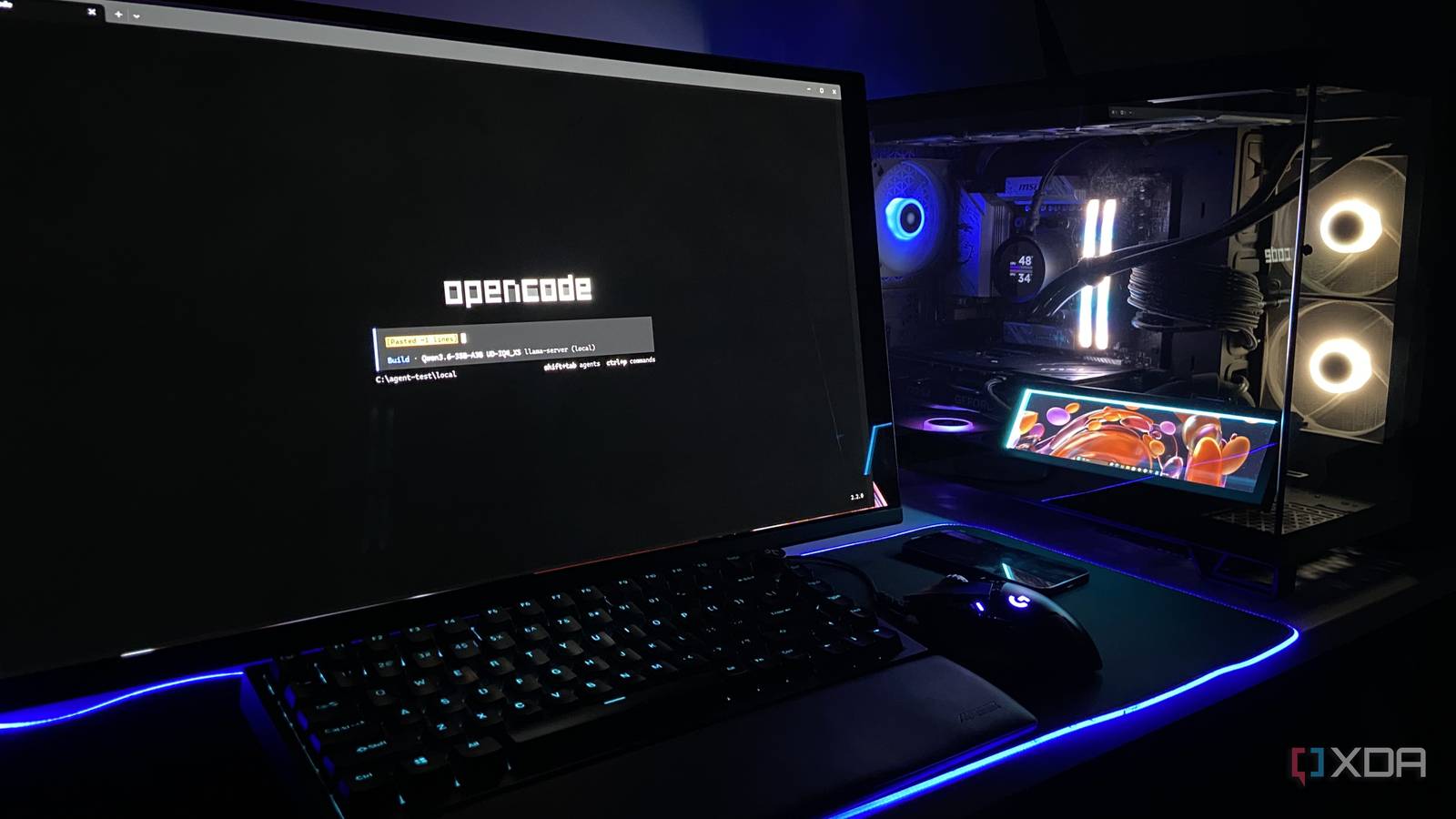
Published Nov 8, 2026, 12:30 PM EST Abhinav pivoted from a career in banking to pursue his first love in writing. Even while working full-time, he continued contributing as an editor-at-large, a role he has held for more than 7 years. A lifelong tech enthusiast who has built three gaming and productivity powerhouse PCs since 2018, his passion for technology keeps him closely following the semiconductor industry, from NVIDIA and AMD to ARM. His MSc dissertation explored how artificial intelligence will reshape the future of work, reflecting his curiosity about the wider social impact of emerging technologies. Much of the value of my $20 Claude Pro subscription comes from Claude Code, and that'll come as a surprise to no one considering that Claude has been at the top of nearly every major agentic coding benchmark for more than a year. It pays for itself in convenience, too, in that I can just hand it a job, it writes the code for me, runs it, fixes whatever's broken, and hands me the finished tool. It's both a chatbot and an agent, depending on what I need it to be. Over the past year, though, a lot has changed in the AI landscape, especially local AI. Powerful and capable agentic coding is no longer something that's guarded behind a $20 paywall, and my recent experience with Qwen3.6-35B-A3B with OpenCode as its harness proved just as much. To see how close the two got, I gave both agents the same job, an empty folder, no help from me, with the local stack's model running entirely on my GPU. Here's what I found. My 16GB GPU runs the entire agent without touching the network OpenCode handles the tools, and Qwen3.6 does the thinking At a rudimentary level, an AI agent has two halves that make it function. The first, of course, is the harness, that reads files, executes commands, and edits code, while the underlying model makes the decisions. Claude Code is Anthropic's harness running Anthropic's proprietary models. On my PC equipped with an RTX 4070 Ti Super and a Ryzen 5 7600X, my harness of choice is OpenCode v2.2.0, an open-source terminal agent, and the model is Qwen3.6-35B-A3B in Unsloth's UD-IQ4_XS quant served through llama.cpp runtime. If you're familiar with this model and the particular quant, you might be wondering how a 17.7GB model fits on the RTX 4070 Ti Super's 16GB of GDDR6X memory. Since it is a mixture-of-experts (MoE) model that activates only around 3B parameters per token, it enables a special set of optimizations that make it run well on my hardware. I keep 12 layers' worth of experts in system RAM with llama.cpp's --n-cpu-moe flag, which also leaves room for a 128K context window at about 15GB of VRAM. As for the sampler settings, I follow Qwen's own recommended settings for coding tasks. Making this stack fully local took a couple more steps. First, I locked OpenCode to my llama-server so it couldn't silently fall back to a cloud model, and then I switched off my PC's network before the run for good measure. At this quant and with 12 layers' worth of experts offloaded to system memory, the generation held at roughly 65–70 tokens per second throughout, whereas prompt processing peaked at 1,837 tokens per second. During the test, the entire session used less than 1/5th of the 128K context window. Every number it reported was in its own data The task that I gave both Claude Sonnet 5.5 and Qwen3.6-35B-A3B was to build a GPU logger that records my RTX 4070 Ti Super's power draw, temperature, and a few other readings every second, and then charts the results. It's a job with a clear right answer and verifiable ground truth. Both agents received the following prompt: I have an Nvidia GPU in this Windows PC. Build me a Python tool that logs the GPU's power draw, temperature, utilization, VRAM used and core clock once per second to a CSV file, with a timestamp on every row. Add a --duration option so I can set how long it logs for. When it finishes, it should print the average and peak power draw and save a chart of power and temperature over time as a PNG. Test it with a 30-second run and show me the results. Qwen3.6-35B-A3B via OpenCode finished in 3 minutes and 44 seconds without a singular nudge from me. It found nvidia-smi on its own, wrote the script, revised it before testing, and met every requirement in the prompt. Its reported 27.32W average and 74.83W peak matched the raw CSV it wrote, and its reading also lined up with nvidia-smi which I ran later for cross-referencing. While the Python utility itself works flawlessly, the run itself wasn't entirely flawless. Hilariously enough, it remarked that "VRAM usage was stable around 15.7GB—consistent with a desktop with a monitor and some background apps" on a second run. I would be concerned if any desktop was doing that. It also never mentioned that the script needed the pandas and matplotlib Python libraries, so anyone following its usage notes on a fresh PC would hit an error on the first run. Requirement Qwen3.6 (OpenCode) Logs power, temperature, utilization, VRAM, and clock Pass Per-second CSV with timestamps Pass Average and peak power Pass Power and temperature chart Pass 30-second self-test Pass Result 6/6 Claude was faster, but the gap came down to visual polish And visual polish is a hard sell at $20 a month Qwen3.6's results left me quite astonished, but the next crucial bit was benchmarking it against possibly the most popular coding agent around. Running Sonnet 5.5 on high effort, it got the same job done in 2 minutes and 42 seconds, also without any hand-holding from me. It was about a minute quicker from start to end, and ran its 30-second test three times because it kept finding visual problems with its own chart labels and fixing them. To be fair, to an extent, the extra effort that went into the polish would be worth it for most users. It double-checked its math against the CSV, mentioned that the chart needed matplotlib, saved the log after every row, and split power and temperature into their own dedicated panels. Both agents built a functional GPU logger with correct numbers, so the difference, of course, boils down to the effort and the dollars it cost me to use both. Claude Code's /usage panel detailed the cost of the session, which came to about $0.37, covered by my Pro plan. However, going by the per-token power draw I measured on the same setup, the local run cost roughly a fifth of a cent in electricity. Requirement Claude Sonnet 5.5 Logs power, temperature, utilization, VRAM, and clock Pass Per-second CSV with timestamps Pass Average and peak power Pass Power and temperature chart Pass 30-second self-test Pass Result 6/6 The gap between local and frontier coding agents isn't a chasm anymore If one were to ask me about the verdict on this head-to-head, I'd say that based on utility alone, it was a tie. Both agents wrote working Python code and delivered everything the prompt ask for. Whereas Claude pulled slightly ahead on time and polish, it cannot be overlooked that Qwen3.6 did the same job for a fraction of a cent. For anyone with a workflow like mine that doesn't need flagship model capabilities, it begs the question of what the $20 is buying, and if it's worth it. OpenCode OpenCode is an open-source agentic coding harness developed by Anomaly Innovations.
I expected Claude Code to crush its open-source rival on my 16GB GPU, but that’s not what happened
Full Article
Original Source
Read the full article at Xda-developers →KhanList aggregates and links to publicly available news content. We do not host full articles from third-party sources. Always verify important information with original sources.