
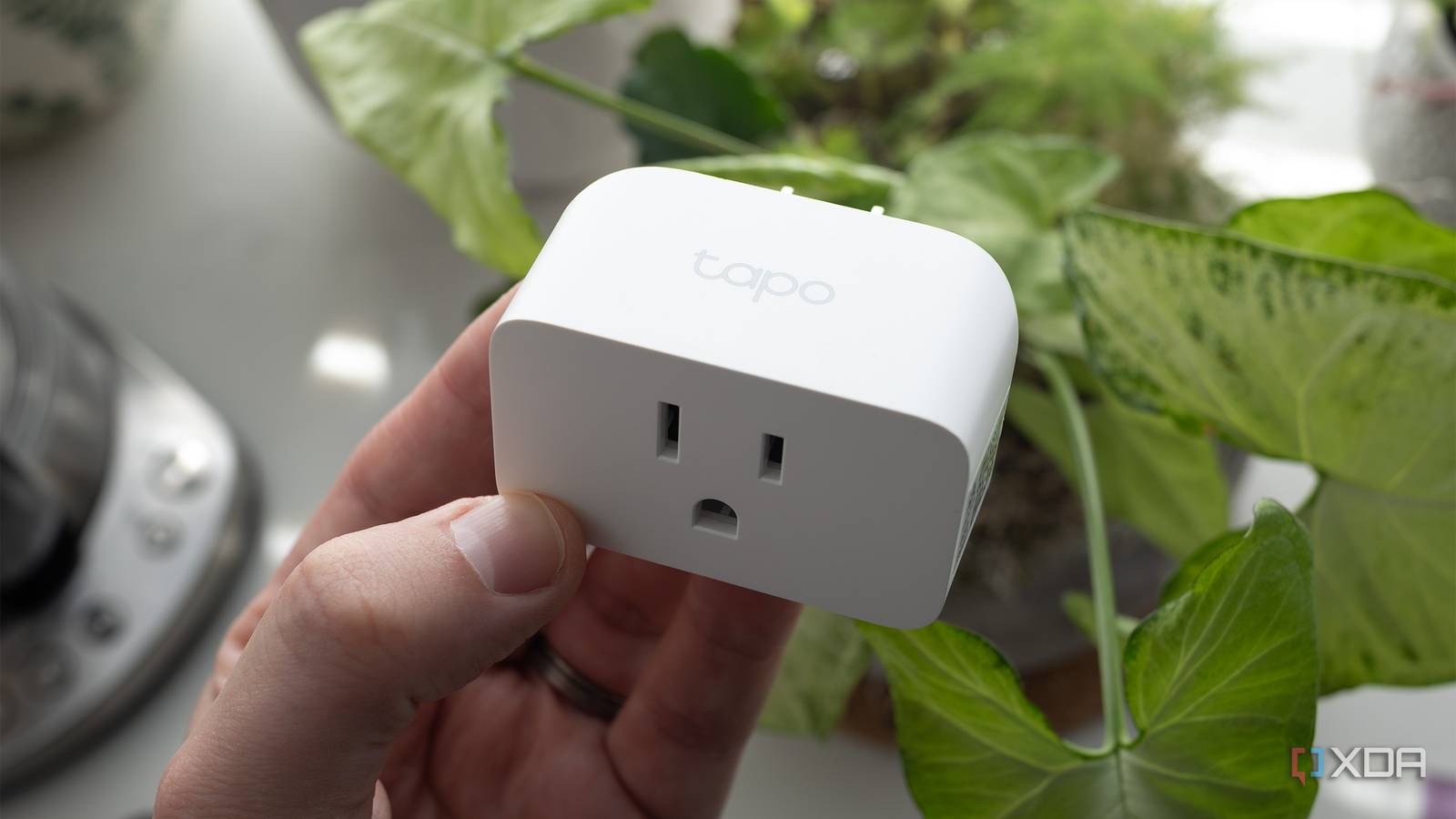
Published Aug 29, 2026, 10:00 AM EDT Jasmine is Software and PC Hardware Author at XDA with years of tech reporting experience ranging from AI chatbots right down to gaming hardware, she's covered just about everything. Whether it's breaking news about the latest AMD NPUs or creating video tutorials on social media platforms, Jasmine has contributed to the world of AI and tech in a variety of ways including interviewing the CEO of Razer, AMD's Director of Product Marketing and the VP of Lenovo. Passionate about gaming and PC technology, she has built countless computers, keyboards and other peripherals - knowing them inside and out. If you're buying a smart washer, you'll easily spend $300 or more on a premium appliance that requires a proprietary smartphone app, forces you onto a flaky cloud server, and nags you into buying detergent subscriptions. Despite all that, one of the main reasons you bought it (so it can send timely notifications when the cycle ends) might not even work correctly. Older, more reliable mechanical washers feel like they last forever, but they leave you guessing when a load is finished, leading to wet laundry that gets forgotten overnight. Realistically, you don't need a Wi-Fi motherboard or a cloud API. Every washing machine already communicates its exact internal state through one universal physical metric: electrical power draw. By plugging any standard washer into a cheap smart plug with real-time power monitoring, you can track the appliance's electrical signature. Feeding that wattage data into a simple Home Assistant state machine creates a 100% local, instant, reliable cycle-tracking system that outperforms any $1,000+ smart washer on the market. The different phases of washing cycles Energy monitoring beats out vibration sensors A typical washing machine cycle has multiple distinct electrical phases, making it easy to identify exactly what stage your clothes are in. When your washer is idle/standby, it draws around 0.5W to 3W, powering the control board and waiting for user input. When it's filling and soaking, it draws between 5 W and 15 W because the solenoid water valves are open but the drum is still stationary, resulting in a significantly lower power draw. Some machines have a heating cycle where they draw between 1,000W and 1,800W because the internal heating element is engaged. This is mostly the case if you have a hot water boost active or other heating elements involved within your wash. During the agitation/tumble period, your machine will draw between 150W and 350W as the motor oscillates backward and forward, creating a slightly higher power draw. When the washer is draining, it will be between 30 and 60W as the drain pump is active, but the motor itself isn't moving. For a high-speed spin, you'll be looking at between 400W and 700W. And lastly, when the cycle is complete, you'll see a drop in power back below 3W. Using wattage to calculate exactly what stage your washer is in is better than vibration sensors because the latter can fail. Many modern, well-balanced brushless inverter motors run almost silently without vibration during the fill, soak, and delicate agitation phases, so your vibration sensor might send a false cycle-finish alert when it's actually only halfway through. Electrical current, on the other hand, cannot lie. If the motor or pump is running, then power is flowing. Don't set up Home Assistant as a single trigger Set up the stages so you don't get false notifications Once you have all of the information about your machine's power draw, it's time for you to set up a finite state machine in Home Assistant. If you use a native automation trigger like a numeric state (power The solution is a virtual helper state machine. You can define four clear appliance states: idle, running, finishing, clean/unemptied. Using the wattage information you collected from your machine, you can set state-transition rules based on different power levels. This way, Home Assistant can tell you more than just whether your machine is running or finished. It can tell you where your machine is in the cycle and provide a bit more detail. You can take your automations to the next level There are a range of other perks Once you have your automations set up in Home Assistant, it's time for you to take it further with next-level smart automations. You can set up multi-room TTS and visual alerts. Once your washing machine has completed its cycle, you can send actionable announcements via Alexa, Google Cast, or Home Assistant Voice PE, announcing that the washing machine is done and the load needs to be moved to the dryer. You can also set your office lights to flash momentarily, just in case you don't hear the announcement. Pair this with a door sensor integration and stick it on your washing machine lid. If the washer enters the clean state and the door hasn't opened after 45 minutes, you can prompt Home Assistant to send a gentle follow-up reminder so your clothes don't sit wet in the washer for hours on end. Another great addition is energy cost tracking. Map the kilowatt-hour sensor directly into Home Assistant's built-in energy dashboard to calculate the exact dollar cost per wash cycle. Don't replace your perfectly functional washer Invest in a smart plug for a fraction of the cost So many users believe that a smart home requires replacing perfectly functional appliances with disposable, cloud-tethered silicone, but this is far from reality. By adding local telemetry to dumb hardware, you produce a faster, cheaper, and vastly more private system. Grab a $20 power-monitoring smart plug, set your water thresholds, and let your washing machine's electricity do the talking.
I ditched my $1,000 smart washer and replaced it with a $20 smart plug
Full Article
Original Source
Read the full article at Xda-developers →KhanList aggregates and links to publicly available news content. We do not host full articles from third-party sources. Always verify important information with original sources.