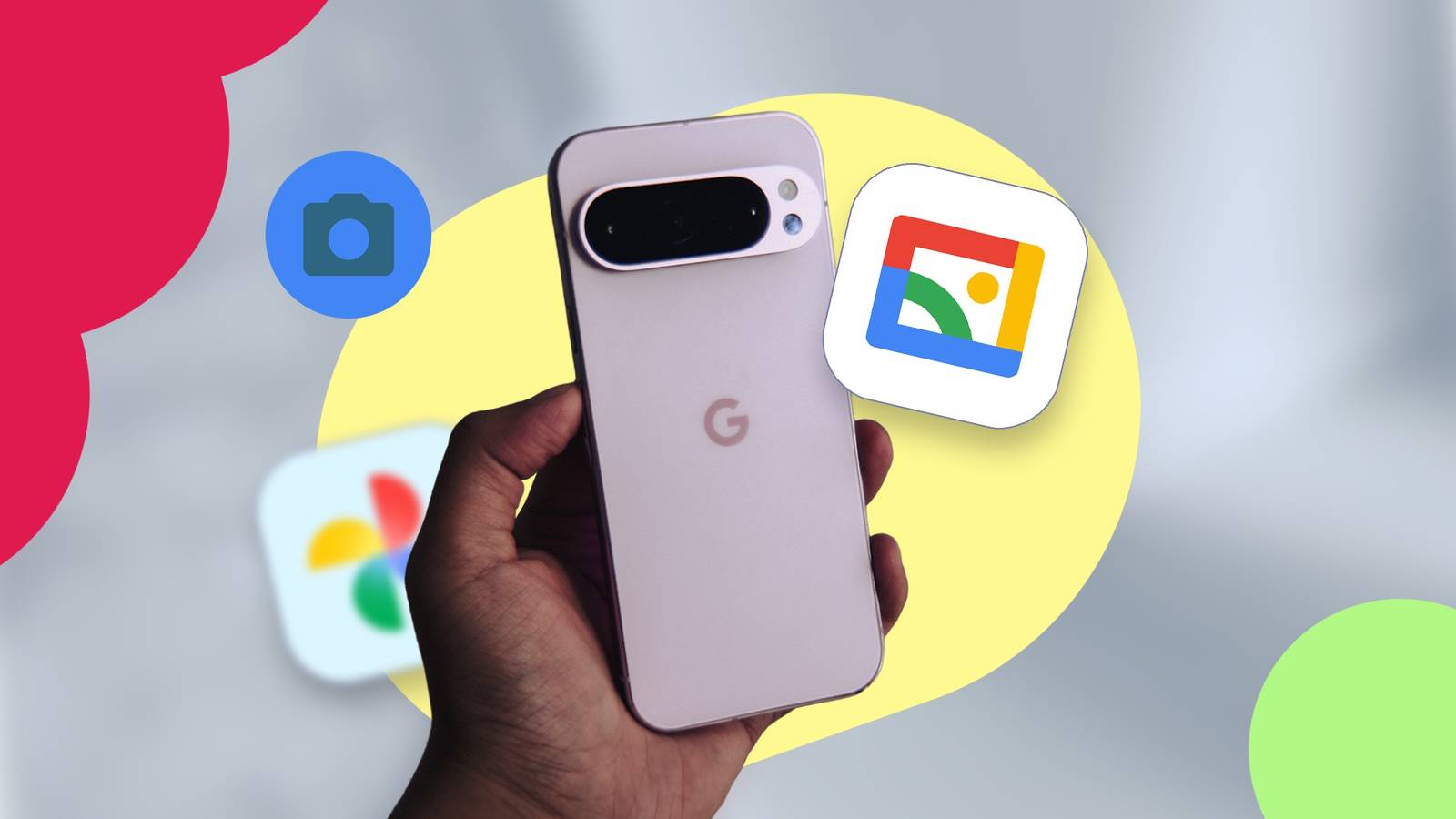
Published Jul 19, 2026, 11:15 AM EDT I am an author and features writer at Android Police. I primarily writes guides, how-tos, and roundups on the latest smartphone apps and features for Android Police since joining the team in early 2022. While my work often diversifies depending on the topic, you'll often find me writing about the newest entertainment or hidden utility Android apps or discussing my paranoia about digital privacy and poor smartphone practices. I will occasionally dabble in Samsung's latest features in One UI. On the games side, my area of expertise is in action RPGs and gacha games, but I will play and study the occasional competitive shooter. But most of all, my appetite for new stories still goes unquenched — as shown with my personal love for the Trails series. Before joining Android Police, I studied chemistry and graduated with an honors specialization in Chemistry in 2016, leading me to spend many hours toiling around the lab as an undergraduate. Eventually, all those hours spent at the lab led me to develop my analytical mindset. So now, if you give me a problem, I will relentlessly tackle it to find a solution. My favorite pastime as a student was always writing reports, presentations, tutorials, and literature reviews, which guided me into completing a graduate certificate in technical writing in 2019. Thanks to my current role with Android Police, I learned to appreciate user security and privacy, leading me into studying Cyber Security. My first Android phone was the Samsung Galaxy Note II in 2012, which gave me a taste of how a small piece of powerful hardware can open up endless opportunities for my favorite hobbies. Though if you ask about my purchasing regrets, I will always say missing out on the Google Nexus still stings to this very day. I've also been a gamer for over 20 years, starting with Super Mario Bros. on the NES. Thanks to those early influences, I now own over 15 devices for gaming, ranging from handhelds to consoles. Nowadays, you'll find me studying spreadsheets and assembling data to theorycraft new teams and builds for Genshin Impact, Honkai: Star Rail, Wuthering Waves, and Zenless Zone Zero. You'll also see me digging deeper to uncover the truth behind AI as a field: which part is actually useful, or it just a bunch of bloat being sold with your phone? I am not the biggest fan of Google Photos, partly because it's exhausting to manage my cloud storage since I depend on my 15GB of data for other apps like Gmail and Google Drive. Google Photos tends to be the culprit behind the space filling up, mainly because I have used it to enable cross-device syncing when I snap pictures or to turn on backups while testing some features. Basically, it's just a photo management app that doesn't work for me — I prefer offline, localized solutions, but without worrying about third-party options. I found a very simple solution for my trusty Google Pixel: the Gallery by Google app. It's lightweight, simple, and best of all, offline. Gallery by Google is everything I needed I disabled Google Photos as a result of this change Credit: Lucas Gouveia / Android Police Gallery by Google is not available by default. You need to download the app from the Play Store to use it. The app has smart organization, so you don't need to worry about a huge mess of images or manually sorting through them. I don't love moving photos to albums unless they are specialized images I plan to share with multiple people. I sometimes do it if I need to keep my photo album private for my own viewing (only on my primary driver). Google Photos has a vault that can work to a similar effect. I will say that one feature I missed in Google Photos was the locked folders, which you won't find in the Gallery by Google app. If you want to consider privatizing your collection, there are some decent options, like Private Spaces (which creates a separate, hidden profile) or the safe folder option in Files by Google. On my Google Pixel, that's a compromise I am more willing to accept, since the Gallery by Google app is a local solution, meaning I can maintain my privacy by keeping anything from going to the cloud. Also, for other devices that use a microSD card for external storage, you can move photos between them using the app — so everything is controlled only through your device. Gallery by Photos post-photo management is weak The available editing tools are a bit too bare-boned at times I do not use the Magic Editor on the Google Pixel, mainly because when I am serious about post-image processing, I stick to the tools from Galaxy AI built into the Samsung Gallery app — that's usually my primary driver. Photos I take on the Pixel are pretty simplified for the most part. But I can see the appeal of having access to the Magic Editor in Google Photos. I've seen some impressive images edited to change the style and mood, and even generate new surroundings for the photo. Object removal is also a very nice perk, especially if you take the perfect shot, only to have it ruined by someone photo-bombing the image at the last second or by a piece of ugly furniture sticking out in a nicely composed photo. Or making use of Google Photos' built-in conversational editor to save a little time for more complex editing. Sadly, the Gallery by Google app's editing tools are sparse. You have access to an auto-enhance feature that does a quick rebalance of the photo by fixing brightness and some coloring — it isn't too crazy. I sometimes use it because of the awful lighting in my home — but it never drastically changes the look. It's also not possible to manually tweak anything if you don't want to use the auto-tool, since the best you can do is add some filters, which I never touch or use. Cropping and rotating images, another common function, can also be done there. I do use this a bit more frequently than everything else — which is why the very basic editing toolset works — but I can see why others would be disappointed by the limitations. But this isn't a photo-editing app; it's more for management. So basically, it works a lot like how Samsung Gallery used to be before AI took over. I worry that Google will phase this app out, since it already isn't a default option and Google is known to abandon some projects midway. So while I am satisfied with the lightweight alternative for my Pixel, I don't expect it to be a permanent solution. Quiz 8 Questions · Test Your KnowledgeGoogle Photos appTrivia challenge From smart albums to AI magic — how well do you really know Google's beloved photo platform? FeaturesHistoryStorageAI ToolsSharing Begin In what year was Google Photos launched as a standalone app, separate from Google+? A2013B2014C2015D2016 Correct! Google Photos launched on May 28, 2015, at Google I/O. It was spun out from Google+ as its own dedicated service, arriving with unlimited free storage as a major headline feature. Not quite — Google Photos launched in 2015 at Google I/O. Before that, photo management was bundled inside the ill-fated Google+ social network, which made it harder to discover and use. Continue Google Photos ended its free unlimited original-quality storage policy in June 2021. What storage cap applies to free Google accounts? A5 GBB10 GBC15 GBD20 GB That's right! Free Google accounts share 15 GB of storage across Google Drive, Gmail, and Google Photos. Once you hit that limit, you need to purchase a Google One plan to keep uploading. The correct answer is 15 GB. Google's free storage tier covers 15 GB shared across all Google services including Drive and Gmail. After June 2021, new photo uploads count toward that shared pool. Continue What is the name of Google Photos' AI-powered feature that automatically groups photos by the people who appear in them? ASmart TaggingBFace MatchCPeople AlbumsDPhoto Groups Correct! People Albums uses on-device and cloud-based facial recognition to automatically cluster photos by individual faces. You can name each person, making it easy to find all photos of a specific friend or family member. The feature is called People Albums. Google Photos uses facial recognition technology to automatically sort photos by the individuals in them, letting you name and search for specific people across your entire library. Continue Which Google Photos feature allows you to remove distracting objects or people from a photo using generative AI? AMagic EraserBSmart BrushCClean ShotDObject Wipe Spot on! Magic Eraser, introduced with the Pixel 6, lets you highlight and remove unwanted objects or photobombers from images. It uses generative AI to intelligently fill in the background, making removals look seamless. The correct answer is Magic Eraser. This AI-powered tool debuted on the Pixel 6 and was later made available to Google One subscribers. It intelligently fills in the area left behind when you remove an object, producing surprisingly clean results. Continue What is the name of the Google Photos feature that automatically shares relevant photos with friends or family members it recognises in your pictures? ASmart AlbumsBPartner SharingCAuto ShareDSuggested Sharing Correct! Partner Sharing lets you automatically share photos that include a specific person with another Google account — perfect for couples or parents sharing memories with each other without any manual effort. The feature is called Partner Sharing. It allows Google Photos to automatically detect when a chosen person appears in your photos and share those images directly with a linked Google account, removing the need to manually send pictures. Continue What does Google Photos' 'Memories' feature primarily do? ABacks up photos taken on this day in previous yearsBResurfaces past photos and videos based on dates and eventsCCreates a daily slideshow of your most-liked imagesDGenerates AI captions for old photos Right! Memories surfaces photos and videos from the past — including 'this day' anniversaries, trips, and auto-created highlights — displayed at the top of the app. It's designed to help you rediscover moments you might have forgotten. The answer is that Memories resurfaces past photos and videos based on dates and notable events. It goes beyond simple 'on this day' reminders by grouping themed collections like trips and celebrations, presenting them as mini highlight reels. Continue Which Google Photos editing tool uses AI to suggest brightness, contrast, and color adjustments tailored specifically to each photo? AAuto EnhanceBSmart EditCPhoto TuneDAdaptive Filter Correct! Auto Enhance analyzes the content of each individual photo and applies AI-driven adjustments to lighting, color, and contrast. It's designed to make quick improvements without requiring any manual slider adjustments from the user. The answer is Auto Enhance. This one-tap AI tool assesses the specific characteristics of a photo — such as exposure and white balance — and applies tailored corrections automatically, saving users from having to manually tweak editing controls. Continue Google Photos allows users to lock sensitive photos behind biometric authentication. What is this protected space called? APrivate VaultBLocked FolderCSecure AlbumDHidden Safe Exactly right! The Locked Folder is a password or biometric-protected space within Google Photos where you can store sensitive images. Photos placed there do not appear in the main library, are not backed up to the cloud, and won't show in other apps. The correct answer is Locked Folder. Introduced in 2021 starting on Pixel devices before rolling out more broadly, it keeps selected photos hidden behind device authentication. Importantly, content in the Locked Folder is stored only on-device and excluded from cloud backup. See My Score Challenge CompleteYour Score / 8 Thanks for playing! Try Again Searching for a Google Photos alternative While I may not have highlighted them in this article, third-party options exist to replace Google Photos. For example, my colleague liked using Fossify Gallery as another simplified, privacy-focused gallery app, much like Gallery by Google Photos. While I worry about trusting third-party apps with my data, Fossify Gallery is an open source app that has been around since 2023 and was later released on the Play Store in 2024. It has been a few years since then; nothing suspicious has been reported, and there are no ads or trackers. So this is the one I plan to try next if Gallery by Google doesn't pan out on my Pixel phone.
I ditched Google Photos for this lightweight app; my Pixel finally feels right
Full Article
📰 Original Source
Read full article at Androidpolice →KhanList aggregates and links to publicly available news content. We do not host full articles from third-party sources. Always verify important information with original sources.