
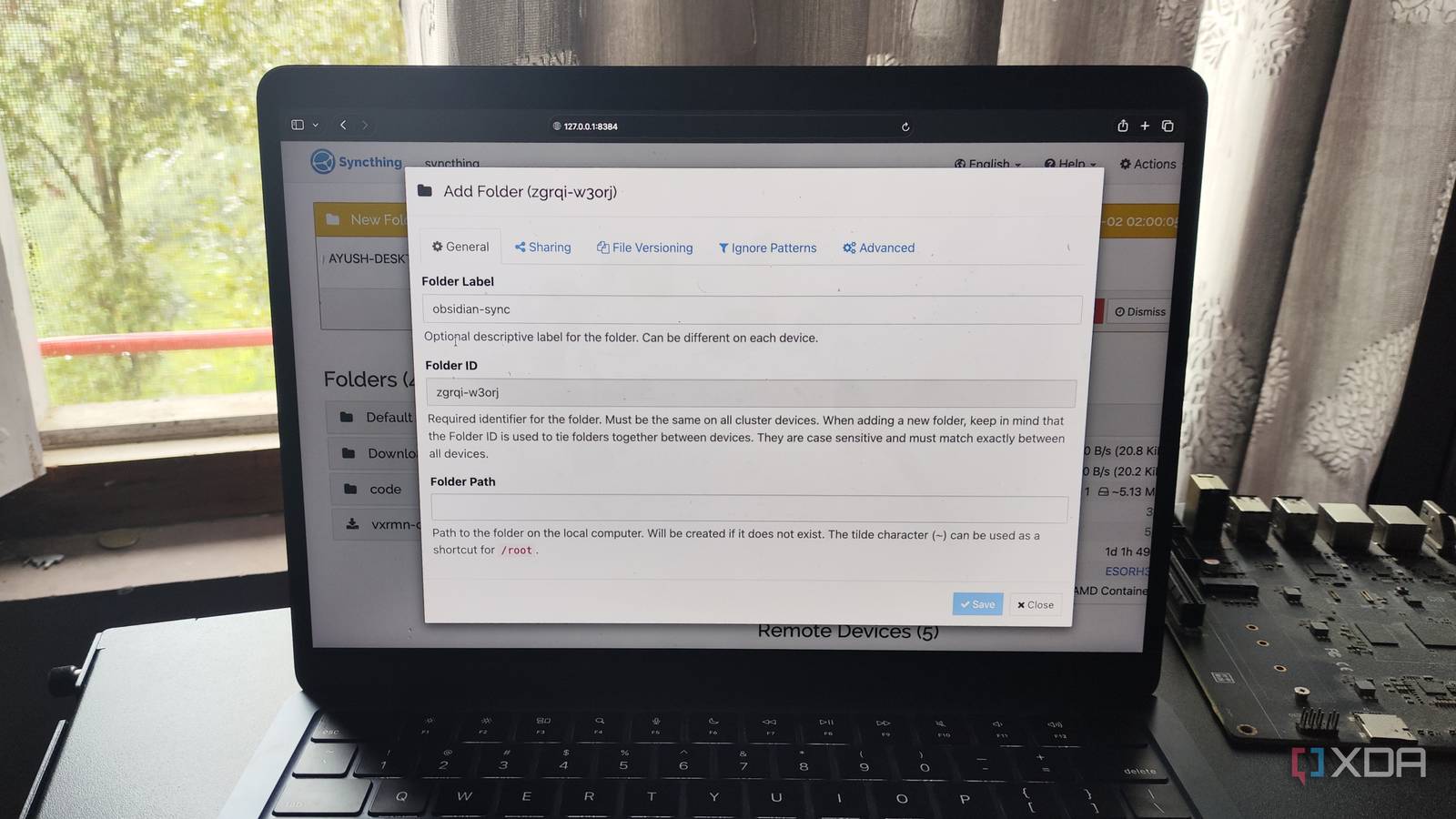
Published Nov 18, 2026, 6:00 AM EST Ayush Pande is a PC hardware and gaming writer. When he's not working on a new article, you can find him with his head stuck inside a PC or tinkering with a server operating system. Besides computing, his interests include spending hours in long RPGs, yelling at his friends in co-op games, and practicing guitar. Between all my coding projects, home lab documentation, and academic notes, I’ve got a few hundreds of GBs in files I consider essential for my professional work and random tinkering experiments. But since I often swap between my MacBook, mini-PC, and a full-sized PC, I need a way to keep these files synchronized across my machines. Dropbox used to be the file-sync utility I’d pay for ages ago, but after realizing the perks of self-hosted FOSS tools, I decided it was about time I ditched this cloud app. Fortunately, Syncthing turned out to be the perfect replacement for Dropbox, and it has held up extremely well for project-synchronization tasks over the years. Dropbox’s subscriptions can get somewhat pricey long-term Then you’ve got the privacy issues of using a cloud for file-sync tasks On the surface, Dropbox’s premium tiers don’t seem all that expensive. Even if my individual file-sync operations only involve a few GBs of data, I’d need more than 50GB of space for all my projects. In theory, the $9.99 Plus plan is enough to accommodate my synchronization tasks, even if the 30-day deletion history is a bit too low for certain files. Unfortunately, it gets a bit pricey over the course of a few years, especially since I only need to share files locally between three devices. Combine that with the fact that I already need to pay a few mandatory subscriptions for my travel, shopping, and medical needs, and you can see why I’m not a fan of spending over a hundred bucks every year on a centralized file-sharing server. Even with LAN sync enabled and all my devices remaining on my local network, I’d still need constant Internet access if I want Dropbox to synchronize files between them. And I’ve had enough botched networking experiments to be a little wary of online-only platforms for my productivity tasks. There’s also the whole privacy problem with storing data in a cloud server, especially for classified projects and all the benchmarks I document when reviving embargoed hardware. With all these problems plaguing my Dropbox setup, I decided to migrate to Syncthing, and it solved all my file synchronization woes in an instant. Syncthing provides direct P2P file-syncing facility without charging a dime Everything remains on my own hardware, too Unlike Dropbox’s centralized nature, Syncthing is a local application that turns any PC into an independent node in a completely local (and more importantly, free) file synchronization network. That way, I don’t need a central server, or even an Internet connection, to coordinate my file-sync tasks and I can instead run a three-way synchronization pipeline between my MacBook, mini-PC, and gaming machine. Syncthing is also free from the file transfer and storage limits I had to contend with on the free version of Dropbox. But what really drew me to Syncthing was the sheer number of advanced features that let me fine-tune every aspect of my file-sync operations. File-versioning, for example, saves a copy of my deleted/overwritten files, and it’s really handy when I accidentally edit the wrong project file and Syncthing ends up propagating it to the rest of the systems in my arsenal. A staggered file-versioning setup with the maxAge parameter set to 90 days works well for my project files, as it provides the right balance between maintaining a detailed history of my edits while ensuring all the separate file versions don’t clog up my systems. Then you’ve got the directional file-sync modes, which is why I ended up adding an extra Syncthing node into the mix. The three systems in my arsenal are set to Send & Receive, which is pretty self-explanatory, but I’ve left the Proxmox LXC armed with Syncthing in the Receive-only mode. That way, it accepts all modifications from my triple-node file-sync workflow, but doesn’t propagate its own changes, essentially doubling as a makeshift storage server for my Syncthing pipeline. Tailscale lets my laptop sync files even when I’m away from my home lab And my 3-2-1 backup pipeline saves my Syncthing to a remote server So far, my Syncthing setup works well when I remain in my goblin tinkering cave, but my local systems become inaccessible as soon as I step out of my network’s range with my MacBook. That’s where Tailscale comes in handy, as it exposes all the devices I’ve added to my tailnet – including the systems (and the Proxmox LXC) running Syncthing. Of course, Syncthing alone can’t provide the cloud backup functionality that many folks need from Dropbox. However, my Syncthing LXC saves its snapshots to a Proxmox Backup Server instance, which, in turn, is connected to a remote PBS workstation lying in my relative’s place hundreds of miles away from my home lab. And since I’ve cobbled the PBS node together from an old N100 NAS and a handful of spare HDDs, it’s still cheaper than the hundreds of dollars I’d otherwise have to pay in Dropbox subscriptions if I wanted the same storage capacity for my project files. I’m not going back to Dropbox after using Syncthing I’ve been using Syncthing for a few years now, and between its P2P nature, multi-directional links, and extensive file-versioning modes, it has met all my file synchronization needs. The fact that it meshes well with my other home lab services is just the cherry on top. Syncthing
I ditched Dropbox after finding this free self-hosted file-sharing app, and I'm not going back
Full Article
Original Source
Read the full article at Xda-developers →KhanList aggregates and links to publicly available news content. We do not host full articles from third-party sources. Always verify important information with original sources.