
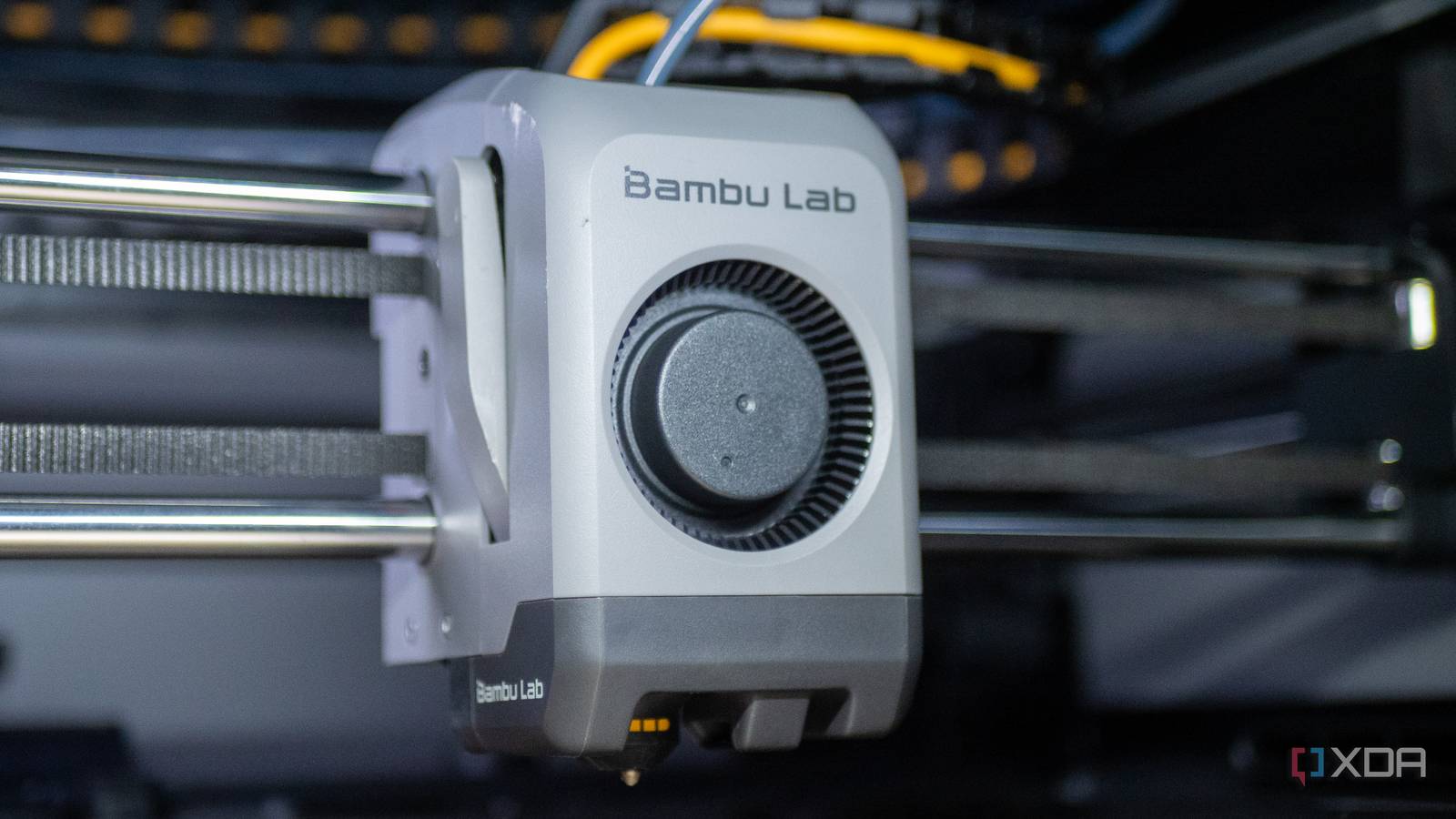
Published Sep 13, 2026, 3:30 PM EDT Anmol has been interested in tech for close to two decades now and has been covering all things tech for more than a decade. He started his journey with a blog post, when Google Blogger used to be cool and has covered everything from Windows Phone to Windows 11. Anmol has written for MSPoweruser and Neowin in the past, and is always keen to get his hands on the latest gadgets. When not doomscrolling, you would find him playing video games, reading or catching up on football. Bambu Lab currently makes some of the best and user-friendly 3D printers on the market, but its software is another story altogether. The Bambu Studio slicer and the Bambu Handy mobile app both rely on Bambu's cloud service to work, bringing in features like printing directly from MakerWorld, remote monitoring and so on. While these features are good to have, they also send data through Bambu's cloud service, creating a risk of data misuse. Adding to this, Bambu's track record with software in general has been shaky at best and outright illegal at worst, making it difficult to recommend Bambu printers despite offering one of the most polished hardware in the 3D printing space. Thankfully, there is a way to remove Bambu cloud as middleman but still be able to use other services as well as its 3D printer. The company offers an option to switch the printer to LAN-only mode, allowing users to connect to its printer locally over the LAN network without involving any cloud service. However, like any service, LAN-only mode has its own pros and cons. What LAN-only mode actually costs you The trade-offs are not superficial The attempt to get away from Bambu Lab's cloud started with treating the 3D printer as a standalone device and making sure the cloud was not the center of my workflow. Don't get me wrong, sending prints from my phone while lying in bed is convenient, not to mention modern compared to some of the other printers, even the expensive ones on the market. However, once you get used to that, it's hard to look at good alternatives that let you do most of what you were already doing without sacrificing your privacy and data. There are a couple of trade-offs right off the bat, with remote monitoring being the biggest one for me. Remote monitoring allowed me to start prints and leave my house without worrying, as I could always open up the Bambu Handy app and check the status of the print, not to mention the helpful notifications from the printer letting me know if there was a problem or if I had to cancel/pause a print for some reason. There are smaller, less significant drawbacks as well, such as cloud print history and access to data on the SD card like time-lapse videos. You will also lose the ability to download and install Over-the-Air firmware updates when the printer is isolated to the LAN network only. Why should I even bother with LAN-only mode It genuinely provides value and privacy Bambu's current infrastructure is great and works as intended most of the time, but its anti-consumer practices have at times left me with no choice but to look at options that let me use my hardware as I want, without restrictions. Earlier this year, the company was in hot water after it sent a cease-and-desist letter to developer Pawel Jarczak, who had released a fork of OrcaSlicer to restore some of the settings and features that Bambu Lab had restricted. It was a drawn-out controversy that ended with (sort of) the Software Freedom Conservancy stepping in to flag that Bambu Lab had violated the AGPLv3 license terms when it sent the legal notice to the developer. This was not the first time for the company either, and it has been called out before for anti-consumer practices, especially since 3D printing has historically been an experimental hobby with users having the ability to modify and change the hardware or software to their liking without any restrictions. At the end of the day, what I do with my hardware should be left to me to decide and not the company. I don't want to be bogged down by cloud services and account logins, which can be blocked if the company decides to do so in the future or if its network/cloud service suffers an outage. Most people will not like the trade-offs, and that's ok It's not all bad for people who use cloud service While this whole thing may come across as cynical, Bambu Lab still has its benefits. One of the reasons its printers are so popular is the ease of use and the plug-and-play design. The ecosystem, whether it be printers, filament, MakerWorld catalog, all works in tandem to provide a smooth user experience that you cannot put a price on, not to mention it makes 3D printing less daunting for beginners. Bambu printers have been extremely popular with new users who are entering the 3D printing world for the first time and who do not have to worry about learning flow rates, calibration, and temperature towers. They can just plug its printers in and send a print from MakerWorld without any hassle. Bambu Lab filaments even come with RFID chips that store details about the filament, so you don't have to worry about selecting the right filament profile and configuring settings, since Bambu Studio can read the RFID and set those details automatically. All these systems and small features work together to give an experience that is not really available anywhere else in the market, making it easier for more people to join this hobby. LAN-only mode is worth it if you want your printer to stay yours Taking back control means you own your hardware Credit: There is no completely good or bad option; it depends on the user's priorities and how much they are willing to sacrifice. For me, LAN-only mode works the best, but it may not be the case for everyone. I don't think that everyone should go ahead and enable LAN-only mode right away. If you're printing from MakerWorld, the cloud fits better. However, if you are looking for more privacy, then definitely moving the printer to a local network is the way to go. The good news is that Bambu Lab makes it incredibly easy to switch between the two modes, so you can always jump to the other side to see how it works and decide whether that's the best workflow for you. If you don't like it, you can always switch back without much hassle. I personally think that the best workflow is the one which takes full advantage of the hardware that you own without creating a lot of hindrances, even if it means that you are dependent on Bambu Lab's cloud infrastructure.
I ditched Bambu Lab's cloud to keep my 3D printer private, and it's worth the trade-off
Full Article
Original Source
Read the full article at Xda-developers →KhanList aggregates and links to publicly available news content. We do not host full articles from third-party sources. Always verify important information with original sources.