
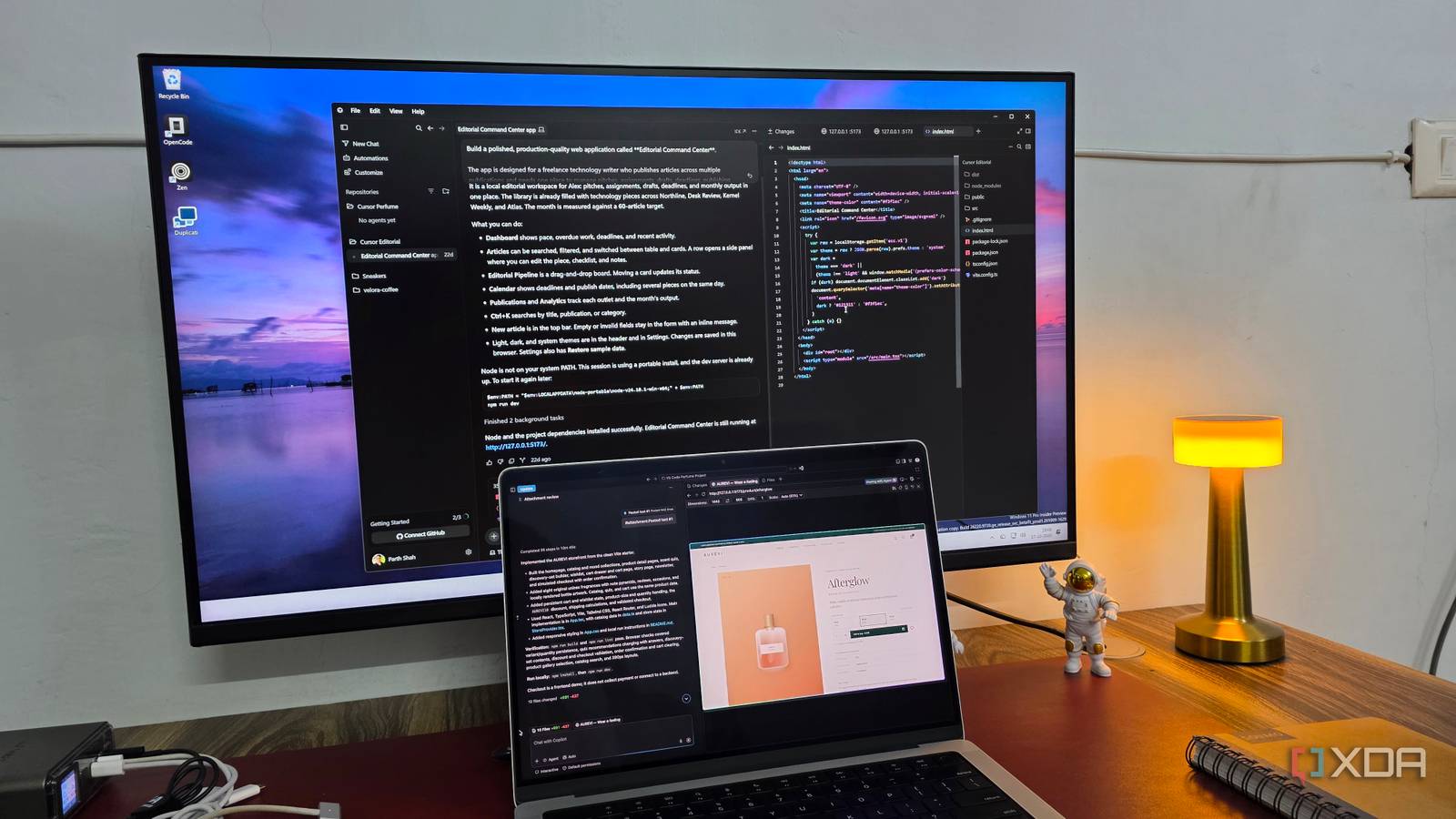
Published Oct 18, 2026, 2:00 PM EDT Parth, a seasoned tech writer, wields the keyboard (or pen) with finesse to unravel the intricacies of both Windows and Mac operating systems. He has covered evergreen content on mobile devices and computers for multiple publications over the last six years. You can find his work on AndroidPolice, GuidingTech and TechWiser. Whether it’s demystifying system updates, deciphering error codes, or exploring hidden features, Parth’s prose guides readers through the binary maze. When not immersed in tech jargon, you’ll find him sipping chai, pondering the next software review, and occasionally indulging in a friendly debate about mechanical keyboards. VS Code, Cursor, and Google Antigravity are three popular options for AI-assisted coding, but how do they compare when given the exact same challenge? I wanted to see how they would handle a complex multi-page website project without any special treatment. So, I gave all three the exact same prompt, stuck with their default AI models, and compared the results. My goal was to see which behaved like an experienced developer who could understand my requirements, make sensible decisions, and deliver a polished result with minimal hand-holding. Let’s set the rules Before jumping into the results, let me explain what I wanted to build. I decided to create a premium e-commerce website for AUREVI, a fictional B2C perfume startup. My detailed prompt included a visually stunning homepage, product catalogs, advanced filters, dedicated product pages, an interactive fragrance quiz, a customizable discovery set, a shopping cart, and a functional demo checkout. To keep the comparison fair and square, I am sticking with the default AI setup in all three tools: GitHub Copilot in VS Code, Grok 4.7 in Cursor, and Gemini 3.8 in Google Antigravity (Gemini 4 wasn’t available on my plan). I didn’t switch to Claude or GPT models. All three receive the exact same lengthy prompt, and I will check how they handle the project and the quality of their output. Cursor was the fastest of the bunch It got the job done, but lacked the polish Cursor was the fastest of the three tools to complete the project, and I have to give it credit for that. It followed my lengthy prompt quite well and delivered a functional website without much fuss. I liked the overall theme, especially the beige color palette, elegant typography, and thoughtful use of shades throughout the interface. However, I wasn’t exactly blown away by the final result. The homepage was decent at best, and while everything looked presentable, it lacked the premium feel I was expecting from a luxury perfume brand. There was nothing particularly groundbreaking about the design, especially compared to what Google Antigravity delivered. I will get to that in a minute. Cursor also missed several smaller details I expected it to nail with such a detailed prompt. Some icons looked generic, and the perfume imagery across different sections could have been more polished. VS Code surprised me in several ways Copilot has come a long way Based on my past experience with GitHub Copilot in VS Code, I wasn’t expecting much from it in this comparison. But to my surprise, Copilot has come a long way. It followed my lengthy prompt, implemented almost everything I requested, and even ran tests in VS Code’s integrated browser to check the website. However, the cracks started showing once I examined the finer details. The typography was too small across the interface. I had to jump into the editor and manually adjust several font sizes to make the website more readable. The product imagery was another disappointment. The pictures looked basic, lacked visual impact, and were often too small to the overall design. For a premium perfume store, I expected Copilot to put more thought into the visual presentation. It managed to execute all my instructions and came close to Cursor in terms of overall execution. Still, neither tool delivered the level of refinement I was looking for. Google Antigravity was the clear winner It actually felt like a developer with years of experience Google Antigravity easily won this comparison for me. From the moment I opened the finished website, I could tell that Gemini 3.8 had put more thought into the overall presentation. I particularly loved how it handled the Shop by Mood section. Instead of using the same background for every category, it introduced different gradient combinations that complemented each fragrance's mood beautifully. There were also subtle gradients throughout the website that gave everything a soothing appearance without making everything overwhelming. The attention to smaller details was equally impressive. The fragrance quiz had a clean, thoughtfully designed interface, while the homepage featured a subtle floating animation that made the perfume bottle gently move up and down. It’s a small touch, but exactly the kind of polish I expect from an experienced developer. My only real complaint was about product imagery. While the overall presentation was excellent, I still felt the perfume pictures could have been more polished. This was one area where all three tools fell short. But apart from that, I had very little to complain about. The smallest details revealed the winner I went into this experiment expecting three capable AI coding tools to deliver somewhat similar results. But the final results told a different story. Cursor was fast, VS Code performed much better than I expected, and Google Antigravity stood out with its attention to detail and overall design quality. All three managed to create functional websites, but only Antigravity truly understood the premium experience I was aiming for. It nailed several UI and UX details and creative judgment that I expect from an experienced developer. Google Antigravity Google Antigravity is an AI-powered IDE that rivals Cursor and VS Code.
I created the same complex website in VS Code, Cursor, and Google Antigravity; only one worked like a senior developer
Full Article
Original Source
Read the full article at Xda-developers →KhanList aggregates and links to publicly available news content. We do not host full articles from third-party sources. Always verify important information with original sources.