
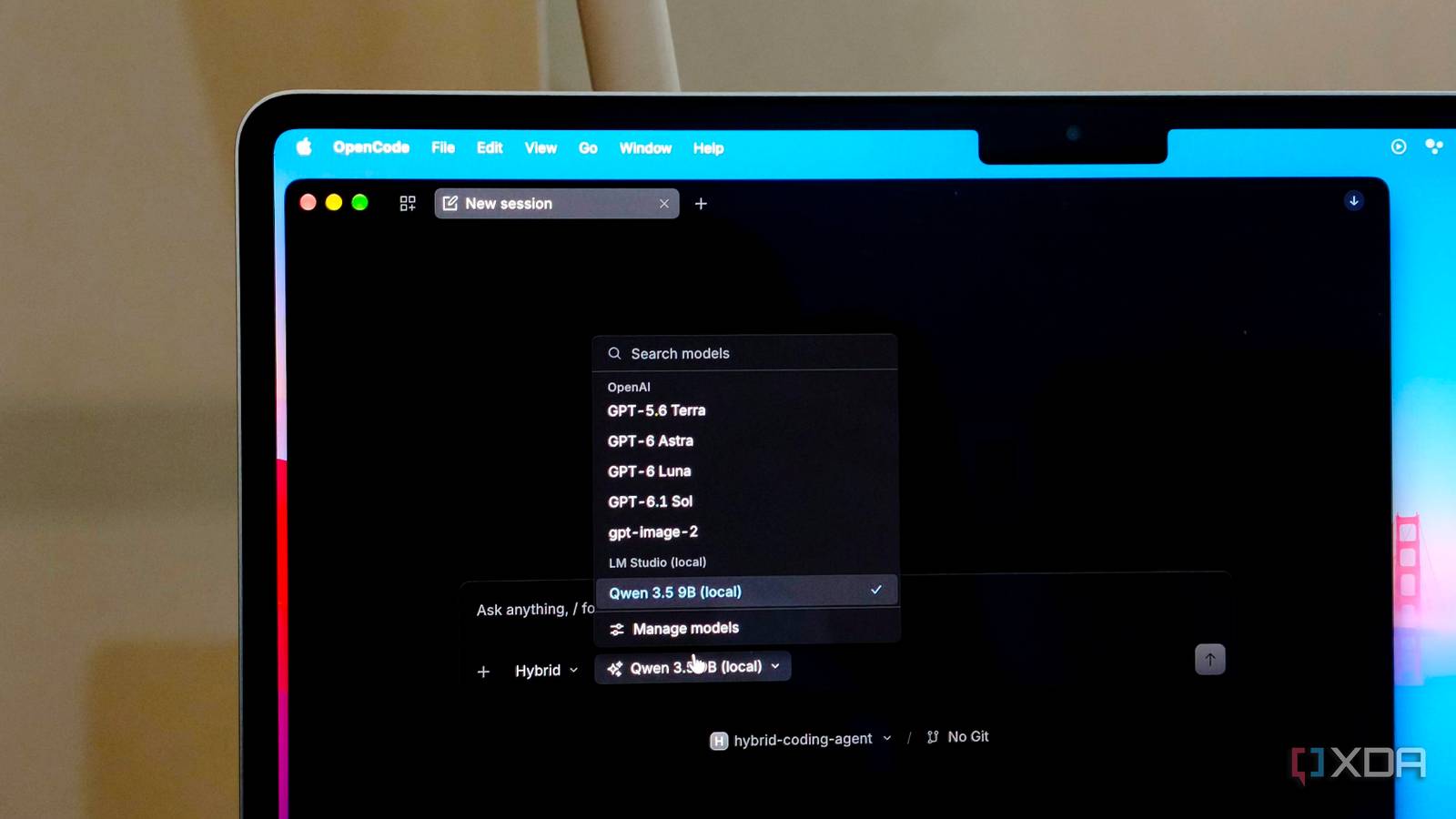
Published Oct 10, 2026, 2:00 PM EDT Anurag is an experienced journalist and author who’s been covering tech for the past 5 years, with a focus on Windows, Android, and Apple. He’s written for sites like Android Police, Neowin, Dexerto, and MakeTechEasier. Anurag’s always pumped about tech and loves getting his hands on the latest gadgets. When he's not procrastinating, you’ll probably find him catching the newest movies in theaters or scrolling through Twitter from his bed. I already use Gmail, Google Calendar, and Home Assistant to manage different parts of my day. These are also the things I want a personal assistant to help with. I’ve been experimenting with local models on my Mac, so I wanted to see how much further I could take them by connecting these apps. Instead of supplying an email conversation before asking for a reply, I can give the model a way to retrieve the thread. Calendar access lets it check appointments, and Home Assistant gives it tools to query and control exposed devices. The model runs on my computer, although Gmail and Calendar still need Google’s online services. After connecting my local LLM to these services, I’m finally seeing how useful it can be without sending my data out. There's an MCP for everything LM Studio, which I already use to run local models on my Mac, supports MCP. That lets you connect apps to the models running inside it. MCP stands for Model Context Protocol, and it gives an AI application a standard way to access tools provided by another service. You add the relevant MCP server to LM Studio, and its tools become available in the conversation. The model receives descriptions of those tools and the information each one needs. For example, a Gmail search tool accepts a search query. The model generates that query, LM Studio passes the request to the connector, and the connector retrieves the results from Google. Those results then return to the conversation for the model to use. The connector handles the actual app access. Gmail and Calendar need a connector that supports their APIs. Community projects such as Google Workspace MCP cover both services, although you still have to authorize access to your Google account. Home Assistant has its own MCP Server integration, which exposes supported tools for interacting with your home. You also need a model that can use tools reliably — adding a server doesn’t guarantee that the model will choose the right operation. Gmail and Calendar work better together The two complement each other If someone emails me asking for a meeting, I need to read the conversation and check my calendar before suggesting a time. With both apps connected, I can ask the local model to retrieve the thread and look at my appointments in the same conversation. Gmail access also helps find details buried in a conversation. Sometimes an earlier message contains the proposed date or something I need to include in my response. If the model has access to Gmail, it can retrieve the thread and use that context. You don’t want it drafting an answer to a question you’ve already answered or suggesting a date that someone has since changed. Calendar access helps with the next part. The model can check existing appointments before proposing a slot, provided the connector exposes the relevant tools. I can then ask for a reply based on that availability. Creating an event is a separate action that requires the appropriate tools and permissions, so being able to read my schedule doesn’t automatically mean the model can change it. I’d keep the reply as a draft to review before sending. The same applies to a proposed calendar entry: the date, time, and duration need to be correct before it gets added. Connecting the apps gives the model access to the information, but you still need to check the result. Whether this saves work depends on how often I have to correct what it retrieves or proposes. And for whatever little time I've been using the setup, I didn't have to correct the model a lot of times, but I would also not let it run blindly without first checking its responses. Home Assistant gives it device control My local LLM can help me run my house My bedtime routine in Home Assistant turns off the TV and speakers and leaves the bathroom light dimmed for a few minutes before switching it off. I already have a script for that, and exposing it to the model lets me ask it to “shut down the house.” Home Assistant handles the sequence and timing, so the model doesn’t have to stay involved until the bathroom light goes off. I can also ask about devices around the house and give commands with exceptions. For example, “Turn off the lights, but leave the bathroom light on” gives the model something to interpret before calling the relevant tools. You need to expose the devices you want it to control, and clear names help it identify the right ones. It can also query their current state, which is useful when I want to check whether something is still switched on. I still use Home Assistant’s native commands for straightforward requests. Turning on one light doesn’t need an LLM, especially when Home Assistant already understands the command. I’m more interested in using the model for requests involving several devices or an existing routine. Local LLMs are more useful outside a chat box If you are only using local LLMs to ask questions and get general answers, then you are not using them to their full potential. We generally believe local LLMs aren’t much better than cloud models, but with the right tools, they can come in handy. I’ve even had success connecting a 9-billion-parameter model to OpenCode, where it helped me build a lot of tools I wouldn’t have expected a local model to help me build.
I connected my local LLM to Gmail, Calendar, and Home Assistant, and it finally became useful
Full Article
Original Source
Read the full article at Xda-developers →KhanList aggregates and links to publicly available news content. We do not host full articles from third-party sources. Always verify important information with original sources.