
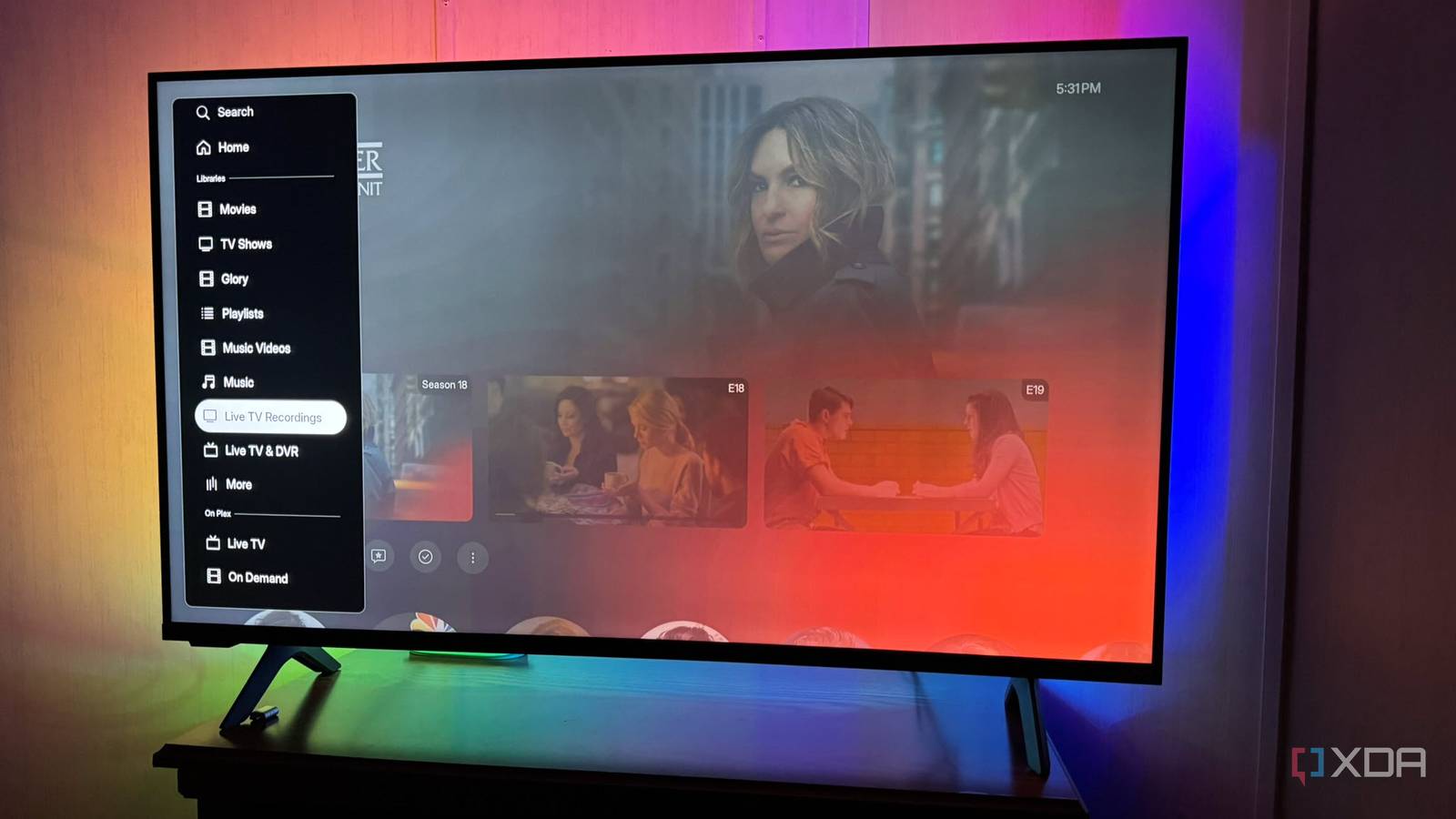
Published Nov 24, 2026, 8:31 AM EST Based in rural Minnesota, Brian Burgess worked in IT for 10 years before finding his passion for writing about consumer technology. Brian earned his degree in computer and network technology in 2000. He held various IT positions, including help desk support, router installations for IBM, database administration, and other associate network administration roles. He's been a personal technology journalist for 18 years and has written thousands of articles about Microsoft products and services, Android, iOS, streaming, and more. He has written for notable tech sites including XDA, InformationWeek, How-To Geek, Byte, groovyPost, and others. When he is away from the keyboard, you will hear him playing guitar, working outdoors, and watching Star Trek. Since I've set up a tuner for Live TV to watch shows throughout my home, I haven't done much recording. Mainly because it requires configuring the channel guide on Jellyfin, recordings take up a lot of space, and a Plex Pass subscription is required. However, I put my hesitations aside when I learned Plex can remove commercials automatically. That's what made me pull the trigger on a Pass subscription. Not only can I record favorite live TV shows, but I don't have to deal with commercial skipping or manual removal. Getting everything together was easier than I thought, and now live shows are available on my NAS commercial-free. I connected an HDHomeRun to my network, and Plex took care of the rest Adding live TV to my Shield TV Pro's server was a cinch I put my HD antenna in a room in my house that gets the best reception. I connected it to an HDHomeRun tuner and plugged it into a Wi-Fi extender. It would be best if I could plug it straight into my router, but I used what I had because of logistics. It provides a solid connection, and I can receive live TV on all my screens. Plex saw the tuner right away and scanned the channels. Then it created a guide, and I didn't have to ask it to. Periodically, I dial into the tuner to update it and have it scan for more live networks. The guide updates automatically, and I can schedule recordings in advance. Jellyfin, on the other hand, saw my tuner, but creating a guide and automatically removing commercials takes manual configuration. I can record while watching or schedule from the guide Just hit the record button Recording shows is straightforward. You can select the option from the channel guide, which is nice since you can set shows to record ahead. It works as you'd expect from a DVR, and you can also set shows to record while watching from the on-screen menu. It records the show from the moment I hit the button. It doesn't include a time-shift cache, and recording partial airings needs to be enabled. I like the flexibility of being able to record while watching live. But the best option is using the guide so I can plan ahead for the big game or a can't-miss show. The guide provides a lineup of broadcasts for about two weeks, which is plenty of time to schedule recordings in advance. Some basic configuration and settings let me remove ad breaks and store recordings on my NAS. Recording commercial-free shows takes a couple of clicks Plex removes ads and puts them on my NAS Once I had my HD antenna and tuner connected, I created a folder on my NAS for live TV recordings. I made a new library in Plex Web and pointed it to the storage appliance. I went into DVR settings and scrolled down to select the option for Plex to detect and delete commercials. I tested it out by recording a couple of shows from the channel guide. Plex notes that the feature can get aggressive and cut out parts of a show, especially near the end. However, I set my recordings to end a few minutes after the scheduled time for extra padding. I can also cut out other sections of a show when removing ad breaks, but I haven't noticed it on too many recordings. If something is cut in the middle of the show, it's been no more than a few seconds. I recorded a three-hour football game, and it didn't do as well. Parts of the game were cut off, which included some big plays. Luckily, when you hit record, you can set it to detect only commercials and mark them for skipping. I've been using that option, so there's less chance of parts of the game getting cut off. Setting Plex to detect and remove commercials takes longer than marking them for skipping. It records in real time, then processes the file afterward to remove the ad breaks. The process is also CPU-intensive, which takes extra time on my Shield TV Pro. Plex estimates it will take up to four minutes after a 30-minute show to remove them. But it varies between boxes and how much extra padding time is set. Since it puts the commercial-free shows on my NAS, I can watch them on any screen using Plex, Jellyfin, or Emby since they all point to it. Recorded shows can use up a lot of space, depending on show length and signal quality. So, I try to be diligent about what I record and deleting what I don't want hanging around. Recording commercial-free live TV to storage that's accessible to all screens makes sense I've relied on my TV tuner and servers a lot more since I canceled my streaming TV subscription. I use it during the fall since football season starts and new network TV dramas drop. It's nice to know the shows will be ad-free and stored in a central location I can access anywhere in my house. Yes, I'm paying for Plex Pass, but it's cheaper than cable or a streaming service like YouTube TV. OS Windows, macOS, Linux Individual pricing $6.99/month ; $749.99 lifetime
I connected a tuner to my Nvidia Shield TV to record live TV to my NAS, and Plex made shows commercial-free
Full Article
Original Source
Read the full article at Xda-developers →KhanList aggregates and links to publicly available news content. We do not host full articles from third-party sources. Always verify important information with original sources.