
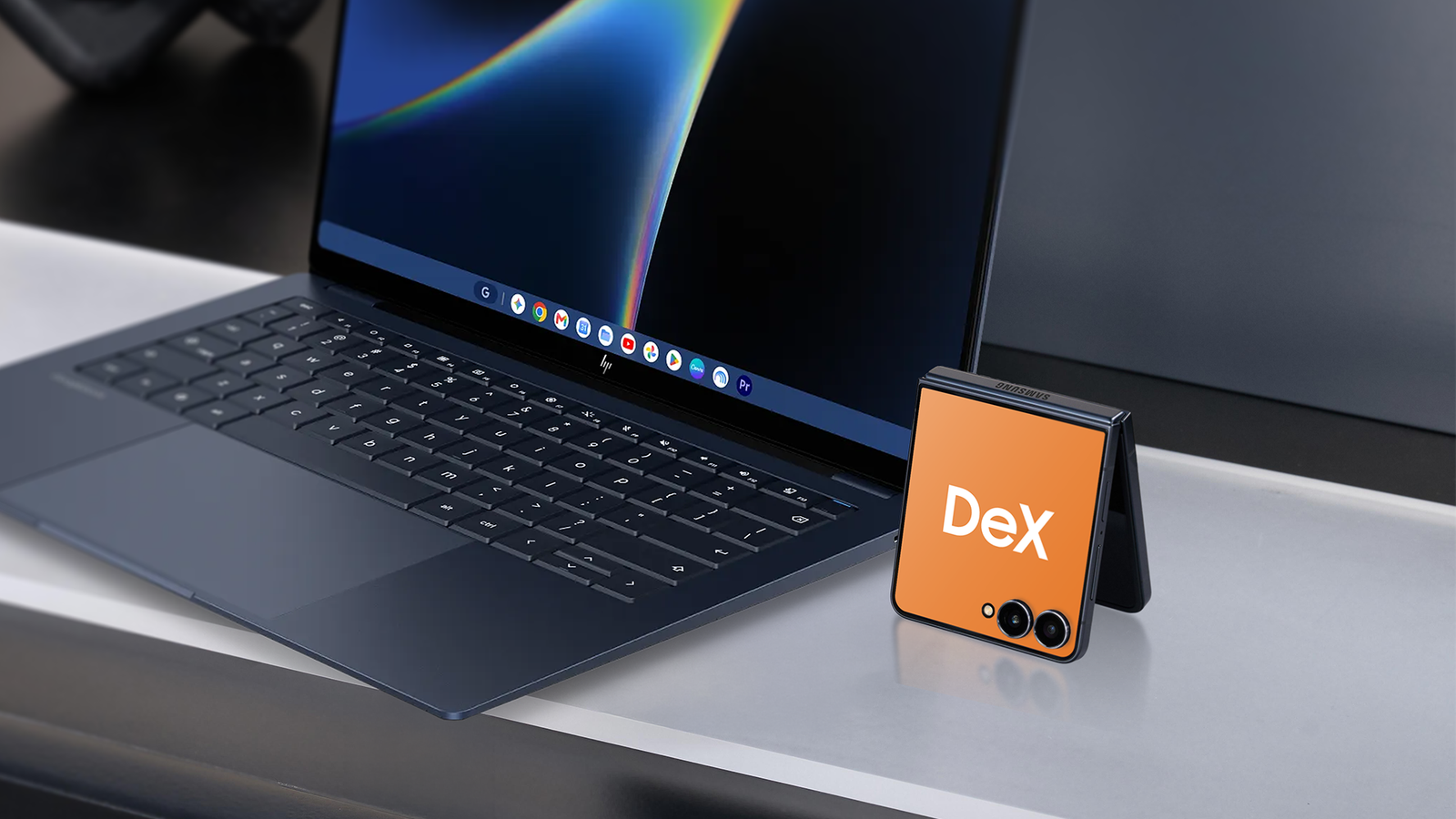
It's been a few weeks since Google's October 4th launch of Googlebook, an intriguing attempt to take control of the Android market. But while the hardware has been impressive, the Googlebook OS has left users with more questions than answers. The Googlebook's premise has always been strong. Long-time Android users have always wanted real ecosystem integration. It's hard not to when you look at the Apple side of life. In practice, however, Googlebook seems to deliver an experience Samsung users might find too familiar. An Android desktop experience, workflow sync, multitasking support, and shared security. Didn't Samsung DeX do all of that for free? What the Googlebook actually is The birth of Google's ecosystem The Googlebook announcement in May promised a lot. The partnership with flagship manufacturers, Acer, ASUS, HP, Dell, and Lenovo, was a stroke of genius that seems to have paid off on the hardware end. Understanding the Googlebook as a whole is simple. It's a range of premium quality laptops created by Google, powered by Android, and integrated with Gemini Intelligence. Google wants your phone to feel like an extension of your laptop. You can access your phone apps and files on your laptop on a larger, more dynamic screen. Gemini Intelligence is also essential. With its incorporation, productivity, research, writing, and many other tasks become easier. Cross-functionality also lets you cast your apps onto a different screen while doing something else on your phone, without needing to install or sign in to those apps again. Early Impressions: a Pixel on a bigger screen Improved hardware capability with limited functionality So far, the Googlebook works exactly as advertised. It integrates with Google Pixels and other Android devices, letting you access your mobile apps on the laptop without reinstalling or logging in again. Files carry over, and notifications echo across both devices. It's a cohesive ecosystem: the remarkable Pixel smartphone on a much bigger screen, with more room for activities like streaming and gaming. However, because the Googlebook is relatively new, some apps on the Google Play Store still aren't optimized for desktop use. According to Google, just over 300 of the 10,000-plus most used Android apps are still not optimized for usage on Intel Googlebooks. There's a clear label on the Google Store for apps that function better on mobile than on the laptop. Ultimately, Google promotes its Googlebooks as the laptop of choice for Pixel and Android users running Android 17 or later. But that's where the conflict with the Samsung Galaxy arises. Samsung DeX came first And now has years of optimization under its belt DeX technology isn't revolutionary. It's rather old. But we consider that to be one of its greatest strengths. DeX has been available since 2017, and Samsung has consistently added new features over the years. Samsung DeX is a desktop-like environment that runs Android on Galaxy phones. Galaxy tablets, however, can run a more stripped-down version called New Dex that can serve as a Chromebook alternative when used with a keyboard cover. Googlebook Samsung DeX Starting cost From $899 Included on supported Galaxy devices Hardware Dedicated laptop, with a keyboard, trackpad, and large display Your Galaxy phone or tablet, plus a monitor or keyboard if you want them Software base Android 17-based Googlebook OS One UI layered over Android Available since October 2026 April 2017 Second device needed? Yes No Support promise 10 years of support Tied to your Galaxy's update timeline It stands out ahead of Google's effort both by predating it and being way more polished thanks to years of updates, user experience, and reviews. While Google Chrome may scale poorly or fail to render correctly in Samsung DeX on Galaxy devices, DeX remains the industry benchmark for mobile-to-desktop environments because of several structural advantages. What's crucial is that DeX allows you to get rid of the need for a second device. Your smartphone or tablet becomes your PC, two for the price of one. The Samsung ecosystem advantage Including the integrations that let you upgrade the experience DeX isn't the only exclusive ecosystem feature Galaxy users enjoy. Beyond file transfers between devices, Good Lock's modules upgrade the DeX experience. There's also the question of how applications behave on DeX. Native Samsung apps tend to resize windows more gracefully, and DeX lets you open multiple Samsung Internet windows, but not Chrome. That level of Samsung-first functionality comes from years of polishing its software. In short, Samsung DeX has all the experience Googlebook is missing. For any Galaxy user, when it comes down to choosing between DeX and Googlebook, the question becomes, "What does Googlebook offer that beats the Galaxy-to-Galaxy experience that DeX provides?" Where the Googlebook shines Top-of-the-range hardware meets Gemini Intelligence The Googlebook has its unique strengths and potential. With Googlebook, you get the real hardware of a first-grade laptop, with a keyboard, touchpad, and larger screen, without the complications of cables, docking stations, or additional accessories that DeX may require. That hardware is better suited to day-to-day work than your smartphone or tablet, and the long-term support period makes a compelling case. If you're looking for a machine with grade-A contemporary hardware features coupled with Gemini integration, the Googlebook looks like the place to be. But these feel more like convenience features to me than added capability. The DeX mode covers much of that ground for Galaxy users. The price problem Premium pricing for functionality Galaxy users get for free The Googlebook laptops start at $899. That's relatively high for a laptop that offers little more than existing Chromebooks. But it's even higher when you compare it to the free-to-use Samsung DeX. On the flip side, DeX requires extra spending on monitors and keyboards, which you can avoid if you have the hardware. In the wider market, other choices exist. Models like the Chromebook Plus series offer Gemini AI features and Android app compatibility in the $369 to $799 range. From a Samsung Galaxy user's perspective, Google may struggle to convince anyone that its technology is superior. But at the very least, it needs some justification for costing considerably more. Another concern with trusting Googlebooks, and its long-term efficiency, is redundancy. Its fate depends on Google's performance and its decision to let Chromebooks and Googlebook coexist. Google indicated that existing Chromebooks will eventually be able to adopt the Googlebook OS. However, it didn't explain which Chromebooks might be "upgradeable," or the full extent of adoption. Google also has a history of abandoning premium laptop lines. In 2022, it scrapped any future generations of Pixelbooks and shut down the team working on them. Perhaps a sign of things to come? We'll have to wait and see. Impressive hardware with all-too-familiar software Google's new Googlebook is good. The hardware is impressive, and the software seems decent, with promising updates ahead. However, it currently doesn't offer much to Galaxy users that they haven't enjoyed for some time now, all with zero additional cost. For Galaxy owners, I don't think the Googlebook has to be merely good; it has to do something DeX can't. Until it can, I see little reason why they would buy it.
I compared Googlebook and Samsung DeX; Galaxy users have little reason to switch
Full Article
Original Source
Read the full article at Androidpolice →KhanList aggregates and links to publicly available news content. We do not host full articles from third-party sources. Always verify important information with original sources.