
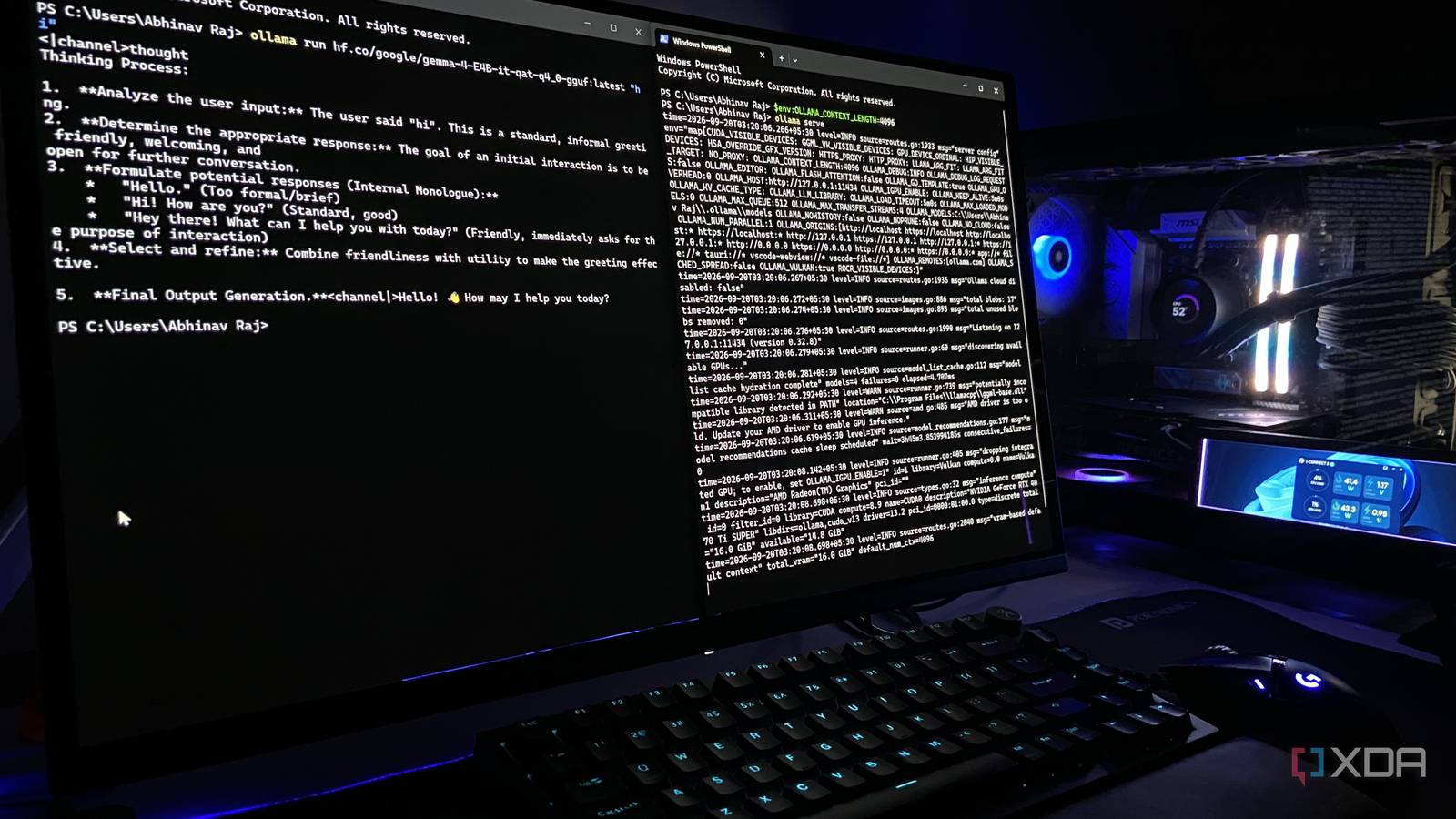
Published Sep 20, 2026, 7:00 PM EDT Abhinav pivoted from a career in banking to pursue his first love in writing. Even while working full-time, he continued contributing as an editor-at-large, a role he has held for more than 7 years. A lifelong tech enthusiast who has built three gaming and productivity powerhouse PCs since 2018, his passion for technology keeps him closely following the semiconductor industry, from NVIDIA and AMD to ARM. His MSc dissertation explored how artificial intelligence will reshape the future of work, reflecting his curiosity about the wider social impact of emerging technologies. Oftentimes, when a new set of open weights drops for a new model, I rush to the scene to see what it's capable of. Most recently, it happened when Qwen3.8-27B arrived in August, and it will probably happen again the next time Alibaba or Google ships something that piques my interest. What disappoints me sometimes, though, is what comes after the download. I run the models on my RTX 4070 Ti Super expecting the performance news outlets describe, but sometimes, the models can crawl, spill out of the VRAM into system RAM, or otherwise refuse to agree with my machine. After this happened a couple of times, I built a mental checklist of numbers to reference before committing to a huge download. Here are the four numbers I read every time, and I wish I had started reading them months ago. KV Cache The memory bill that no one seems to itemize Most new local AI enthusiasts only ever look at the size of the model weights before trying out a new model, just like I did for the better part of last year. After all, if the weights fit into VRAM, even if it's a tight fit, the model should work, right? Well, sort of. The problem is that the weights aren't the only thing eating into your VRAM. There's also the KV cache, which is the model's running memory bill for everything you've asked it to hold in the current conversation. Unlike the weights, that bill keeps growing proportional to the context. On my RTX 4070 Ti Super, a 14B model at Q4, on average, leaves roughly 7GB of memory to spare, which sounds great until I decide to crank up the context window to 32K. Several gigabytes can disappear into the cache alone, and possibly even more if the model uses full multi-head attention rather than grouped query. The model loads, it runs, and then when you paste in a long document, the generation speed drops as it causes a VRAM spillover. It's important to account for this overhead, and whenever possible, check if the runtime supports cache quantization, because dropping the cache to Q8 roughly halves the cost. Exact Quant Four bits is not a number, it's more like a family Credit: Ollama. One of the phrases that I've seen a lot in the local AI landscape, forums, and subreddits in general is, "a quantized version", which I've always found to be one of the least informative ones. Q4_K_M, Q4_0, and IQ4_XS are all 4-bit, and yet they differ in bits per weight, perplexity loss and size. The jump from Q4 to Q8 doubles the VRAM charge for the same weights. On my humble 16GB card, that can most times mean the difference between a 24B model at Q4_K_M loading with ample headroom for KV cache, and the very same model at Q8_0 refusing to fit altogether and crawling. The suffix carries information too, and I'd argue it matters as much as the number for the average user. K-quants hold the layers most sensitive to precision loss at higher bit depths and squeeze the rest, which is why Q4_K_M behaves better than a flat Q4_0 of similar size. That's exactly the reason why I've made a habit of reading the whole file name when it comes to the quant. Active Parameters How many are active? How many are on the label? Not the same thing For a long time after the weights dropped, I assumed that Gemma 4 E4B was a 4B model. It most certainly is not, and when I realized this, it was a rather embarrassing predicament. The 'E' in the nomenclature stands for effective, not active, and E4B carries around 4.5B effective parameters against roughly 8B total once per-layer embeddings are counted. It was this gap that had me reading parameter labels properly. Mixture-of-Experts (MoE) models create the same confusion, albeit from the opposite direction. If you look at Qwen 30B-A3B, each token is routed through roughly 3B active parameters, which is why it's able to generate at small-model pace while all 30B weights still have to be resident somewhere. When you're living on 16GB of VRAM like me, it makes things a little more complicated. For instance, a 30B-class MoE model at Q4 can take 16–18 GB before cache, so it won't be 100% resident on the VRAM despite behaving like a 3B model when it comes to speed. MoE models in general have a better tolerance for CPU offloading than dense ones, but it's still always worth keeping the active parameters on the back of your mind. Native Training Context It's often the most inflated number Another thing that I was guilty of when it comes to local AI inference is taking context length far too literally. If a model's documentation said it supported 128K, I assumed I could throw a full-length novel at it and expect it to remember everything that was in there. It turns out that "supporting 128K" and "was trained on 128K" mean different things. A lot of these windows are achieved by scaling the rotary position embeddings after pretraining or by stretching them further with YaRN, while the model itself was trained on something far shorter. Perhaps the most annoying part of it all is that the model itself doesn't hint at any sign of trouble when you push it past its native length. It just silently, gradually gets worse at finding things, and when it comes to local models, they'll happily give you a response anyway, which makes it hard to spot when the answer sounds plausible. There's no point in wasting VRAM on a 128K KV cache if the model itself turns unreliable around 32K. The download button comes after you've accounted for all of this Taking into account these four numbers and five minutes could save a lot of bandwidth for anyone who's new to the local AI inference scene. I find that a lot of these aspects are poorly explored in most online guides that only talk about the initial set-up and nothing that comes after, which can often lead to a poor experience for those who are just starting out coming from cloud models.
I check these 4 numbers before downloading a local AI model, and tokens per second is dead last
Full Article
Original Source
Read the full article at Xda-developers →KhanList aggregates and links to publicly available news content. We do not host full articles from third-party sources. Always verify important information with original sources.