
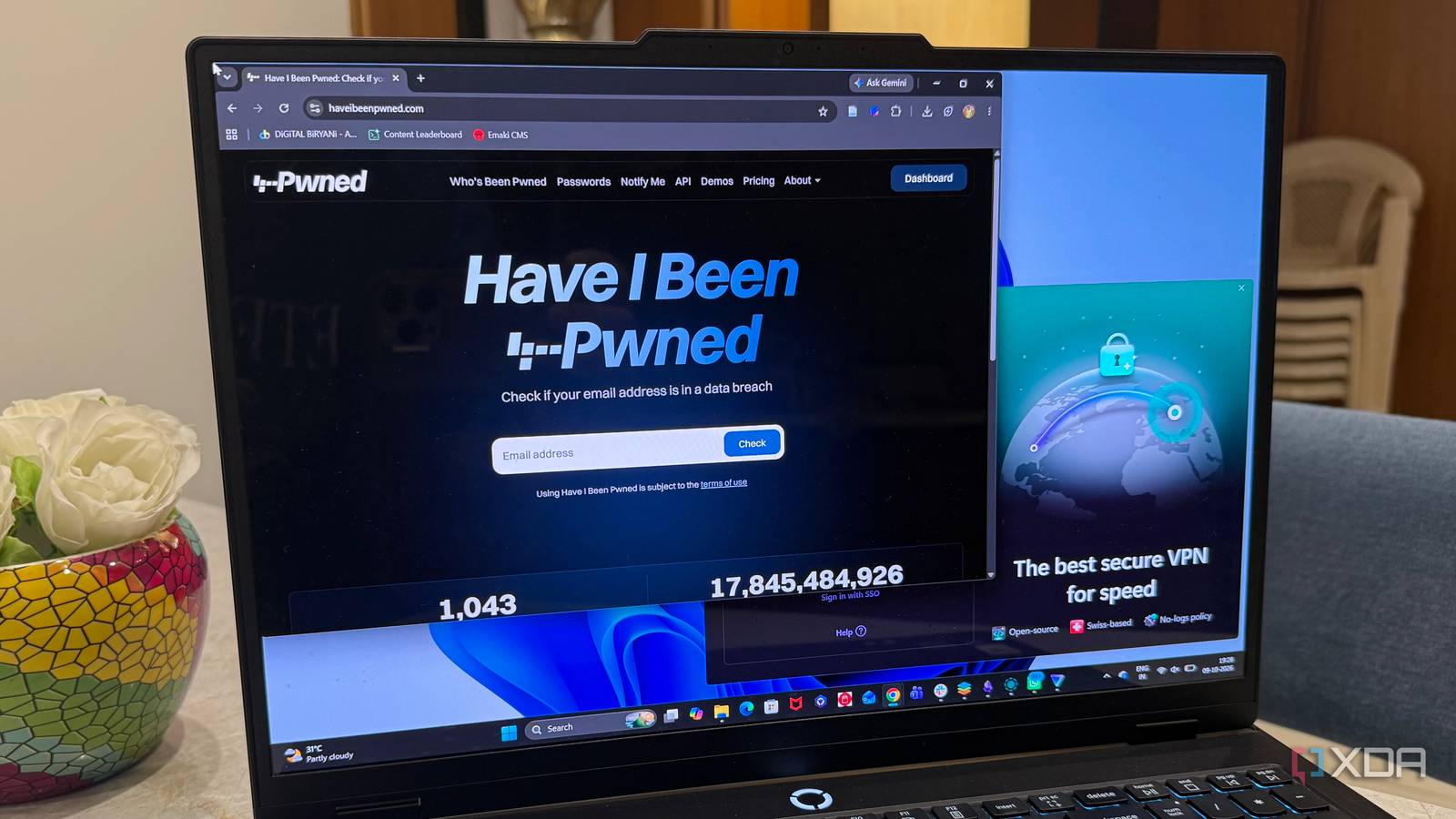
Published Oct 11, 2026, 7:30 AM EDT Beginning his professional journey in the tech industry in 2018, Yash spent over three years as a Software Engineer. After that, he shifted his focus to empowering readers through informative and engaging content on his tech blog – DiGiTAL BiRYANi. He has also published tech articles for MakeTechEasier. He loves to explore new tech gadgets and platforms. When he is not writing, you’ll find him exploring food. He is known as Digital Chef Yash among his readers because of his love for Technology and Food. Staying safe online can feel overwhelming, especially when every other security tool seems to come with a subscription. But do I really need to spend a fortune to protect my digital life? Not necessarily. Plenty of free and affordable tools can help me reduce everyday security risks without complicating things. The trick is knowing what each tool does and where it fits. Here are the tools I’d consider adding to my security setup without stretching my budget. Password Manager Take control of your digital keys I realized that reusing passwords can put multiple accounts at risk if even one website suffers a data breach. Creating unique passwords for every account is important, but remembering them all isn't practical. That's why I started looking at password managers. They store my login details in an encrypted vault and help me generate strong, unique passwords without memorizing each one. This way, a compromised password is less likely to put my other accounts at risk. One tool worth checking out is Vaultwarden, a lightweight, self-hosted alternative compatible with Bitwarden clients. It gives me more control over my password management, although it requires some setup and maintenance. 2FA A strong password isn't always enough to protect an online account. If someone steals it through phishing or a data breach, they could try to sign in as me. That's why I consider two-factor authentication (2FA) an important part of online security. It adds another verification step, making it harder for someone to access my account with just a password. I prefer the Proton Authenticator app, which generates time-based codes, over relying on text messages. 2FA is a great option to consider, and it doesn't require an expensive subscription. I recommend enabling 2FA on important accounts wherever the option is available. AntiVirus Software Stop malware before it strikes I don't think online security is complete without reliable antivirus protection. Downloading software, opening attachments, or even installing an unfamiliar program can expose my PC to malware. That's why I prefer keeping a trusted antivirus running in the background rather than waiting until something goes wrong. It can detect suspicious files, block known threats, and alert me when something needs attention. The good part is that I don't necessarily need to pay for an expensive security suite. There is a lot of free and open-source antivirus software that offers solid baseline protection for everyday use. Take control of who emails you I don't like giving my primary email address to every website I sign up for. An email alias tool lets me create separate addresses for different services without needing multiple inboxes. This is useful when signing up for newsletters, trying new apps, or accessing unfamiliar websites. If an alias starts receiving unwanted emails, I can disable it without affecting my main address. Proton Pass is a great example, offering hide-my-email aliases that forward messages to my real inbox. Email aliases can help limit spam and protect your primary address from unnecessary exposure. It's a simple way to improve email privacy without spending much. Spot leaked data before it hurts I can't prevent every company I use from suffering a data breach, but I can stay informed when my information is exposed. That's where a breach monitoring tool comes in handy. It helps me check whether my email address has appeared in known data leaks, so I know when an account might need attention. I use Have I Been Pwned to check for known breaches without paying for an expensive security service. If I find a match, I can investigate the affected account and take action, such as changing its password and reviewing recent activity. It's a simple way to stay aware of risks I might otherwise miss. Secure your files before cloud storage I often keep important documents digitally, but I don't want sensitive files to remain readable if someone gains access to my storage. That's why I consider file encryption tools. They let me encrypt files so only someone with the correct key or password can access them. This is especially useful for financial records, personal documents, and private files I want to keep secure. Cryptomator is a great option for encrypting files before storing them in cloud services. I like that it adds a layer of protection without forcing me to change how I store or organize my files. It's practical security without a hefty price tag. VPN Add a privacy shield to your connection I sometimes use public Wi-Fi at cafés, hotels, or airports, and I don't always know how secure those networks are. That's where a VPN can help. It encrypts traffic between my device and the VPN server, making it harder for others on the same network to snoop on my connection. It can also hide my IP address from the websites I visit, although it doesn't make me completely anonymous online. Proton VPN is worth considering because it offers a free plan without a data limit. I wouldn't pay for a VPN just for the sake of it, but having one available can be useful when I need it. Spend less on security, not on your peace of mind I’ve learned that staying safe online doesn’t have to mean paying for expensive software or complicated security packages. What matters is choosing tools that solve real problems and fit into my daily routine. I’d rather build a simple setup I can maintain than pay for features I’ll never use. Start with the basics, identify your biggest security gaps, and improve your setup over time. A little effort today can save you a lot of trouble tomorrow.
I built a security setup that costs nothing and blocks more threats than most paid services
Full Article
Original Source
Read the full article at Xda-developers →KhanList aggregates and links to publicly available news content. We do not host full articles from third-party sources. Always verify important information with original sources.