
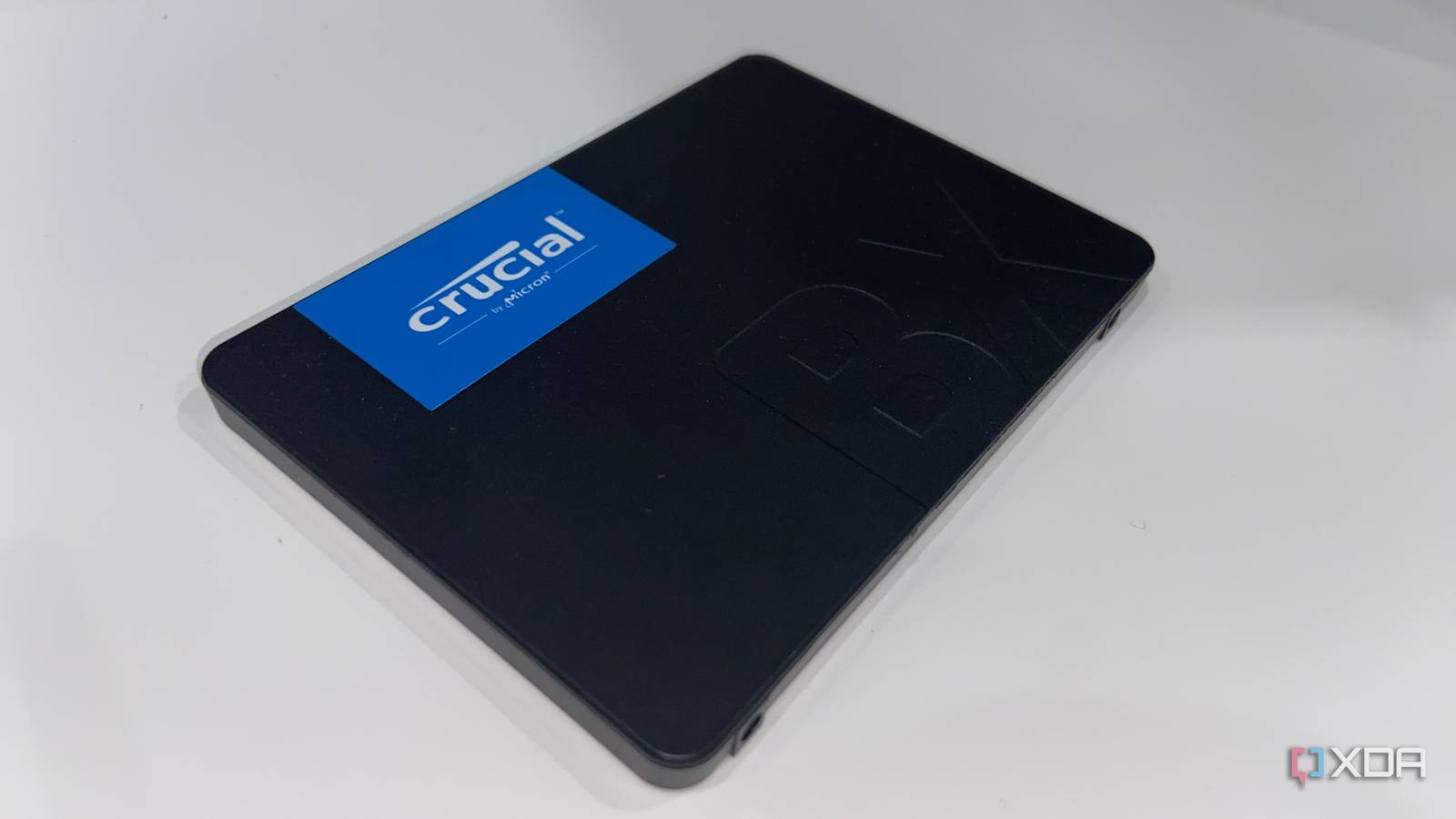
Published Sep 25, 2026, 4:30 PM EDT Abhinav pivoted from a career in banking to pursue his first love in writing. Even while working full-time, he continued contributing as an editor-at-large, a role he has held for more than 7 years. A lifelong tech enthusiast who has built three gaming and productivity powerhouse PCs since 2018, his passion for technology keeps him closely following the semiconductor industry, from NVIDIA and AMD to ARM. His MSc dissertation explored how artificial intelligence will reshape the future of work, reflecting his curiosity about the wider social impact of emerging technologies. There was a time when, every time I opened File Explorer, Steam, or Ollama, I caught myself itching for another PCIe Gen 4 NVMe SSD. There's been a silent inflation in the storage economy over the past couple of years. In that, it seems that everything I have seems to cost more in gigabytes than it used to. Games, local AI models, project folders, all of that seems to have grown. Amazon showed me another kind of inflation. A few years ago, I could buy a lightning-fast 1TB PCIe 4.0 M.2 NVMe for under $100. Of course, this was a time when Crucial was still selling to consumers. That stopped earlier this year. Over time, I realized that my storage needs only ever demanded one fast drive, and a SATA SSD could serve me just as well as an M.2 NVMe, provided I deployed it correctly. Here's why I'm happier with the cheapest SSD on the market instead of the fastest one. The fastest drive available solves a problem I simply don't have You won't see me move 100GB files every other day Most consumers like myself are pushed towards PCIe Gen 5 or Gen 4 NVMe SSDs because they are indisputably the fastest drives available on the market, and are built towards a strictly no-compromise storage experience. At least, that's what most people think is the case, and the numbers on the box certainly reinforce that opinion. A sequential transfer speed going up to 12,000–14,000 MB/s sounds like something you'll experience every time you sit down at your PC. Except, I don't spend my days moving large files from one drive to the other very often. My workload doesn't involve editing large video files, uncompressed datasets, or migrating entire game libraries from one place to another either. Just like 99% of other users, I run applications, load large language models via Ollama, edit documents, play a few games whenever I get the time, and maybe copy something large enough to make File Explorer put up a progress bar for a few seconds. What my PC actually does is produce a constant trickle of working files it creates and discards without asking, which is the pagefile, browser caches, temp files, and downloads that just sit there. They're small, constantly re-written, and hardly worth paying an NVMe premium for. That is precisely the kind of storage gruntwork I'm comfortable offloading onto a cheap drive. My Gen 4 NVMe SSD got roomier thanks to my SATA SSD It's very much like a symbiotic relationship The thing that I have observed in my many years of working with laptops and PCs is that the working files they generate never really stop growing, and that's one of the reasons why your PC feels more "bloated" as the years go by. Ever since I added a SATA SSD, though, I have stopped letting a large amount of that accumulated junk eat into the expensive storage in my PC. Part of that has been possible thanks to a couple of clever migrations. The first was the pagefile, which I moved a couple of months ago. Windows sets it up on your system drive by default and then resizes it as it deems necessary, which means a chunk of my fastest storage could be permanently reserved for a file I would never open, read, or care about. Moving the pagefile to the SATA SSD was a two-minute job that involved tinkering in the settings followed by a reboot. I'd make the same choice again at today's prices And still lose no value Given how the storage economy is right now, there's simply no way to buy an NVMe SSD without burning a hole in your wallet. Price tracking data from this month compiled by Tom's Hardware shows Gen 4 SSDs trading at an average of almost four times their lowest recorded prices, while Gen 5 drives, which were already exorbitantly priced to begin with, are almost twice as expensive as their historic lows. Those numbers, however, don't change my mind about anything, but rather, merely confirm the mental math I'd already worked out for myself. The question that I used to ask about storage was how fast a drive is, but the question I now ask in this new storage economy is how much storage I could get for the money, and whether I'd actually notice the difference between the cheap drive and the expensive one. For my workload, that matches the workload of the average user, the answer was really simple. It was an easy decision to put my money towards capacity rather than performance that would show up on anything besides CrystalDiskMark. A cheap SATA SSD brings me more gigabytes per dollar and a 550MB/s limit doesn't make my PC slower in any way that matters to me. It also gives all the disposable data my PC generates some place to go, which means it works alongside my main drive by doing the one thing that I bought it for. I bought the slower drive, and I've never once regretted it I've said it multiple times before, and I'll probably say it for as long as the subject keeps coming up. A SATA III SSD is not the compromise most users assume it is, and for most everyday tasks like loading applications, playing games, and even installing your OS on the drive, you'd struggle to notice any difference between it and a much faster NVMe SSD. I don't regret buying the slow drive, because most of the time, I actually don't notice the difference between the two. And on the off chance I run into a program that's sensitive to it, all the space the SATA SSD has saved lets me move it across anyway. Crucial BX500 Storage capacity 1TB Sequential read 540 Mb/s Ever wonder why your phone responds faster than your computer? It's because your phone runs on flash memory. Add flash to your laptop or desktop computer with the Crucial BX500 SSD, the easiest way to get all the speed of a new computer without the price. Accelerate everything.
I bought the cheap SSD instead of the fastest one, and I'd do it again
Full Article
Original Source
Read the full article at Xda-developers →KhanList aggregates and links to publicly available news content. We do not host full articles from third-party sources. Always verify important information with original sources.