
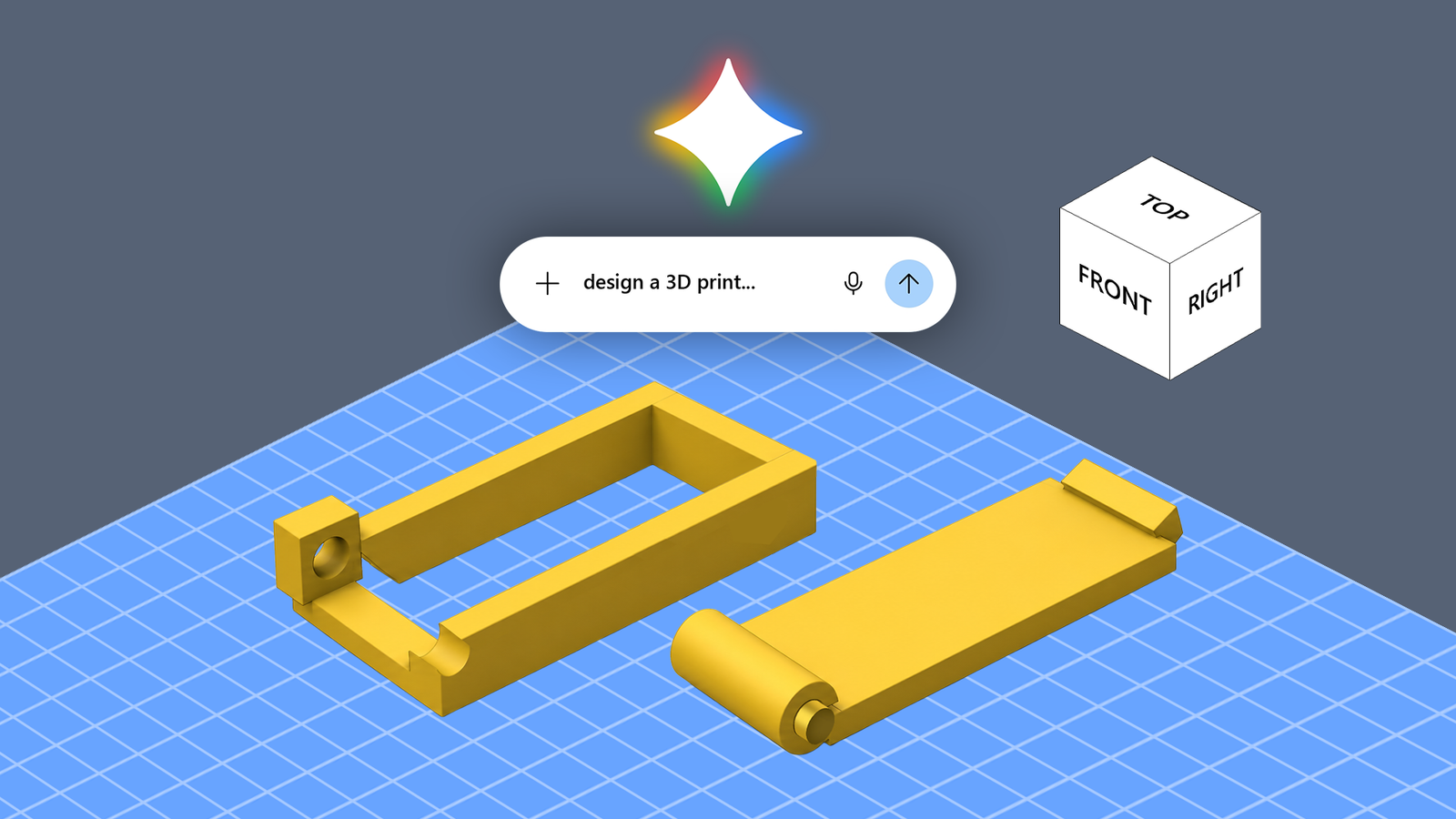
Unless you're an engineer, 3D printing is often associated with toys, figurines, and decorative objects. However, you unlock a 3D printer's full potential when you learn to design functional objects that solve everyday problems. You can create custom cable organizers, replacement knobs, brackets for awkward spaces, wall mounts, and covers for switches or buttons that do not have an off-the-shelf solution. The catch is that designing these objects requires learning 3D modeling, or CAD (Computer-Aided Design). This is a deep rabbit hole that involves everything from materials science and engineering drawing to using digital calipers and micrometers. Not everyone has the time, aptitude, or patience for that. That's why I set out to see whether AI could help me skip some of that learning curve, and I used Gemini to help me cat-proof my electronic door lock. The problem with my home's electronic door lock The lock needed protection from my cat My apartment's main door has an electronic lock with a button that releases the latch. Unfortunately, my cat has learned that hitting the button can open the door. The door doesn't swing open on its own even when the latch is released, but that doesn't stop him from spamming it repeatedly in the hopes of success. I wanted a 3D-printable solution that would prevent him from pressing the button while also letting me operate the lock normally. This seemed like an ideal functional 3D-printing project. Instead of building the model from scratch in a CAD program, I wanted to see if Gemini could design it for me. I gave Gemini some photos, measurements, and a specific problem It became a 3D design challenge Google recently introduced Gemini 4 Argon, an advanced reasoning model that can turn photos and measurement sketches into 3D-printable designs. Available to Google AI Pro and Ultra subscribers in the Gemini app, Argon could be handy for more complex design tasks. I used the free version of Gemini to see how far I could get without upgrading or running into usage limits while refining my design. I asked Gemini to act as a mechanical engineer, CAD designer, and additive-manufacturing expert. I uploaded two photographs of the lock's interior: one showing the offending button and surrounding area, and another annotated with color-coded lines and boxes highlighting the important components. I provided measurements of the lock and the clearances between the components and the surrounding recessed channel. I explained that I wanted a 3D-printable cover to stop my cat from pressing the button. My available filaments were TPU, ABS, and ASA. I also asked Gemini to explain its design strategy. Here's the prompt: You are the world's best mechanical engineer, CAD designer, and 3D printing/additive manufacturing expert. You are well-versed in product design, prototyping, and DFM principles. [Enter specifications and problem statement.] Gemini proposed three solutions I explored a few cover designs Gemini suggested three approaches: a hinged flip-up shield, a fixed hood with side access, and a flexible TPU guard that would require a deliberate press. The flip-up shield appealed to me most. A hinged cover could protect the button from accidental paw strikes while allowing me to lift it when I needed to operate the lock. Gemini also proposed a base frame attached around the recessed area with double-sided tape, leaving the manual override knob unobstructed. This was impressive because it figured out that the manual override knob rotates and therefore shouldn't be used to mount the cat-proofing mechanism. After I approved the hinged design, Gemini offered to generate OpenSCAD code or provide a dimensional blueprint. I chose OpenSCAD, a free CAD tool for creating 3D models. Gemini generated a script for two components: a base frame and a flip-up canopy, complete with hinge pins, sockets, a thumb-lift lip, and a detent to keep the cover closed. It also supplied printing and assembly instructions. Theoretically, this sounded like a complete solution, but the design needed a few revisions before it was ready to print. The design needed a few corrections It wasn't ready to print yet Gemini described its model as ready to print and assemble. It can't generate the model's STL file. However, it generated code that I could save as a SCAD file. I used OpenSCAD to convert it into an STL file. Gemini impressed me by getting the dimensions nearly perfect, but it struggled with DFM fundamentals. Design for manufacturing (DFM) means designing a part with its manufacturing process in mind. For 3D printing, that means making sure the bottom sits flat on the build plate and avoiding steep overhangs and long bridges that could sag because the printer builds the object layer by layer. The initial model would have failed to print due to DFM oversights. However, Gemini successfully rectified the mistake after a quick corrective prompt. The hinge mechanism also had design issues, which it corrected after I pointed them out in a subsequent prompt. This iterative process proved useful, but it also highlighted a limitation: you need sufficient knowledge to recognize the design problems. Gemini did most of the work And that's what impressed me Despite the final fit issues and the hinge mechanism being less than perfect, I was impressed by what Gemini had accomplished. I started with photographs, measurements, and a description of the problem. Within a few prompts, I had a design overview, OpenSCAD code for two components, and instructions for printing and assembling them. When I asked Gemini to redesign some components, it revised the model accordingly. I didn't need to learn how to build the entire model from scratch. I think that is an advantage for beginners. You can use Gemini to brainstorm solutions, explore designs, and generate a starting point that you can refine through testing. You can also ask it to explain unfamiliar concepts. For simpler objects that don't demand tight tolerances, this approach could get you surprisingly far. My door-lock cover was a demanding test because it needed to fit a specific space and incorporate a moving mechanism. Still, Gemini gave me a solid starting point. Simplify 3D modeling Credit: Lucas Gouveia / Android Police | BongkarnGraphic / Shutterstock Gemini isn't the only way to get started with 3D modeling. If you want to experiment with functional prints as a beginner, a few other options are worth exploring. If you own a Bambu Lab printer, consider MakerWorld's MakerLab. Its AI-powered tools include image-to-3D generation, which can turn a picture into a model you can work toward printing. MakerLab also offers a Parametric Model Maker for creating customizable designs with adjustable parameters. You can also try AI model generators such as Meshy and Tripo, which create 3D models from text prompts or images and offer export options. However, I prefer Tinkercad. It's free, browser-based, and lets you build designs by combining and subtracting basic shapes. For functional and dimensionally accurate models, Tinkercad is a better option than relying on an AI-generated solution. Better yet, you can use Gemini to brainstorm a solution or explain an unfamiliar modeling concept, and then recreate or refine the design yourself. Gemini made 3D modeling more accessible With a few prompts, Gemini turned my photographs, measurements, and door problem into a proposed design. It generated the OpenSCAD code and revised the model when I asked it to remove unnecessary components. It's a useful starting point for beginners, whether you're brainstorming solutions, generating simple models, or asking questions to understand how 3D printing works. But for functional prints, you must understand measurements, tolerances, and design for manufacturing well enough to spot problems before they waste filament.
I asked Gemini to design a 3D print to cat-proof my door lock; it nearly nailed it
Full Article
Original Source
Read the full article at Androidpolice →KhanList aggregates and links to publicly available news content. We do not host full articles from third-party sources. Always verify important information with original sources.