
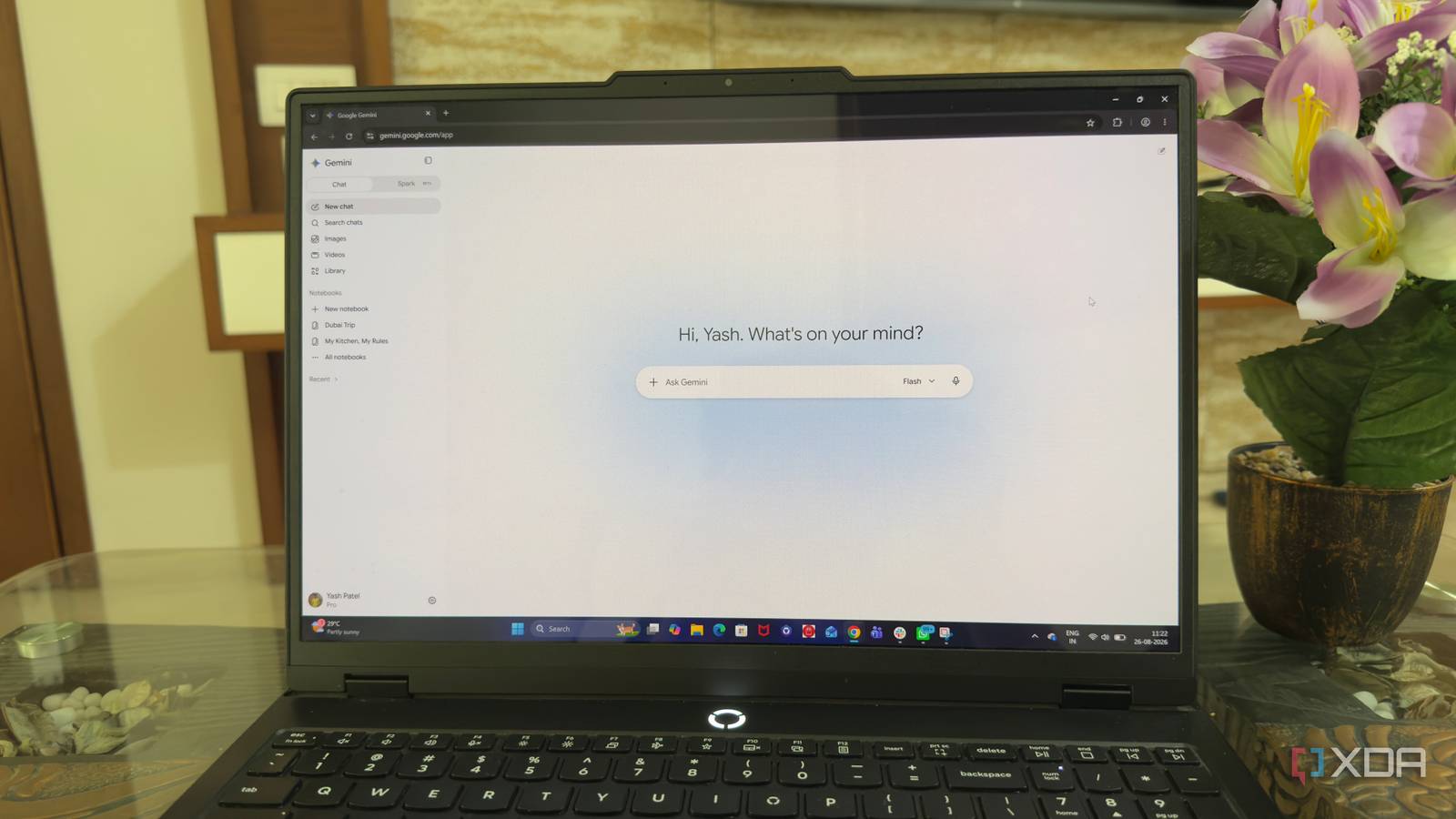
Published Aug 29, 2026, 12:30 PM EDT Beginning his professional journey in the tech industry in 2018, Yash spent over three years as a Software Engineer. After that, he shifted his focus to empowering readers through informative and engaging content on his tech blog – DiGiTAL BiRYANi. He has also published tech articles for MakeTechEasier. He loves to explore new tech gadgets and platforms. When he is not writing, you’ll find him exploring food. He is known as Digital Chef Yash among his readers because of his love for Technology and Food. AI tools have come a long way in just a few years. ChatGPT helped bring AI into the mainstream, and since then, the number of AI tools has grown quickly. Today, assistants handle almost every kind of task, from writing and research to coding and everyday productivity. I have tried quite a few of them, and I find it interesting how each one approaches AI differently. Some focus on powerful models, while others stand out through their features and integrations. That got me thinking about Gemini. Instead of asking whether it was a better chatbot, I wanted to see what made it different from the rest. I explored it from that angle, and the results surprised me. Claude and ChatGPT made me give up on Gemini I kept choosing other AI tools I use ChatGPT and Claude as my regular AI chatbots, and I also have a local AI setup with multiple models on my machine. With so many options, Gemini rarely made it into my daily workflow. It wasn't because Gemini was bad. I could ask questions, brainstorm ideas, summarize information, and get useful answers. But I could do most of those things with the tools I was already using. That made Gemini easy to ignore. I wasn't finding a clear reason to make Gemini part of my regular routine. After a while, I barely used it. I was close to giving up on Gemini completely. But before I removed it from my usual list of tools, I started exploring how Gemini worked with the apps I already used every day. That changed how I saw it. Connecting my favorite apps changed how I used Gemini I connected Gemini to my daily life I started connecting Gemini with the services I use most often, including Google Maps, Gmail, Google Keep, and Android Auto. I also looked at other Google services that work with Gemini, such as Google Calendar, Google Drive, and YouTube. Google Maps was one of the first connections I noticed. Instead of opening Maps separately for every location-related question, I could ask Gemini about places, directions, or nearby locations as part of a normal conversation. It made the interaction feel more natural because I could ask a follow-up question without starting over. Gmail was another useful connection. I get a lot of emails, and finding one specific message can sometimes take longer than it should. With Gmail connected, Gemini could help me find relevant information from my inbox instead of making me search through emails manually. I also connected Google Keep, which made it easier to work with the notes I had already saved. My Keep notes contain everything from quick ideas to random reminders. Being able to bring that information into a Gemini conversation meant I didn't have to remember where I had written something. Then there was Android Auto. This was less about sitting down and using Gemini on my PC and more about having it available while I was driving. I could interact with Gemini without reaching for my phone, which made it more useful outside my usual desktop workflow. I also found the connections with Google Calendar and Google Drive useful. Calendar gave Gemini more context around my schedule, while Drive made it easier to work with documents I had already stored. Gemini made my boring tasks useful Small tasks gave me reasons to return Once I started using Gemini regularly, I noticed that its value wasn't limited to big tasks. I started using it for small things that I normally wouldn't bother asking an AI to handle. For example, I could quickly turn a rough thought into a cleaner note, make a simple list from a messy idea, or ask Gemini to organize information I had collected. These aren't difficult tasks, but they remove small bits of work from my day. I also started using it when I didn't know how to approach something. Instead of spending time figuring out the best way to organize a task, I could explain what I wanted and let Gemini give me a starting point. That made Gemini feel more practical. I was using it for the small, repetitive things I normally ignored because they weren't worth the effort. Those small uses ended up being what kept me coming back to Gemini. Gemini finally found a place in my workflow I was ready to leave Gemini behind because I didn't see what it could add to my setup. After spending more time with it, I realized I had been judging it in the wrong way. I was looking at Gemini as another AI chatbot instead of looking at how it could fit into my day. That changed my view of it. I still use other AI tools, and Gemini hasn't replaced them. But I now have a reason to open it when I need it. Sometimes, the best tool isn't the one that does everything. It's the one that fits naturally into the way you already work. Google Gemini Google Gemini is a family of multimodal artificial intelligence models developed by Google that can process and understand text, images, audio, video, and code simultaneously.
I almost gave up on Gemini until I finally understood its strengths
Full Article
Original Source
Read the full article at Xda-developers →KhanList aggregates and links to publicly available news content. We do not host full articles from third-party sources. Always verify important information with original sources.