
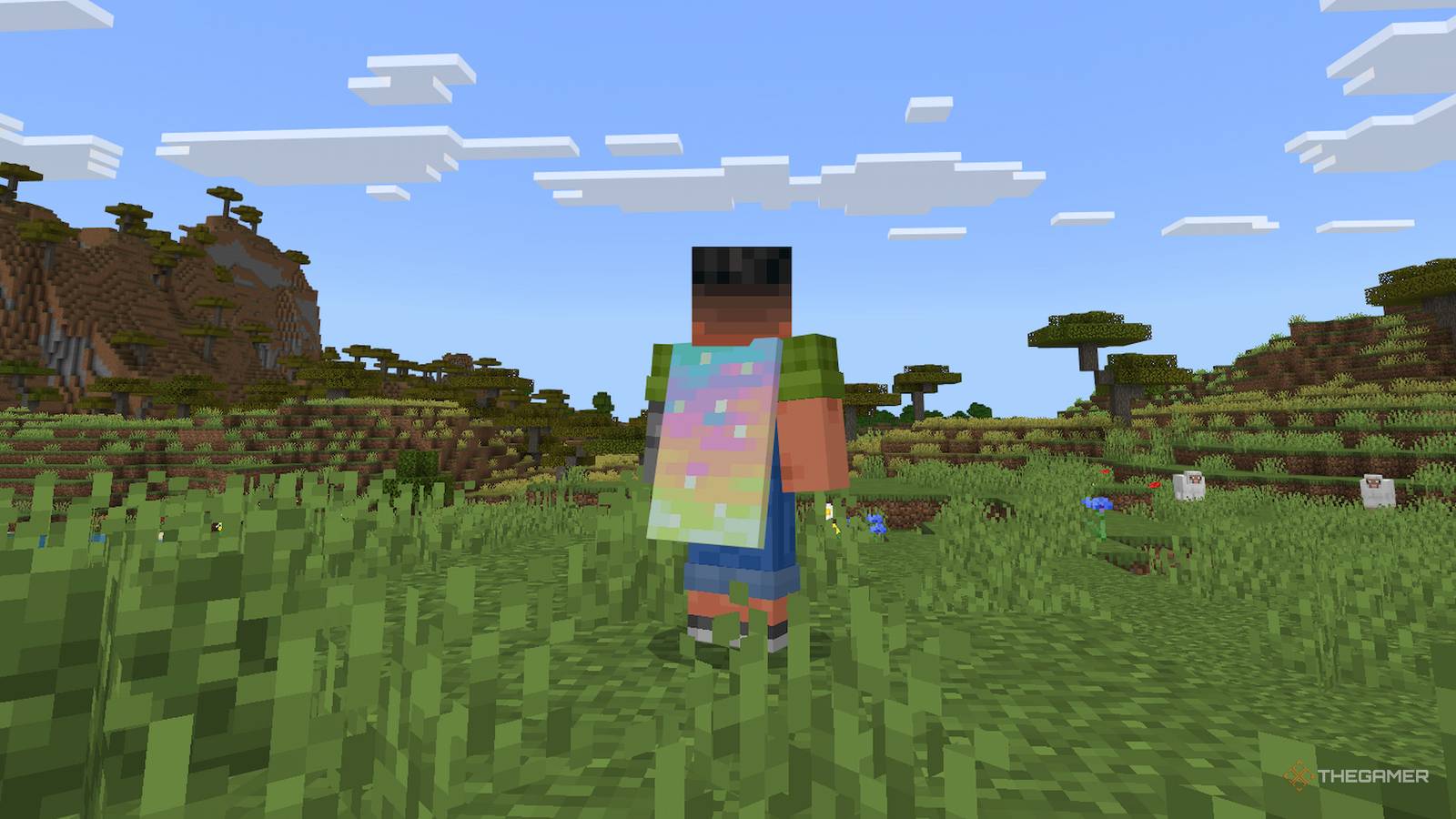
Published Oct 10, 2026, 11:20 AM EDT Nick is a gaming news writer for TheGamer, and has been covering the games industry for over three years at sites such as Twinfinite, DotEsports and The Phrasemaker. Born and raised in a small town in Pennsylvania, Nick studied Media and Professional Communications at the University of Pittsburgh, refining his writing and fact-checking to ensure clarity and entertainment value in everything he writes. With the launch of Minecraft Dungeons 2, players can also get new and exciting cosmetics for their Minecraft accounts. Even those who haven't played the game can benefit from its launch, because the Aurora Cape in Minecraft is available to anyone. However, the Aurora Cape isn't a cosmetic item in Minecraft Dungeons 2; it's in the base Minecraft launcher. The new game doesn't include the Aurora Cape, but it's a cosmetic meant to add a little more variety to Minecraft. Here's how to get the Aurora Cape in Minecraft Dungeons 2. How To Unlock The Aurora Cape You can only redeem the Aurora Cape as a Twitch Drop or on TikTok, not through in-game play. These work by linking your Minecraft account to your Twitch account, then watching a certain amount of content to unlock rewards before the event ends on October 14. To unlock the Aurora Cape, you'd have to watch 15 minutes of Minecraft Dungeons 2 content. However, people are reporting that Twitch has been having issues with its Minecraft Dungeons 2 drops, and even though it still shows the cape as accessible, nothing happens after watching the required content. It's unclear whether this is due to an issue on Twitch or if the live-streaming service ran out of codes. How To Get The Aurora Cape On TikTok Luckily, if you couldn't get the cape on Twitch, you're still in luck. Before the event ends on October 14, players can still get codes for the Aurora Cape on TikTok, but it functions a bit differently than it does on Twitch. You can't link your Minecraft account to your Twitch account, so the app will instead give viewers a code after they watch Minecraft Dungeons 2 content for a total of three minutes. There will be a little icon on the screen to signify that the content is eligible for the reward, so you know you're watching the right thing. After the three minutes, you can view your code on the app to redeem it. Simply go to Minecraft.net/redeem, log into your account and enter the code into the box. The cape will then be redeemed to your account. How To Use The Aurora Cape In Minecraft If the Aurora Cape doesn't appear in your inventory right away, don't worry. For the Java installation, it takes longer to hit your account, but it should redeem immediately in any Bedrock installation. Some people report that after playing with it on Bedrock, the Aurora Cape shows up in their Java cape library as well. Other people say that it takes closer to a day before properly showing up, so just be patient, and you'll have the cape flowing behind you in your Java world before you know it.
How To Get The Minecraft Dungeons 2 Aurora Cape In Minecraft
Full Article
Original Source
Read the full article at Thegamer →KhanList aggregates and links to publicly available news content. We do not host full articles from third-party sources. Always verify important information with original sources.