
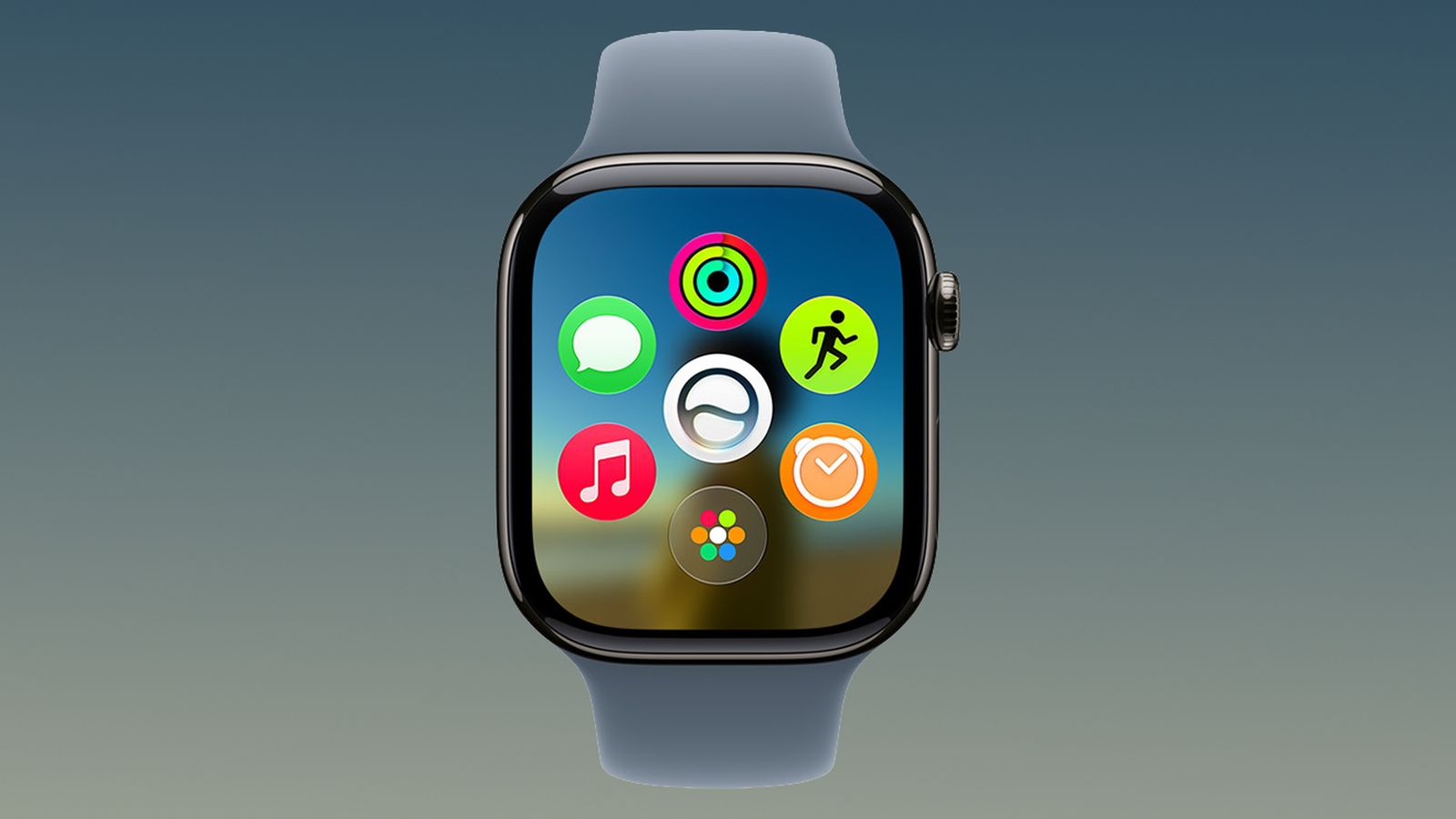
Prior to watchOS 27, force quitting apps on Apple Watch was done by swiping up on apps in the App Switcher screen, but that's no longer possible because the Digital Crown double-click gesture that got you there is now reserved for Apple's upcoming Live Rewind AI feature. Fortunately, there's still a way to force quit apps in watchOS 27. From the app you want to quit, press and hold the Side button until the sliders appear. Then simply press and hold the Digital Crown until the watch face appears. You've now quit the app. Quitting an app doesn't save battery power, but it's useful if the app is misbehaving. Popular StoriesApple Event Live Blog: iPhone Duo, iPhone 18 Pro, and MoreWednesday September 9, 2026 9:10 am PDT by Jordan GolsonApple's "Surprise and Shine" event kicks off today at 10:00 a.m. Pacific Time, where we're expecting to see the foldable iPhone Duo, the iPhone 18 Pro and Pro Max, Apple Watch Series 12 and Ultra 4 models, new AirPods 5 earphones, and perhaps some other announcements. Apple is providing a live video stream on its website, on YouTube, and in the company's TV app across various platforms. We...New Apple Watch Series 12 and Apple Watch Ultra 4 Features RevealedBloomberg's Mark Gurman today further outlined what to expect from the Apple Watch Series 12 and Apple Watch Ultra 4 set to be unveiled on September 9. While it was initially rumored that Touch ID may be coming to the Apple Watch this year, Gurman reiterated that he does not expect the Series 12 or Ultra 4 to have any major design changes compared to the current Series 11 and Ultra 3 models. ...Apple Event Today: iPhone 18 Pro and iPhone Duo Cheat SheetTuesday September 8, 2026 10:24 am PDT by Tim HardwickApple's biggest event of the year is almost here, and all eyes are on Cupertino. With the first foldable iPhone expected to headline Apple's "Surprise and Shine" event on Wednesday, September 9, at 10:00 a.m. Pacific Time, the rumor mill has been running full throttle, fuelled by the biggest single design change in the life of the iPhone. To get you up to speed, here's a quick reference...
How to Force Quit Apple Watch Apps in watchOS 27
Full Article
Original Source
Read the full article at Macrumors →KhanList aggregates and links to publicly available news content. We do not host full articles from third-party sources. Always verify important information with original sources.