
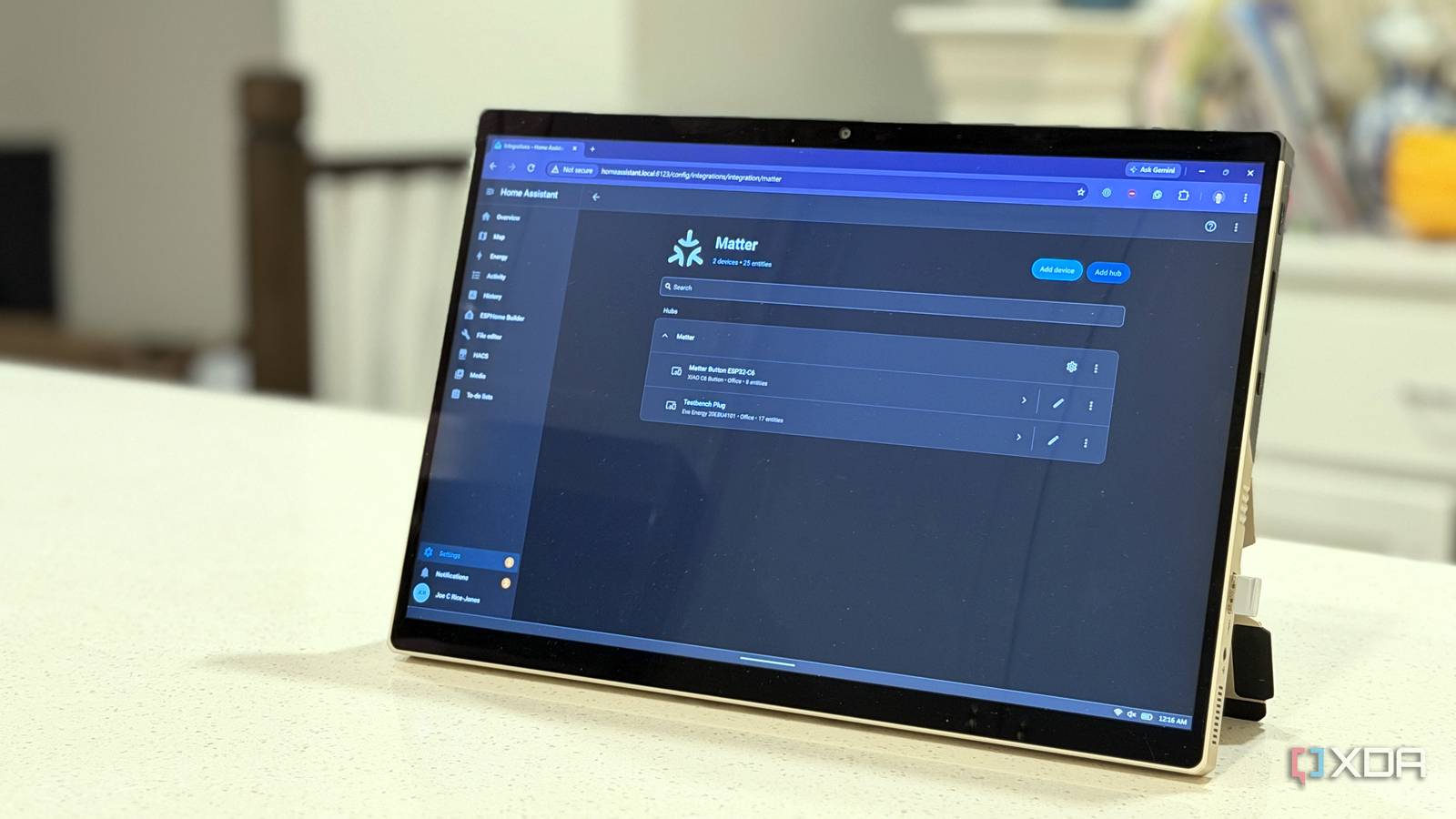
Published Oct 29, 2026, 10:00 AM EDT Maker, meme-r, and unabashed geek, Joe has been writing about technology since starting his career in 2018 at KnowTechie. He's covered everything from Apple to apps and crowdfunding and loves getting to the bottom of complicated topics. In that time, he's also written for SlashGear and numerous corporate clients before finding his home at XDA in the spring of 2023. He was the kid who took apart every toy to see how it worked, even if it didn't exactly go back together afterward. That's given him a solid background for explaining how complex systems work together, and he promises he's gotten better at the putting things back together stage since then. It's no secret we love Home Assistant here at XDA. Many of our writers, myself included, run Home Assistant to unify our smart home, so we can choose devices that support Matter, Zigbee, or any of the plethora of standards that the modern smart home runs on. The HA maintainers have gradually been improving compatibility for more device types, and now Matter smart locks and leak sensors have the most useful settings included. Now, I don't have dedicated Matter devices on hand to test this. But what I do have is a stack of ESP32 devices, and those can simulate the sensors for me. So that's what I did, and now I'm going shopping for some dedicated, battery-powered devices to replace my DIY jank. Matter leak sensors now have alarm settings in Home Assistant Supported sensors get separate switches for their siren and light Most Matter leak sensors do two jobs. They tell your smart home there's water on the floor, and they make a racket about it themselves, with a built-in siren, a flashing light, or both. Home Assistant has handled the first job for a while. The second one stayed locked in the manufacturer's app, which is a bit awkward when the whole point of Matter is not needing the manufacturer's app. Home Assistant 2026.10 fixes that. Supported leak sensors now get two new switches on their device page, Audible alarm enabled and Visual alarm enabled, both tucked into the Configuration card. They come from a part of the Matter spec called Boolean State Configuration, which is the standard way for a sensor to say "I have an alarm, and here's how to set it." They're settings, not a siren button Setting these to enabled in Home Assistant doesn't set the siren or flashing lights off, and that's a good thing. But they enable the sensor to do more things when they find water. They're independent, so you can decide if you want the noise, or the light, or both (or neither, but you do, boo). That's important. Before this, the easiest way to get notified was to send notifications to your phone running the HA app. And you'll still get that, but now you can decide if you want your sink to shriek at you as well. Or you can keep the noise for those sinks in rooms you rarely go near, because a flashing light won't get noticed there. The switches only turn up if your sensor asks for them There is one catch, and it's a big one. Home Assistant won't add those switches to every leak sensor. The sensor has to support (and report) Boolean State Configuration, list which alarm types it has, and accept the command to switch them on or off. A sensor with a siren but no light gets the audible switch and nothing else, and any sensor that doesn't report the cluster gets nothing. One automation for the leak and the all-clear To illustrate why Matter, well, matters (sorry!), I built a fake leak sensor with an ESP32-C6. I didn't have any leads on hand, so the BOOT button was a stand-in for a water detected event. I used Arduino-ESP32's Matter Water Leak Detector example over Wi-Fi, commissioned into HA over BLE. One quick pairing code put into the iOS Home Assistant app and I had a working sensor, piped into HA via HomeKit. The switches turned up in HA, and it took a few more seconds to use the new automation routine to get notifications sent to my phone if a water leak was detected, and if the water disappeared again. Neither is a good thing, either the leak or the sudden absence of water where it was freely flowing a moment before. My DIY sensor didn't get everything promised My ESP32-C6 sensor stand-in didn't get all the water sensor attributes, because I didn't add some into the sketch that was uploaded to it. I got sensors, and the diagnostic cluster, but I didn't get a configuration card or alarm switches. If I had added the Boolean State Configuration cluster, those would have been there. In some ways, this imperfect example is a better one than I thought at first. It highlights that the device maker (in this case, me), has to include these things before Home Assistant can use them. The code is there, it just needs the device to have the same things announced. Matter locks got here one update at a time PIN codes and users arrived in 2026.4 Now, I know Home Assistant has been slowly adding Matter lock support over the past while. And even if every lock isn't fully supported, or every feature, it's still worth setting up. The important thing is that you can now manage users, PINs, and issue full and one-time access codes from Home Assistant now, when you couldn't do it before. One-touch locking is the newest switch HA 2026.10 added a switch to control whether a single keypad touch could lock the door. It is only created when the lock reports the Door Lock cluster's optional EnableOneTouchLocking attribute. Home Assistant's own test suite has a dump from an Aqara Smart Lock U200 that reports the attribute, but not every lock will. There's also a Secuyou Smart Lock dump that doesn't report that attribute, because Matter functionality is opt-in by the manufacturers. Home Assistant supports the spec, and that's what matters to you as the user. Everything else is reading the product pages well, or emailing manufacturers if it's not clearly stated. Check what a Matter device exposes before you buy it Smart devices have varying levels of support for Matter, and that's not changed with the new upgrades to Home Assistant. Some smart locks support PIN management through the official app, but not through Home Assistant as they don't offer feature flags to be read. Others have issues with code management, whether that's a bug or intended behavior is yet to be seen. But overall, Matter is less flaky these days, with BLE commissioning using the first advertisement first, a guard against out-of-spec device values, and a fix for a bug that used to hide Matter IDs from Google Assistant until restarted. It's still not the fix for the mix of connectivity that smart homes tend to end up with, but it's a far cry from how broken it was at launch.
Home Assistant's latest update makes Matter leak sensors and locks worth setting up
Full Article
Original Source
Read the full article at Xda-developers →KhanList aggregates and links to publicly available news content. We do not host full articles from third-party sources. Always verify important information with original sources.