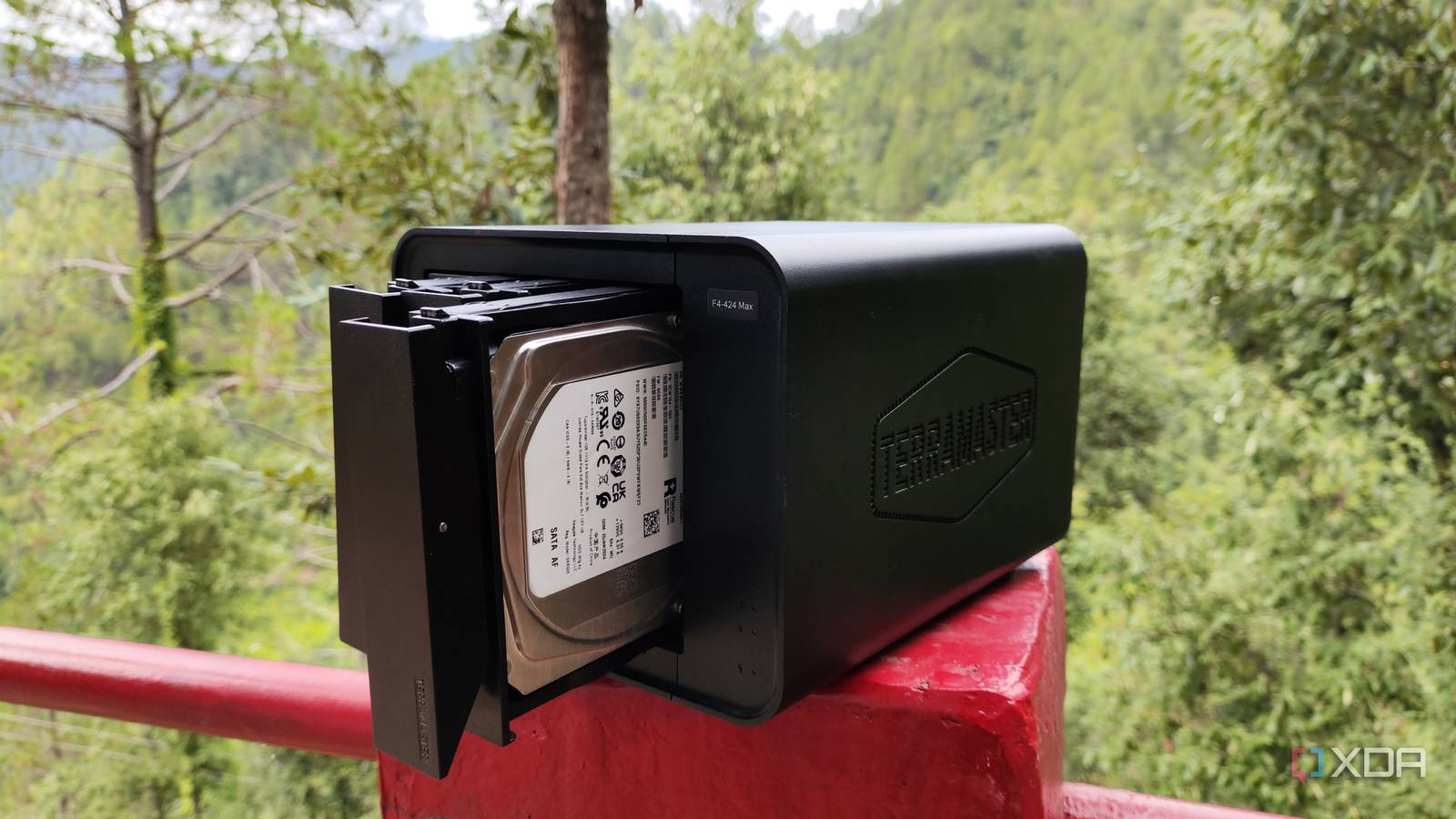
Published Aug 15, 2026, 4:30 PM EDT After a 7-year corporate stint, Tanveer found his love for writing and tech too much to resist. An MBA in Marketing and the owner of a PC building business, he writes on PC hardware, technology, and Windows. When not scouring the web for ideas, he can be found building PCs, watching anime, or playing Smash Karts on his RTX 3080 (sigh). Buying hard drives should not be complicated. After all, there are far fewer variables to consider compared to NVMe SSDs. Besides, spinning drives are old tech, so you don't have to keep up with any new developments. That said, you still need to be sure about the type of data recording used by the drive you're about to buy, because there are two of them, and they're quite different. In the mid-2010s, manufacturers quietly started shipping denser and cheaper SMR hard drives without labeling them as such. They differed from CMR drives in terms of sustained write performance, and people only realized the swap after years. SMR drives are fine for most uses, but they should be avoided for your NAS. It's worth spending extra on higher-grade CMR drives if you value your RAID setup. Not all hard drives work the same way You probably don't know which one you're buying Conventional Magnetic Recording (CMR) was the only method used by hard drives for the longest time before Shingled Magnetic Recording (SMR) drives were quietly introduced by the likes of Seagate and WD around 2013. CMR drives write data on side-by-side tracks on spinning platters with no overlap. The platter keeps spinning, and the drive head records the data on adjacent tracks, where one track doesn't affect the other. SMR drives, on the other hand, "shingles" adjacent tracks (like roof tiles) and record data with significant overlap. This overlap allows manufacturers to pack more data in the same space, increasing storage density by up to 25%. As a result, these drives are also cheaper than CMR drives, which led to their rapid adoption in the years following 2013. However, consumers didn't often know they were buying a lower-performing type of hard drive. The product page rarely revealed anything about the recording technology, so most consumers looked at the cheaper MSRP and made their decision. Only around 2020 did the backlash against unlabeled SMR drives grow strong enough that manufacturers were forced to take notice. SMR drives and NAS setups don't mix well at all Don't save a few bucks on NAS drives The problem with SMR drives is that they don't respond well to write-heavy workloads. If your NAS is used only as long-term storage, you probably won't notice anything fishy with SMR drives. However, if it constantly sees backup operations, small random writes, multiple users syncing data, and complicated RAID setups, SMR drives can quickly become a nightmare. These drives can slow to a crawl once the cache is filled up. The performance doesn't start slow, but it can fall off a cliff at any moment. During RAID rebuilds, data needs to be reconstructed, which involves numerous sustained write operations. Since overlapping tracks necessitate rewriting adjacent tracks whenever a particular track is rewritten, the process becomes painstakingly slow. A few hours on a CMR drive can take days or weeks on an SMR drive. This is why quality NAS drives cost more than regular drives. Manufacturers now typically use CMR drives in their "NAS" product lines, such as WD's Red Plus and Red Pro, and Seagate's IronWolf and IronWolf Pro. These drives also have specially tuned firmware, higher vibration tolerance, and longer warranties. Still, you should do your research before buying drives for your NAS. Check the manufacturer's official documentation and datasheets for detailed information. You could also cross-reference the model numbers with community-maintained databases or ask fellow NAS users on Reddit. Seagate IronWolf 12TB Storage Capacity 12TB MTBF 2.5M hours This Seagate IronWolf 12TB HDD is one of the most purchased items by XDA readers, useful for backups since it's high capacity and has a large cache SMR drives are cost-effective, but only for the right use cases You don't have to shun them completely SMR drives will lower your investment, especially when buying larger capacities, but they make sense only when sustained write activity isn't on the cards. If you mostly deal with Write Once Read Many (WORM) use cases, then SMR drives can still be fine. For instance, storing older backups, media libraries, and archival data is fair game for SMR drives. They're also good for cold storage where you want to keep storage costs low. For everything else, it's better to invest in CMR drives. The greater performance and endurance will more than make up for the higher initial cost. You don't want to risk data integrity in your RAID setup — resilvering is the worst time to find out that you accidentally bought SMR instead of CMR drives. There's a reason people take NAS drives seriously It's not for nothing that NAS users are careful when buying storage for their NAS setups. NAS workloads need sustained performance, especially with involved RAID configurations. CMR drives provide the necessary reliability for NAS at a slight premium over SMR drives. The latter can still be used safely for regular use cases, noticeably reducing your investment.
Hard drives quietly changed how they write data, and it's why some of them are awful in your NAS
Full Article
Original Source
Read the full article at Xda-developers →KhanList aggregates and links to publicly available news content. We do not host full articles from third-party sources. Always verify important information with original sources.