
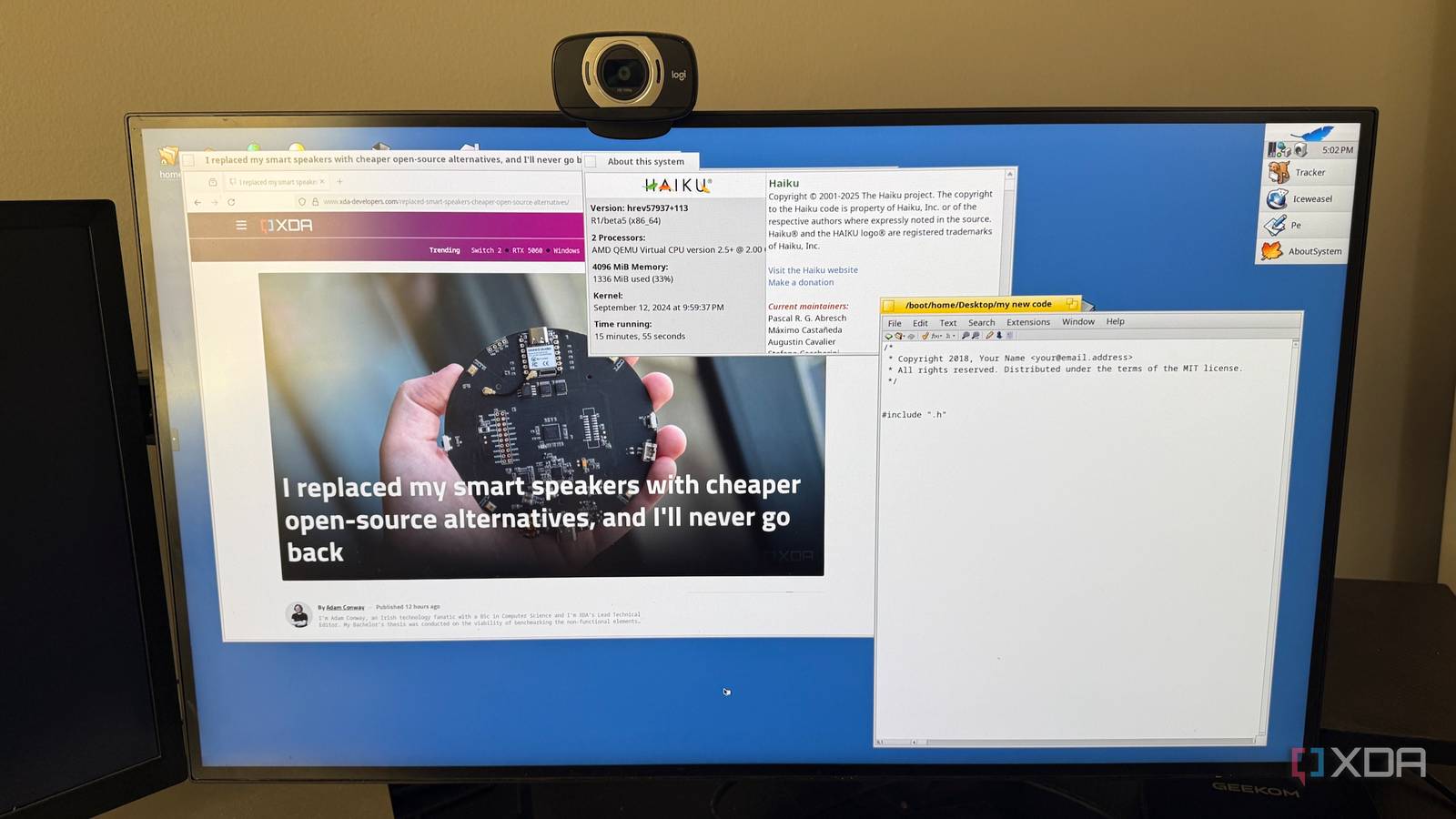
Nobody really needed another desktop operating system, especially one devoted to carrying forward an OS whose commercial story ended more than two decades ago. Windows, macOS, and Linux already have the software libraries, hardware support, and development communities that make them the obvious choices for almost everyone. Haiku is at a huge disadvantage before it even reaches the desktop, and I went into it expecting more of a curiosity than something I’d want to keep using. Instead, I kept finding small reasons to boot it again, mostly because it feels unusually fast, focused, and opinionated about what a desktop computer should be. Haiku feels absurdly responsive even on modest hardware The desktop rarely makes me wait for simple things Speed is the first thing that stands out, and not in the benchmark-chasing sense. Windows appear immediately, menus don't pause before opening, and basic applications launch quickly enough that I stopped thinking about launch time altogether. Recent Haiku users running it on old Atom systems and other low-powered hardware often make the same point, which says more to me than a synthetic test would. On faster hardware, the whole thing starts feeling almost comically light because there's little overhead getting in the way. That changes how I use the system more than I expected. I'll open a preferences panel to check one thing, close it, then open something else without the tiny hesitation I sometimes have on heavier desktops. Haiku's built-in utilities are generally small, direct, and designed for one job, which helps preserve that feeling. I didn't realize how accustomed I'd become to waiting a fraction of a second for simple desktop actions until Haiku stopped making me do it. The other part of that responsiveness comes from how focused the operating system feels. Haiku is clearly built around a keyboard, mouse, and monitor, with one person sitting in front of them, rather than trying to cover every device category at once. That narrowness has disadvantages, but it also means the desktop rarely feels burdened by features aimed at some completely different use case. After a while, I started noticing just how much background complexity I'd stopped questioning elsewhere. Tracker makes ordinary file management far more interesting Haiku treats filesystem metadata as something you can actually use Tracker initially looks almost too plain. It's Haiku's file manager and desktop, and there isn't much visual noise trying to convince me that file management needs to be a whole ecosystem of sidebars, feeds, and cloud shortcuts. I almost wrote it off as basic until I started poking at file attributes and realized how much of Haiku's personality lives there. Metadata isn't tucked away as secondary information because Tracker can expose it directly, letting me work with it. That gets more interesting once queries enter the picture. Haiku can search by filenames and attributes, then save those searches so they continue to reflect whatever currently matches the criteria. The first time I really understood what that meant, I had to rethink the assumption that folders should do all the organizational work. A saved query isn't just a record of what I searched for earlier because it can keep behaving like a live view of matching files. Tracker has a bunch of smaller touches that started adding up for me, too. Typing in a window can search for filenames and displayed attributes, while menus let me move through directory hierarchies without opening window after window to reach deeper levels. Different file types can expose useful attributes, and templates can preserve metadata and window layouts for things I create repeatedly. None of it forces me into a new filing system, which is probably why I found myself experimenting instead of immediately turning the features back off. Haiku's window management keeps surprising me with useful ideas Haiku's windows are one of the first obvious signs that I'm not using a conventional modern desktop. Instead of stretching a title bar across the whole window, Haiku uses smaller title tabs that can be repositioned. More importantly, separate windows can be stacked so they share the same space while keeping their own tabs. I initially treated that as one of those oddball interface decisions I'd appreciate academically and then ignore, but it turned out to be much more practical than that. Grouping related windows means I don't have to minimize them, move them to another workspace, or hope the application itself supports tabs. Haiku also lets me move and resize windows with modifier keys, which sounds minor until I stop hunting for narrow borders or title bars with the pointer. Those interactions quickly become muscle memory because they remove a few repetitive motions from basic window management. I caught myself trying to use them elsewhere afterward, which is usually a good sign that a feature has stuck. Deskbar fits the same pattern. It handles launching, switching, shortcuts, and small replicants without becoming a giant control surface that constantly demands attention. Files, folders, applications, and saved queries can all become part of the environment in ways that feel connected rather than bolted together. Once I started arranging things around how I actually worked, the desktop felt less like a place I had to navigate and more like something I could shape. The modern web quickly exposes Haiku's biggest practical problems Modern browsers and hardware support remain difficult sticking points Then I open a browser, and the limitations become much harder to ignore. Haiku's browser situation has improved quite a bit, and recent users regularly point out that current builds can handle far more of the web than older versions. That's encouraging, but it isn't the same as the browser compatibility I take for granted on Windows, macOS, or mainstream Linux. Complex web apps, streaming services, and sites that lean heavily on newer browser features can still be where the fun stops. Graphics support is another area where Haiku's status catches up with me. It lacks the broad modern GPU acceleration I normally expect, which immediately changes what I can reasonably do with games, graphics-heavy software, and some media workloads. Hardware compatibility also isn't something I'd assume would sort itself out on whatever laptop happens to be nearby. Wi-Fi, audio, graphics, and other devices are things I'd want to check before deciding a machine is a good Haiku candidate. Haiku’s installer image may not yet support newer chipsets. I ran into this with my Geekom A9 Max, where the installer couldn’t properly handle the hardware. Before dedicating a recent mini PC or laptop to Haiku, check current hardware compatibility first, especially for graphics, networking, audio, and storage controllers. The software catalog has the same problem in a different form. There's enough native software and ports to make Haiku useful, but I can't pretend its application ecosystem competes with the platforms I use every day. If my workflow depends on a particular commercial application, a specific peripheral, or a demanding browser service, that's probably the end of the experiment for that task. Haiku is still beta software, and every so often it stops being charming long enough to remind me. Haiku doesn't need to replace Linux to justify itself Its different assumptions are exactly why I keep returning The obvious response is that all of this makes Haiku impractical as a primary operating system. That's true for me, and it'll be true for many who try it. I don't think that's the most interesting way to judge it, though, because the reason I keep coming back isn't that I think it's about to replace anything. I keep returning because it gives me a desktop built on a noticeably different set of priorities. I don’t need Haiku to replace my normal operating system, but I do keep wishing a few of my normal operating system’s ideas worked more like Haiku’s. That becomes clearer the more time I spend with it. Tracker's attributes don't feel like a checkbox feature added because every competitor has one. Window stacking isn't there because somebody decided tabs were fashionable, and Deskbar isn't trying to become a portal for half a dozen online services. These ideas are central to how Haiku expects the desktop to work, and that gives the whole system a kind of internal consistency I notice more over time. Some of the choices are strange at first, but several become useful once I stop trying to force Haiku into the habits I bring from Windows or Linux. There's also something appealing about using an operating system that's still small enough to explore without immediately getting buried in layers of infrastructure. Haiku gives me a terminal and access to familiar open-source software, but the graphical environment doesn't feel like a secondary part of some larger server or cloud story. Recent users often describe keeping Linux, BSD, Windows, or macOS for serious day-to-day work while still booting Haiku because they enjoy using it. That's not a market-winning argument, but it’s a pretty good reason to keep it installed. Haiku is worth keeping around because it stays different Haiku isn't secretly ready to dethrone Windows, macOS, or desktop Linux, and trying to sell it that way would only make its rough edges harder to overlook. Browser compatibility alone would stop me before I even reached GPU acceleration, drivers, peripheral support, and missing applications. What it offers is a fast, compact desktop full of ideas that feel considered rather than inherited by default. I started looking at Haiku because the idea of a living BeOS successor was interesting, but that's not why I kept using it. What surprised me is how little of my interest now depends on BeOS nostalgia. Haiku is more interesting as a reminder that desktop operating systems don't all have to make the same decisions about files, windows, menus, and basic interaction. Its focus on responsiveness and direct desktop use shows up constantly in ways that are easy to overlook until I go back to something heavier. I don't need Haiku to replace my normal operating system, but I do keep wishing a few of my normal operating system's ideas worked more like Haiku's. Haiku Haiku is retro, quirky, and finicky about hardware support. Even so, I can't stop going back to it.
Haiku OS is the BeOS successor nobody asked for, but I can't stop using it
Full Article
Original Source
Read the full article at Xda-developers →KhanList aggregates and links to publicly available news content. We do not host full articles from third-party sources. Always verify important information with original sources.