
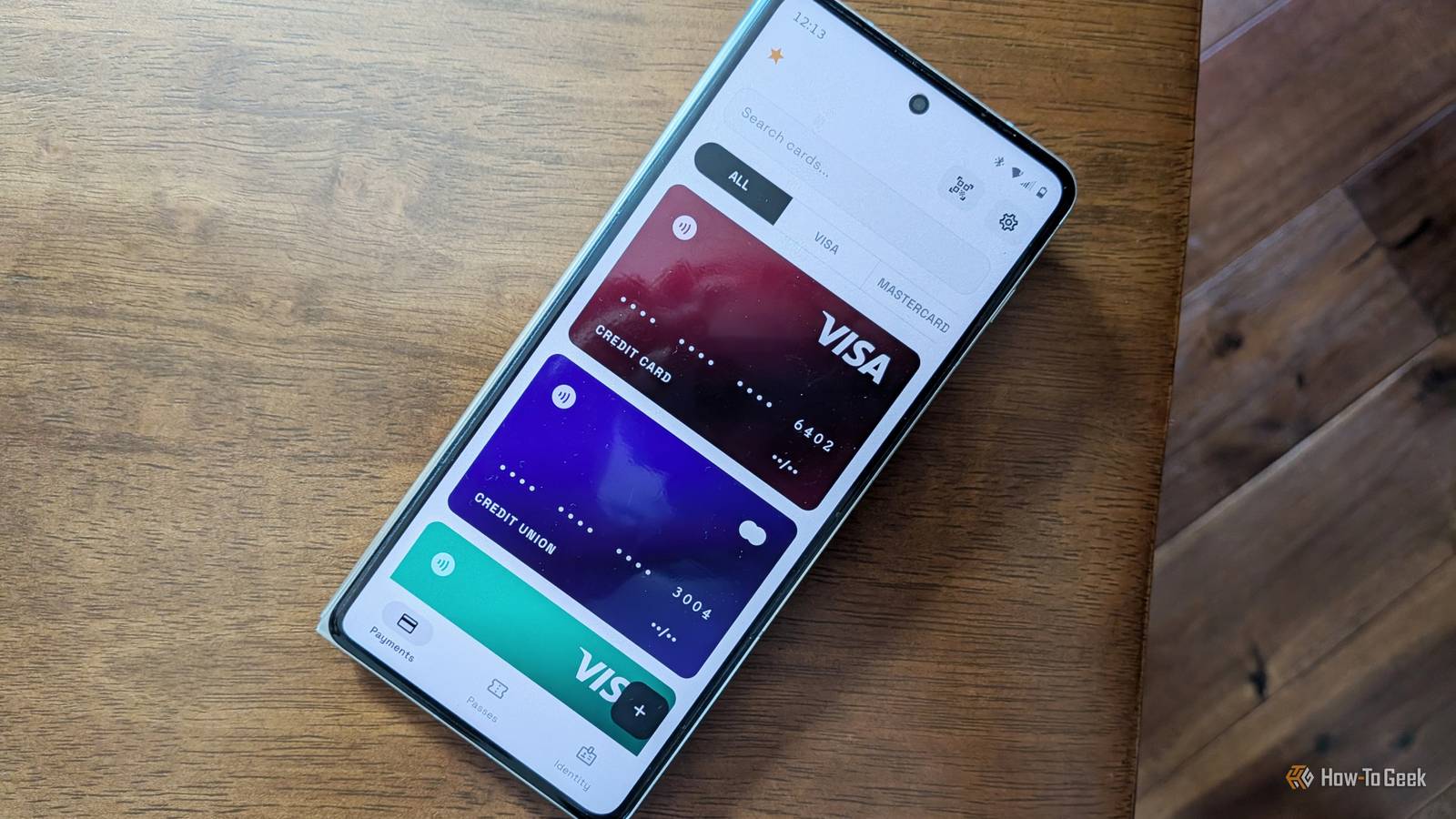
Published Nov 13, 2026, 9:00 AM EST Bertel is a lifelong tech enthusiast with over a decade of experience writing thousands of articles about Android devices, Linux, and more. Before joining the How-To Geek team, Bertel wrote for the likes of MakeUseOf, MakeTechEasier, and Android Police—at the latter he wrote over 3,500 articles. He delights in helping others decide which tech to bring into their lives... and which tech to do without. Bertel graduated from the College of William and Mary in 2012 with degrees in History and Government. He has spent his entire career as a tech journalist covering Android, Linux, wearables, smart home devices, and more. I was a late adopter, but I've come to acknowledge the benefits of a smartphone that doubles as a digital wallet. Most Android phones come with Google Wallet, and while it's by far the best option for most people, it isn't the only one. Unfortunately, this list of alternatives won't be all that long. Financial transactions are heavily regulated, and indie developers don't have the luxury of vibe-coding a new wallet app that will let you make NFC payments with your Visa card. The banks and credit card companies only permit a handful of apps, much like how book publishers required their ebooks to be shipped with DRM no matter where you buy them from. So if you're looking to de-Google, or you simply want to consider your options, prepare to feel disappointed—but if you're like me, you will probably still opt to embrace one of these alternatives, nonetheless. Samsung Wallet The best alternative is exclusive to Galaxy phones If you don't have a Samsung Galaxy phone, I'm sorry. You can skip over this one. Samsung Wallet is a Galaxy exclusive, and while I preferred it over Google Wallet back when I carried around a Samsung Galaxy Z Fold 6, I can no longer use it now that I'm writing these words on a Motorola RAZR Fold instead. Yet Samsung Wallet is, pound-for-pound, the only true Google Wallet alternative available for Android. There's only one other mobile payments app that's accepted everywhere, and that's Apple Wallet for iPhone. Samsung Wallet is great because it's comprehensive. You can use it for everything from payment cards and ID cards to loyalty cards and membership cards. Any other wallet you find on Android can store most of these cards, but they can't be used to make NFC-based mobile payments. There's very little Google Wallet can do that Samsung's can't, so the difference largely comes down to personal preference. I like that Samsung Wallet looks more at home alongside Samsung's other apps, but I find Google Wallet to be more accessible when it matters most. Wallet The best privacy-oriented open-source option When you use Google Wallet or Samsung Wallet, you have to trust that Google and Samsung aren't abusing the financial information you're providing them with. There's big money to be made from knowing the places you shop and using that data to sell ads. This is Google's whole MO, but Samsung is hardly shy about putting ads in your face either. If that makes you feel squeamish, don't go searching in the Play Store for another option. I'm even less eager to create an account with a smaller, unknown company and hand them my payment and ID cards. Instead, I recommend Wallet, a free and open-source alternative that doesn't require you to trust anyone. The app is available on F-Droid and stores everything directly onto your phone in an encrypted format. The app doesn't request access to the internet, either. Perfect. While Wallet does let you store your payment cards, they're most useful here for online payments or any situation where you need to read someone your card number. I prefer using Wallet for the other cards I carry. It can store my library card or store membership card and generate a scannable QR code. If I'm being honest, I don't find pulling out my credit card to be that big a hassle. I prefer using a digital wallet to store those cards I only need once or twice a year. Museum cards come to mind here. As do health insurance cards. I can slim my wallet down considerably by keeping digital versions on my phone. I like Wallet's looks as much as its privacy. Samsung Wallet can feel overwhelming, and Google Wallet regularly wants to tell me something new. Wallet design is most straightforward while looking at home on modern Android, and I still need to scan my fingerprint before I can view it at all. FossWallet An open-source way to store PKPASS cards While Wallet is a great app for digitizing the cards in your wallet, it isn't a good option for importing cards that are designed to be digital. I'm talking about cards made available in Apple's PKPASS format. These are the cards that come with "Add to Apple Wallet" or "Add to Google Wallet" buttons. To add them in an open-source way, try out FossWallet. FossWallet has a modern design and successfully imported the card I fed it, so I have no complaints on that front. Just know that this is a minimalist app. You can scan barcodes to add cards manually, but there is no support for payment cards or any forms of ID. There are more options available overseas You can use tap-to-pay with the PayPal app to purchase things in-store, as long as you're in a country where the feature has been rolled out. The US isn't one of them. Likewise, people in Europe can add their payment cards to the Curve Wallet app instead, which has become the go-to Google Wallet alternative for the de-Google crowd across the pond. In the US, our phone choice largely dictates which wallet we use, but hopefully more flexibility will come our way eventually.
Google Wallet isn't your only option on Android: 3 apps you can use instead
Full Article
Original Source
Read the full article at Howtogeek →KhanList aggregates and links to publicly available news content. We do not host full articles from third-party sources. Always verify important information with original sources.