
Published Nov 6, 2026, 1:00 PM EST Vishwamoorthy's interest in tech started early, as a school student, watching Pixel 2 XL camera review videos and being awestruck by what a phone camera with excellent software could do. That curiosity stuck with him: since 2022, he's published over 1,500 articles covering smartphones, Android, and consumer tech news at FoneArena, one of India's leading tech publications. Lately, he's obsessed with how AI is reshaping the business world, the deals, the products, the quiet feature rollouts nobody notices until they're everywhere. Reading and writing about tech is what keeps him going; doomscrolling is what keeps him honest. Digital life is all about convenience, but we often overlook it by not using it effectively for our needs. While a physical wallet is something I carry most days, it's often filled with things that work better when digitized. This not only saves space in my wallet but also comes in handy in an emergency when I forget to bring it with me. While I've relied on Google Wallet for tap-to-pay for years, I recently realized I can get more out of it. Gym fobs, insurance cards, and transit passes were taking up unnecessary space in my wallet, and adding them to Google Wallet is the best decision I've made recently. Here are five things you should move to Google Wallet right now to streamline your daily carry. Ditch the plastic keychain fobs without downloading bloated store apps Credit: Google I hit the gym almost every day, and carrying my wallet with gym clothes on is a hassle. Keeping track of a tiny plastic barcode fob on my keyring was another constant annoyance. Instead of downloading a separate, bloatware-heavy app for every grocery store and fitness center, you can use Google Wallet to store compatible membership and loyalty cards digitally. It works with almost any card that relies on a standard barcode or QR code. To add such items to your Google Wallet, navigate to Add to Wallet, then tap Everything else, and point your camera at the physical card. Google Wallet will scan the barcode, let you type in a custom name, and save it. When you pull the pass up at a checkout scanner, the app automatically overrides your device settings and boosts the screen brightness to maximum, ensuring the laser reads it on the first try. Store private medical insurance and HSA cards Lock sensitive policy details behind biometric authentication Carrying your medical, dental, and insurance cards in your physical wallet is risky if you lose it, but you still need those group and policy numbers handy for unexpected pharmacy visits. Google Wallet lets you store these securely. To do so, tap Add to Wallet, then tap Everything else and snap a picture of the front and back of your insurance card. You should classify it as a private document. Once scanned, Google Wallet will ask you to choose a pass type, and choosing a health & dental insurance card classifies it as a private pass by default. A private pass requires the device's biometric security as input before viewing it. So next time, when you pull out one of the private documents from your wallet, it will force a fingerprint scan, Face ID, or PIN entry before displaying it. Not all healthcare providers accept digital insurance cards for initial intake, so keep the physical card filed safely at home just in case. Carry digital event tickets and transit passes Skip physical kiosks and activate automatic location-based lock screen prompts Credit: Google Managing physical tickets is outdated and a big risk, especially during commutes or weekend events. While providers mail our tickets instantly as we book, finding them in a hurry is a hassle. To make the process of adding these tickets seamlessly to Google Wallet, Google is actively partnering with e-ticket platforms to provide an Add to Google Wallet button right at checkout or in the confirmation email. Furthermore, you can also import compatible commuter cards by navigating to Add to Wallet -> Transit Pass and searching for your local agency. The best part of this integration with Google Wallet is the local awareness of the app. It uses geofencing to push a silent notification to your lock screen the moment you arrive at the venue or station. You don't have to unlock your phone and dig through the app drawer; just tap the notification, and your barcode is ready for entry. Keep student, workplace, and apartment access badges Tap NFC doors directly with your phone without fumbling for keycards Tapping a plastic RFID card to get into your office, apartment building, or university campus is a daily friction point. And the day you miss the tag at home becomes a disaster. But many modern systems now support NFC integration directly with Android devices. Through supported integrations with workplace and access-management providers like CBRE Host and HID Origo, you can add compatible corporate access badges to Google Wallet. Once configured, you don't even need to wake your screen to open doors. As long as you leave NFC enabled on your phone and have set Google Wallet as your Default payment/NFC app, you simply need to tap the back of your phone against the door reader. Store government-issued IDs and driver’s licenses Breeze through TSA security checkpoints with encrypted digital credentials The best part of using Google Wallet, for me, is leaving my physical driver's license at home. Google Wallet supports digital IDs and driver’s licenses for a growing list of regions. You can add yours by navigating to Add to Wallet, selecting the ID card, and following the on-screen prompts to scan the front and back of your license, followed by a quick video selfie to verify identity against the state database. These digital IDs are fully encrypted and widely accepted at TSA PreCheck security checkpoints across major airports. You just need to tap your phone on the TSA NFC scanner and authenticate the request. Digital driver's licenses work at participating TSA checkpoints, but acceptance during traffic stops varies by state and law-enforcement agency. Keep your physical license handy when driving. A lighter physical wallet is just a few taps away Moving these five categories to Google Wallet fundamentally changes how you organize your digital carry. And it also reduces your physical wallet load and saves you in case of emergency. It takes a few minutes to scan your loyalty cards, import your health insurance cards, and set up transit passes, but it's totally worth the effort.
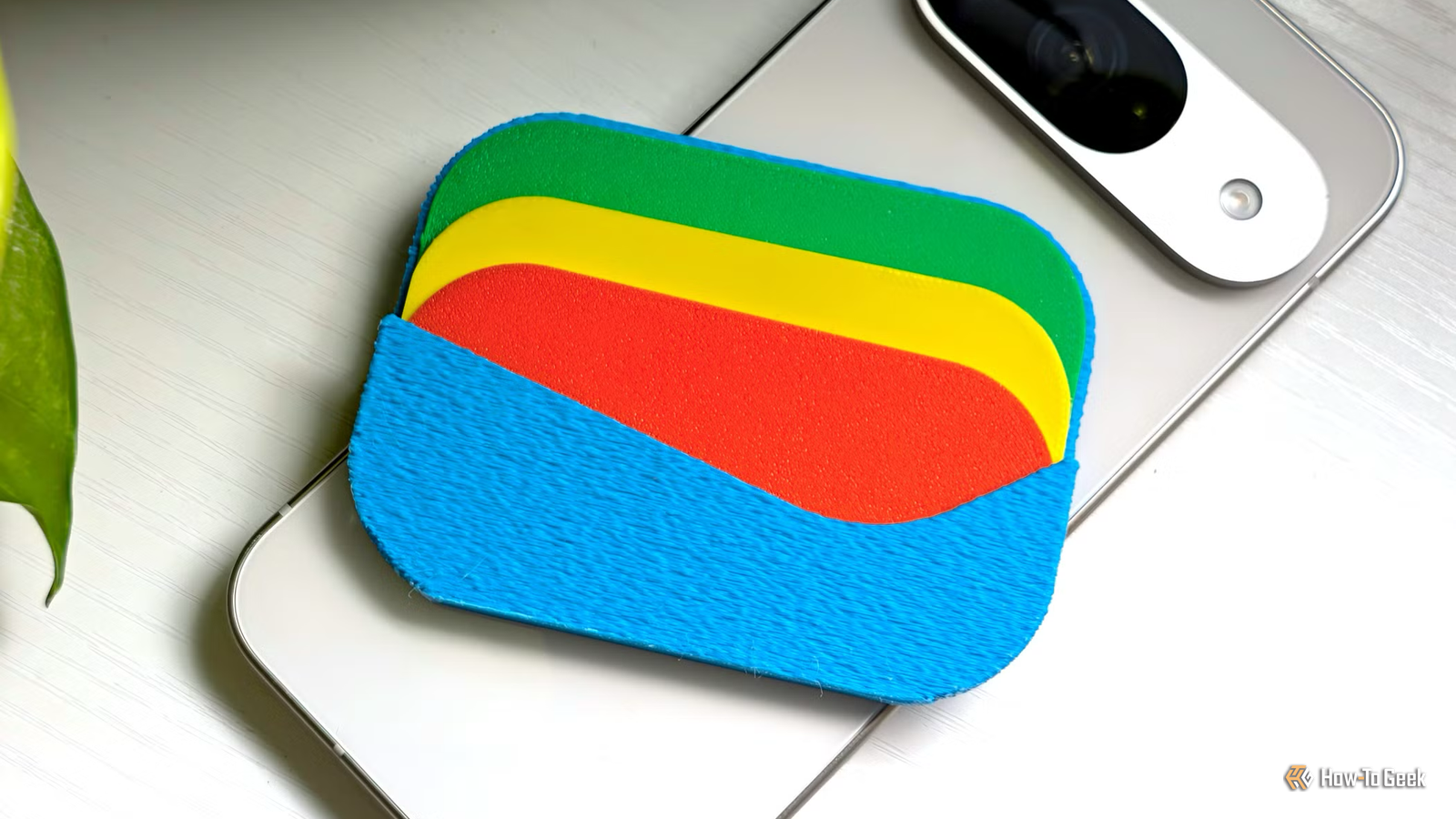
Google Wallet can hold these 5 things you still carry in your physical wallet
Full Article
Original Source
Read the full article at Howtogeek →KhanList aggregates and links to publicly available news content. We do not host full articles from third-party sources. Always verify important information with original sources.