
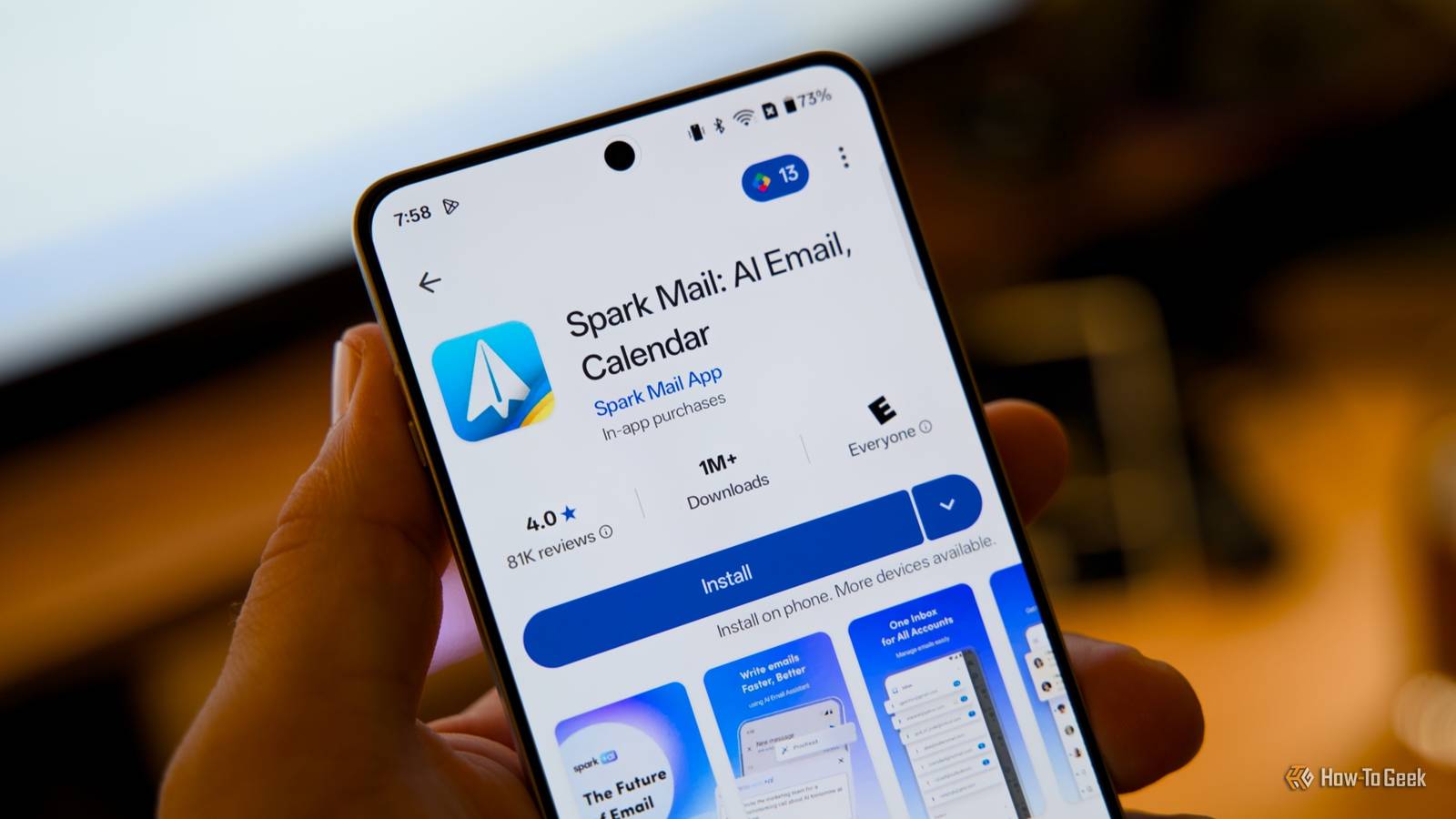
Published Oct 18, 2026, 9:00 AM EDT Steve has been editing and writing content for almost two decades, including product reviews, tech news, how-to guides, and even lifestyle and health topics. He’s served as chief editor for publications like Tech Junkie and Alphr, and has written and edited content for many other tech-related sites. His expertise in Windows, Android, iOS, Mac, and Linux simplifies the gadget and computer world for others, enabling them to shop, connect, learn, tweak, and optimize devices and software to suit their needs. When he’s not writing or editing content, he enjoys repairing and optimizing devices (and game consoles), watching movies, golfing, and spending time with the family. Have you ever wondered whether a free Android app is worth downloading? Maybe you're wondering what the app actually does or how it differs from others. In any case, the Play Store provides a decent amount of information on each app, organized into sections like ‘About this game/app,’ ‘Data safety,’ ‘Ratings and reviews,’ and ‘App support.’ But is that good enough? It can sometimes be hard to find what you’re looking for, especially in the About section, where you’ll find the developer’s app description and information. When I look into an app, I usually glance at the ‘About…’ section to see what it offers, what it does, and whether it has upgrades, digital products, or subscriptions. You can also check reviews for common issues, what people like, and even search for comments about upgrades and subscriptions. Sometimes, I check the app out in the Apple App Store to get other information before I download it. Here’s why I look up Android apps in the Apple App Store. I want to see the subscriptions or digital items an app offers Android doesn’t itemize available add-ons or subscriptions Add-ons can differ from Google Play and the Apple App Store, but it helps to see what you can purchase, such as subscriptions, digital items, add-ons, and more. Soon, Google Play will feature usage-based billing options for developers, so hopefully price information will become more transparent. Since the Google Play Store does not show the extras or upgrades I can buy, I don’t know what the app offers unless the store page includes it in the About section. Unfortunately, that is rare, and even if the developer does list upgrades, the info is brief and almost never includes prices. You may feel the only option left is to install it and run it to see the available upgrades, subscriptions, or digital items. Of course, you can also visit the developer’s website to see if it lists options and details. If you’re lucky, you may find digital products you can purchase, like game coins, subscriptions, or premium upgrades. The Apple App Store requires all developers to list the add-ons on the page of any app that offers them. If an app doesn’t offer anything additional to purchase, they don’t have to list anything. That’s a great way to know if an app is truly free. That’s perfectly fine, but I often want to know what extras I can buy or how much the premium subscription or upgrade costs. Apple lets me see that information, whereas Google Play only shows a price range that covers everything. Prices may be different for iOS, but I still get to see costs Getting an idea of pricing is better than no idea at all One thing that really frustrates me is not knowing how much an in-app purchase costs, or what it includes, premium features, extra this or that, actual digital items (often in games but also in apps), and more. Since the Google Play Store only lists a range found in the ‘In-app purchases’ section with no breakdowns at all, I don’t know what is really available. It is located in the ‘About this…’ part of the page towards the bottom section. They don’t require specific information for add-on purchases. You can, however, try using Gemini in the ‘Ask Play about this app’ section, but it still provides limited information—it shows some of the add-on options and their price range. On the other hand, Apple’s App Store handles requirements and app details differently. If an app has add-on purchases, it has to list the add-ons and their cost. There is no nameless price range to leave you wondering what it includes, but the list is nonexhaustive, so not everything may appear. If it offers a gold or premium subscription or upgrade, you’ll see it listed in the App Store, along with the cost. The App Store at least shows what upgrades or features you can buy in the Play Store. Not all apps are available on both platforms It’s a developer's decision Some apps replace default apps, and some add great features, but many aren't available on both Google Play and the App Store, so seeing add-on purchase options and prices isn't always feasible. You can also check developer websites for more information and install the app to see what is available. As mentioned earlier, you can also check reviews to see if anyone mentions premium options, digital items, or subscriptions. I previously used an app called Vico and was able to subscribe on the developer's website since they had details and pricing there. But not all apps offer external payments outside of Google Play. The payment is still tied to Google via App‑to‑Web (A2W) subscriptions, so they still get their cut. Many apps offer this option, which is why checking the external website is a good first step when the Android app isn't available in the Apple App Store. Viewing add-on details and pricing for Play Store apps is a pain for sure Although the Play Store has plenty of apps that make life easier, more productive, and entertaining, add-on prices and details still need improvement. A simple price range doesn’t cut it, but at least you’ve got the Apple App Store as a great alternative for quickly seeing add-on options and their prices.
Google Play hides in-app prices in a range, so I do this instead
Full Article
Original Source
Read the full article at Howtogeek →KhanList aggregates and links to publicly available news content. We do not host full articles from third-party sources. Always verify important information with original sources.