
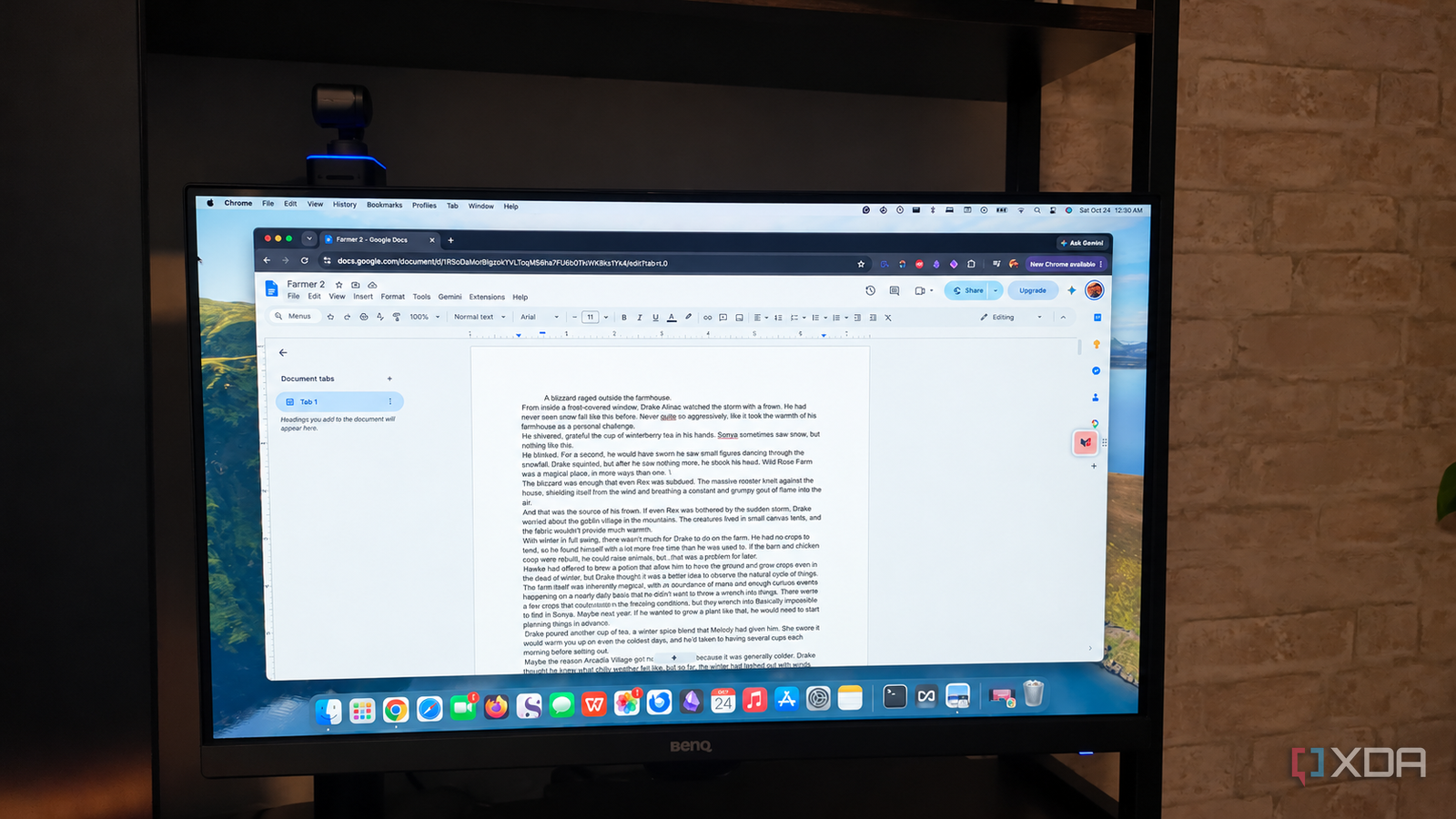
Published Oct 25, 2026, 12:30 PM EDT Patrick is a seasoned writer with more than a decade of experience, specializing in any and all things tech. His work has been featured on platforms like CNET, Yahoo, Xfinity, and many other outlets. When not typing away, he can be found with his nose in a book. Google Docs is one of the most popular word processing tools in the world, and for good reasons. Almost everyone has a Google account, and the cloud-based nature means you aren't bound to a specific device. It has almost every feature you could ask for, too, so what could possibly be the downside? What about the fact that Microsoft Office 2003 — a release that's a whopping 23 years old now — had features that Google Docs still doesn't offer? Google Docs first launched in 2006, so it's not that much younger than Office 2003 (and Microsoft Office has gone through numerous iterations in the intervening years, as have Google Docs), but the lack of feature parity surprises me. The reason is that both applications target different audiences. While Microsoft Office is the default option for many people because it's what they've always known, it's designed as a fully-fledged word processor. Google Docs is designed for more collaborative writing than document control. It doesn't need the same features, but I'd be excited to see them added in. MS Office 2003's breaks are still undefeated Google Docs has a lot of catching up to do There's one particular feature that I would nearly sell a kidney to see added to Google Docs, and that's how Microsoft Office 2003 (and beyond) handles breaks. Google Docs offers basic page and column breaks, along with both next page and continuous section breaks. Office, on the other hand, offers a much wider range of break types. It provides the standard page breaks, but also column breaks and text wrapping. For section breaks, Office can set the section break to begin on the next page, continue from the same page, or start a section on the next odd- or even-numbered page. It's possible to achieve similar results in Google Docs, but it's not reliable. In my experience, more complex layouts are fickle. Tweaking headers or page numbers can break a layout, and Google Docs doesn't offer support for odd/even page breaks, even after all this time. I've tried formatting a print book in Google Docs, and that experience is responsible for at least some of my grey hair. Google Docs doesn't allow me to search by formatting Office 2003's Find and Replace functions were a league above The Find and Replace function is absolutely critical for any word processor, and both Google Docs and Microsoft Office can perform that task exceedingly well — but Office allows for more versatility in your search compared to Google Docs. Google Docs has been able to find text since its inception, but it only gained the ability to search regular expressions in 2016 (a full 10 years after launch). Microsoft Office supports not only wildcard searching, but also specific formatting styles and fonts. Here's an example. Let's say you're putting together a report on an obscure literary subject, and you've copied quotes from a variety of outlets (and properly cited them, of course). You might find that there's a specific font in your document that had been carried over from a pasted item, and you want to ensure cohesion across the entire paper. You can search for that specific font and replace it with the expected font. Field codes build indices automatically They're so much more than a table of contents While field codes have long been used for automatically inserting the date or page number, Microsoft Office 2003 already supported more sophisticated ways to use them. Some field codes are hidden, not visible in the text of a document but capable of sending along commands. For example, {XE} would mark a word or phrase for inclusion in an index, and { INDEX } would create a multi-column registry with page number listings for where those phrases appeared. Likewise, { TC } and { TOC } allowed users to create a custom table of contents with selected entries, not just headers. Google Docs doesn't have anything remotely close to that. Even its table of contents functionality is locked solely to headings, and there's no built-in way to create an index at the back of a book. There are add-ons that provide tools to create indices, but they're not always reliable, especially for something that should already be a native function. Some of these tools only matter if you're publishing There are other functions Word had that Google Docs still doesn't, but these three give an idea of the sorts of tools that are missing from Google Docs. They also have something else in common: they're most useful during the publishing process. While I would love for Google Docs to adopt these features, the average person has everything they need. If you aren't focusing on publishing, then Google Docs is a straightforward way to write up reports or article drafts. In this case, I think convenience outweighs formatting depth. If I'm working on something but I know I'll be on the go, I want it in Google Docs. That way I can work on it from my phone, and I can more easily share it with anyone I need. I often use Google Docs for sharing my novels with my editor. The collaborative features make it the best tool for the job, and then I can move the finalized, edited draft into Microsoft Office for formatting. Both Google Docs and Microsoft Office have their place in my workflow The reality of the modern digital landscape is that there is no one-size-fits-all application. It usually requires multiple tools for a project of any real complexity, and that's why it's not a problem that Google Docs doesn't go fully toe-to-toe with Microsoft Office. They're different tools, intended for different purposes. Google Docs is a free online word processor that's part of the Google Workspace suite. The app is cross-platform, easy to use, and enables hassle-free collaboration over the cloud.
Google Docs still can't match these features Microsoft Office kept from 2003
Full Article
Original Source
Read the full article at Xda-developers →KhanList aggregates and links to publicly available news content. We do not host full articles from third-party sources. Always verify important information with original sources.