
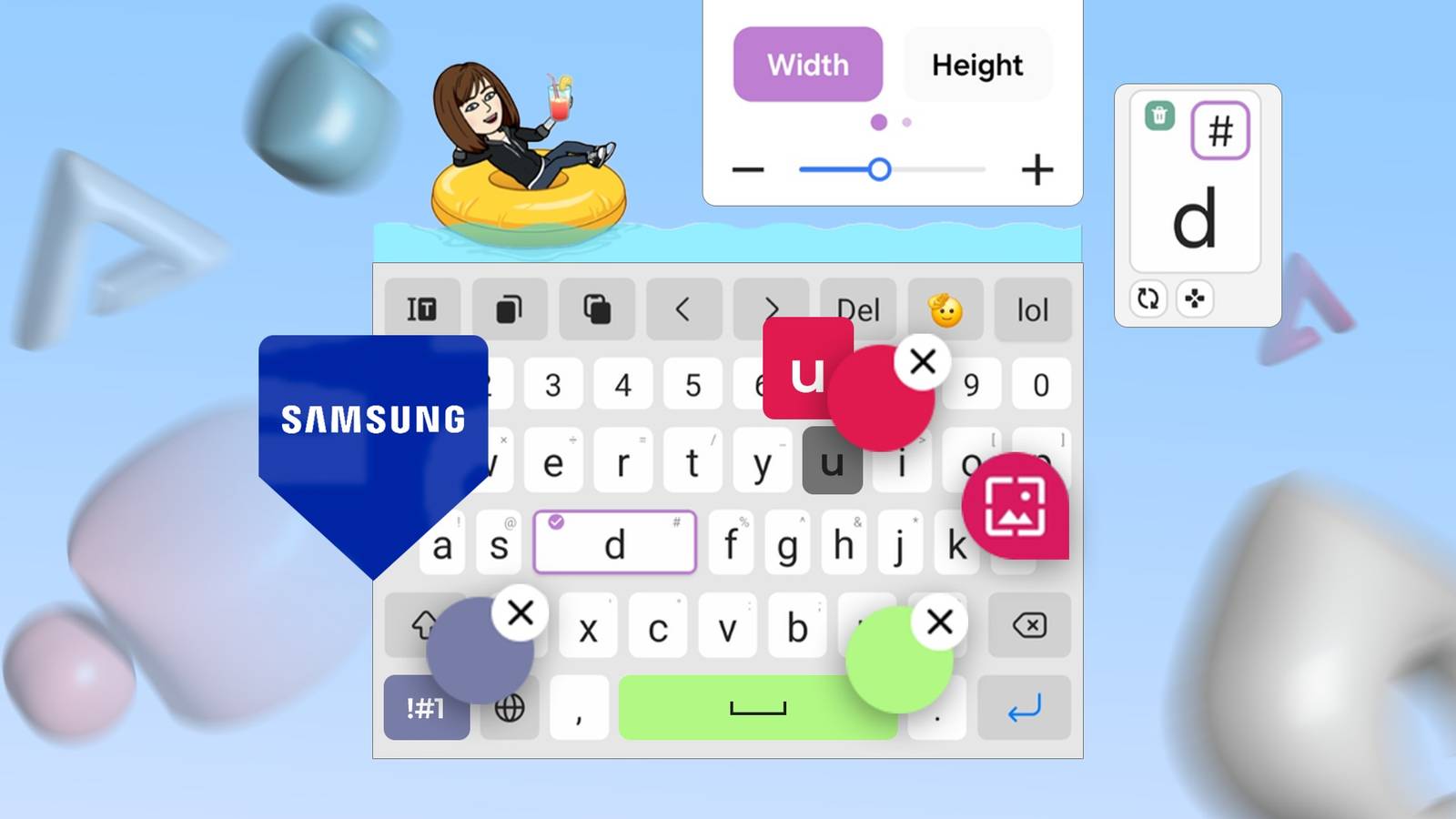
Published Oct 16, 2026, 10:30 AM EDT Haroun authors features for Android Police, covering Samsung, Google, and the wider Android ecosystem. He first joined in 2021, cutting his teeth on over 300 news stories before moving on to features and how-tos. A one-time OnePlus die-hard who genuinely couldn't stand Samsung, he's since done a full about-face — he now daily-drives a Galaxy S24 Ultra and keeps an S23+, S22+, and his old S20 within arm's reach, which gives him a lot of hardware to put through its paces. He's a medical doctor with a decade-plus obsession for consumer tech, and his coverage has also appeared on How-To Geek and Android Authority. When he's not buried in Google's apps or a Samsung settings menu, he's trying to get his chess rating past 1500 or playing table tennis/football. I've used Gboard for as long as I can remember. When I got my first Samsung phone, the Galaxy S20, I barely spent a few minutes with the Samsung keyboard before ditching it for Google's solution when I realized it didn't meet my needs. Since then, I've gone back to the Samsung keyboard from time to time to see whether it's good enough to make me switch. So far it hasn't. But this time around, it's making a very strong case, and I might finally be ready to switch. Let me explain. Samsung Keyboard does a lot of things better than Gboard I was sold on the clipboard Credit: Lucas Gouveia / Android Police Even without the Good Lock modules, Samsung Keyboard covers all the basic text features I use when typing on my phone: a number row, one-handed and floating modes, a resizing option, and a shortcut toolbar. But my favorite is the clipboard. I copy and paste a lot on my phone, and I like to copy multiple things at a time. However, that can be tricky with Gboard. In my experience, it only keeps a handful of recent items, and anything I don't pin disappears after an hour. That's why I started using the clipboard in Samsung's Edge panels. It holds several times more items, and nothing disappears on its own. Older items only drop off when newer ones push them out. Samsung Keyboard shares that same clipboard. It also has Writing assist, which gives you access to Galaxy AI tools like Spelling and grammar, Writing style, Summarize, and Composer. Glide typing is also much better than I remember, as it hardly gets words wrong. Keys Cafe sorts out the looks part And it does it better than Gboard Like Gboard, the stock Samsung keyboard offers only basic customization. However, Good Lock takes it to another level with Keys Cafe and Theme Park. Having used Gboard for at least eight years, it's only natural that I try to replicate its layout on any other keyboard. And Keys Cafe lets me do that with the Samsung keyboard. For example, I like Samsung's language key because it lets me switch languages more easily than Gboard's method of holding down the space bar. But I don't like that I keep tapping it when I want to use the comma, because it's right where the comma would be in Gboard. With Keys Cafe, I can move the buttons wherever I want. Also, Samsung makes the number keys shorter, and that unsettles me. Again, Keys Cafe lets me even the height with the other keys. I can even change the background and text colors of groups of buttons, like the letter grid, number row, and special buttons. If you've had Keys Cafe since it launched in 2020, my excitement might seem a little late. But until the global rollout in April 2025, it was locked out in my region. So I didn't get to use it until recently. Gboard is still smarter where it counts And it's not close Credit: Lucas Gouveia / Android Police Customization only matters if the keyboard understands what you're typing. So when I was happy with how my Samsung Keyboard looked, I used it for everything. I typed most of this article with it. But I quickly realized that Samsung's smart features aren't quite where I'd like them. When Gboard autocorrects a non-dictionary word, I don't have to change it back immediately. I can keep typing, and when I tap the corrected word a short while later, it still brings up my original spelling. But Samsung Keyboard only offers my original word if I delete back to it, which is quite annoying. Gboard also learns faster. When I typed an English transliteration of an Arabic sentence, Gboard started suggesting the next words as soon as I typed the first one on subsequent occasions. And that's without adding anything to the keyboard dictionary. Samsung Keyboard didn't, even after I typed it a few times. Samsung Keyboard also kept changing "azerty," the keyboard layout, to "alerts." I had to lower the auto-replacement sensitivity in Keys Cafe and type the word a couple more times before it stopped. Unfortunately, at that setting, it also stopped adding apostrophes to words like "didnt" and "cant" on its own. Even after switching back to the default sensitivity, I found it only fixed contractions some of the time, unlike Gboard, which does it all the time. Glide typing between the two is much closer, but Gboard still has the edge. In my experience, Gboard is more likely to land on the right word or at least suggest it when my swipe is a few letters off. They seem little, but these are the very things you take for granted and only notice when they're missing. I'm going back to Gboard, but Samsung Keyboard came closer than ever Good Lock makes Samsung Keyboard one of the most customizable options I've used, and I think its clipboard and built-in tools beat Google's. But a keyboard's first duty is to type, and anything that makes the experience more seamless is a major plus. Right now, Gboard's smart tools are still the best. They save me more time than any layout tweak ever could. Even though I started out thinking I'd switch for good, I'm going back to Gboard until Samsung's autocorrect and predictions catch up. If you're sticking with Gboard, it's worth checking which Gboard privacy settings you've left on.
Good Lock fixed my Samsung Keyboard layout, but it's not enough to keep me away from Gboard
Full Article
Original Source
Read the full article at Androidpolice →KhanList aggregates and links to publicly available news content. We do not host full articles from third-party sources. Always verify important information with original sources.