
Published Sep 6, 2026, 11:15 AM EDT Kabir Jain has been covering consumer tech since 2023, writing about smartphones, computers, wearables, accessories, software, and AI. He's obsessed with tracking how Android evolves release over release, but ask him what he really loves, and it's customization: icon packs, wallpapers, home screen setups, the stuff that makes a phone feel like yours. That's the rabbit hole that got him into this industry, and he hasn't climbed out since. He's worked as a sub-editor at Gizbot for more than three years and as a features writer at How-To Geek for more than two years, publishing more than 4,000 articles along the way. Google slid Gemini into Gmail's sidebar in 2024, and it's been expanding its reach ever since. A chat panel sits there, ready to summarize threads, draft replies, and even whip up an image with Nano Banana if you ask nicely. Most people talk about those flashier tricks when they talk about Gemini in Gmail. But after months of using it every day, the feature I keep coming back to isn't the one that gets the headlines. It's search. Gmail search finds the email; Gemini gives you the answer Getting straight to what you actually need Credit: Android Police Gmail's search bar is genuinely good. It's fast, it's reliable, and if you remember roughly the right keyword, it'll find the thread almost every time. That's not the problem. The problem is what happens after. You still have to open the email, read it, and dig through a wall of legal disclaimers and "download our app" banners to find the one line you care about. I know, I know. This is not a real problem. But it's the kind of small annoyance that adds up, and when something removes it for you, going back feels weirdly painful. Gemini removes it. It doesn't just hand you the thread and leave you to sort through it. It reads the thing for you and gives you the answer. A while back, Google sent out an exclusive discount code for the Google Pixel 11 series, and I had no idea when the email came in or what it was even called. Gmail search probably would've found it eventually. But I'd still have had to open it myself and hunt around for the code. Gemini isn't finding anything Gmail search couldn't find on its own. It's just skipping the part where I have to read the email myself. Instead, I typed "give me the Pixel 11 code" into Gemini. It pulled the code out and dropped it into the chat. I copied it, pasted it into my cart, and moved on with my life. Gemini isn't finding anything that Gmail search couldn't find on its own. It's just skipping the part where I have to read the email myself, and that's the part I never wanted to do in the first place. It's useful for a lot more than coupon codes Meetings, orders, calendars, and more Meetings work the same way. Instead of hunting down the calendar invite and reading through it, I ask Gemini for the meeting by name, and it gives me the link, date, and time at once. Shopping codes are where this really shines. I once asked for every discount code sitting in my inbox, and Gemini pulled up a full list: the Google Pixel codes from the Google Store, a flat discount from a random newsletter, airline booking codes, even one for a Harry Potter merch shop I'd forgotten I ever signed up for. Each one cited the email it found it in. It's just as sharp with deliveries. I asked for my food orders from the past week, and it laid out every order by date, then flagged that one of them had been canceled due to a restaurant issue, a detail I hadn't noticed. It doesn't stop at finding things either. When an email about an event sale showed up, I asked Gemini to add it to my calendar, and it just did. No switching apps, no manually typing in the date. Job hunting benefits too. I can find a resume I sent last month, check on a role I applied for, or ask what was agreed on in an old offer, just by describing it. No scrolling back through weeks of messages. Drafting is the other half of this. When I don't feel like starting from a blank reply box, I ask Gemini to draft one, and it's decent at matching tone, so it doesn't sound like a form letter. Beyond all this, there's a bunch of smaller, everyday stuff it handles: Pulling up OTPs and verification codes buried somewhere in a cluttered inbox. Finding a specific attachment, like an invoice or PDF, without remembering who sent it. Digging up warranty proof, purchase invoices, or vehicle service records for a claim. Filtering the basics, like unread emails, starred messages, purchases, or social updates, just by asking. None of it needs a specific keyword or a mental map of your inbox. You ask, you get an answer. Gemini in Gmail also lets you pull in a file from Google Drive for requests that need more context than your inbox alone can offer. Who actually gets this It depends entirely on which plan you're on Availability here is confusing. I'm on Google AI Plus, and my Gmail has a small, colorful sparkle icon next to my profile picture. Tap it, and the chat panel opens up, exactly the experience I've been describing. If you're on AI Pro or Ultra in the US, that side panel might not exist anymore. Starting in January 2026, Google began replacing it with inline AI experiences instead, folded into features like Help Me Write and a beefed-up Proofread tool. If your Gmail looks nothing like this, check your plan before assuming something's broken. You need a personal Google Account on Google AI Plus, Pro, or Ultra, or a work or school account on an eligible Google Workspace plan, and you need to be 18 or older. I could use the regular Gemini app instead, but I don't It comes down to convenience, not capability You can technically do all of this from the standalone Gemini app too. But I almost never open it for this, since I'm already living inside Gmail all day anyway. The standalone app also feels a beat slower for this kind of thing, probably because it's built for general requests rather than being locked onto one inbox. Nano Banana is the party trick Great for demos, not for my inbox I'll give Nano Banana credit; it's genuinely fun. Generating an image inside the Gemini panel without leaving Gmail is a neat trick, and it looks great in a screenshot. But I've sat here trying to think of a reason I'd use it, and I have nothing. Nobody's inbox has ever needed a picture of a cat wearing a tiny hat, however badly the internet wants us to believe otherwise. I tried it anyway. It made the cat. The cat looked great. It's still sitting in a chat panel doing nothing, because I had no email to put it in. The one thing holding it back No voice input, and it shows Credit: Lucas Gouveia / Android Police | fizkes / Shutterstock Here's my real complaint: no voice input. Everything has to be typed, which feels like a strange gap for a company that's put voice search into basically everything else, including its Gemini app. Google, please add voice support to Gemini in Gmail. It's the one obvious thing missing from an otherwise solid tool. Search is what's actually changing how I use Gmail The unglamorous feature that won me over None of this is really about Gemini being flashy. It's about an old, familiar app getting a little less annoying to deal with. I can't believe how much time I used to burn opening promotional emails to find one code, or clicking into old invites to grab a meeting link I'd lost track of. Google keeps pushing the generative side of this thing, and sure, image generation demos well. But if I had to pick the one Gemini feature I'd genuinely miss if it vanished tomorrow, it wouldn't be that. It'd be search, quietly doing the unglamorous work of answering whatever I asked.
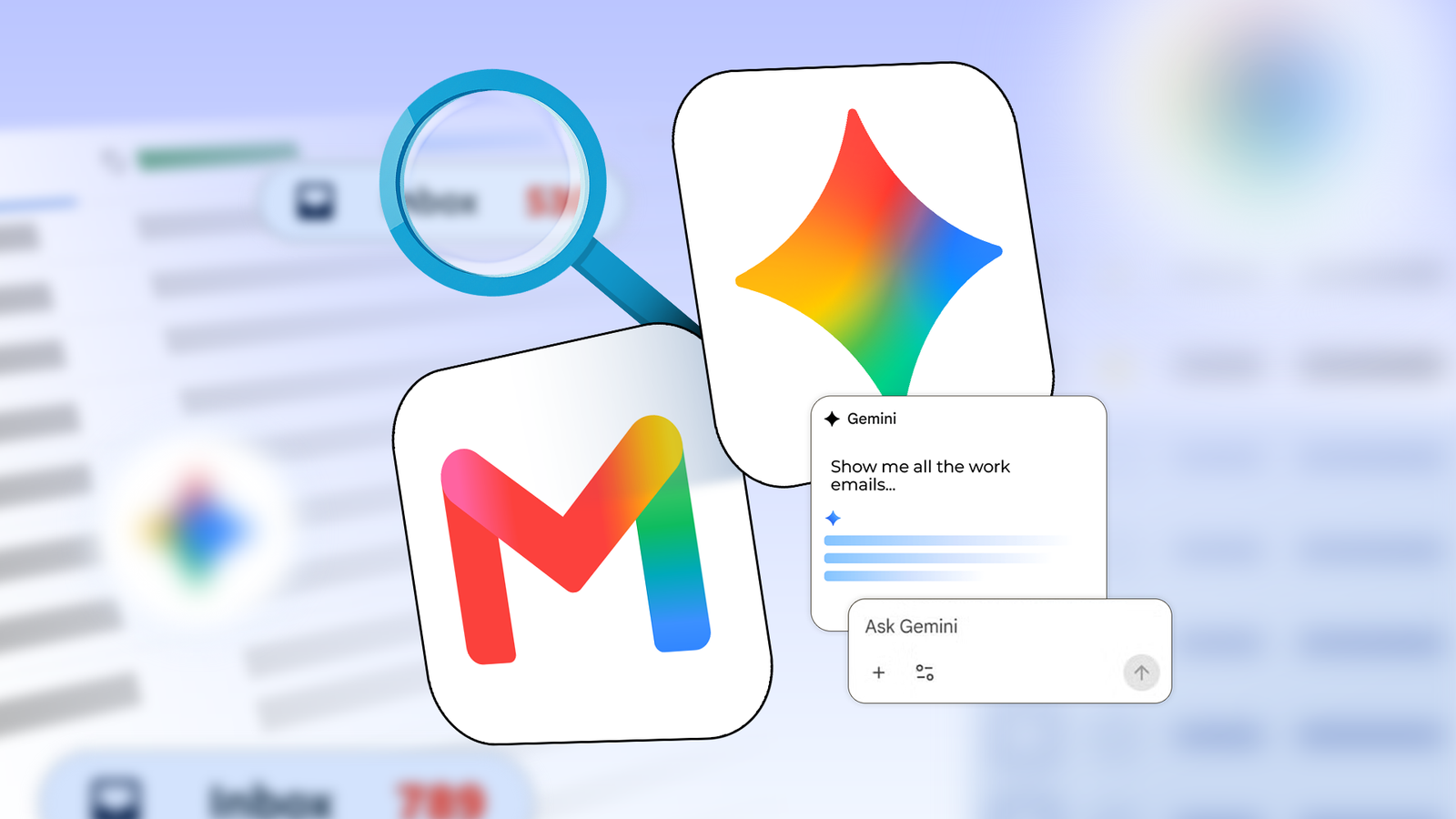
Gemini in Gmail has quietly become my inbox's best search feature
Full Article
Original Source
Read the full article at Androidpolice →KhanList aggregates and links to publicly available news content. We do not host full articles from third-party sources. Always verify important information with original sources.