
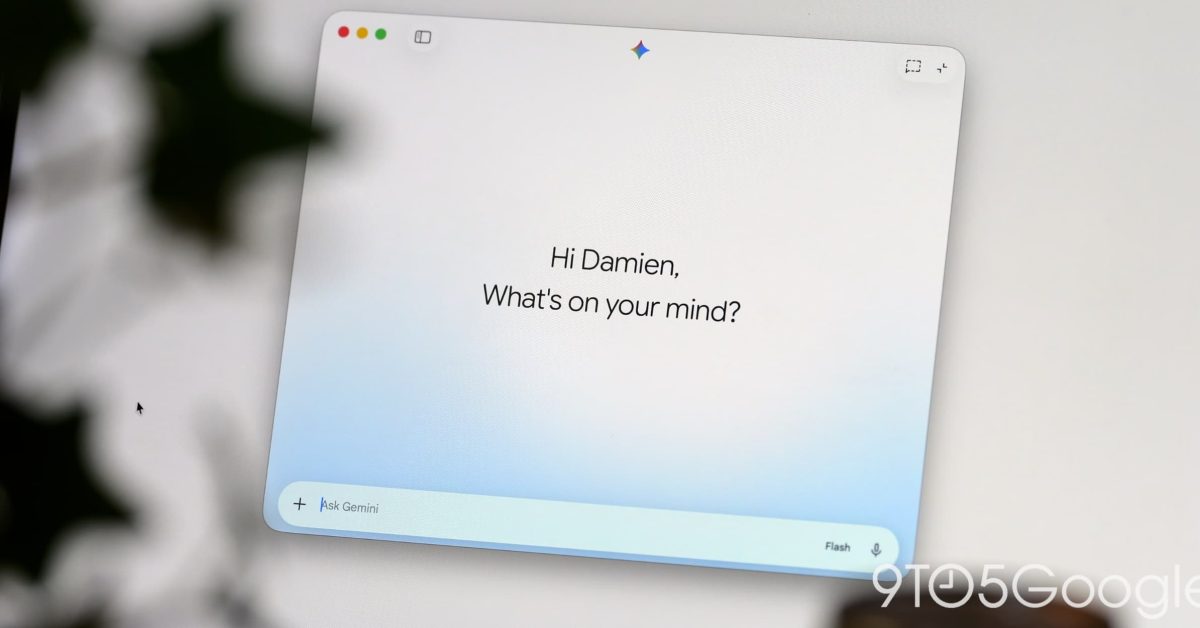
Google’s latest update to the Gemini app for macOS readies local iMessage integration. This follows the app coming to Windows last week. Gemini’s latest Connected App on the Mac is @messages to “Read, search, and send messages in Apple Messages.” Specifically, the integration can: Send messages to contacts or phone numbers Read recent conversations, unread messages, and search message history This will aid context by being able to look up information from conversations. Example prompts include: Send a message to John: “Running 5 minutes late!” Show my recent messages from Sarah Search Messages for dinner reservations In terms of limitations, Gemini cannot: Manage group participant membership or change group chat photos Schedule messages for future delivery or edit sent messages Send file, photo, or media attachments (plain text messages only) Send tapback reactions (love, like, dislike, laugh, emphasize, question) Generate photos or images within automated task workflows This integration appears in Settings > Connected Apps at the very bottom after updating to version 1.116.5.889 of Gemini for macOS. However, as of this afternoon, a server-side component appears to be missing, with @messages not yet recognized in the prompt box. Recent updates to Gemini for macOS introduced a File Providers extension that shows “Add to Gemini” when you right-click on a file in Finder. This immediately adds the photo or document to the prompt box. It can be enabled in Settings > Extensions. Google also added Images, Videos, and Daily Brief to the side panel. More on Gemini app: Gemini 3.8 Live Extended Thinking powers Gemini Live, Gmail, & Keep Gemini app makes Daily Brief free in the US Gemini for macOS rolling out voice control and Gboard Rambler-level transcription FTC: We use income earning auto affiliate links. More.
Gemini app for macOS adding send and read iMessage integration
Full Article
Original Source
Read the full article at 9to5google →KhanList aggregates and links to publicly available news content. We do not host full articles from third-party sources. Always verify important information with original sources.