
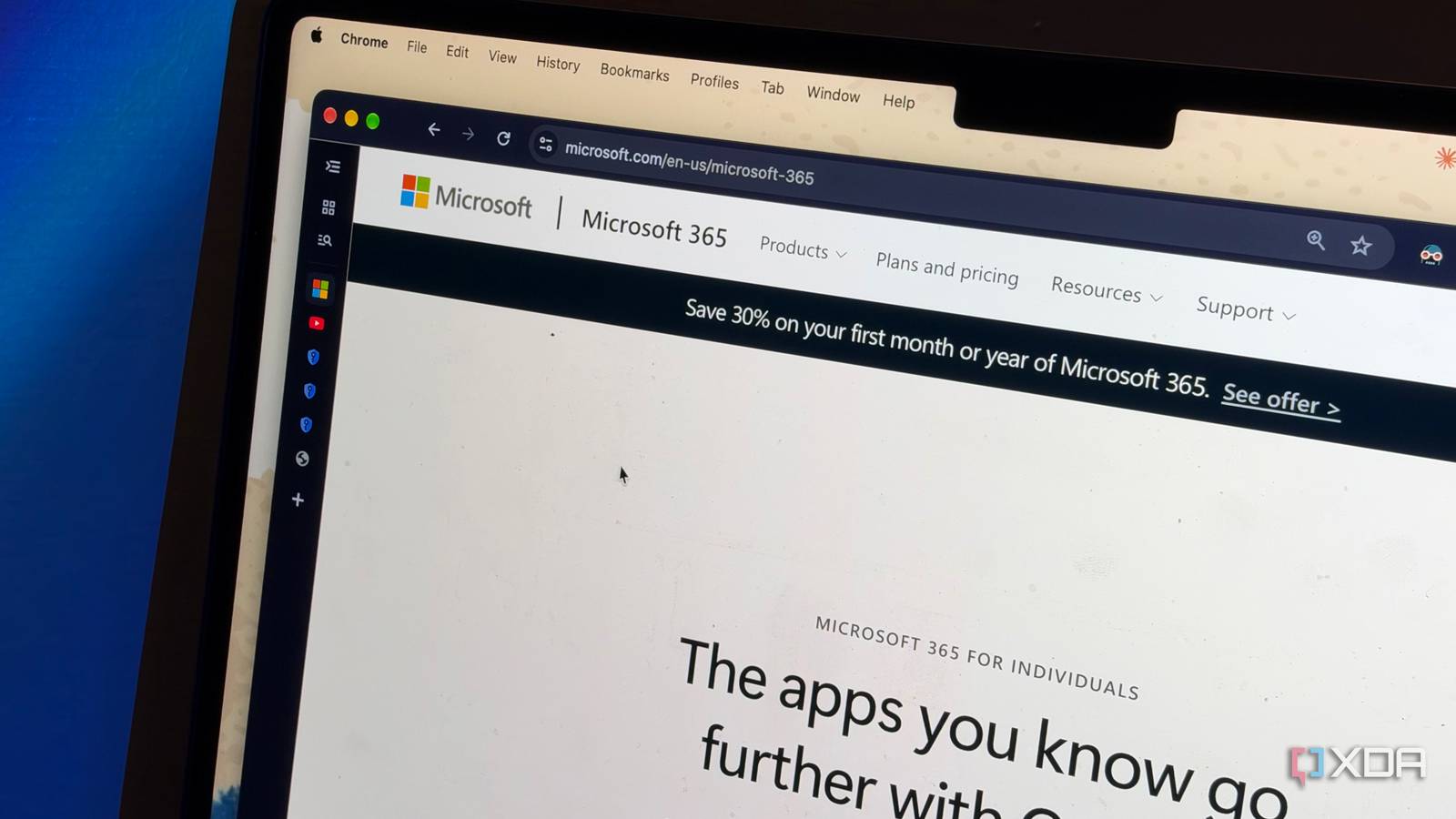
Published Nov 29, 2026, 4:00 PM EST Mahnoor Faisal is a tech journalist covering AI and productivity tools with bylines at XDA, SlashGear, MakeUseOf, Laptop Mag, and Android Police. She's been writing professionally since she was sixteen, and has since penned hundreds of articles. This includes in-depth coverage of AI tools like NotebookLM to breaking news across the AI space. Her passion for technology started when she received her first iPod Touch (4th generation) on her 8th birthday, and she's been deep in the tech world ever since. Currently pursuing a degree in computer science, Mahnoor brings both a journalist's eye and a technical foundation to her coverage of how AI is reshaping the way we work and learn. Microsoft 365 is one of those subscriptions that always makes me chuckle a bit. The idea of paying a recurring fee to use a word processor, a spreadsheet editor, and a presentation tool has always felt a bit ridiculous to me, especially given how many free and open-source alternatives to Microsoft's apps exist. It's also one of those subscriptions that feels ridiculous to pay for until you actually spend some time using the alternatives and begin to appreciate just how polished Microsoft's apps are. At least, that's how I've felt for the longest time. Over the past few days, though, I've been exclusively using an open-source office suite, and for the first time, I haven't found myself missing Microsoft 365 in the slightest. Free office suites always came with a few too many trade-offs The price of paying nothing If you've ever gone around searching for free Microsoft 365 alternatives, you've likely come across LibreOffice and ONLYOFFICE. I've experimented with both office suites several times over the years, but the only free alternative that's ever come remotely close to replacing Microsoft's apps for me has been Google's suite of productivity apps. Of course, Google's apps aren't open-source, and relying on a primarily browser-based office suite comes with its own set of trade-offs. What's interesting is that my problem with most open-source office suites has historically had very little to do with the features they lack. Both LibreOffice and ONLYOFFICE are incredibly capable, but neither has ever quite matched the level of polish I've grown accustomed to with Microsoft's apps. Everything from their somewhat dated interfaces to the way certain formatting tools are tucked away in menus makes the experience of using them feel a little less refined. I'm evidently not alone in feeling this way. A quick scroll through either suite's subreddit will bring up complaints about everything from inconsistent keyboard shortcuts and unintuitive formatting controls to something as seemingly insignificant as how smoothly you can scroll through a document. When you're using a piece of software almost every day, those seemingly insignificant inconveniences begin to add up. As much as I liked the idea of ditching Microsoft 365, I never particularly liked the experience of doing so. A new generation of open-source office apps caught my attention A new contender enters the Office If you've been following some of the more ambitious projects people have been building using AI coding tools, you might already be familiar with ArtCraft. The project is the work of software engineer Brandon Thomas, who used Claude to build free, open-source alternatives to some of Adobe's most popular Creative Cloud apps, including Photoshop, Lightroom, and Premiere Pro. What you might not know, though, is that Thomas has since branched out into office software, too. Among ArtCraft's growing collection of open-source apps are WordCraft, GridCraft, and DeckCraft, which are alternatives to Microsoft Word, Excel, and PowerPoint, respectively. All three apps are written in Rust, are available on Windows, macOS, and Linux, and are completely free to use. These apps have caught up where it actually matters It's like I never left I was admittedly a little skeptical about how well a relatively new, AI-assisted office suite would hold up against software that Microsoft has spent decades refining. However, I've since been using all three apps for pretty much everything I'd ordinarily turn to Microsoft's apps for, whether that's working on university assignments, editing existing presentations, creating slide decks from scratch, or updating spreadsheets. Not once have I felt the need to switch back to Microsoft's apps! A large part of that comes down to just how familiar all three apps feel. Everything from the ribbon interface and the way tools are grouped under different tabs to the formatting controls feels remarkably similar to Microsoft's apps. Unlike my previous attempts at switching to an open-source office suite, I didn't have to spend the first few days figuring out how to do things I'd been doing for years. What's equally impressive is the sheer amount of functionality these apps already offer. DeckCraft, for example, even has PowerPoint's Morph transition, along with motion-path animations, slide masters, and presenter view. Similarly, WordCraft goes well beyond basic word processing and offers everything from document comparison and mail merge to citations and automatically generated tables of contents. My entire office suite now takes up less than 500MB A heavyweight contender in a lightweight package One thing I've always found a little frustrating about Microsoft's office apps is just how much storage they occupy. Given that my MacBook has fairly limited storage, I've lost count of how many times I've uninstalled one of Microsoft's apps to free up some space (only to find myself having to reinstall it a few weeks later). One of the first things I checked after installing ArtCraft's office apps was how much storage they occupied. WordCraft takes up around 220MB on my Mac, DeckCraft occupies 188MB, and GridCraft comes in at a ridiculously impressive 64MB. That's an entire office suite taking up less than half a gigabyte of storage. I distinctly remember Microsoft Word alone occupying a couple of gigabytes on my Mac. All three apps are written in Rust, and their lightweight nature is apparent beyond just the amount of storage they occupy. They launch remarkably quickly, and I don't feel like I'm firing up a particularly resource-intensive piece of software just to make a couple of edits to a document. Microsoft 365 still has its place As impressed as I've been with ArtCraft's office apps, I wouldn't necessarily recommend that everyone go ahead and uninstall Microsoft 365. All three apps are still relatively early in their development, and there are certain areas where Microsoft's apps are considerably ahead. Real-time collaboration is one of them, and if you're someone who relies heavily on Excel's more advanced features, such as Power Query or VBA macros, you'll likely find GridCraft limiting. However, I also think we tend to get a little too caught up in feature parity when comparing software. Microsoft Excel could have hundreds of features that GridCraft doesn't, but if I haven't had a reason to use any of those features in the years I've been using Excel, does their absence really matter to me? The same applies to WordCraft and DeckCraft. I don't really need either app to replicate every single thing its Microsoft counterpart can do. I just need them to do everything I would've otherwise turned to Microsoft's apps for, and so far, they've managed to do exactly that without costing me a cent.
Free open-source office suites have caught up so much that I uninstalled Microsoft 365 and haven't missed it
Full Article
Original Source
Read the full article at Xda-developers →KhanList aggregates and links to publicly available news content. We do not host full articles from third-party sources. Always verify important information with original sources.