
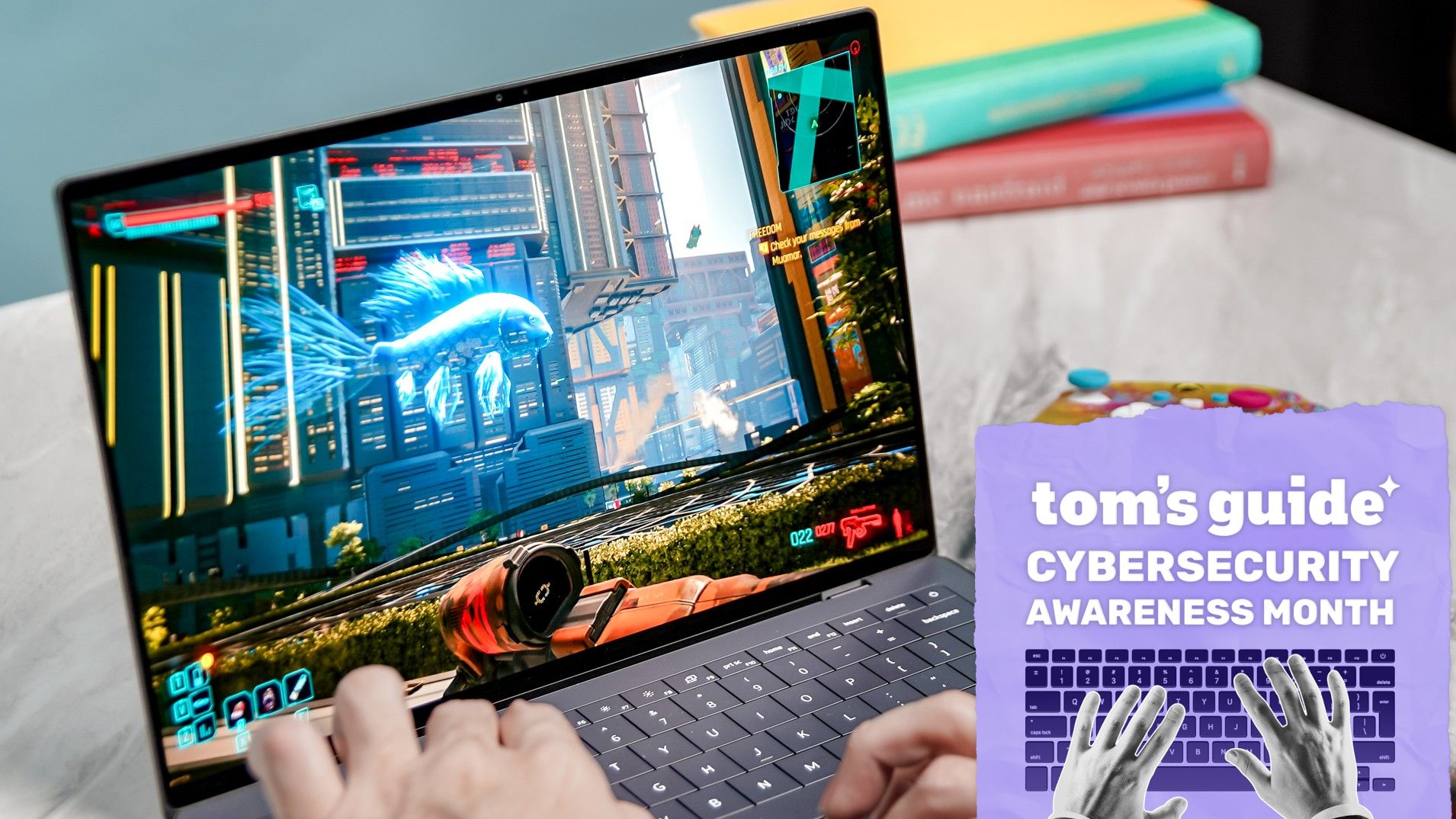
(Image credit: Tom's Guide) There was a time not that long ago when you had to choose between protection or performance on your Windows PC. If you enabled your security software, yes, you would be protected from malware and other viruses, but your computer’s performance would take a massive hit. On the other hand, if you left your security software disabled, you’d be able to get the best possible performance while leaving yourself completely at risk.While computers are now much more powerful and capable of handling multiple tasks at once with ease, people still remember having games like Half-Life 2 slow to a crawl or instantly crash the second their antivirus software started running a scheduled scan. For this reason, PC gamers and power users alike began completely disabling their antivirus before launching a game or doing anything even slightly demanding on their machines.Now though, the best antivirus software operates much differently than it did before. Instead of scanning every single file on your computer over and over again, behavioral analysis can detect suspicious activity in a much less resource-intensive way. Likewise, modern antivirus engines use cloud-based threat intelligence so that all the heavy lifting isn’t done locally on your machine. At the same time, security software is now more intelligent and knows not to run an update or start a background scan when you launch a full-screen app like a game or video editor.In our latest round of antivirus testing, we wanted to put this long-held preconceived notion that security software kills PC performance to rest once and for all by running both quick and full scans while playing graphically demanding, AAA games. Here’s what we found and why you no longer need to rush to turn off your antivirus every time you boot up a game.From spreadsheets to FPS: How our testing evolved (Image credit: Tom's Guide)In the past, whenever we examined the performance impact of antivirus software, we did so using a more CPU-intensive and disk-heavy test. This involved using a proprietary Excel-based benchmark that sorted through a database of 20,000 names and addresses. We would run the test five times and average the results to get a baseline performance level.From there, we would re-run this same test while each antivirus suite was running a full scan and then a quick scan for malware. Doing so gave us a clear picture of how each antivirus lowered the performance potential of our testing rig. On older hardware, running a full scan while this benchmark was carried out would routinely show background tasks being slowed down by 20 to 40%.Now that both the best computers and best laptops are much more advanced with multi-core CPUs, high-speed SSDs, and a lot more memory, we decided to alter our testing procedures significantly. We still run full and quick scans to establish a baseline, but from there, we now run the built-in benchmarks of resource-heavy games like Cyberpunk 2077 and Forza Horizon 5 while performing a variety of antivirus scans and recording how they affect each game’s frame rate in frames per second (fps).Get instant access to breaking news, the hottest reviews, great deals and helpful tips.At the same time, we also now test how each antivirus suite impacts our internet speeds. We do so by recording download and upload speeds with each program running while performing both a quick and full scan.By measuring how each antivirus affects game frame rates as well as internet speeds, we can tell you which ones have the most and least impact on system performance. Without further ado, here’s what our latest round of testing found.Antivirus-by-antivirus: Here’s how each suite performed (Image credit: Tom's Guide)To conduct our gaming performance tests, we used a desktop PC equipped with an AMD Ryzen 7 7700X CPU, an MSI RTX 5070 Ti GPU, and 32GB of DDR5 memory. For this round of testing, we ran Cyberpunk 2077’s built-in benchmark on Ultra graphics settings and Forza Horizon 5’s on High graphics settings.Of the five antivirus suites we tested with Cyberpunk 2077 running, Bitdefender came out on top with only a drop of 3 fps during a full scan. Meanwhile, Malwarebytes was impacted the most, taking a 13.7% performance hit in fps while running a full scan. Swipe to scroll horizontally In the table above, for our baseline, the game and the antivirus software were running simultaneously. However, no active scans took place during those runs. From there, we performed a quick scan and then a full scan while executing Cyberpunk 2077’s in-game benchmarking tool.Based on our testing, you can see that playing Cyberpunk 2077 with Norton 360 open but not actively scanning had almost no impact on performance. The same can’t be said for Malwarebytes though, where just running the antivirus and the game simultaneously seriously affected the performance of our testing rig. (Image credit: Tom's Guide) Swipe to scroll horizontally When running Forza Horizon 5’s in-game benchmark with Avast, Bitdefender, and Norton idle and while actively scanning, all three antivirus suites experienced virtually unnoticeable fps drops. Instead of Malwarebytes though, McAfee was hit the hardest with a 15.9% performance penalty, dropping from 113 all the way down to 95 fps.Obviously, your own results may vary depending on your gaming PC and future updates to all of the antivirus software suites we tested. However, it’s safe to say that disabling your antivirus every time you want to load a game is a bad habit we can all leave behind us. Sure, you could disable it to eke out a miniscule performance boost, but based on these numbers, you’re better off just leaving it running in the background.What about your internet speeds? (Image credit: Tapati Rinchumrus/Shutterstock)When we first decided to change our testing procedures for antivirus software, I never thought that gaming performance would be relatively unaffected while internet speeds took a much bigger hit.To carry out this portion of our evaluation, we ran multiple tests via Ookla’s Speedtest.net to measure the impact each suite had on download and upload speeds in three states: idling in the background, during an active quick scan, and during a full scan. Swipe to scroll horizontally Internet Speed Test Results Antivirus suite Baseline (Download / Upload Mbps) Quick Scan (Download / Upload Mbps) Full Scan (Download / Upload Mbps) Avast One 667.45 / 740.4 565.56 / 702.75 543.63 / 666.57 Bitdefender Total Security 885.43 / 785.77 N/A 879.03 / 754.97 Malwarebytes Premium 905.88 / 798.02 904.79 / 722.06 902.02 / 592.41 McAfee+ Premium 821.8 / 933.2 810.4 / 967.2 807.1 / 948.7 Norton 360 810.77 / 734.55 709.56 / 606.89 896.09 / 654.43 As you can see in the table above, Bitdefender came out on top with download speeds dropping by less than 1% and upload speeds dipping by only 3.9% during a full scan. On the other end of the spectrum, Malwarebytes’ download speeds remained virtually unchanged, but the same can’t be said for its upload performance, which suffered a steep 25.8% drop. When it came to pure download degradation, Avast took the biggest hit with an 18.5% drop, alongside a 10% dip in upload speeds.There were also two anomalies in our internet speed tests that caught us off guard. For instance, McAfee’s download speeds only dropped by 1.8% during a full scan, but its upload speeds actually increased during active scans — jumping from 933.2 Mbps at baseline to 967.2 Mbps during a quick scan and 948.7 Mbps during a full scan. Likewise, Norton suffered a bigger download penalty during a quick scan, dropping from 810.77 Mbps down to 709.56 Mbps (a 12.5% hit), whereas its full scan download speed was actually faster at 896.09 Mbps.Protected without the performance hit (Image credit: Shutterstock)If you’ve been disabling your antivirus software while gaming or doing other intensive tasks, you no longer need to. What once brought your computer to a crawl no longer does for several reasons. From more advanced CPUs to faster SSDs, PC hardware has advanced significantly over the past 20 years. At the same time, the way in which your antivirus scans for known malware and detects threats using behavioral analysis means that doing so no longer requires the system resources it once did.While having your antivirus software running in the background or performing a quick or full scan isn’t as resource-intensive as it used to be, your internet speeds can be affected — even more so if you’re connected to one of the best VPNs, which often come bundled with top security suites.For this reason, you might want to briefly pause your antivirus while performing large uploads or downloading massive files from trusted sources. Still, the temporary hit your internet speeds might take is merely a minor inconvenience, whereas having your gaming or work PC infected with malware or ransomware can be a major setback.All in all, many of the old preconceived notions we held about antivirus performance impact simply no longer apply today — and for keeping your PC protected online, that’s excellent news.Follow Tom's Guide on Google News and add us as a preferred source to get our up-to-date news, analysis, and reviews in your feeds. Subscribe to Tom's Guide on YouTube and follow us on TikTok. More from Tom's GuideSecurity researchers discover fake ChatGPT ads that trick you into downloading malwareYour personal information is everywhere online — 5 ways to start removing it from the internetApple issues emergency update for millions of iPhones, iPads, and Macs — update your devices now Anthony Spadafora is the managing editor for security and home office furniture at Tom’s Guide where he covers everything from data breaches to password managers and the best way to cover your whole home or business with Wi-Fi. He also reviews standing desks, office chairs and other home office accessories with a penchant for building desk setups. Before joining the team, Anthony wrote for ITProPortal while living in Korea and later for TechRadar Pro after moving back to the US. Based in Houston, Texas, when he’s not writing Anthony can be found tinkering with PCs and game consoles, managing cables and upgrading his smart home.
Does antivirus software still slow down your PC in 2026? We tested the top security software to find out
Full Article
Original Source
Read the full article at Tomsguide →KhanList aggregates and links to publicly available news content. We do not host full articles from third-party sources. Always verify important information with original sources.