
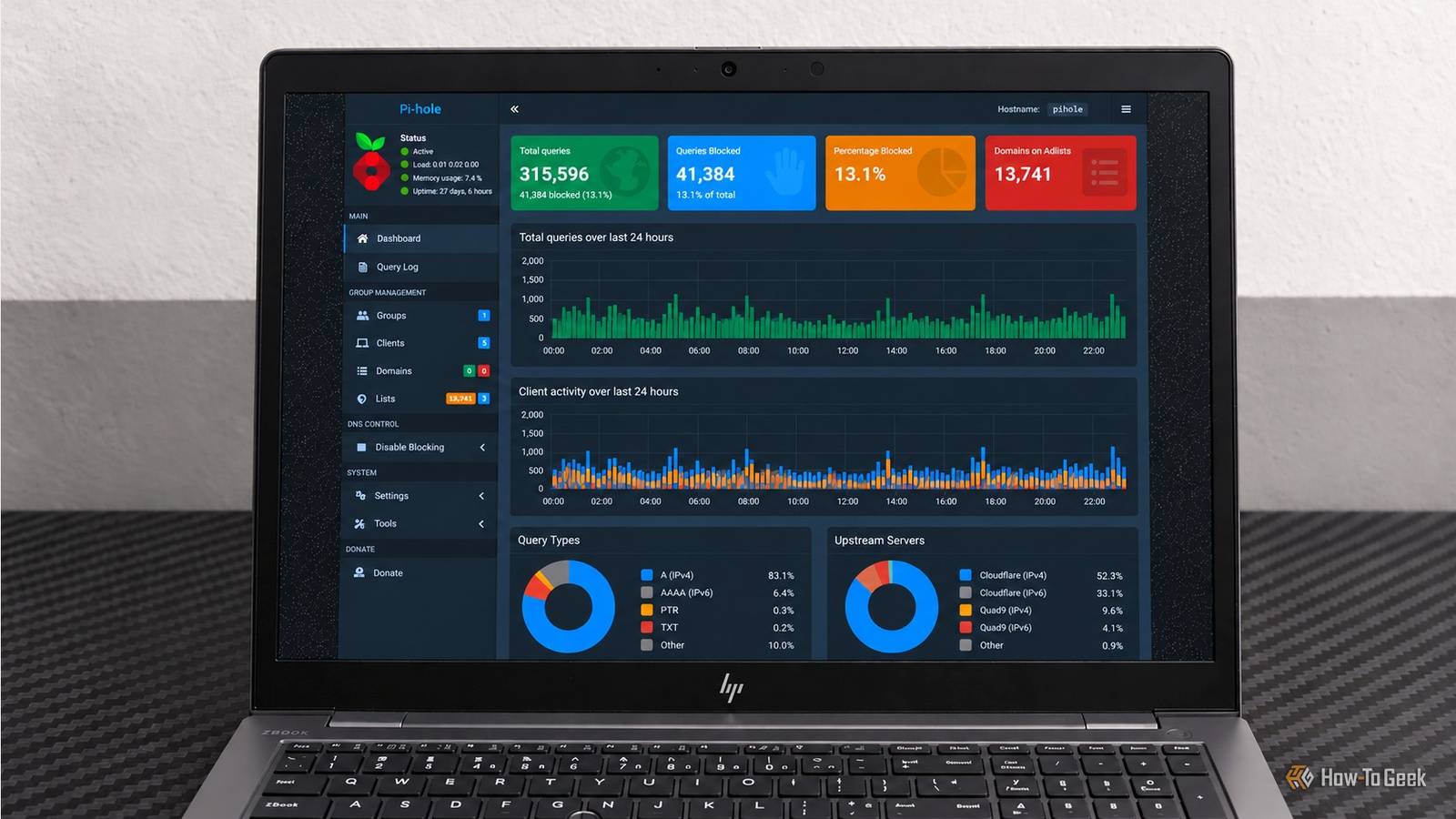
Published Nov 2, 2026, 7:00 AM EST Umair Khurshid is a technology writer and developer with a strong focus on Linux, FreeBSD, cloud infrastructure, and automation. Before focusing on writing, Umair worked as a developer and DevOps engineer building and automating cloud-native systems. Pi-hole is one of those home lab services you quickly stop thinking about once it works. It blocks ads and trackers, handles DNS queries, and quietly does its job in the background. Then something breaks, and you realize how much of your home network depends on a service you have barely thought about. When DNS stops working, websites can appear offline even when the internet connection itself is perfectly fine. I wanted my Pi-hole setup to be easier to recover, something I could recreate without losing my configuration. Moving to Docker Compose gave me a consistent way to manage the deployment and persistent storage, and backups help ensure that a container failure doesn't turn into a complete Pi-hole rebuild. Docker Compose gave my Pi-hole setup a reliable foundation My DNS server needed more than a working container The problem with a fragile setup is that everything can appear fine until the moment you need to change something. A container update, a host reboot, or an accidental deletion can expose weaknesses in how the service was configured. Docker Compose gives me a single file describing how Pi-hole runs, which ports it uses, and where its configuration lives. I no longer have to reconstruct those details from memory when recreating the service. Pi-hole handles DNS over TCP and UDP port 53, while I access the web interface through port 8080. The Compose configuration maps that external port to port 80 inside the container, where Pi-hole v6's embedded web server listens by default. Here is the configuration I use as the basis for the deployment. Do not copy this file unchanged. The image tag, password, and LAN address must match your environment, and the persistent directory must exist before starting the container. --- services: pihole: image: ${PIHOLE_IMAGE:?Set PIHOLE_IMAGE in .env} container_name: pihole hostname: pihole restart: unless-stopped init: true ports: - 192.168.1.4:53:53/tcp - 192.168.1.4:53:53/udp - 192.168.1.4:8080:80/tcp environment: FTLCONF_webserver_api_password: ${PIHOLE_PASSWORD:?Set PIHOLE_PASSWORD in .env} FTLCONF_dns_listeningMode: ALL volumes: - /opt/pihole/etc-pihole:/etc/pihole The image and password come from an .env file beside the Compose file. The important part for me, however, is the persistent bind mount. The Pi-hole’s configuration lives in /opt/pihole/etc-pihole on the host instead of existing only inside the container.That gives me a predictable place to find the data when I need to recreate the service. I also run Unbound as a separate service rather than bundling it into the Pi-hole container. Pi-hole handles DNS filtering, while Unbound acts as my recursive resolver, looking up answers directly instead of relying on a conventional upstream DNS provider. Keeping the two services separate lets me manage, update, and troubleshoot them independently without tying their lifecycles to the same container. Persistent storage changed how I handle failures Recreating the container no longer means starting from scratch The restart: unless-stopped policy handles another part of the problem. When Docker starts after a host reboot, it can bring Pi-hole back up automatically. The same policy allows Docker to restart the container after an unexpected exit, as long as I have not explicitly stopped it. I enabled Docker’s system service so it starts at boot. sudo systemctl enable --now docker The bind mount and restart policy solve different problems. Restarting a container helps when its process exits unexpectedly. Keeping configuration on the host means I can remove and recreate the container without deliberately deleting Pi-hole’s saved settings. There is still a catch... persistent storage cannot save data that has been deleted from the host, and a restart policy cannot repair a corrupted configuration. That is why backups remain part of the setup. I keep the Compose file, environment settings, and Pi-hole data together under /opt/pihole. Backing them up to another device gives me a recovery path if the host disk fails or the configuration is accidentally deleted. sudo tar -czf "/mnt/backup/pihole-$(date +%F-%H%M%S).tar.gz" \ -C /opt/pihole compose.yaml .env etc-pihole I also test my local DNS record, canary.lab.test, which should resolve to 10.9.8.7. If resolution fails, the container logs help me investigate what went wrong. sudo docker logs --tail 100 pihole For a network that depends heavily on Pi-hole, I also run a second resolver on a separate Mini PC, because no container restart policy can restore DNS if the primary host hardware fails. It also gives me an opportunity to test recovery without depending on the same host, storage device, or Docker installation. Give your home network a fallback I have learned that reliability is partly about deciding what happens when the primary service is unavailable. DNS is especially sensitive because a failed resolver can make an otherwise healthy internet connection feel completely broken. I keep the Docker Compose file under version control so I can track configuration changes and restore an earlier version if an update breaks something. Just make sure you exclude the .env file or credentials from your repository. Docker Compose also makes moving Pi-hole to another host much easier. The Compose file describes how the service runs, while the persistent configuration and environment variables can be restored separately. If your original machine fails, you can deploy Pi-hole on compatible hardware without reconstructing the entire setup from scratch. You will still need to restore the configuration, adjust the host’s IP address and network settings where necessary, and verify that DNS resolution works on the replacement machine.
Docker Compose turned my fragile Pi-hole setup into a rock-solid DNS fortress
Full Article
Original Source
Read the full article at Howtogeek →KhanList aggregates and links to publicly available news content. We do not host full articles from third-party sources. Always verify important information with original sources.