
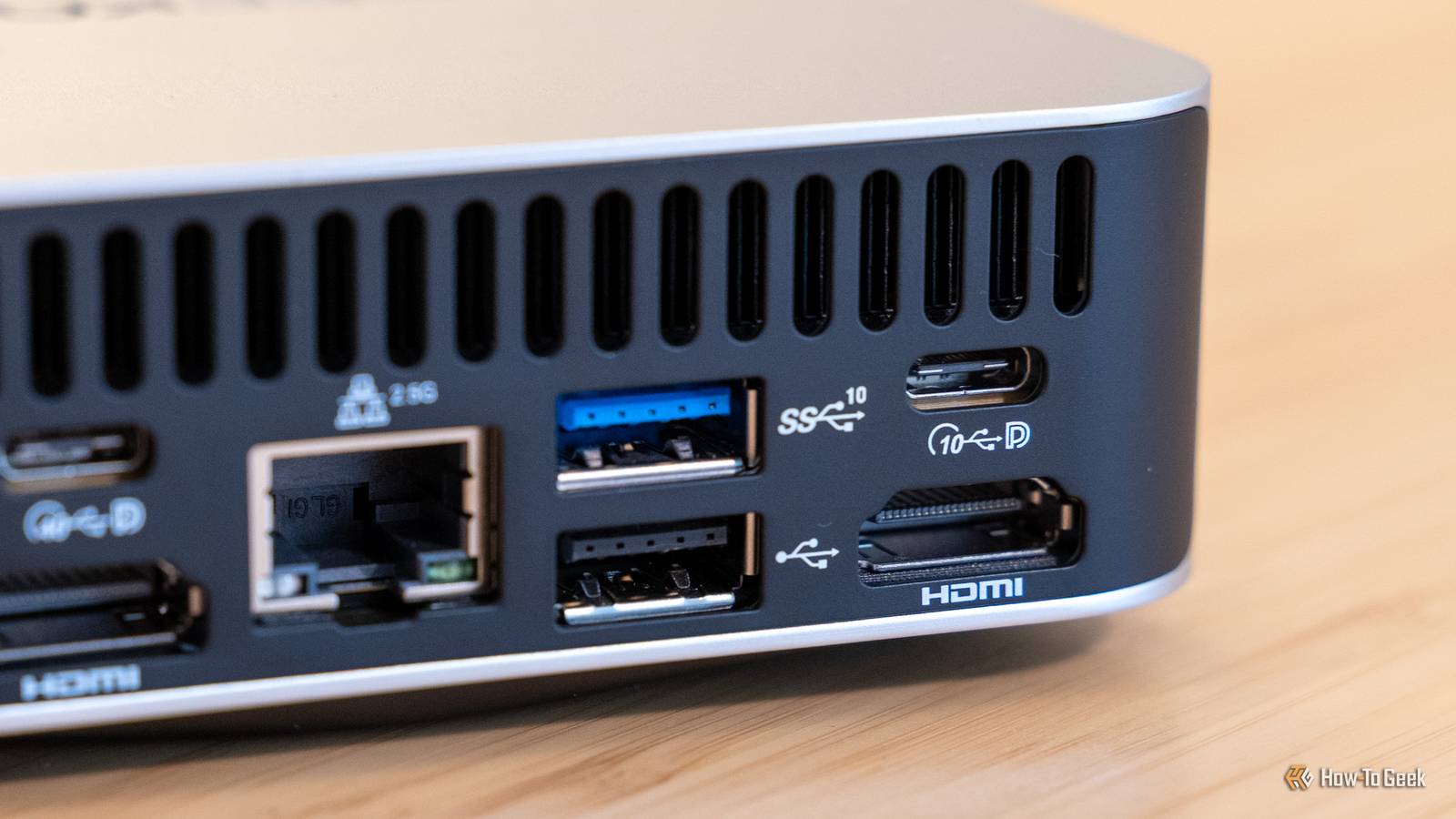
Published Sep 5, 2026, 7:30 AM EDT Monica J. White is a journalist with over a decade of experience in covering technology. She built her first PC nearly 20 years ago, and she has since built and tested dozens of PCs. PC hardware is her main beat, and graphics cards and the GPU market at large are her main area of interest, but she has written thousands of articles covering everything related to PCs, laptops, handhelds, and peripherals. From GPUs and CPUs to headsets and software, Monica's always willing to geek out over all things related to computing. Outside of her work with How-To Geek, Monica contributes to TechRadar, PC Gamer, Tom's Guide, Laptop Mag, SlashGear, Whop, and Digital Trends, among others. Her ultimate goal is to make PC gaming and computing approachable and fun to any audience. Monica spends a lot of time elbow-deep in her PC case, as she's always making upgrades, testing something, or plotting out her next build. She's the go-to tech support person in her immediate circle, so she's never out of things to do. Whenever she has spare time, you'll find her gaming until the early hours and hanging out with her dog. Is there a battle between HDMI and DisplayPort these days? Not really, not anymore. DisplayPort has traditionally been the easy recommendation for PC monitors, and modern DP 2.1 has beaten HDMI when it comes to bandwidth. However, bandwidth isn't everything. HDMI has caught up a fair bit, and depending on what you're connecting, it can still be the smarter option. DisplayPort still wins the bandwidth fight, for now Raw speed isn't the entire story Most of the time, DisplayPort wins. It's not even a debate. I'm willing to bet that if you're using a monitor with your PC (as in, it's not a laptop), it's connected via DP—provided that option is available to you. And that makes sense. DisplayPort does still have the raw numbers on its side, especially if we consider the latest hardware. DP 2.1 with UBR20 can deliver some wild bandwidth, reaching up to 80Gbps, which is nearly twice as much as HDMI 2.1 (tops out at 48Gbps). All that extra bandwidth comes in handy. It helps DP tackle some of the greatest challenges: high resolutions, high refresh rates, and color depths before compression ever needs to step in. So, yeah, for most people, power users and casual users alike, it's the easy go-to. Current GPUs have adapted to this state of things, favoring DP. Nvidia's RTX 50-series (which is wildly overpriced, but that's beside the point) supports DisplayPort 2.1b with UBR20 alongside HDMI 2.1b, but the former goes up to 8K at 165Hz with Display Stream Compression (DSC), while capping HDMI at 8K 120Hz with DSC. It's a small change, but it makes sense, given the general preference for DisplayPort. If you have a GPU and monitor that can make the most of the DisplayPort tech available to you, there's virtually no reason to use HDMI. Except you may not have the hardware to make the most of it. I don't know a single person using an 8K display at triple-digit refresh rates. And without maxing out the DP 2.1 spec, you might as well choose based on what works best for what you're doing. If your PC is connected to a TV, HDMI is usually the easy winner The living room was built around it Credit: Justin Duino / How-To Geek Although your PC probably connects via DP, I'm willing to bet your TV uses HDMI. Most modern TVs don't even bother with DisplayPort, because HDMI is still the standard for the entire home theater/entertainment ecosystem. And no wonder, as this is where HDMI shines with features that users actually look for. Using HDMI 2.1 gives you 4K at 120Hz, variable refresh rates, and Auto Low Latency Mode (ALLM). All of those things are useful beyond just watching TV, though. If you're connecting your gaming PC to a high-end TV, which isn't that uncommon, HDMI becomes less of a compromise and more of a standard pick. This is especially handy if you tend to switch around between using your PC and a console (or two, or five) with the same TV. The PS5, the Xbox, and the Nintendo Switch use HDMI. AV receivers and soundbars do, too. Features like CEC make it much easier for compatible devices to easily control stuff like power and volume together. In that setup, you're forcing a square peg through a round hole if you're somehow choosing to use DisplayPort. HDMI can even be the better port on a PC monitor Check the actual ports instead of the logo Credit: Sergio Rodriguez / How-To Geek This one is a little more in the weeds, but yes, it can happen that using HDMI is the better option, and that's even if you connect a PC to a monitor. No "it's actually a TV" caveats, by the way. It comes down to what standard your monitor is using. It's rare, but you may have a monitor or GPU that offers a newer HDMI standard than it does for DisplayPort: for instance, HDMI 2.1 with DisplayPort 1.4. In that scenario, the typically inferior HDMI port is actually more capable, and should be used if both sides support it. Will it be a massive difference if you just plug into DisplayPort out of sheer force of habit? Probably not. If both inputs let you run the monitor at max res and refresh rate, both support HDR, and offer the same color depth, you're unlikely to notice much of a difference. HDMI really shines once audio equipment enters the picture DisplayPort doesn't have an answer to eARC Credit: Patrick Campanale / How-To Geek If you work with audio (or are an audiophile), you may already know this, but audio is another area where HDMI has an advantage. Unlike the previous two things, this advantage is a lot more marked and harder to debate. This is especially true if a TV, soundbar, or AV receiver becomes part of the setup. HDMI supports eARC (which stands for Enhanced Audio Return Channel). This lets a television send high-quality audio back to a compatible sound system over that same HDMI connection, using formats like Dolby TrueHD, Dolby Atmos, DTS-HD Master Audio, and DTS. Without the tech babble, you can basically run your PC or console into the TV and still pass proper high-bitrate audio to the receiver or soundbar. It's handy. As mentioned above, HDMI also gives you CEC (which you might want to disable at times, actually). That lets compatible devices take control of things like power, volume, and input switching. DisplayPort, on the other hand, will carry audio for you, but it doesn't have an equivalent home entertainment ecosystem the way HDMI does. Which makes perfect sense, of course. Don't pick your cable based on the connector alone Does all of the above mean that HDMI is, in fact, better than DisplayPort 100% of the time? Nope, not even close. But I think it'd be good for everyone to stop treating DisplayPort as the one and only option that exists. If your setup is just a PC and a monitor with some peripherals, then yes, DP usually wins (bar the caveat I described above). But anything else than that, and HDMI might become surprisingly handy. Amazon Basics HDMI Cable You should always have a basic HDMI cable at home, and this one is both cheap and reliable.
DisplayPort isn't always the best choice—here's when HDMI wins
Full Article
Original Source
Read the full article at Howtogeek →KhanList aggregates and links to publicly available news content. We do not host full articles from third-party sources. Always verify important information with original sources.